 Anyscene AI
AI Lyric Video Maker
Upload a song, or use one you made on Anyscene. The words are timed to the vocal, you can fine-tune any line, and you export 16:9, 9:16 or square.
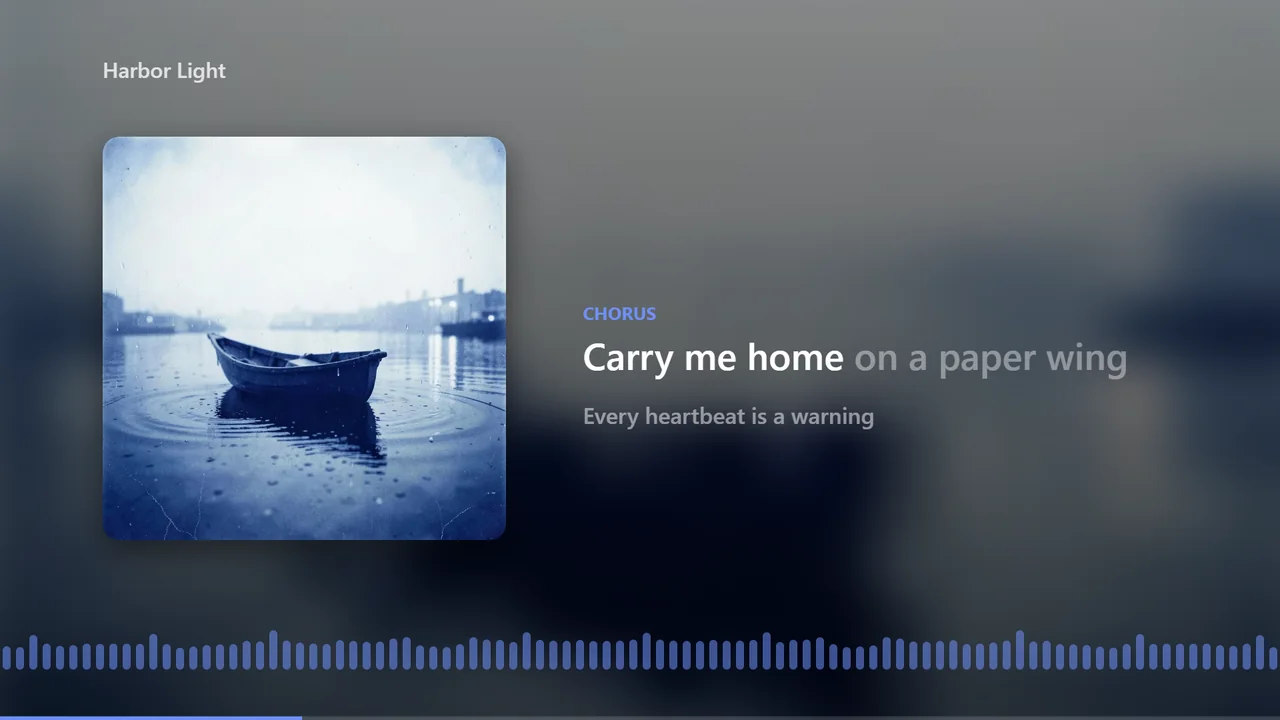
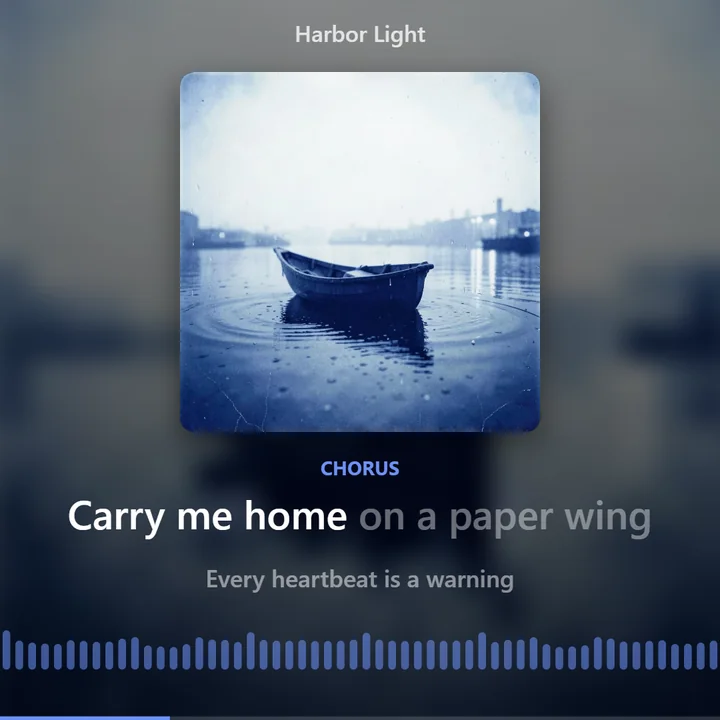
Harbor Light, a song made on Anyscene, drawn live by the renderer the editor exports with.
Format
Lyrics
Font
Background
Accent color
Visualizer
Timing a song's words costs 1 credit on a paid plan or credit pack. Exporting costs nothing, at any size.
What it is
What Is a Lyric Video Maker?
A lyric video maker puts a song's words on screen in time with the vocal, line by line or word by word like karaoke, over artwork or a background, and exports the result as a video.
Anyscene's lyric video maker takes songs you upload and songs you make here, and both open in the same editor.
Word-by-word timing
Songs made here come with timing from the model that sang them. Uploaded songs are transcribed and lined up with your lyrics.
Three formats
16:9 for YouTube, 9:16 for Shorts, Reels and TikTok, and 1:1 square, plus a Spotify Canvas loop.
Exports cost nothing
Your browser makes the video, so exporting adds no credits, in 1080p or 4K.
No watermark
The MP4 shows your song, your lyrics and your background, with no logo added.
Timing
How the Words Get Their Timing
There are two ways in. Both end in the same editor, where every line and every word can be moved.
A song you upload
1 credit- 1
Upload the file
MP3, WAV, M4A, AAC, FLAC or OGG, up to 50 MB and 10 minutes. You confirm you have the right to use it.
- 2
Paste the lyrics (optional)
With lyrics, the words appear exactly as you wrote them. Without them, the words come from what is heard.
- 3
AI hears every word
The vocal is transcribed with a time on each word, then lined up with your lyrics.
- 4
Fix what's off
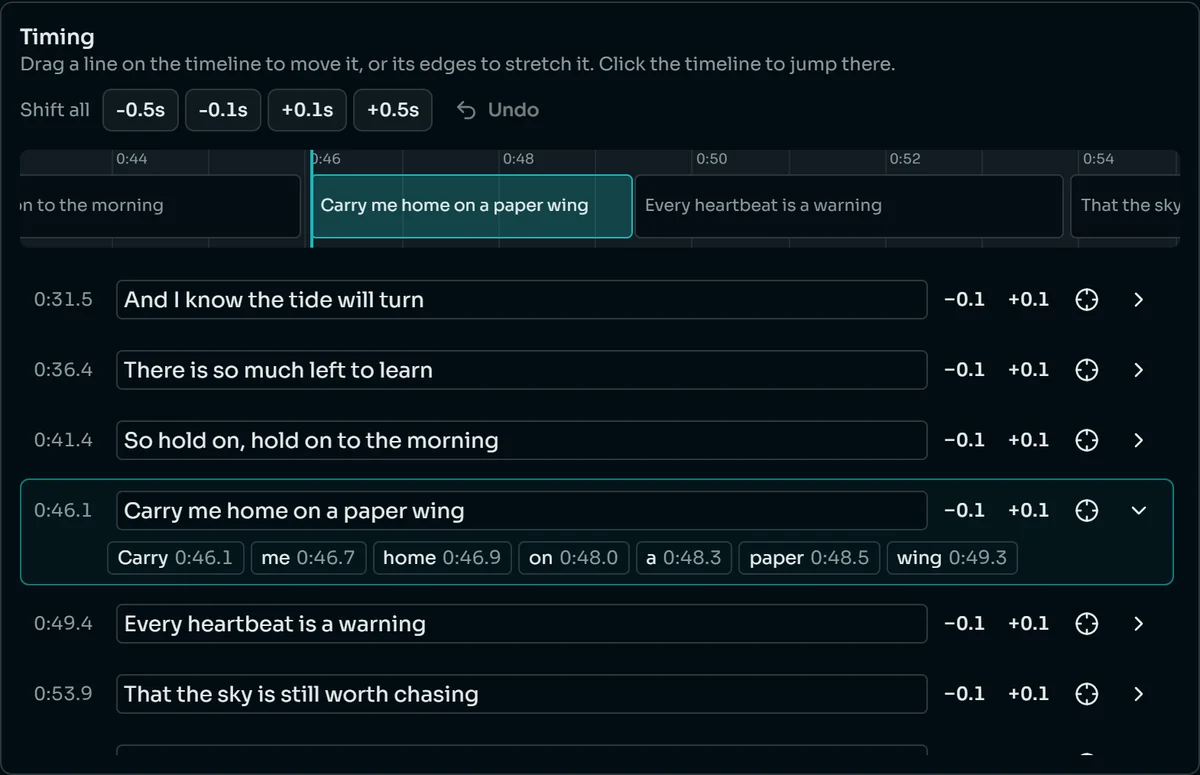
Drag a line on the timeline, nudge it by a tenth of a second, or set where a single word starts.
Heavy effects, stacked harmonies or a loud mix can trip up the transcription. That is what the editor is for.
A song you made on Anyscene
1 credit- 1
Open the song's menu
In your history, choose Music video on the song you want.
- 2
Get the timed lyrics
Suno, the model that sang the song, returns where each word falls. Nothing is transcribed after the fact.
- 3
Go straight to styling
The timing rarely needs fixing, and the same editor is there when it does.
The lyrics are the ones the song was made from, so a song made here never comes back with misheard words.
Backgrounds
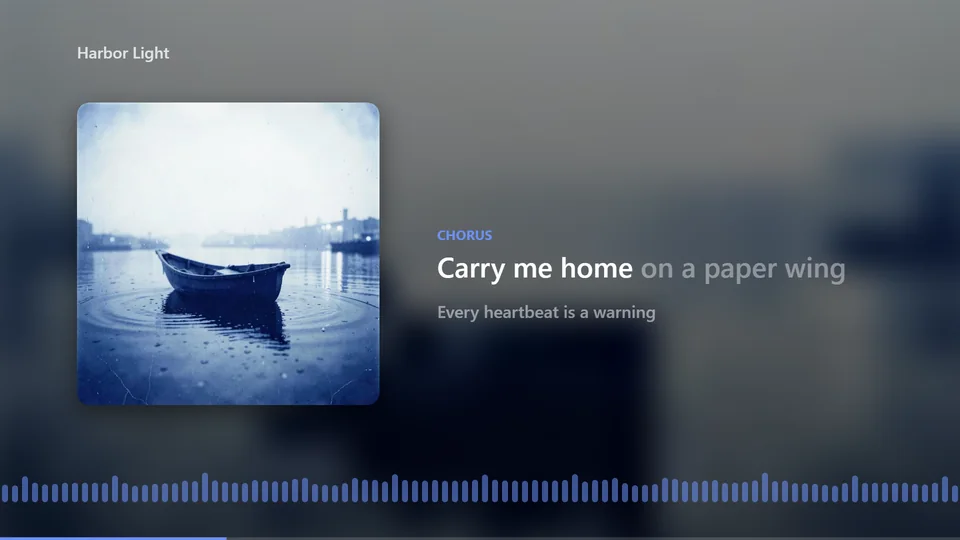
Backgrounds: Cover, Color, Image, Video or AI
Each frame below is the same moment of the same song, drawn by the lyric video maker's renderer.
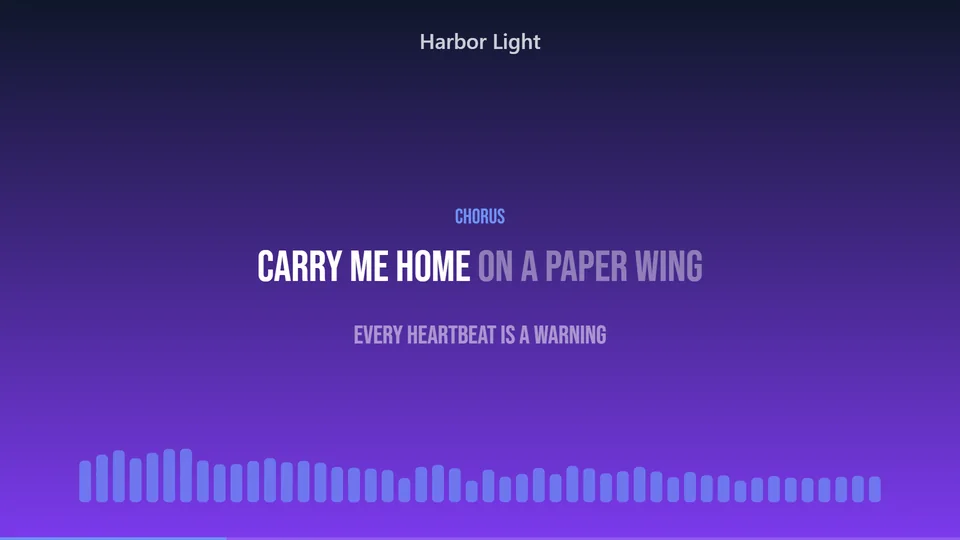
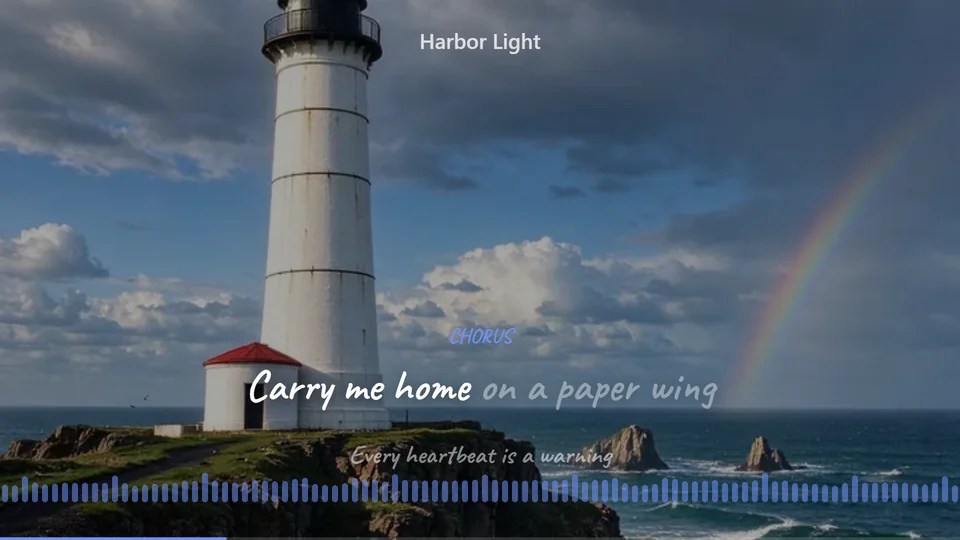
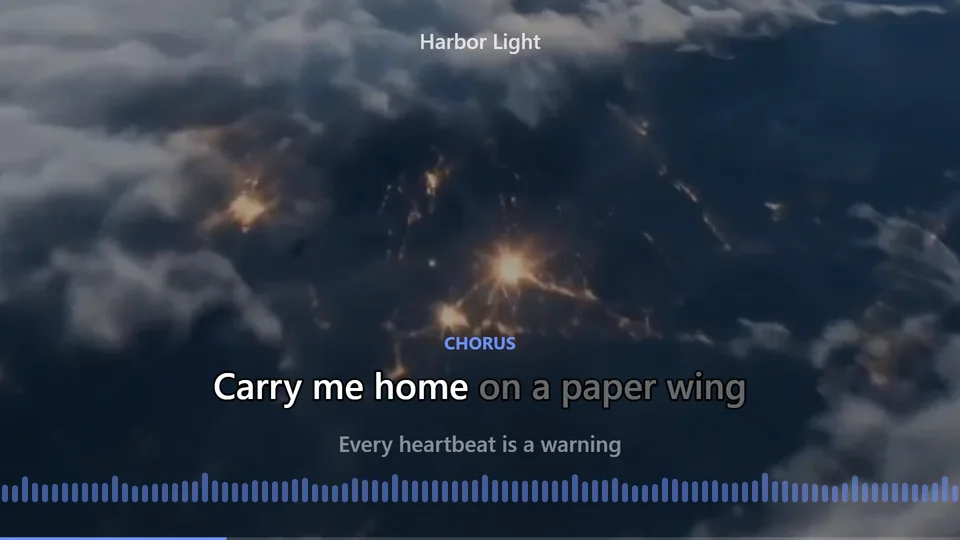
Or describe a background and AI paints it in the video's shape, for 5 credits.
Lyric styles
Five Ways the Lyrics Can Move
The same chorus line in each style, caught partway through.
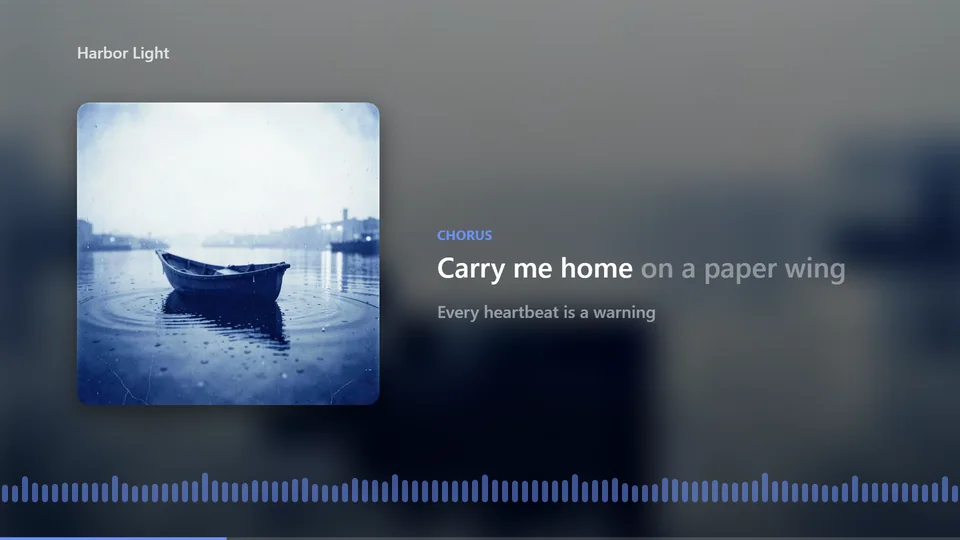
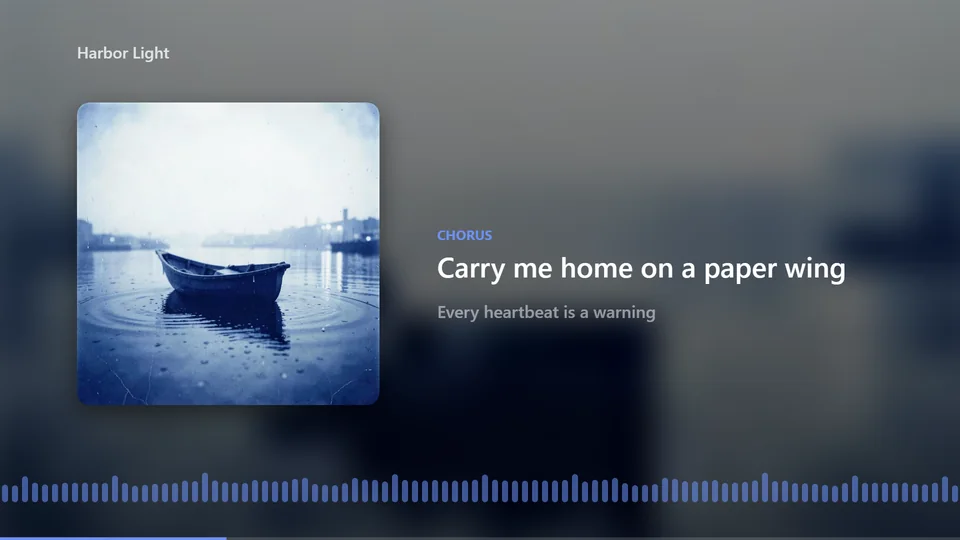
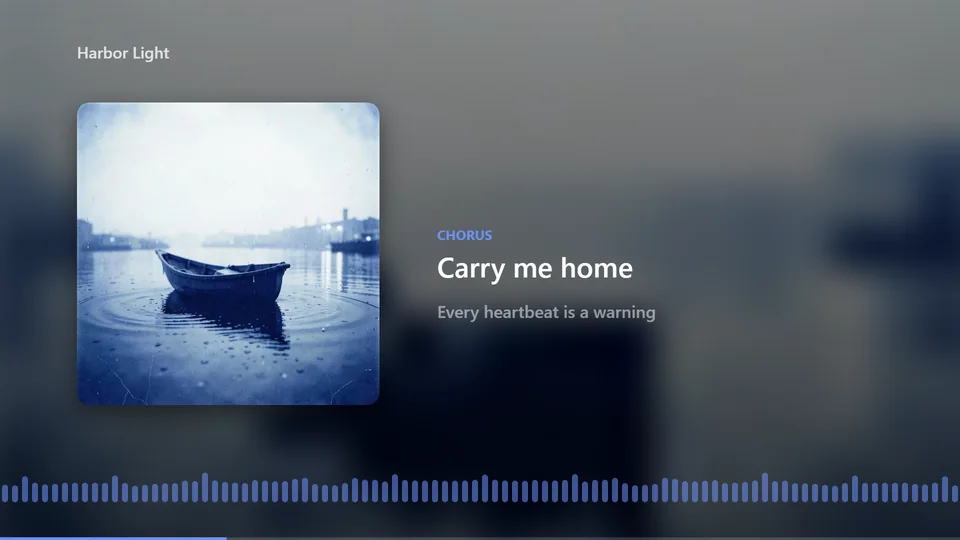
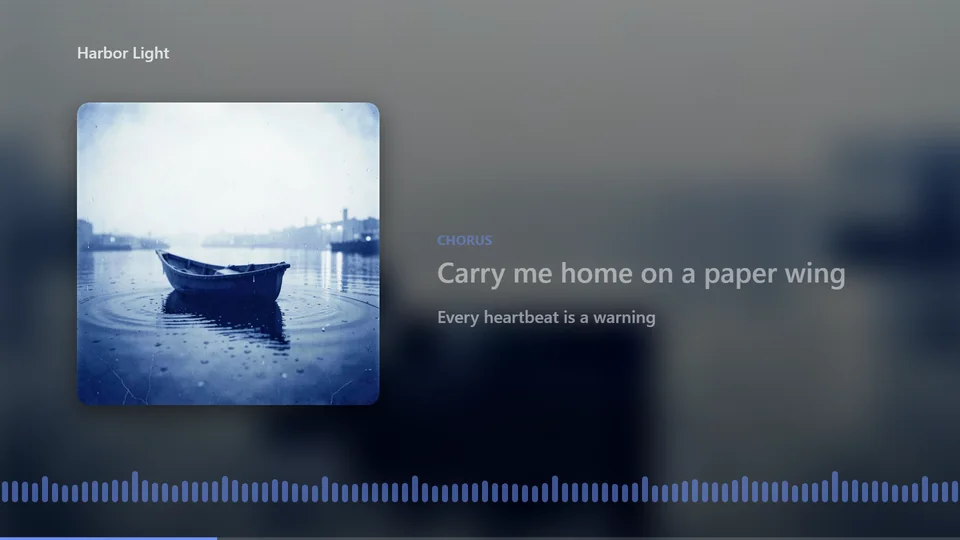
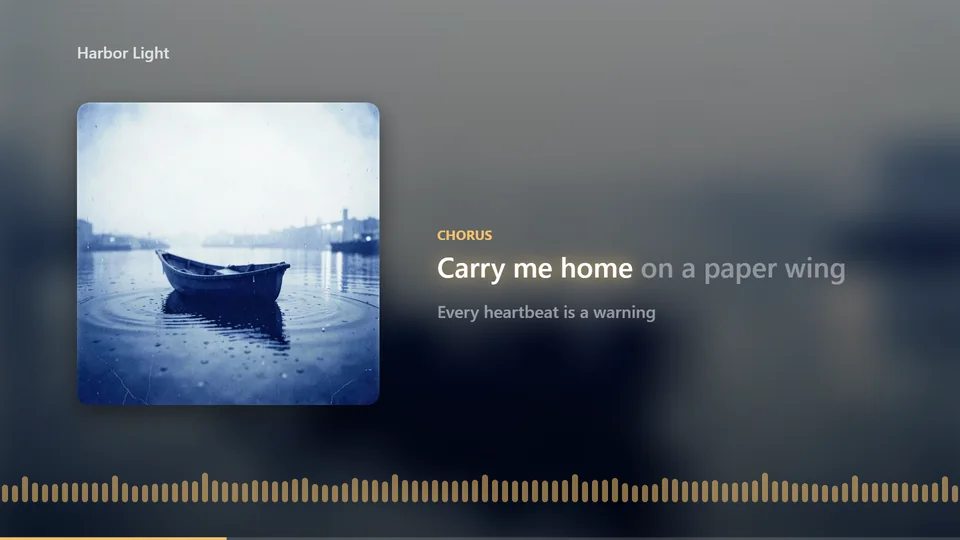
Lyrics can also be turned off. Four fonts, three sizes, outline, shadow and three positions work with every style, and a duet can show the second singer in a color of their own.
Formats
One Song, Three Formats
Pick a shape and the lyric video maker lays out the cover, lyrics and visualizer to fit. Here is the same moment in each.
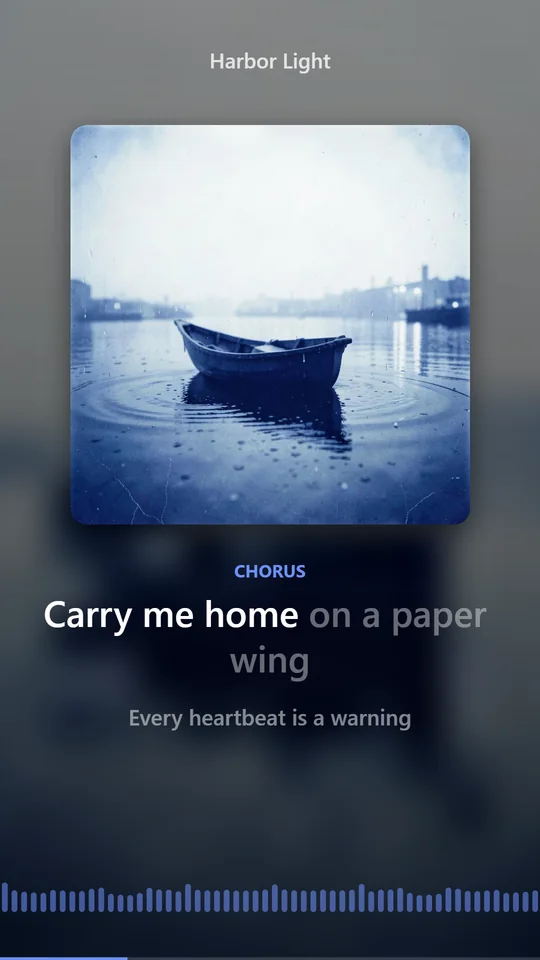
There is also a Spotify Canvas: a vertical loop of 8 seconds with no lyrics or text, as Spotify's Canvas guidelines ask.
Export speed
How Fast Does the Export Run?
We exported the same 30 seconds of a song in each setting, in Chrome on a desktop computer.
4.1 s
30 s at 1080p, 5.2 MB
12.6 s
30 s in 4K, 10.1 MB
15.4 s
30 s in 4K without hardware encoding, 27.8 MB
0
credits to export, at any size
No queue
Your browser makes the video on your own device, so it starts at once and never waits behind anyone else's render.
Keep the tab open
The export runs in the tab. When it finishes, you download the MP4 and it is saved to your Videos.
Chrome or Edge
We test exports in Chrome and Edge on a computer. A browser that can't make video says so before you start.
Times depend on your computer and browser. 4K is offered for songs up to 5 minutes.
How it works
How to Make a Lyric Video in 3 Steps
Everything happens in the lyric video maker's editor, opened from the top of this page.
- 1
Bring the song
Upload a song with its lyrics, or open a song you made here and choose Music video from its menu.
- 2
Time the words
Get the timing for 1 credit, then drag or nudge any line that is off.
- 3
Style and export
Pick a format, background, lyric style and font, then export the MP4 in 1080p or 4K.
Compare
Lyric Video vs Karaoke Video vs Music Video
Three kinds of video people make for a song, and how each is made on Anyscene.
| Lyric video | Karaoke video | Music video | |
|---|---|---|---|
| Picture | Cover, image, video or color behind the words | Usually plain, so the words stay readable | Filmed or generated scenes that follow the song |
| Lyrics | The main thing on screen, by line or by word | Word by word, timed for singing along | Subtitles at most, often none |
| Best for | Releasing a song on YouTube, Shorts or Spotify | Parties, practice and singing along | A visual story for the whole song |
| On Anyscene | This lyric video maker | The same editor, with the light-up-as-sung style | The AI video generator, one clip at a time |
Lyric Video Maker FAQ
Yes: MP3, WAV, M4A, AAC, FLAC or OGG, up to 50 MB and 10 minutes. You confirm you own the song or have the right to use it, and an uploaded song is never listed or shown in public.
For an upload, AI transcribes the vocal with a time on every word and lines it up with the lyrics you paste. For a song made here, Suno returns the timing of the words it sang.
Timing the words costs 1 credit per song, on a paid plan or with a credit pack. Exporting costs nothing at any size, and an AI background costs 5 credits.
No. The exported MP4 shows your song, your lyrics and the background you chose, with no logo added.
MP4 at 30 frames per second, in 16:9, 9:16 or 1:1, at 1080p or 4K. 4K is for songs up to 5 minutes, and a Spotify Canvas loop is one click away.
Yes. Drag a line on the timeline or stretch its edges, nudge it by 0.1 seconds, or open the line and set where each word starts. Shift all moves every line at once.
The video is made in your browser. We test in recent Chrome and Edge on a computer, and a browser that can't make video tells you before you start.
Yes. Make the song here and it comes with Suno's own word timing, or upload a Suno song you have the right to use and it is transcribed like any other file.
Make a Lyric Video
Upload a song or open one you made, time the words for 1 credit, and export with no extra credits.