 Anyscene AI
Text to Video AI
Describe a scene in a sentence and get a short video with camera movement, physics and optional sound. No footage, no timeline, no editing skills.
Text to Video by the Numbers
Every figure below is read from the models wired into this generator, not from a brochure.
16 Text to video models under one account: Seedance, Kling, Veo, Gemini, MiniMax, Wan, HappyHorse and PixVerse
Text to video models under one account: Seedance, Kling, Veo, Gemini, MiniMax, Wan, HappyHorse and PixVerse
4–15s Clip length you can pick per generation, depending on the text to video model
Clip length you can pick per generation, depending on the text to video model
4K Top output resolution, from Veo 3.1 and Kling 3.0, with 720p and 1080p tiers below it
Top output resolution, from Veo 3.1 and Kling 3.0, with 720p and 1080p tiers below it
What Text to Video AI Can Make
Food, products, characters, landscapes and comedy, all from the same workflow: a written prompt in, a finished clip out.
What Is Text to Video?
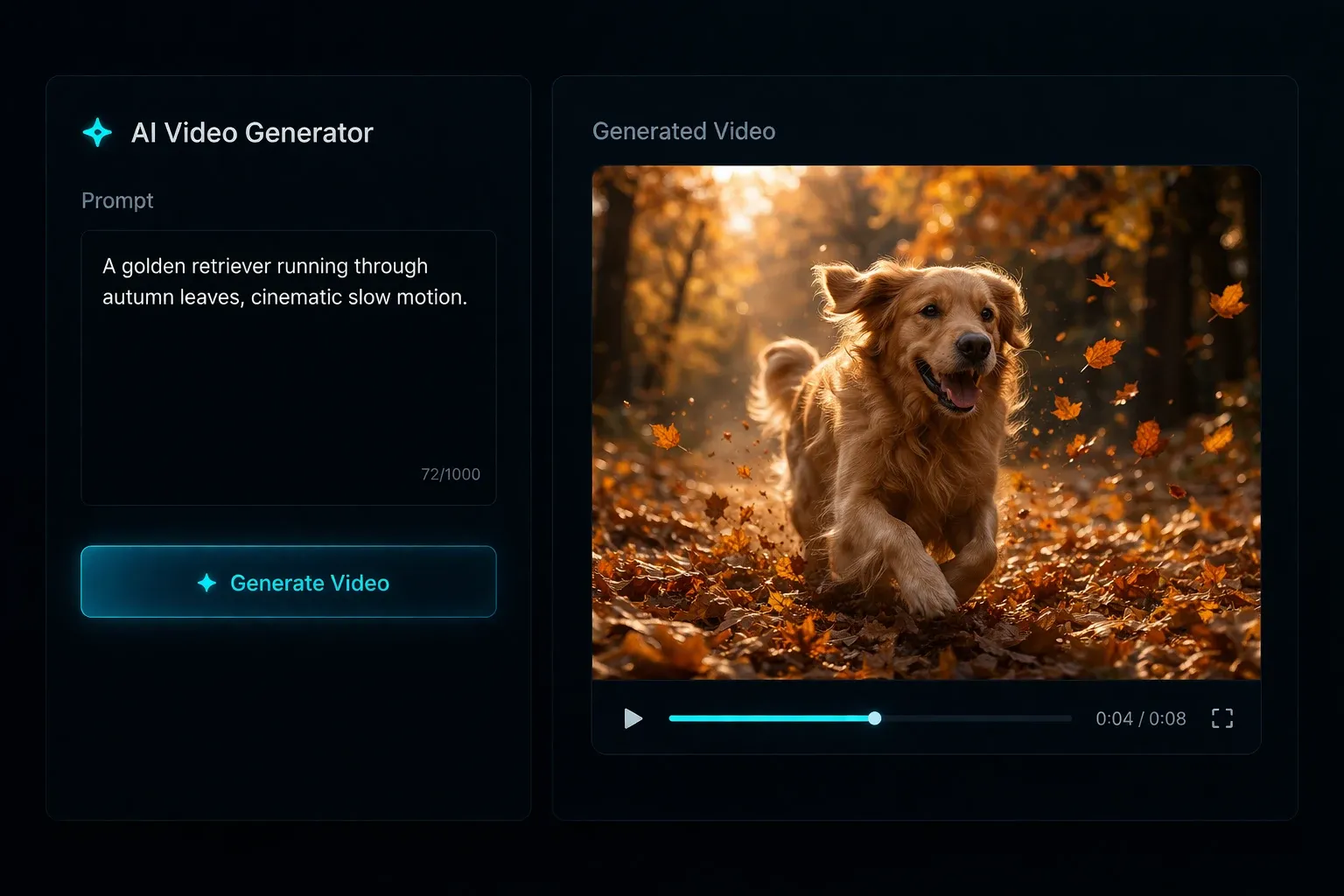
Text to video is an AI process that reads a written description and generates every frame of a short clip from it: the subject, the setting, the light, the camera move and, on some models, the sound. Nothing is filmed or stitched from stock footage. It differs from image to video, where you supply the first frame and the model only adds motion, and from a slideshow maker, which arranges clips you already have.
The prompt is the whole brief
With text to video there is no reference image to lean on. Subject, action, setting, camera and mood all come from your words, which is why a specific sentence beats a vague paragraph.
The model is the crew
Framing, lighting, lens choice and motion are decided by the model. Each text to video model has its own habits, so the same prompt on Kling 3.0 and Veo 3.1 gives two different shots.
Sound can be part of the shot
Seedance 2, Kling 2.6, Kling 3.0 and Veo 3.1 generate native audio with the picture: ambient sound, effects and speech that match the motion. One text to video pass, no separate audio step.
The 4 Parts of a Text to Video Prompt
Every prompt that works well in this text to video generator carries the same four parts. Write them in this order and the model has everything it needs.
Subject and action
Who or what, doing what. "A barista pours latte art" beats "coffee shop scene". One subject, one clear action per clip.
Camera
Name the move and the framing: "slow dolly in", "handheld close-up", "static wide shot", "orbit around". Text to video models follow camera language closely.
Light and mood
"Golden hour", "overcast soft light", "neon at night", "harsh studio flash". Light sets the mood faster than any adjective about emotion.
Style and sound
"Photoreal", "anime", "claymation", "35mm film grain". Add "ambient street noise" or "she says: welcome back" when you want the model to generate audio.
One Prompt, Any Style
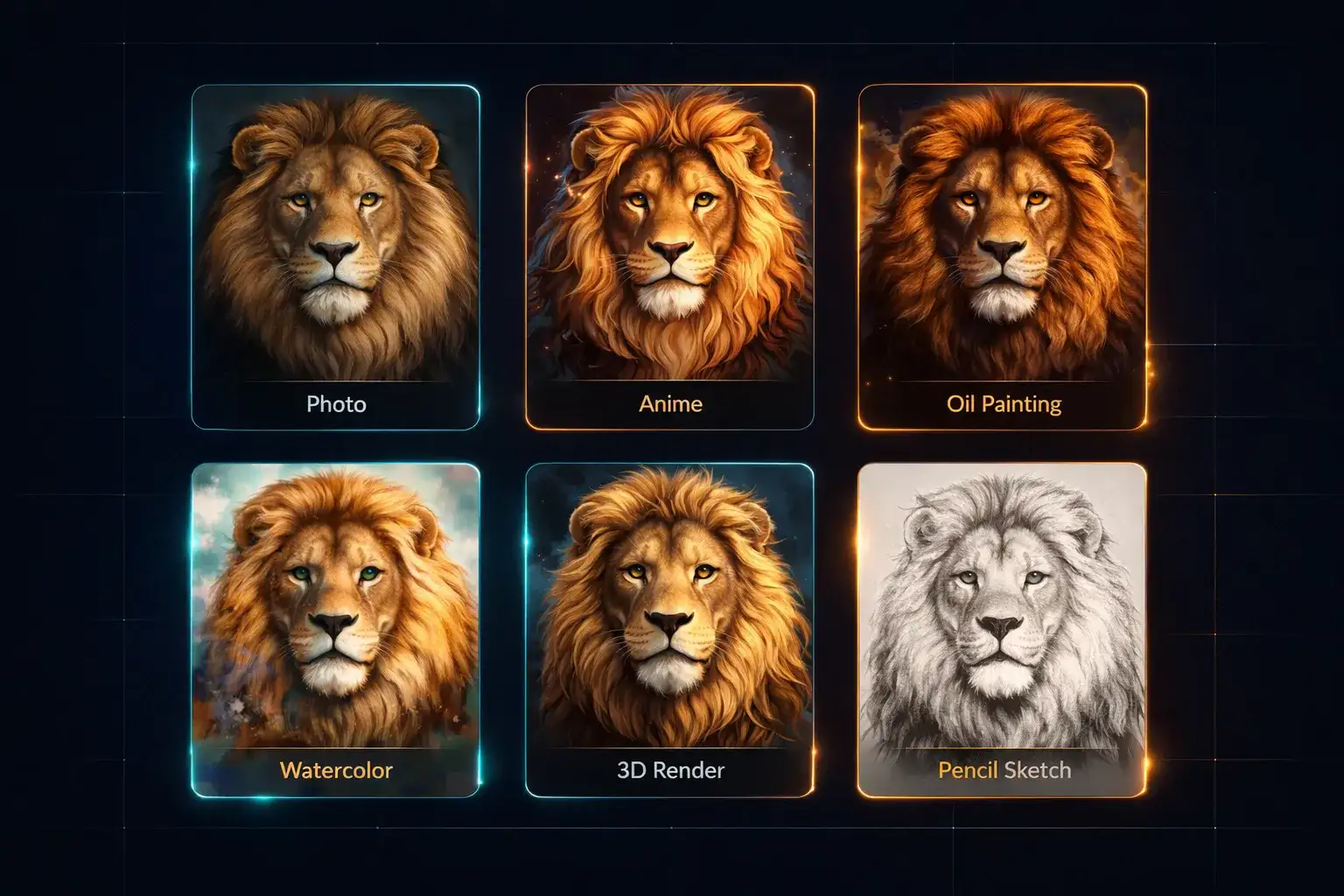
Text to video is not locked to photorealism. Add a style word to the end of the same prompt and the whole clip changes register: anime with clean lines and flat colour, oil painting with visible brushwork, watercolour bleeding at the edges, a 3D render with soft studio lighting, a pencil sketch on paper. Seedance 2 and Kling 3.0 hold a stated style across all 15 seconds; Veo 3.1 leans photoreal unless told otherwise.
16 Text to Video Models in One Generator
Most text to video tools give you one engine. Anyscene routes the same prompt to any of these, each with its own credit cost, clip length and resolution ceiling. The numbers are the live values in the generator.

Seedance 2.0 Mini
The default text to video model and the cheapest way to test a prompt: 4 to 15 seconds at 480p or 720p, from 24 credits. Draft here, then spend bigger credits on the winner.

Seedance 2 Fast & Pro
Up to 15 seconds, native audio and multi-shot storytelling. Fast runs 480p or 720p and Pro adds 1080p; a 6-second 720p clip costs 96 credits on Fast and 390 on Pro. The text to video choice when one prompt has to cover several beats.

Kling 2.6
1080p, 5 or 10 seconds, 40 credits, with native audio: the best-value text to video model with sound in the lineup.

Kling 3.0
The flagship: 5, 10 or 15 seconds at 720p, 1080p or 4K, with native audio and lip sync, from 110 credits at 720p. Pick it for people, dialogue and any text to video shot that has to look finished.

Veo 3.1: Lite, Fast, Quality
Google's text to video model in three tiers, all fixed at 8 seconds with 720p, 1080p and 4K output. Lite is 60 credits, Fast 120, Quality 500. Strongest on atmosphere, weather and ambient sound.

Wan 3.0 & HappyHorse 1.1
Two useful second opinions. Wan 3.0 runs 5 to 15 seconds up to 1080p with native audio, from 65 credits. HappyHorse 1.1, the newer version of Alibaba's lifelike model, runs 5 to 15 seconds at 720p or 1080p from 180.
How to Make a Video from Text in 3 Steps
The whole text to video workflow fits in one screen. A first clip is usually back within a few minutes.
Step 1: Write the prompt
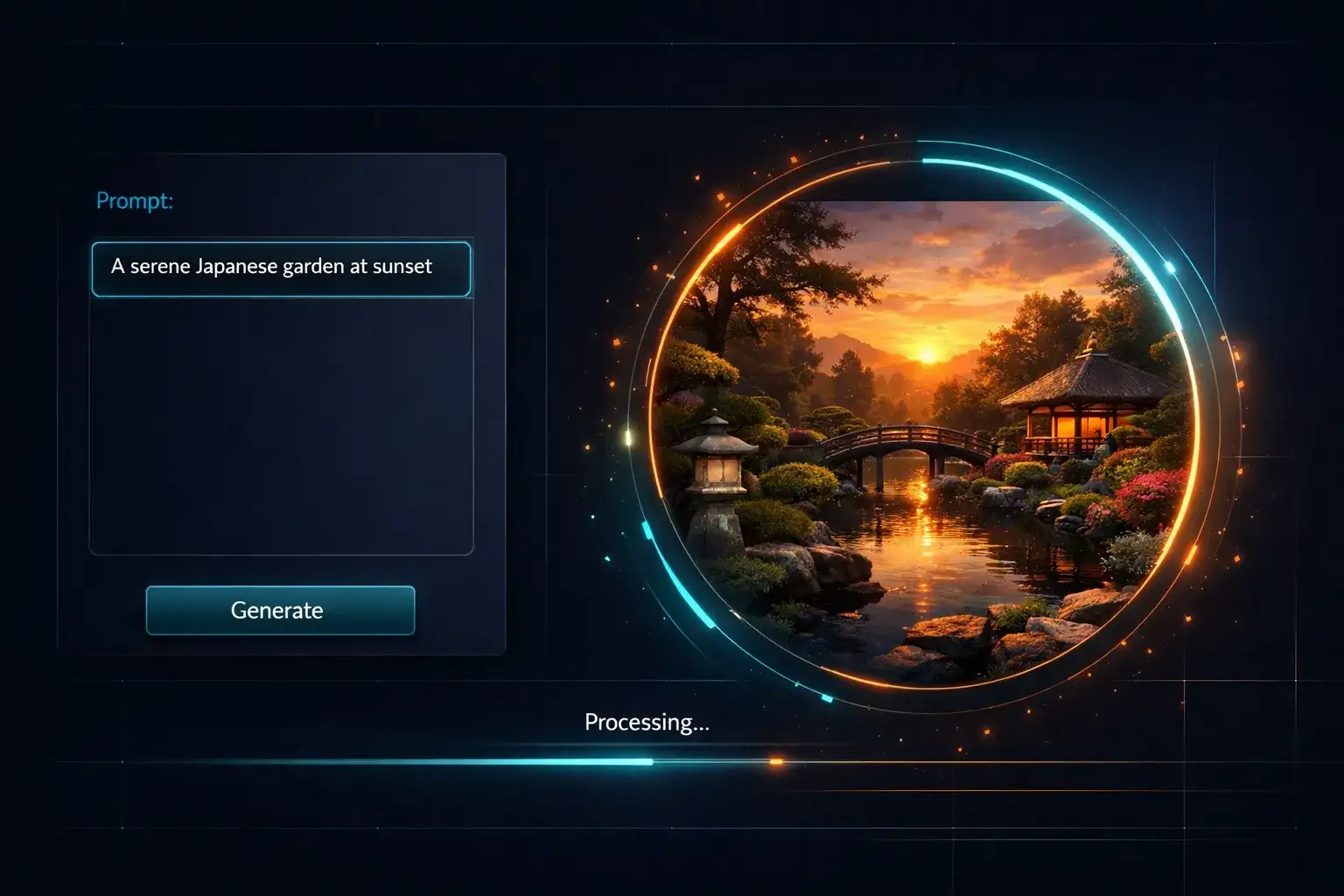
Use the four parts above: subject and action, camera, light, style. One or two sentences is the sweet spot. Example: "A red kayak glides across a glassy alpine lake at sunrise, slow drone shot pulling back, mist on the water, photoreal."
Step 2: Pick model, length and ratio
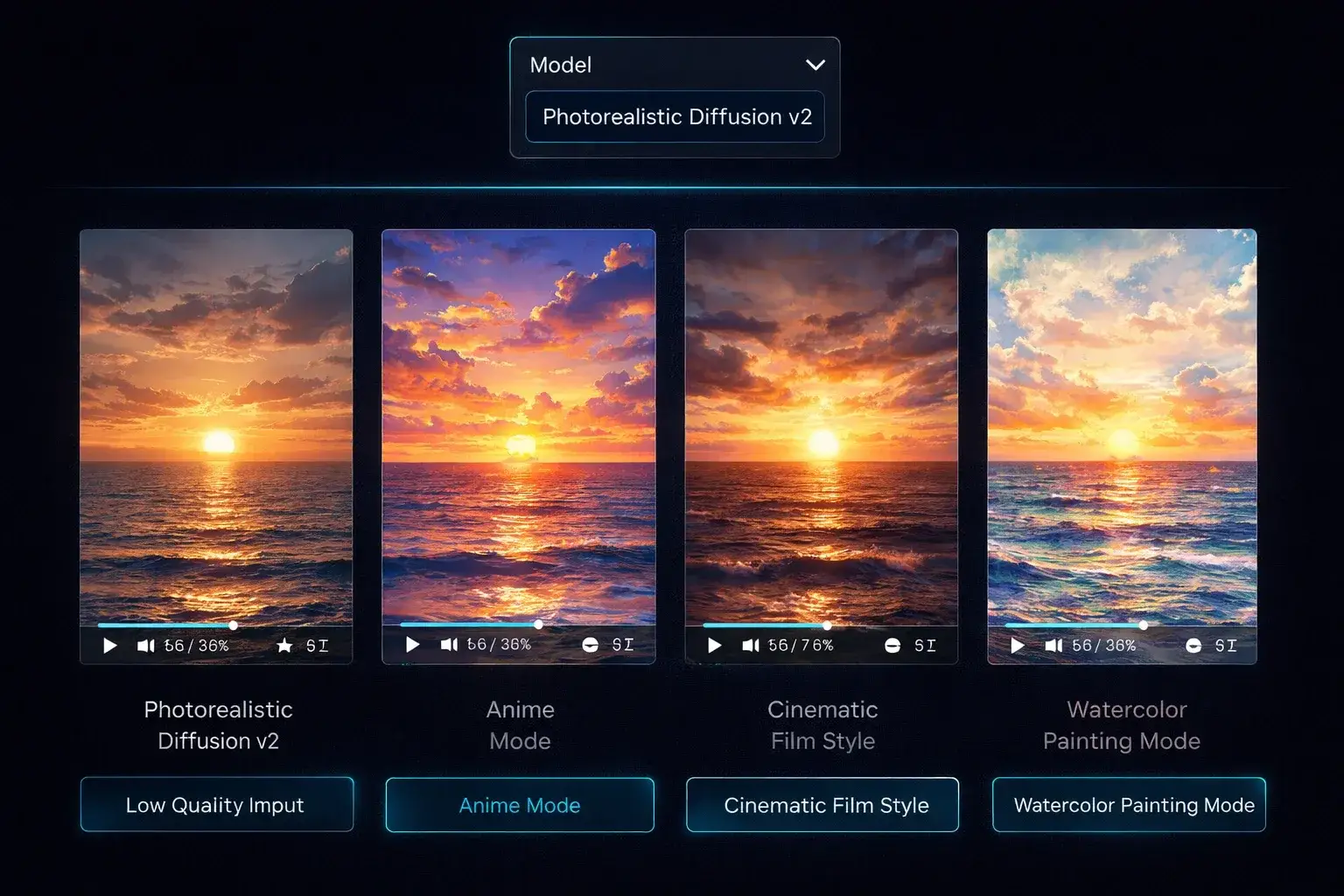
Leave Seedance 2.0 Mini for a draft from 24 credits, or choose Kling 3.0 or Veo 3.1 for 1080p and 4K. Set 16:9 for YouTube, 9:16 for Reels and Shorts, and a duration the model supports. Toggle audio on if the model offers it.
Step 3: Generate and download
Click Generate and watch the progress bar. The credit cost shows before you confirm. When the clip lands, preview it, download the MP4, or send the prompt back with one change and run it again.
Text to Video for Every Kind of Creator
The same text to video generator serves marketers, sellers, filmmakers, teachers and musicians. What changes is the sentence you type.
Social media clips
Turn a caption idea into the video itself. A 9:16 text to video clip with native audio is ready to post as a Reel, Short or TikTok without opening an editor.
Ads and marketing
Storyboard a 15-second spot in words and let Seedance 2 Pro cut the shots. Text to video is the fastest way to test three ad concepts before any of them gets a budget.
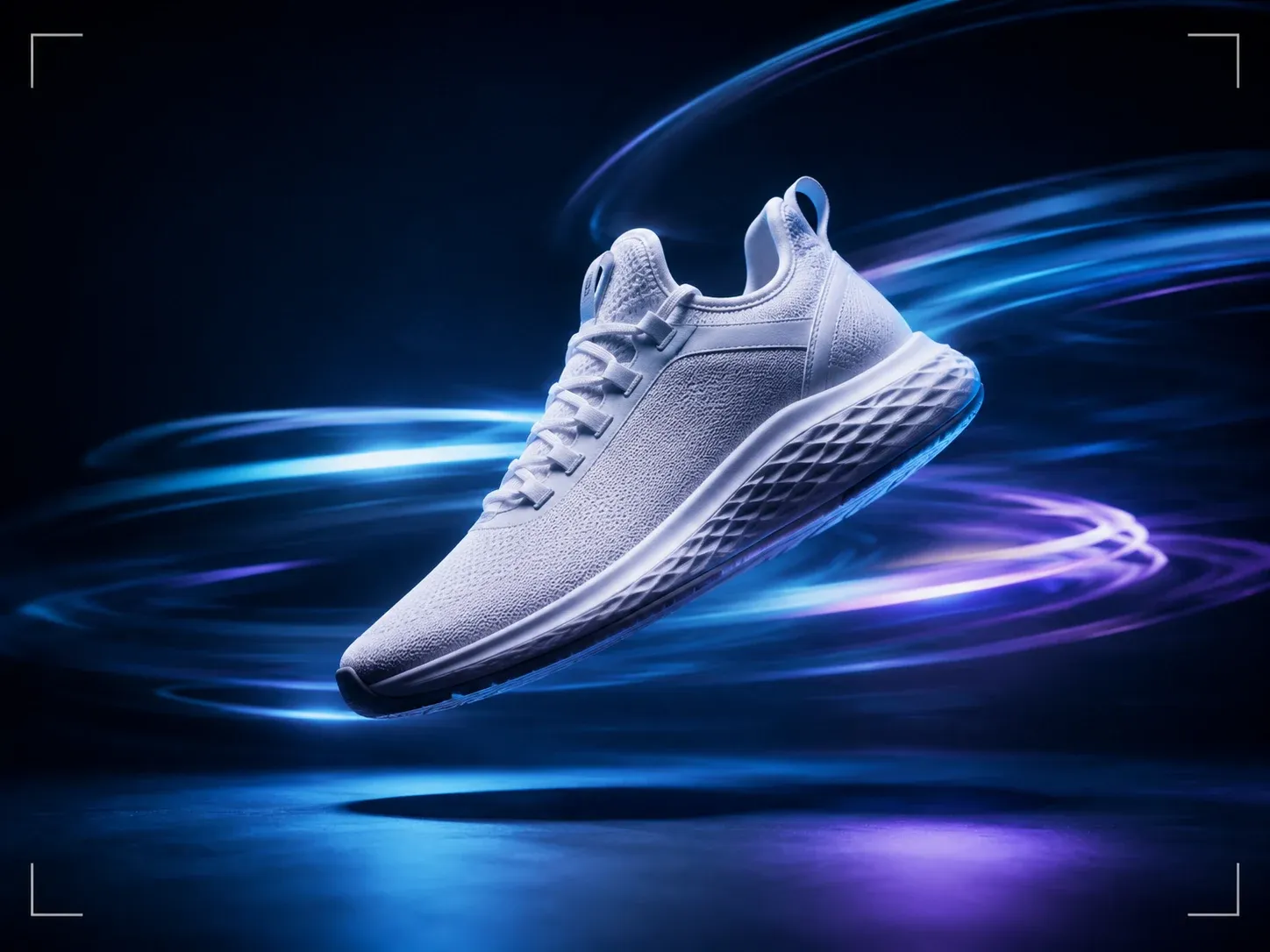
Product scenes
Describe the product in its setting: "a matte black water bottle on a mossy rock, mist, slow orbit". When you need the exact product, switch to the image to video page and upload the packshot instead.
Film and previsualisation
Block a scene before the shoot. Text to video turns a shot list into moving references for camera angle, blocking and light, so the crew argues about a clip instead of a sketch.
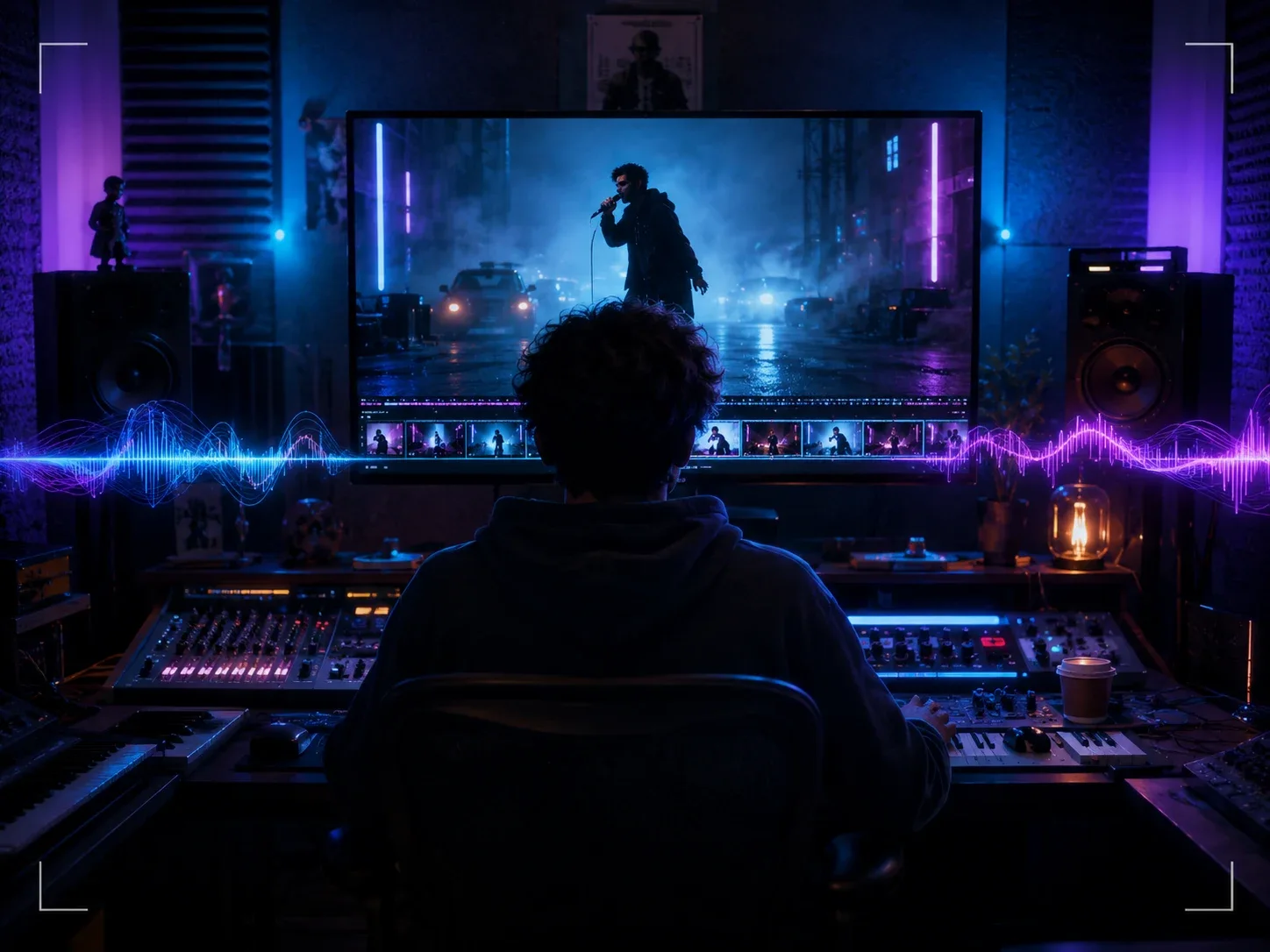
Music visuals
Write the mood of the track as a scene and generate loops for Spotify Canvas, lyric videos and live backdrops. Pair it with the AI music generator for the audio.
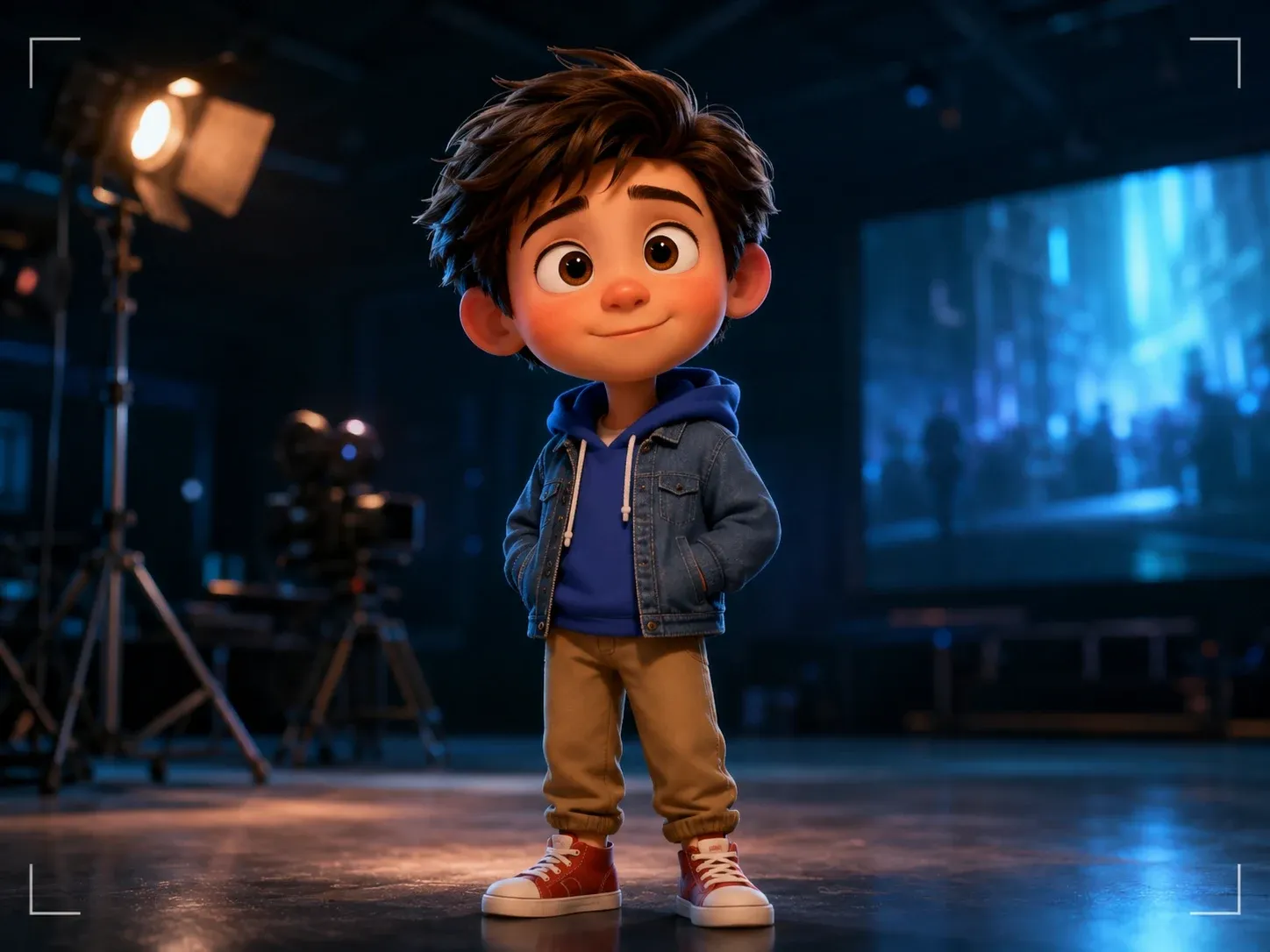
Animation and characters
Stylised prompts, from anime to claymation, come out clean on Seedance 2 and Kling 3.0. Text to video lets a solo creator animate a character without rigging anything.
6 Text to Video Prompts to Start From
Copy any of these into the generator, swap the nouns for your own, and keep the structure. Each one shows the four parts in a different genre.
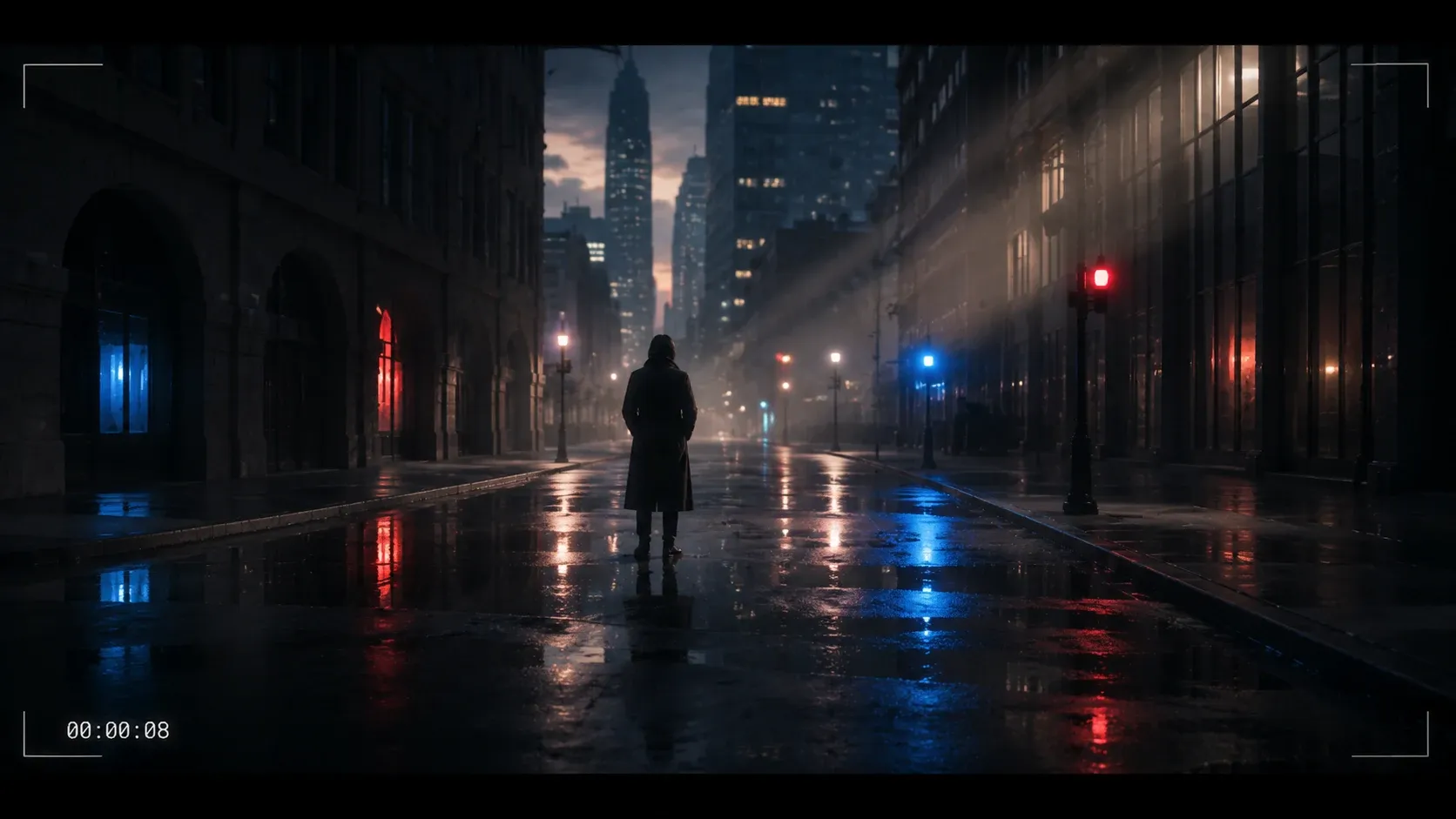
Cinematic landscape
"Wide shot of a lone hiker on a ridge above a sea of clouds at dawn, slow drone push-in, cold blue light warming to orange, photoreal, wind and distant birds."
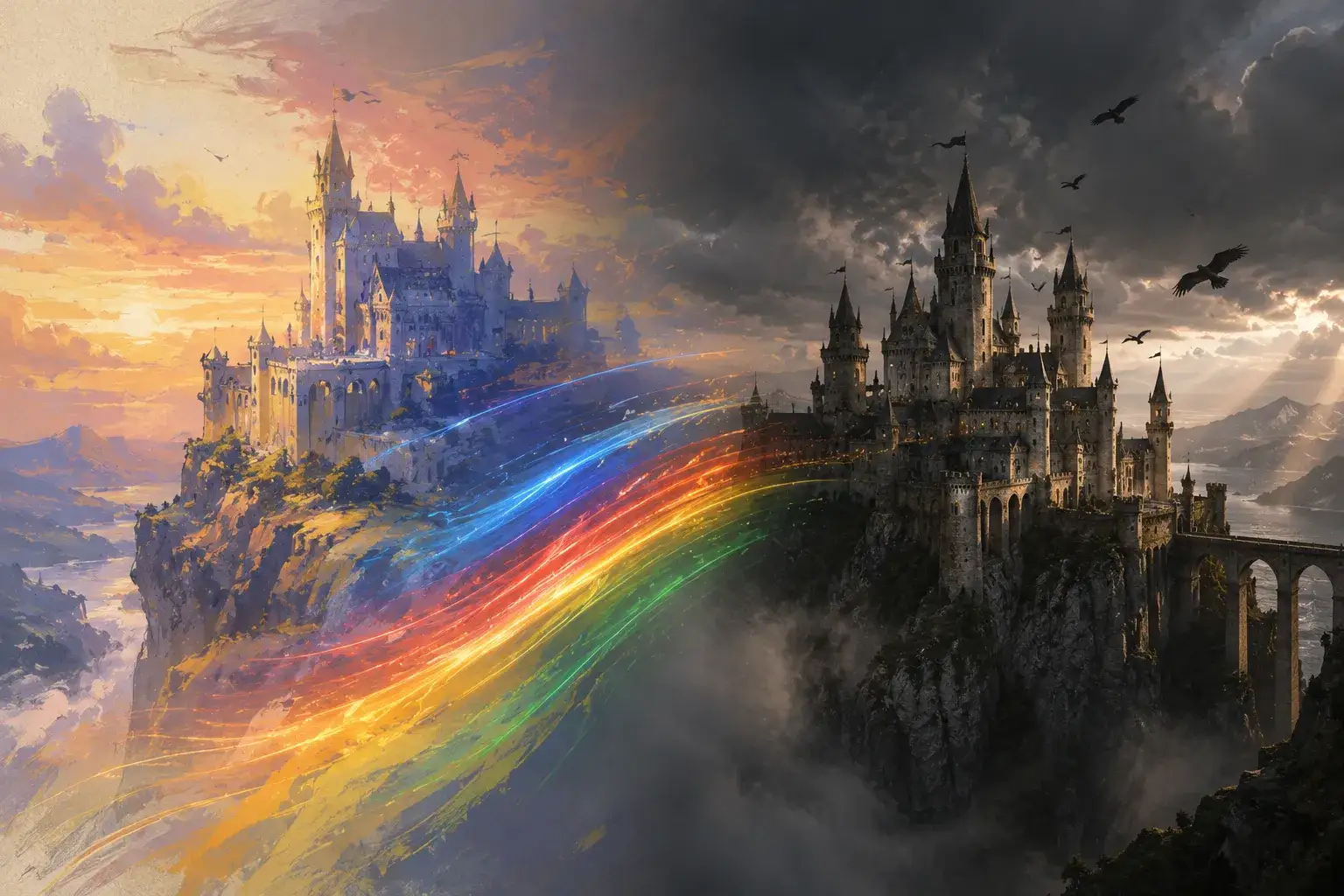
Painted fantasy
"A castle on a cliff at sunset, painted in loose oil brushstrokes, camera drifting slowly to the right, banners moving in the wind, warm golden light."
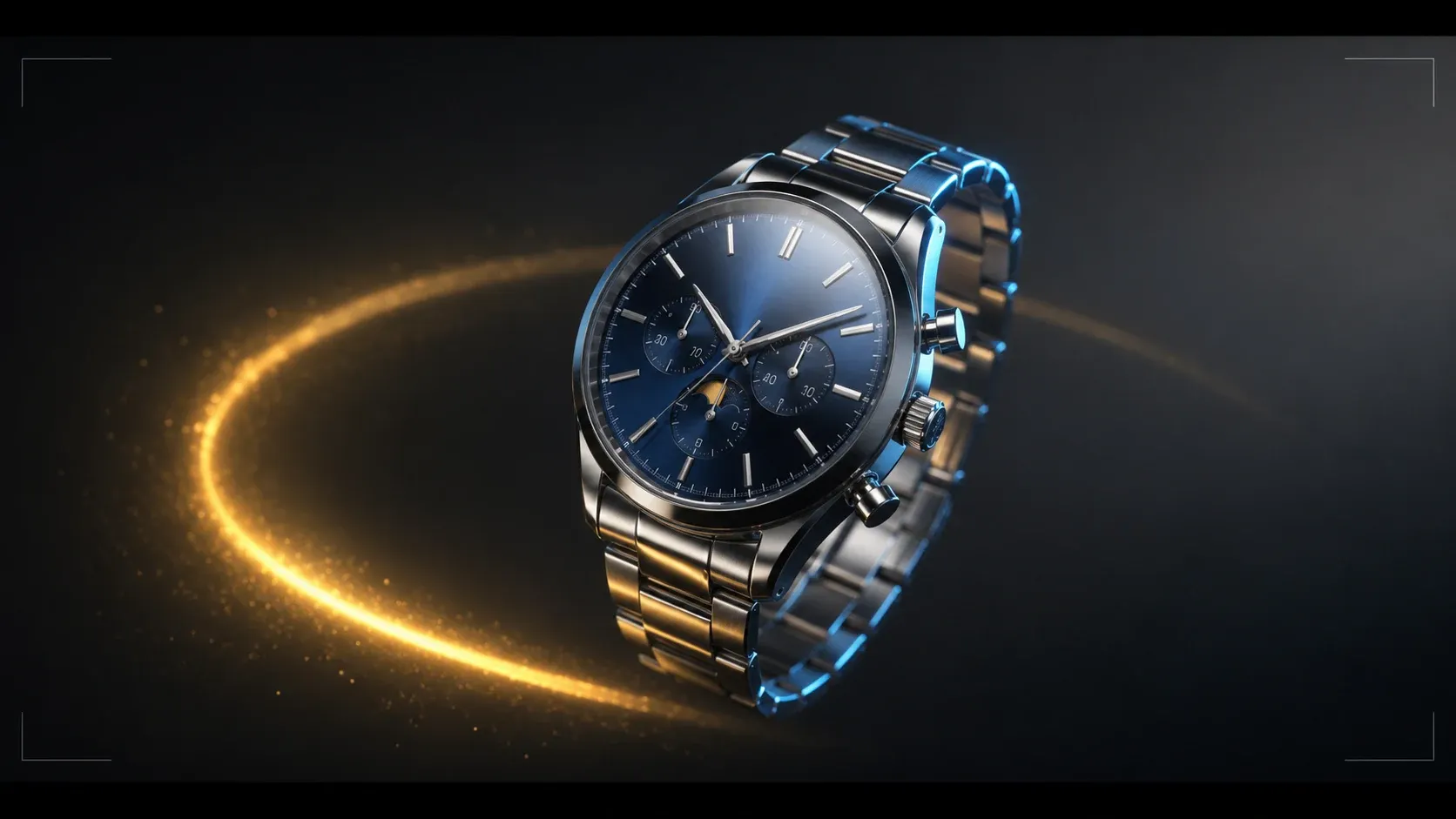
Product hero
"A pair of silver running shoes floating in a dark studio, slow orbit, rim light tracing the edges, tiny dust particles, clean commercial look."
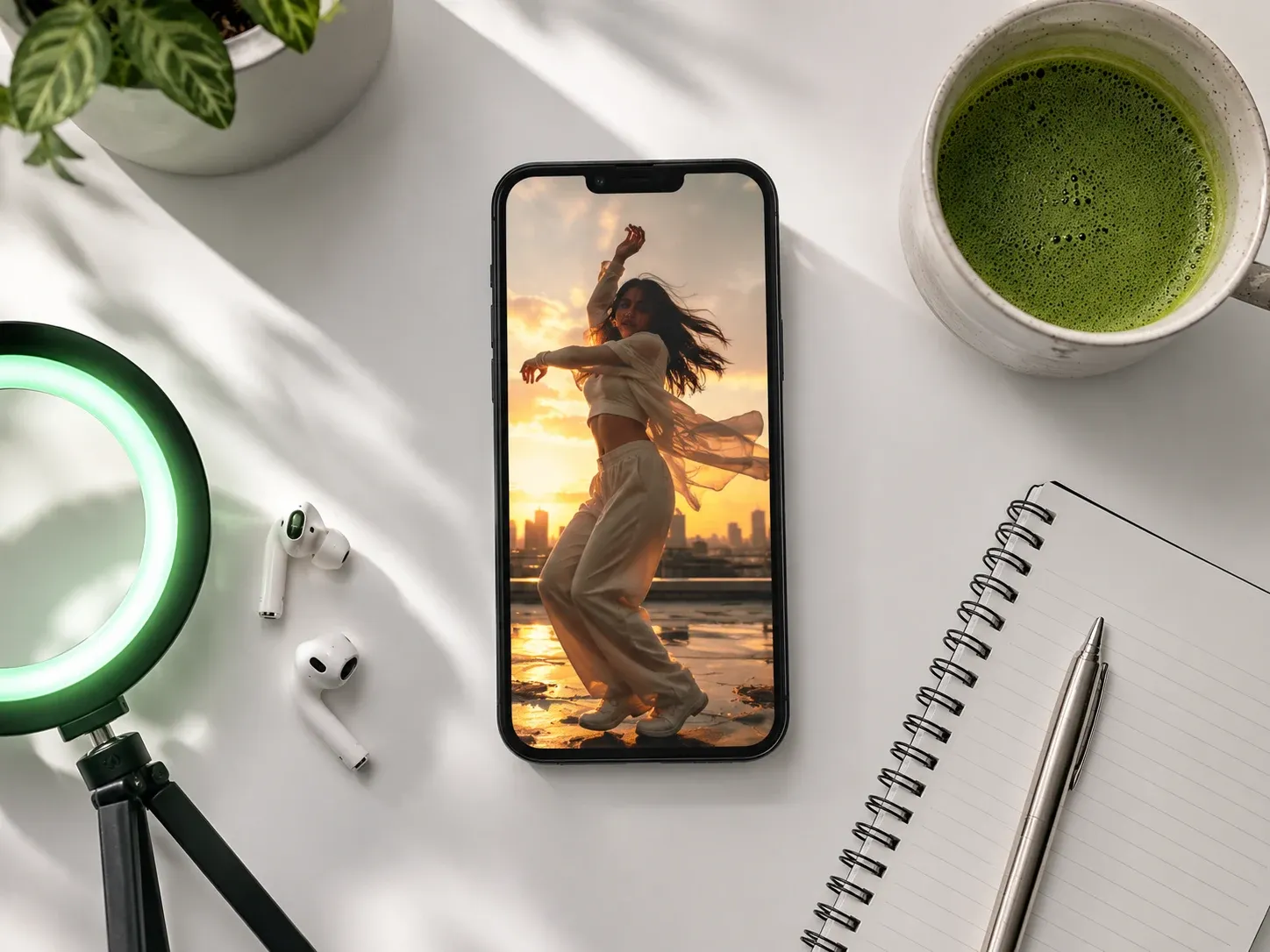
Vertical social
"Handheld 9:16 shot of a street food vendor flipping noodles in a wok, flames flaring, night market neon behind, sizzling and crowd noise."
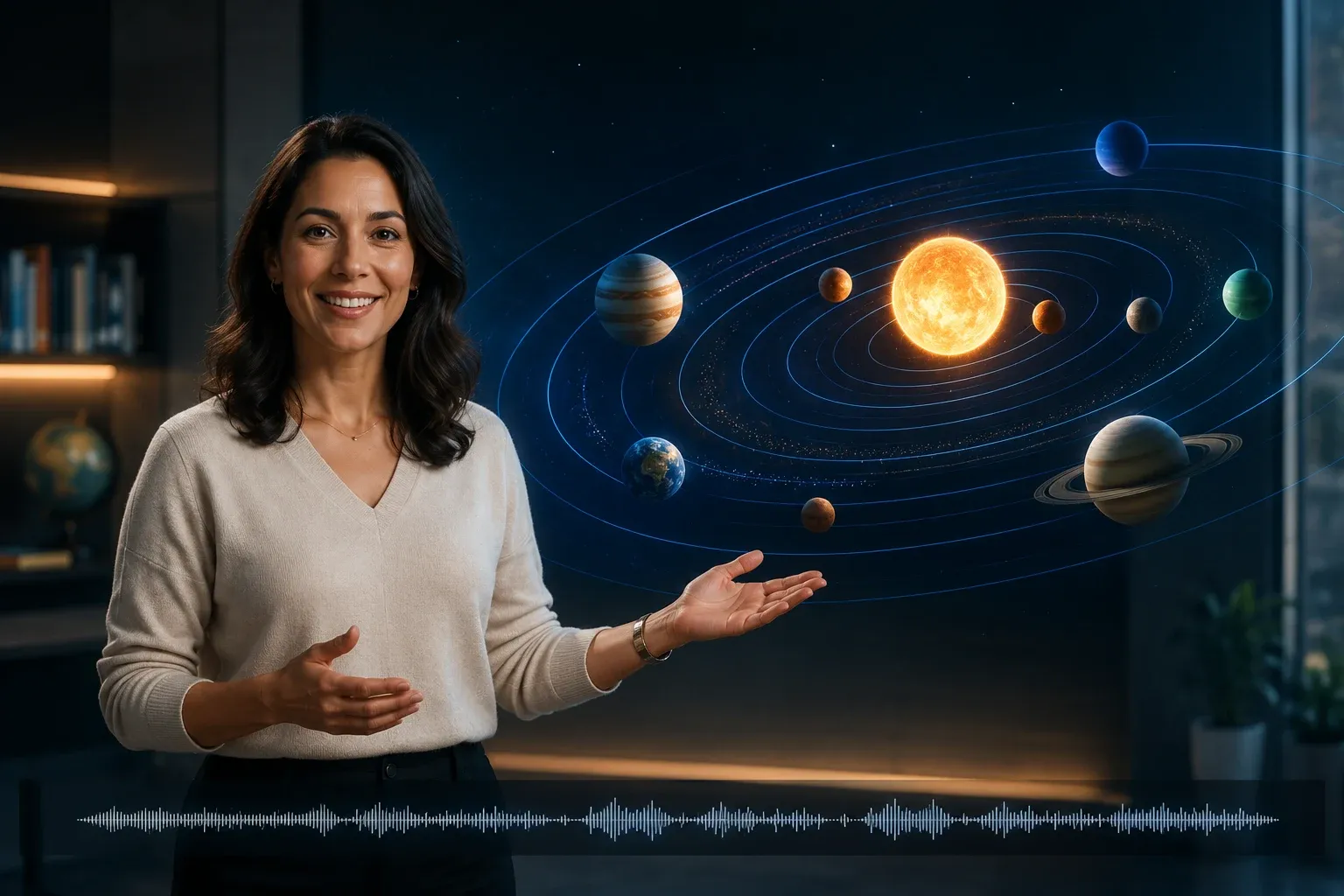
Explainer
"Clean 3D animation of water molecules turning from liquid to vapour as heat rises, white background, soft studio lighting, labels appear as the phase changes."
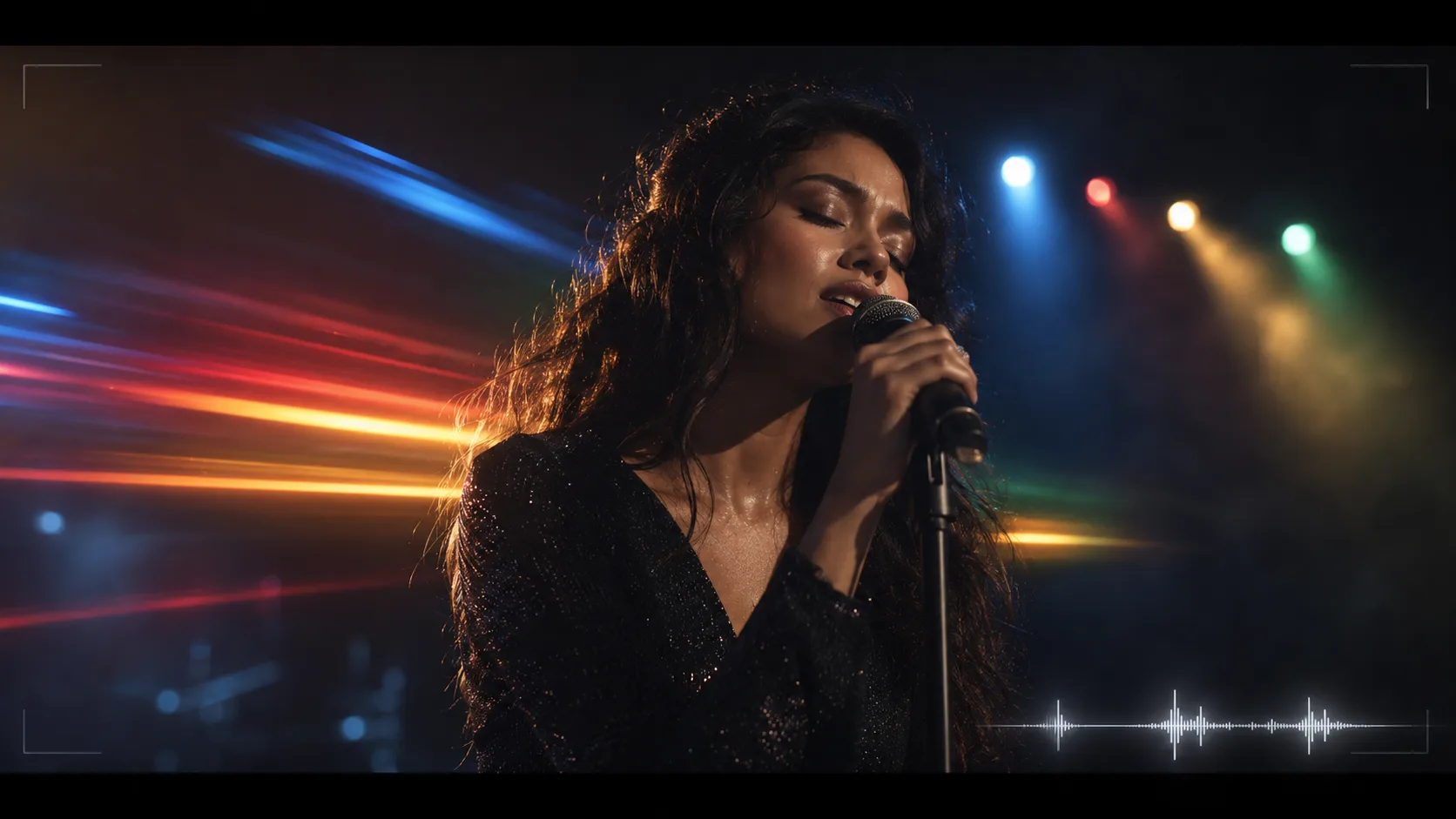
Music loop
"Abstract ink swirling in water, deep indigo and gold, macro lens, slow motion, seamless loop, no cuts, soft ambient hum."
4 Ways to Get Better Text to Video Results
The same four habits fix most disappointing clips, whichever text to video model you run.
One subject, one action
A clip is 4 to 15 seconds. Prompts that ask for three characters and a plot twist come back muddled. Give the model one thing to do well.
Say the camera move out loud
"Static", "slow dolly in", "handheld", "orbit". Text to video models treat camera language as an instruction, not decoration, and unspecified cameras drift.
Cut the adjectives, keep the nouns
"Beautiful, stunning, epic" adds nothing the model can render. "Wet cobblestones, sodium streetlights, light rain" does.
Draft on Seedance 2.0 Mini, finish on a flagship
A 24-credit Seedance 2.0 Mini run at 480p tells you whether the prompt works. Only then send it to Kling 3.0 or Veo 3.1 for 1080p or 4K.
One Balance for Every Text to Video Model
Clips start at 24 credits on Seedance 2.0 Mini and 40 on Kling 2.6. Plans begin at $15.9 a month billed yearly, and credit packs top up any plan without a subscription change.
Yearly prices, shown per month. Monthly billing and credit packs are on the pricing page.
Text to Video AI FAQ
Straight answers to the questions people ask before their first clip.
The model turns your sentence into a plan for the scene, then generates the clip frame by frame so that the subject, lighting and camera stay consistent from the first frame to the last. Models that support audio generate the soundtrack in the same pass, matched to the motion on screen.
It depends on the model and the length. Seedance 2.0 Mini starts at 24 credits for a 4-second 480p clip, Kling 2.6 is 40, Veo 3.1 Lite is 60, Kling 3.0 starts at 110, and long 1080p or 4K clips on the top models run past 1,000. The exact cost shows next to the Generate button before you spend anything. See the pricing page for plan sizes.
Yes. Generation runs on credits attached to your account, so you sign in before the first clip. Sign-up is one click with Google, and every result is saved to your history for later download.
Between 4 and 15 seconds, depending on the model. Kling 2.6 offers 5 or 10 seconds, Veo 3.1 is fixed at 8, and Seedance 2, Kling 3.0, Wan 3.0 and HappyHorse go up to 15. For anything longer, generate the shots separately and cut them together.
There is no single best one. Kling 3.0 leads for people and dialogue, Seedance 2 Pro for multi-shot stories and Veo 3.1 for atmosphere and ambient sound. The cheapest way to decide is to run the same prompt on Seedance 2.0 Mini and one flagship and compare.
Seedance 2, Kling 2.6, Kling 3.0 and Veo 3.1 generate native audio when the audio toggle is on, including ambient sound, effects and spoken lines you put in quotes in the prompt. For a full music track, generate it with the AI music generator and combine the two in your editor.
Yes, but on a different page. Text to video builds the whole frame from words; when you need an exact product, face or composition, use the image to video generator and upload the picture as the first frame.
You do. Download the MP4 and use it in personal or commercial projects. Prompts and results stay in your account history so you can regenerate a variation or download again later.
Turn Your First Sentence into a Video
Write one line about a scene and watch it move. Sixteen text to video models, one generator, results in minutes.