 Anyscene AI
ChatGPT Image Generator
Free online by GPT Image 1.5 — generate stunning images and render perfect text with OpenAI's most advanced multimodal model.
Trusted by Creators Who Need Words to Land Right
ChatGPT Image's text rendering is the most accurate in the AI image industry today.
50,000+ Creators using ChatGPT Image on Anyscene
Creators using ChatGPT Image on Anyscene
4.9 / 5 Average rating from 1,200 verified users
Average rating from 1,200 verified users
~10s Average ChatGPT Image generation time
Average ChatGPT Image generation time
What Is ChatGPT Image?
ChatGPT Image is the popular nickname for OpenAI's GPT Image 1.5 — a multimodal AI image model that generates pictures from text and renders perfect text inside images.
Why Creators Choose ChatGPT Image
Six capabilities that make ChatGPT Image the go-to model for marketing, branding, and any visual that needs words.
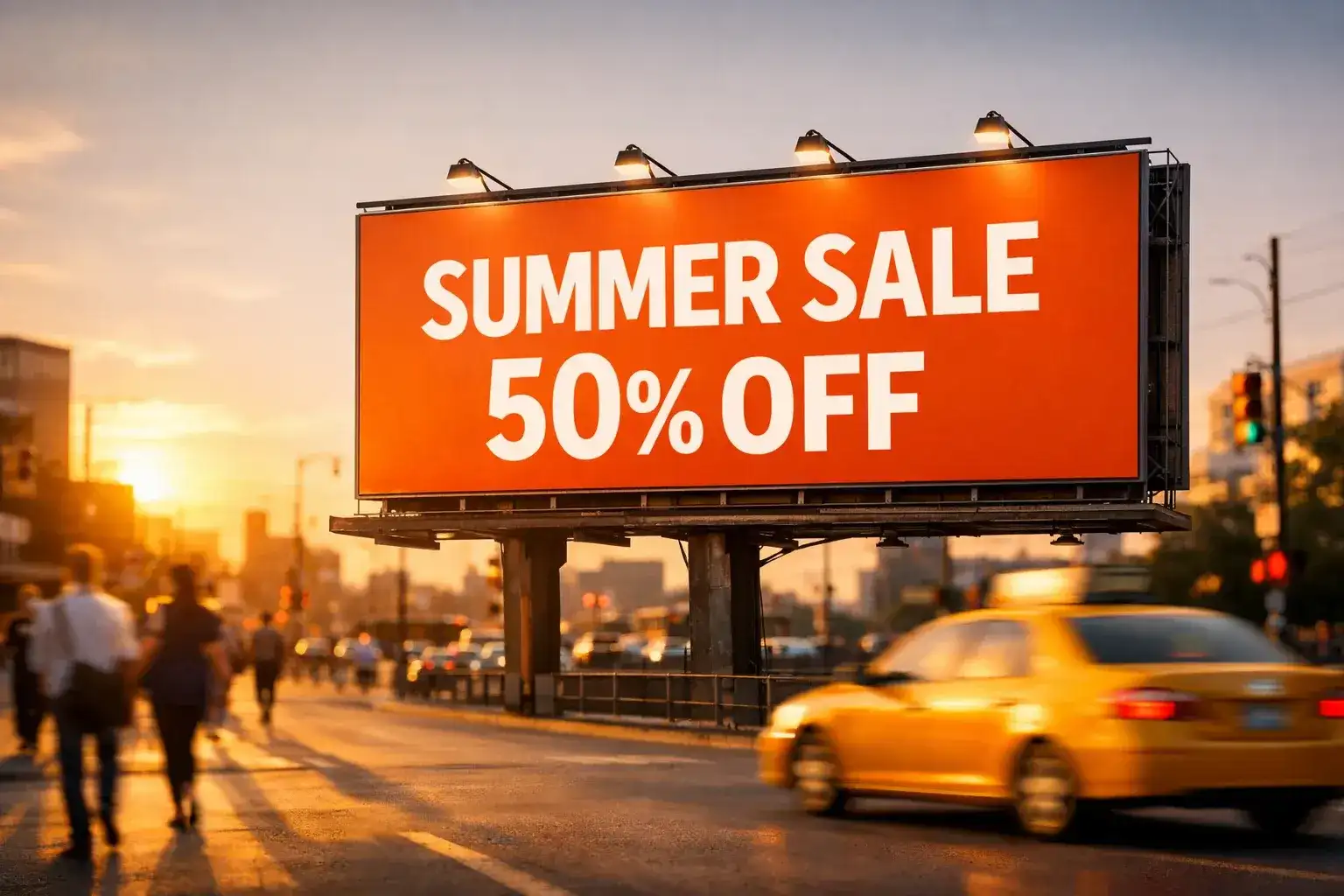
Perfect Text Rendering
ChatGPT Image is the only AI image model that spells words correctly inside pictures. From poster headlines to product labels to brand wordmarks, it renders typography with the precision of a real designer — no manual cleanup, no Photoshop, no broken letters.
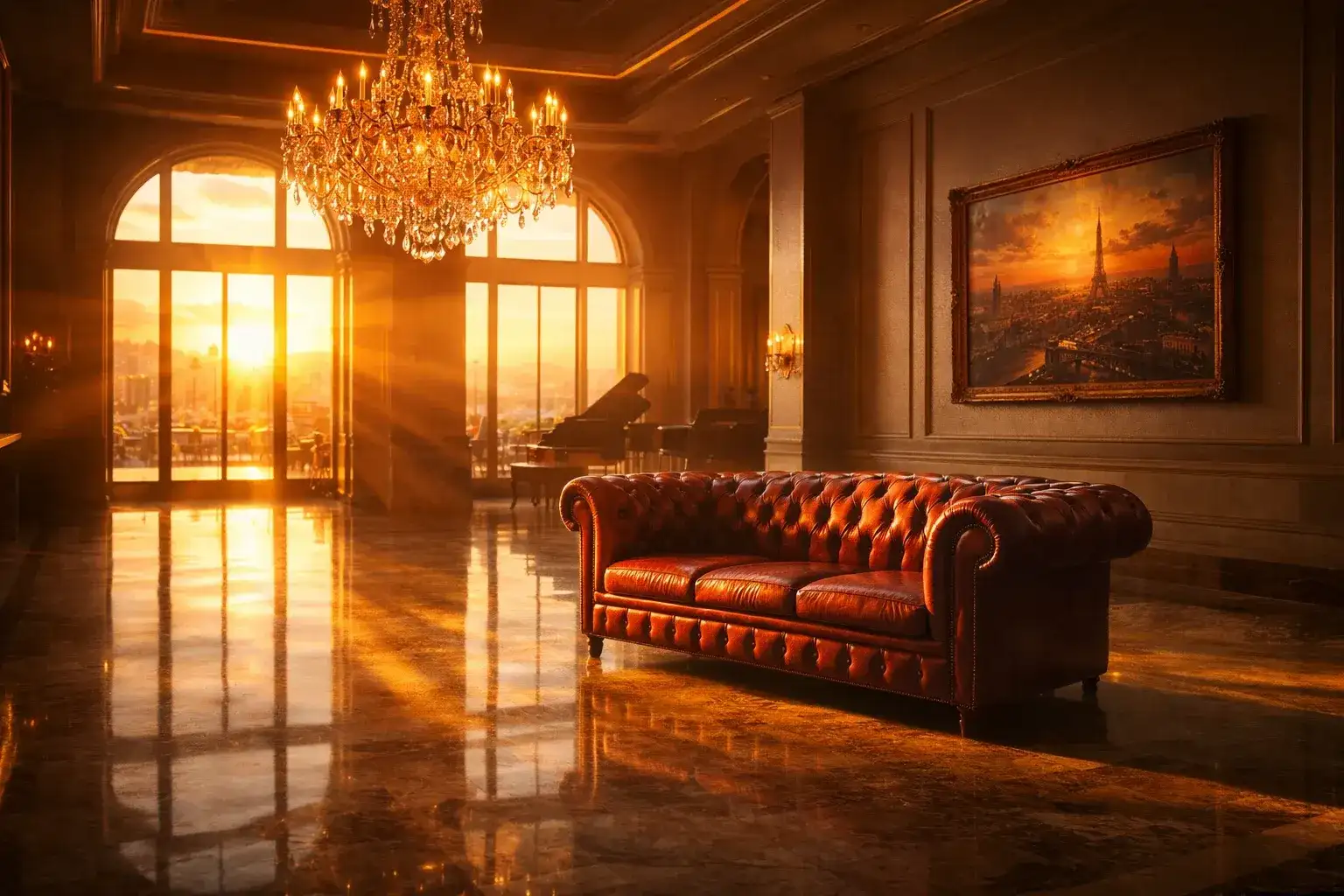
Multimodal Understanding
Because ChatGPT Image is part of OpenAI's GPT-4o family, it understands complex multi-step prompts the same way ChatGPT does. Describe a scene, mention a brand, specify the lighting, and request literal text — the model follows every instruction in one shot.
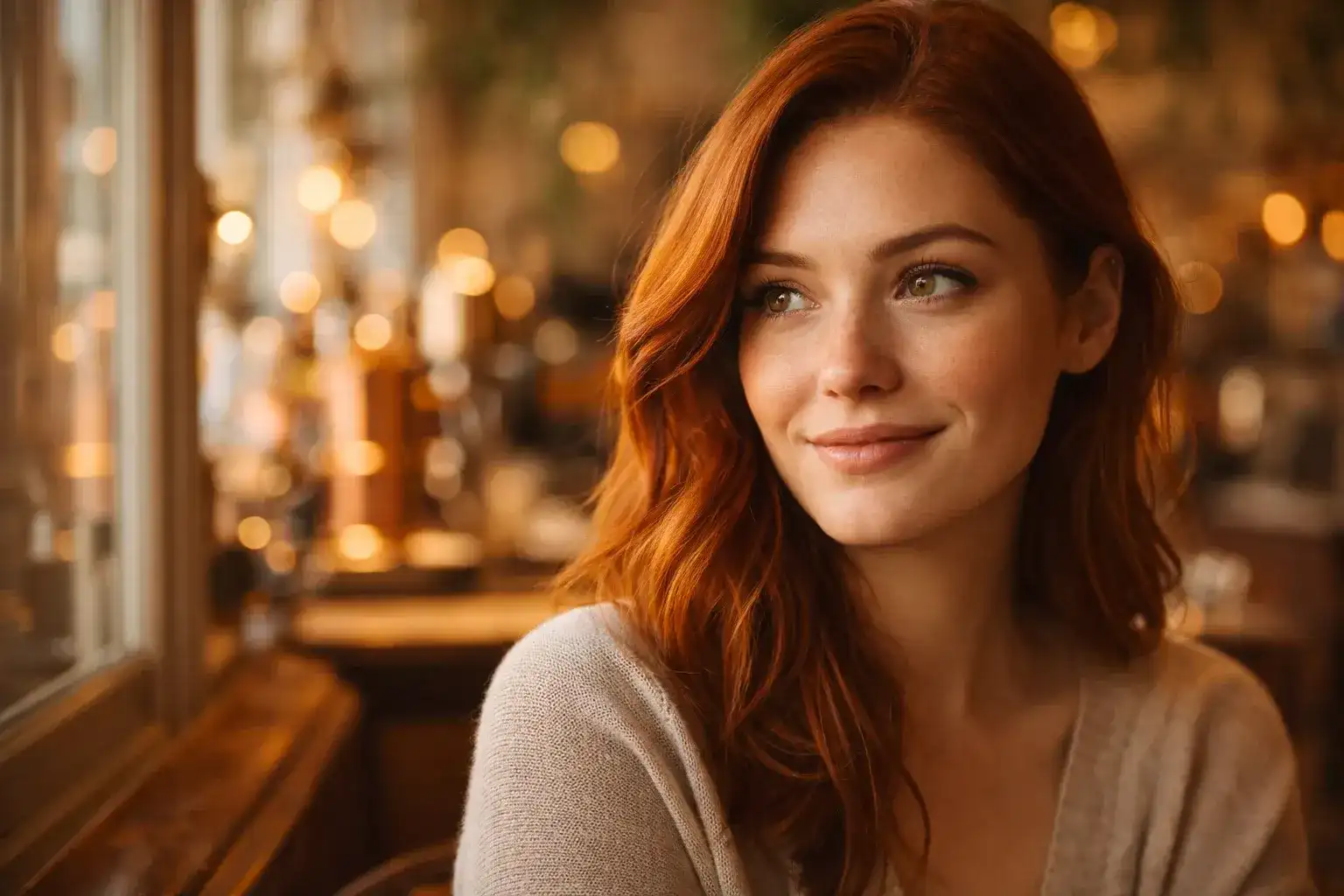
Photorealistic Output
ChatGPT Image renders skin, fabric, metal, and lighting with cinematic realism. Headshots look like real photographs. Product shots look like studio work. Its photorealism is on par with the best dedicated image models on the market.
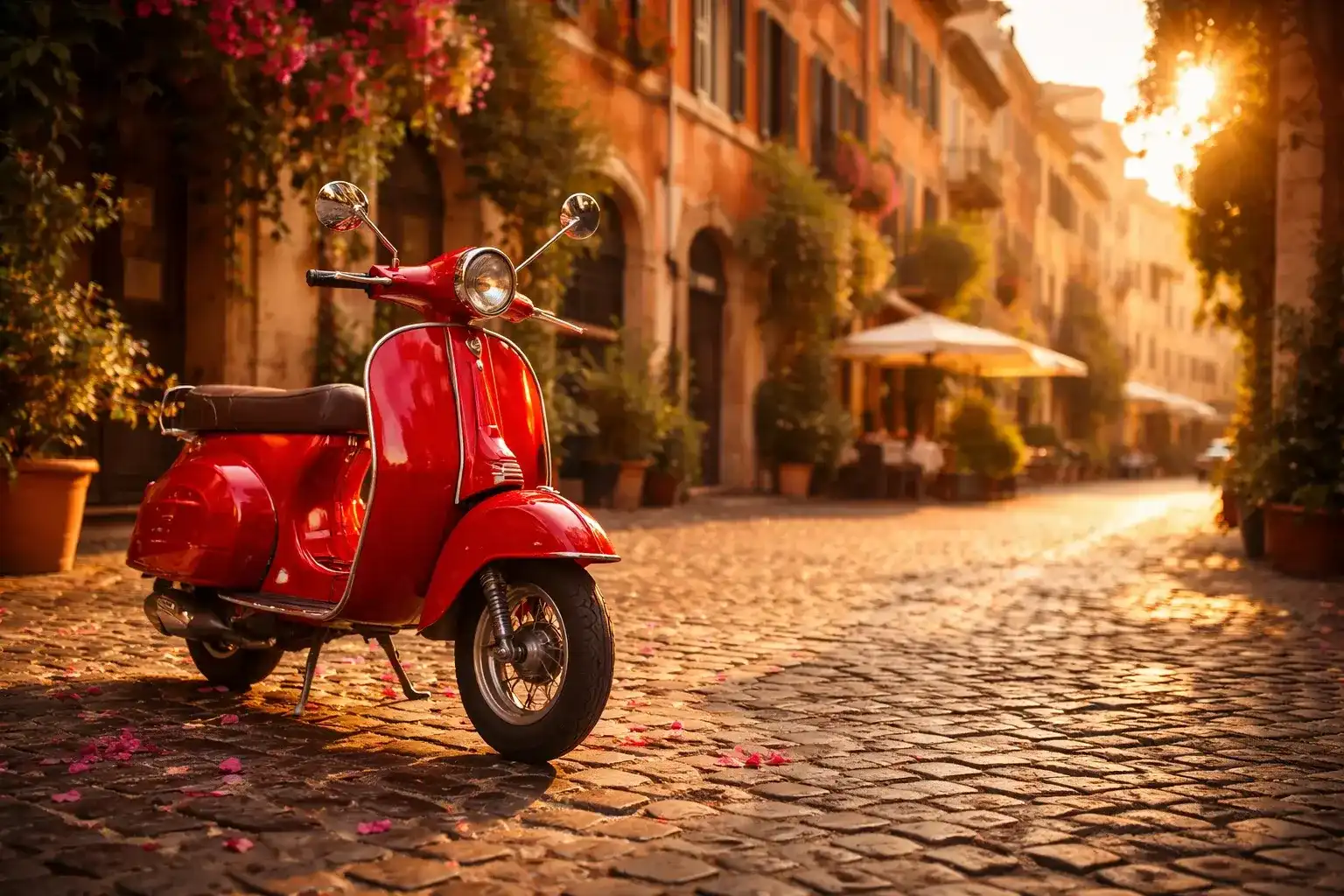
Image-to-Image Editing
Upload any photo and tell ChatGPT Image what to change. Swap a background, replace an object, change the lighting, or add text overlays — all in one prompt, no masks, no layers, no PSD files.
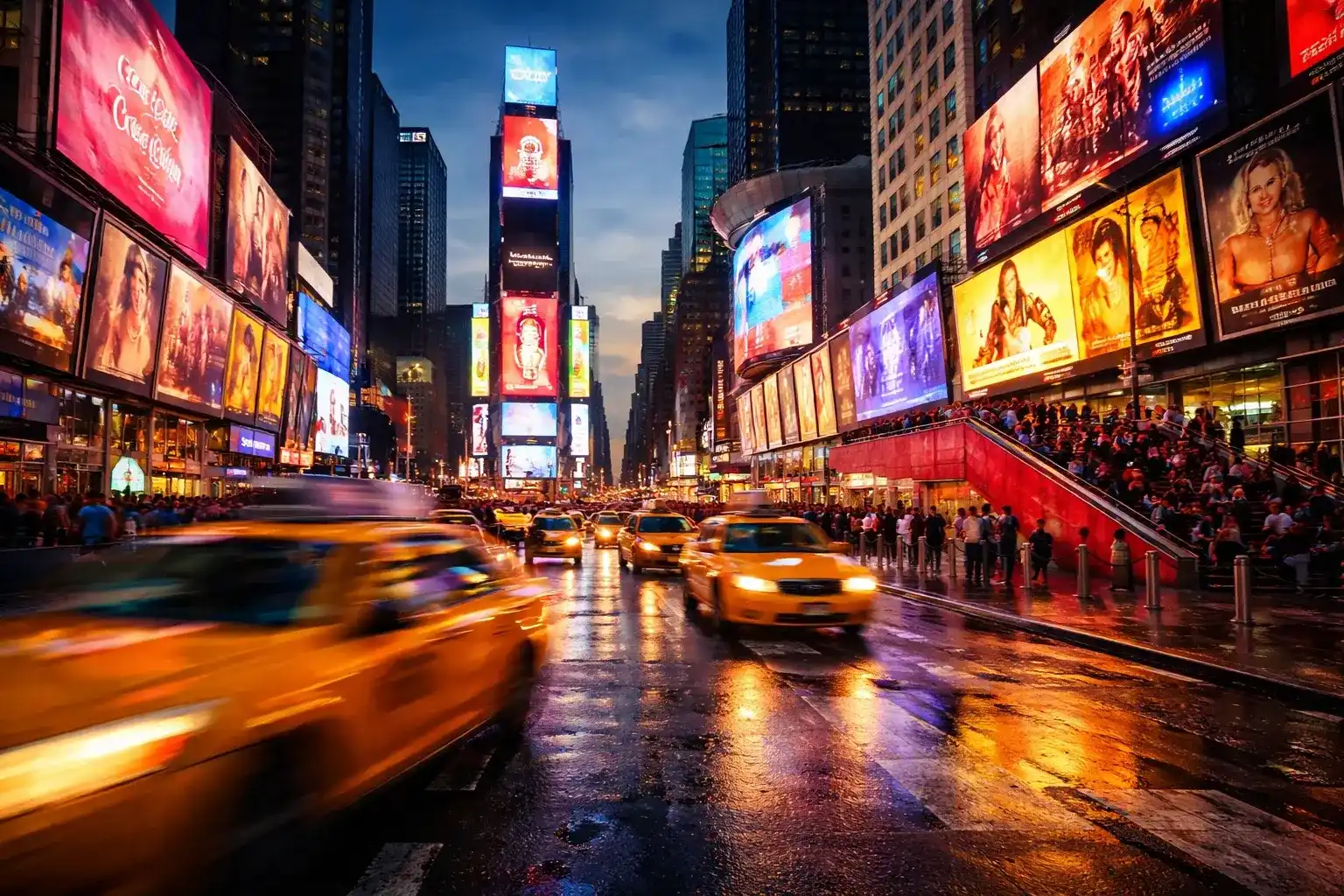
Knowledge-Aware Generation
ChatGPT Image inherits OpenAI's world knowledge. It knows real brands, real landmarks, real cultural references, and real public figures. Ask for a New York street scene with a yellow cab and you get exactly that — not a generic city.
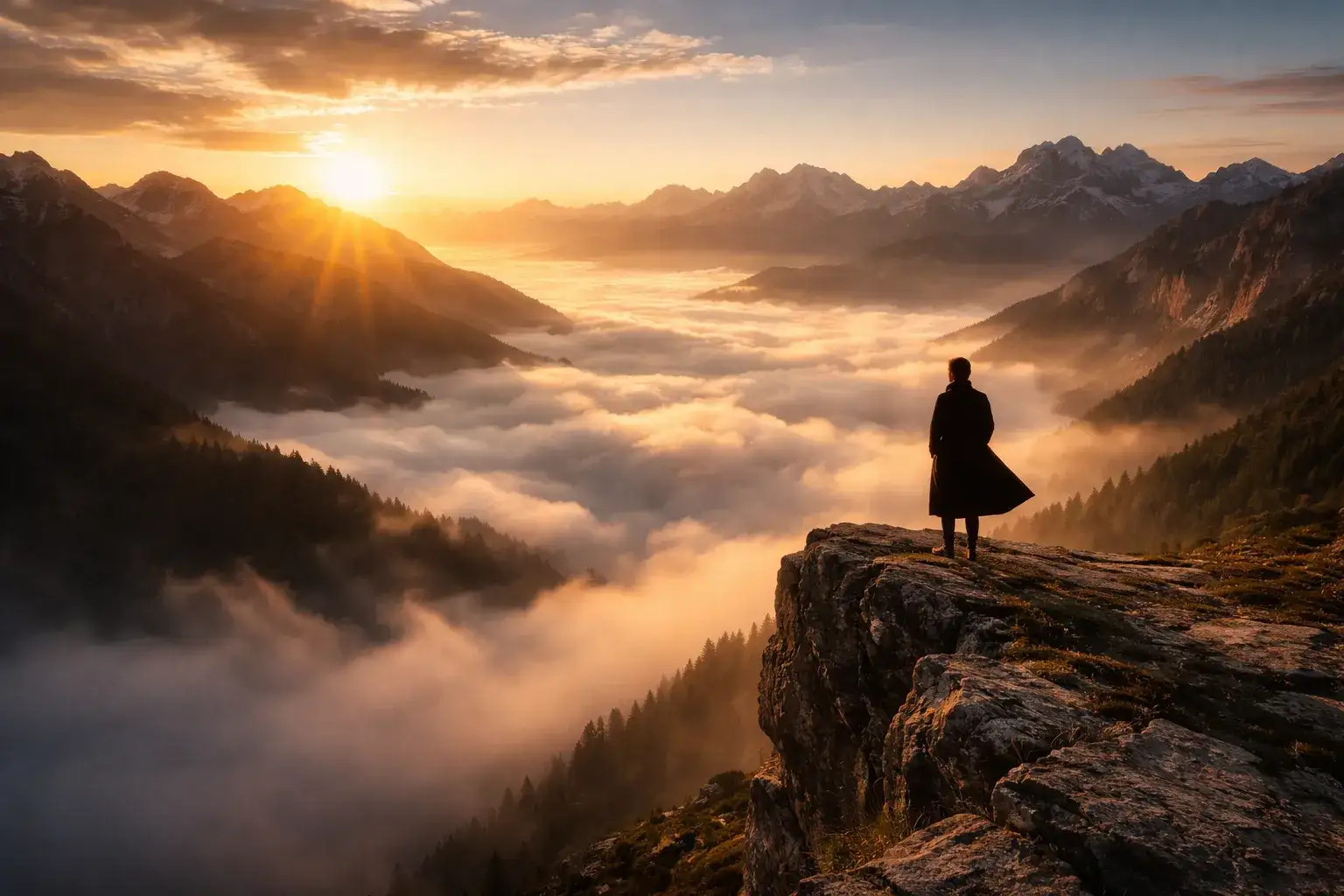
Multi-Aspect Output
ChatGPT Image generates square 1:1, landscape 3:2, and portrait 2:3 outputs natively. Pick the ratio your campaign needs and the model composes the image around it — no awkward cropping, no center-locked subjects.
How to Use ChatGPT Image in 3 Steps
From Anyscene login to your first ChatGPT Image creation in under a minute.
Sign In and Pick Quality
Create a free Anyscene account in seconds, then choose Medium quality for everyday work. ChatGPT Image is ready to generate as soon as you're in.
Write a Layered Prompt
Describe your subject, style, layout, and any literal text inside straight quotes. ChatGPT Image rewards specific, layered prompts — the more direction you give, the better the result.
Generate and Download
Click Generate. ChatGPT Image returns a high-resolution image in roughly ten seconds. Download the original PNG with one click — no watermark, ever.
ChatGPT Image vs Other AI Image Models
We benchmarked ChatGPT Image against the most popular models in 2026. Across the dimensions that matter — text rendering, multimodal input, world knowledge — ChatGPT Image leads. For pure character consistency Nano Banana still wins, which is why Anyscene gives you both in one subscription.
Text Rendering
ChatGPT Image is the only model that spells words correctly. Flux, Midjourney, and DALL-E 3 all garble text.
Photorealism
ChatGPT Image matches Nano Banana for photoreal quality and beats Flux and DALL-E 3 on detail.
Multimodal Input
ChatGPT Image accepts text plus reference images plus multi-step instructions. Midjourney barely supports any of this.
World Knowledge
ChatGPT Image inherits OpenAI's real-world knowledge. Flux and Midjourney don't.
Character Consistency
Nano Banana still leads here, but ChatGPT Image is good enough for most marketing and editorial work.
Speed
ChatGPT Image generates in roughly ten seconds — slower than Nano Banana but faster than Midjourney.
What People Make with ChatGPT Image
Six creative use cases where ChatGPT Image's text rendering and multimodal understanding shine brightest.
Marketing Posters with Real Text
ChatGPT Image renders headlines, taglines, and CTAs accurately inside generated posters. No more Photoshop layering — the typography lives inside the image itself.
Product Mockups for Ecommerce
Generate studio-grade product shots with brand names and labels rendered correctly. ChatGPT Image understands real brand context and ships in seconds.
Logo Concepts and Wordmarks
Sketch logo ideas with actual wordmarks rendered in your target language. ChatGPT Image is the fastest concept-to-mockup pipeline for branding work.
Social Media Graphics
Quote cards, announcement graphics, event banners — ChatGPT Image generates social-ready content with real text in minutes.
Editorial Covers
Magazine and blog covers with title typography rendered into the cover image itself. ChatGPT Image saves hours of manual layout work.
Greeting Cards and Invites
Birthday cards, wedding invites, holiday greetings — ChatGPT Image renders custom messages directly into illustrated card designs.
Pro Tips for Better ChatGPT Image Results
Four prompting techniques that dramatically improve ChatGPT Image output, especially when you need real text rendered into the picture.
Wrap Text in Straight Quotes
When you want ChatGPT Image to render literal text, wrap the words in straight double quotes. The model treats quoted strings as literal glyph instructions and renders them faithfully.
Layer Your Prompt
ChatGPT Image rewards layered prompts. Use this order: Subject, then Style, then Setting, then Lighting, then Text, then Format. The model follows layered intent almost every time.
Specify Aspect Ratio Early
Mention the aspect ratio (1:1, 3:2, 2:3) at the start of your prompt, not the end. ChatGPT Image composes the entire scene around the ratio, so calling it out early gives you better composition.
Refine, Don't Restart
When the result is close but not perfect, switch to image-to-image mode and refine instead of regenerating. ChatGPT Image's edits preserve composition while changing what you specify.
Use ChatGPT Image on Anyscene
ChatGPT Image is a premium model, included in every paid Anyscene plan. One subscription unlocks ChatGPT Image, Nano Banana, and every other generator on the platform — no separate ChatGPT Plus account required.
Yearly prices, shown per month. Monthly billing and credit packs are on the pricing page.
What Creators Say About ChatGPT Image
Designers, marketers, and content creators around the world ship faster with ChatGPT Image on Anyscene.
ChatGPT Image is the only model where I can drop a real headline into a poster and have it spell things right. Saves me hours every week.
Emily Reed
Marketing Lead
I generate logo concepts in ChatGPT Image instead of sketching now. The text rendering means clients see real wordmarks instantly.
Kevin Hall
Brand Designer
My social posts went from looking AI-made to actually shippable once I switched to ChatGPT Image. The text is what made the difference.
Sofia Marin
Content Creator
I use ChatGPT Image for all my UI mockups now. Buttons with real labels, menus with real text — it saves me from doing it twice.

Marcus Lee
Indie Game Developer
Product cards with real brand names rendered into them. ChatGPT Image is the closest thing to a free design team I have ever found.

Daniel Park
Ecommerce Owner
Pitching campaign concepts is five times faster. I generate a whole mood board with real headlines in ChatGPT Image and clients approve on the first call.
Anna Klein
Creative Director
ChatGPT Image's image-to-image is criminally underused. I refine real client photos with text overlays in seconds.
Chris Tanaka
Freelance Designer
We launched our entire brand identity using ChatGPT Image on Anyscene. Logos, social headers, pitch deck visuals — all generated, all on-brand.
Lisa Wong
Startup Founder
The text rendering is the killer feature. Once you've used ChatGPT Image you cannot go back to manually adding text in Figma.
James Olsen
Marketing Manager
Photorealism plus accurate text in one model. ChatGPT Image filled the gap that every other AI image tool left open.

Michael Stone
Art Director
I generate thirty social posts a week with ChatGPT Image. Real text, real brand voice, real-time iteration. Indispensable.
Rachel Yates
Social Media Manager
ChatGPT Image's multimodal understanding means I can drop a screenshot in and ask for a redesign. It just gets it.
Sam Brennan
Product Designer
Frequently Asked Questions About ChatGPT Image
Everything you need to know about ChatGPT Image and how it compares to other AI image models.
ChatGPT Image is the popular nickname for OpenAI's GPT Image 1.5 — a multimodal AI image model that generates pictures from text and renders perfect text inside images. It is the same model OpenAI ships inside ChatGPT.
Anyscene gives you free trial credits to try ChatGPT Image, and the model is included in every paid Anyscene plan. You do not need a separate ChatGPT Plus subscription — Anyscene's integration is independent.
Official ChatGPT free users get only a few image generations per day with rolling-window throttling. On Anyscene, ChatGPT Image generations are credit-based with no daily cap — generate as many as your plan allows, whenever you want.
ChatGPT Image leads on text rendering and multimodal understanding. Nano Banana leads on character consistency. Midjourney leads on artistic style range. Anyscene gives you all three in one subscription so you can pick the right tool per task.
Yes — this is ChatGPT Image's signature feature. Wrap your literal text in straight quotes inside the prompt and the model will render it faithfully, including brand names, headlines, and multi-line copy.
Yes. ChatGPT Image supports image-to-image editing on Anyscene. Upload a photo, describe the change in plain language, and the model will preserve the composition while modifying what you asked for.
Yes. Images you generate with ChatGPT Image on a paid Anyscene plan are yours to use for commercial projects — including advertising, ecommerce, social media, print, and client work.
ChatGPT Image generates a high-resolution image in roughly ten seconds on Anyscene. That is slower than Nano Banana (around five seconds) but faster than Midjourney (twenty to thirty seconds).
Start Creating with ChatGPT Image Today
Join thousands of creators using ChatGPT Image on Anyscene to ship marketing visuals, brand mockups, and editorial content that finally has real text.