 Anyscene AI
Image to Video AI
Turn any photo into a moving scene. Upload a picture, describe the motion, and download a short clip with camera movement, physics and optional sound.
Image to Video by the Numbers
Every figure below comes from the models wired into this generator, not from a brochure.
16 Image to video models under one account: Seedance, Kling, Veo, Gemini, MiniMax, Wan, HappyHorse and PixVerse
Image to video models under one account: Seedance, Kling, Veo, Gemini, MiniMax, Wan, HappyHorse and PixVerse
4–15s Clip length you can pick per generation, depending on the image to video model
Clip length you can pick per generation, depending on the image to video model
4K Top output resolution, from Veo 3.1 and Kling 3.0, with 720p and 1080p tiers below it
Top output resolution, from Veo 3.1 and Kling 3.0, with 720p and 1080p tiers below it
What Image to Video AI Can Make
Every clip here started as a single still. Product shots, food, characters and landscapes all respond to the same workflow: one picture in, one video out.
What Is Image to Video?
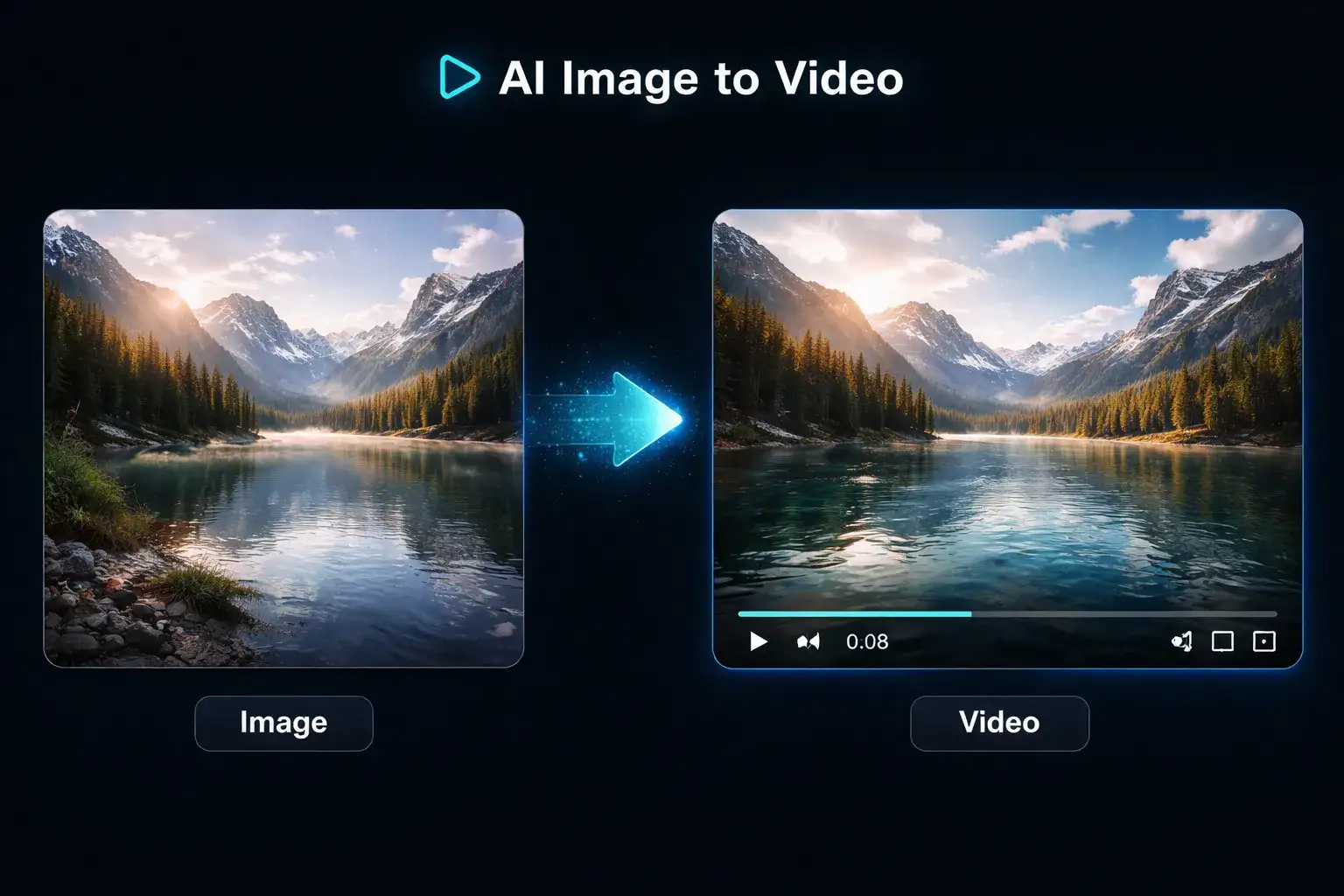
Image to video is an AI process that takes a single still image, works out the depth, the subject and the scene, and renders a short video in which the camera and the subject move naturally while the original composition stays intact. It is different from text to video, where the model invents the whole frame from a prompt, and different from a photo video maker, which only pans and zooms across a flat picture.
The picture sets the composition
Whatever you upload is the first frame. Colour, framing, lighting and the subject's identity carry through the whole clip, which is why image to video is the safer choice for product shots and portraits.
The prompt sets the motion
Your text describes what moves and how the camera behaves. A short instruction such as "slow push-in, steam rising" is enough. You are directing an image to video model, not describing a picture.
The model fills in the physics
Water ripples, fabric folds and hair sways because the model has learned how those things move. Different image to video models are better at different kinds of motion, which is why this generator gives you twelve.
16 Image to Video Models in One Generator
Most image to video tools give you one engine. Anyscene routes the same picture to any of six model families, each with its own credit cost, clip length and resolution ceiling. The numbers below are the live values in the generator.

Seedance: 2.0 Mini, 2 Fast, 2 Pro
The default image to video path. Seedance 2.0 Mini is the lowest-priced Seedance 2: 4 to 15 seconds at 480p or 720p, from 24 credits. Seedance 2 Fast and 2 Pro sit above it, and Pro reaches 1080p. A 6-second 720p clip costs 78 credits on Mini, 96 on Fast and 390 on Pro.

Kling: 2.6, 3.0
Kling 2.6 is the best-value image to video model with audio: 1080p, 5 or 10 seconds, 40 credits. Kling 3.0 adds 15-second clips and 4K, from 110 credits. Both keep faces stable across the whole shot.

Veo 3.1: Lite, Fast, Quality
Google's image to video model in three tiers, all fixed at 8 seconds with 720p, 1080p and 4K output. Lite costs 60 credits, Fast 120, Quality 500. Pick Veo when atmosphere and ambient sound matter more than length.

MiniMax H3
MiniMax's successor to Hailuo 2.3: 4 to 15 seconds at 768P or 2K, from 52 credits. It also takes a last frame, so the same model covers start and end frame clips.

Wan 3.0
Alibaba's newest Wan: 5, 10 or 15 seconds at 480p, 720p or 1080p with native audio, from 65 credits. A good second opinion when Seedance and Kling disagree on how a scene should move.

HappyHorse 1.1 & PixVerse V6
HappyHorse 1.1, the newer version of Alibaba's lifelike model, runs 5 to 15 seconds at 720p or 1080p from 180 credits. PixVerse V6 is the low-priced option: 540p to 1080p, sound optional, from 45 credits.
How to Turn an Image into a Video in 3 Steps
The whole image to video workflow fits in one screen. Most first clips are ready in under two minutes.
Step 1: Upload your image
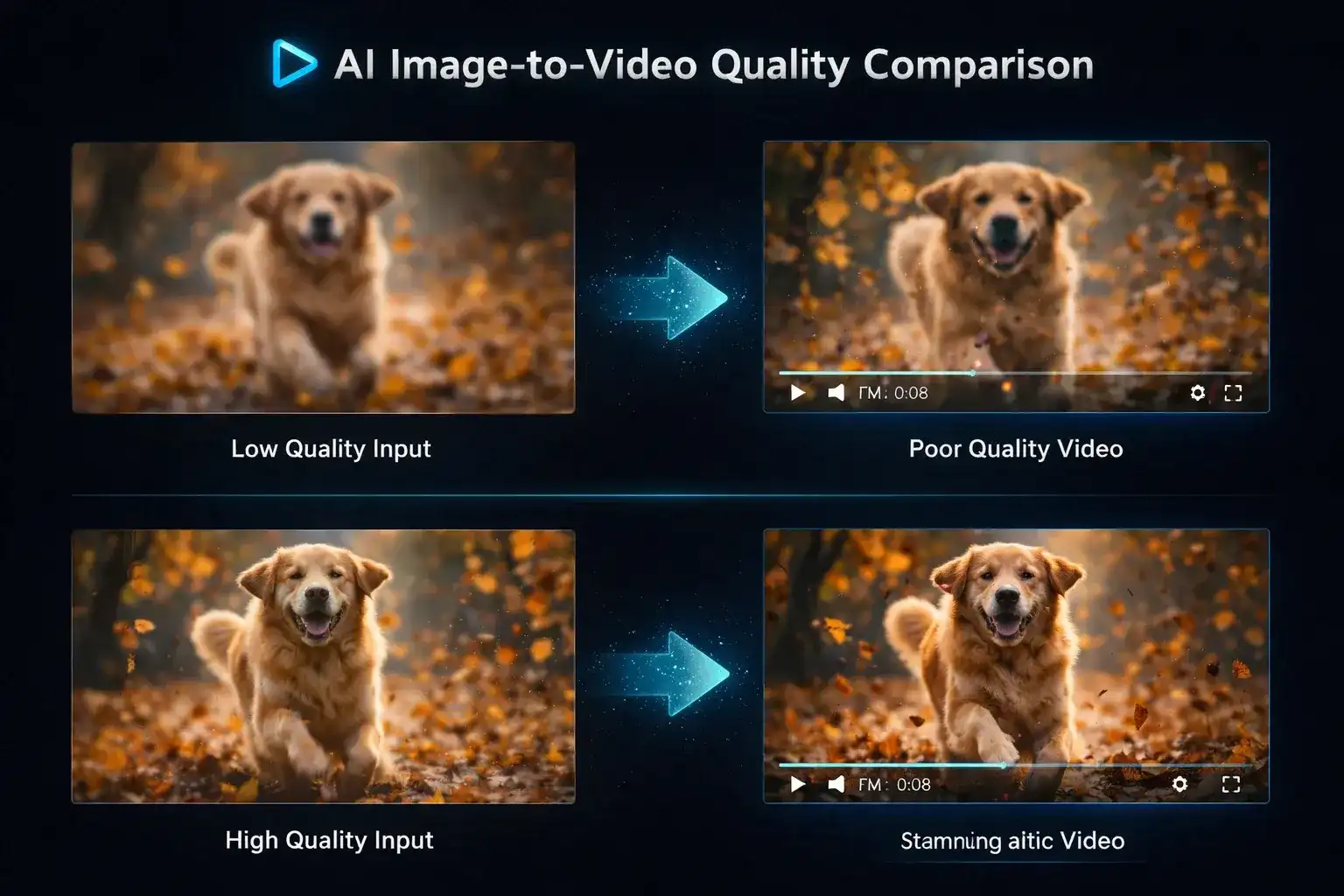
Drop a JPG, PNG or WebP into the Image to Video tab. Aim for 1024 pixels or more on the long side; portrait and landscape both work, and the generator matches the aspect ratio automatically.
Step 2: Describe the motion
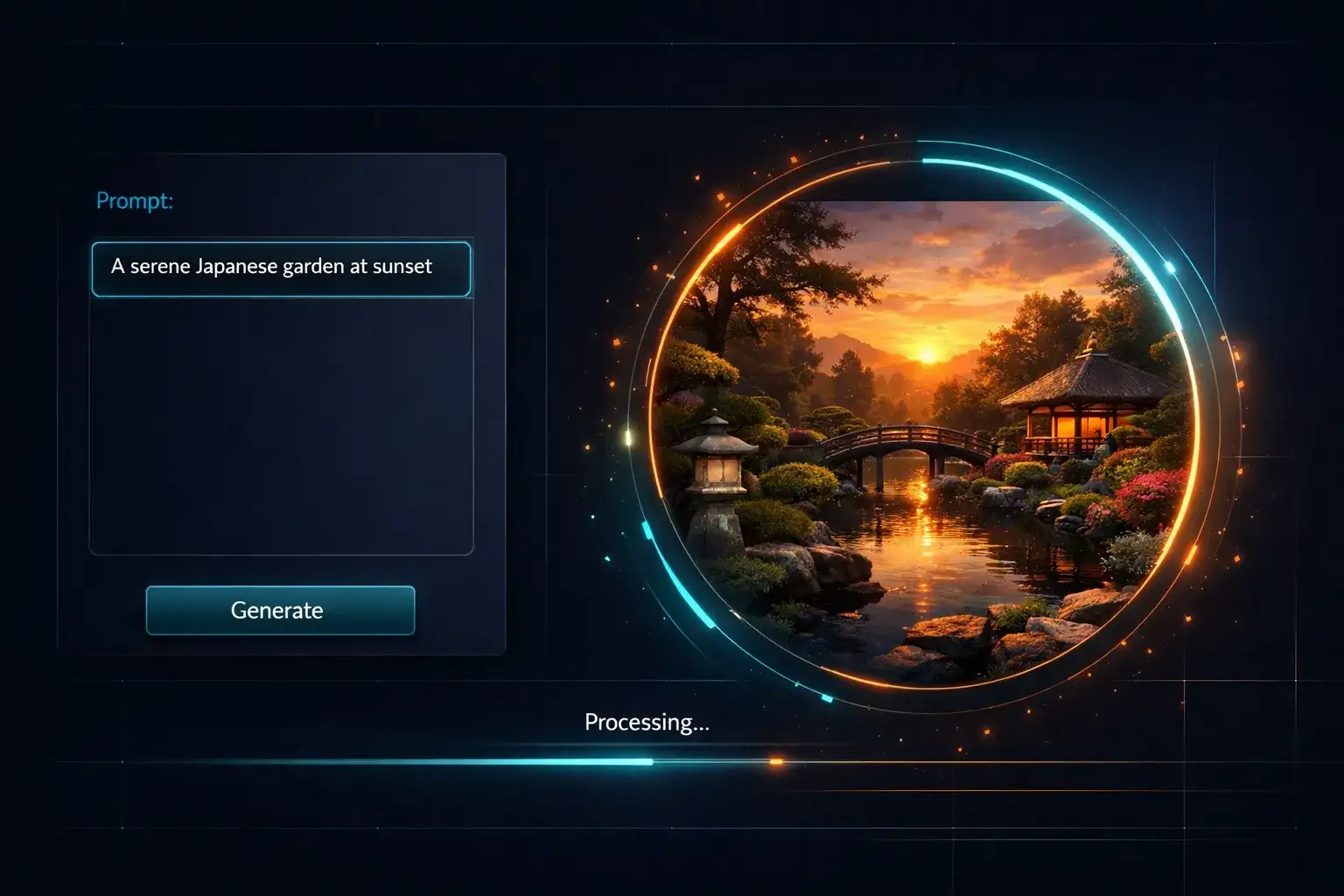
Write what should move, not what is in the picture. Three prompts that work: "product rotates slowly on a turntable", "she turns to camera and smiles", "clouds drift, water ripples, gentle push-in".
Step 3: Pick a model and generate
Leave Seedance 2.0 Mini selected for a draft from 24 credits, or switch to Kling 3.0 or Veo 3.1 when you want 1080p and 4K. Click Generate, watch the progress bar, then download the MP4.
Start and End Frame: Control Where the Motion Goes
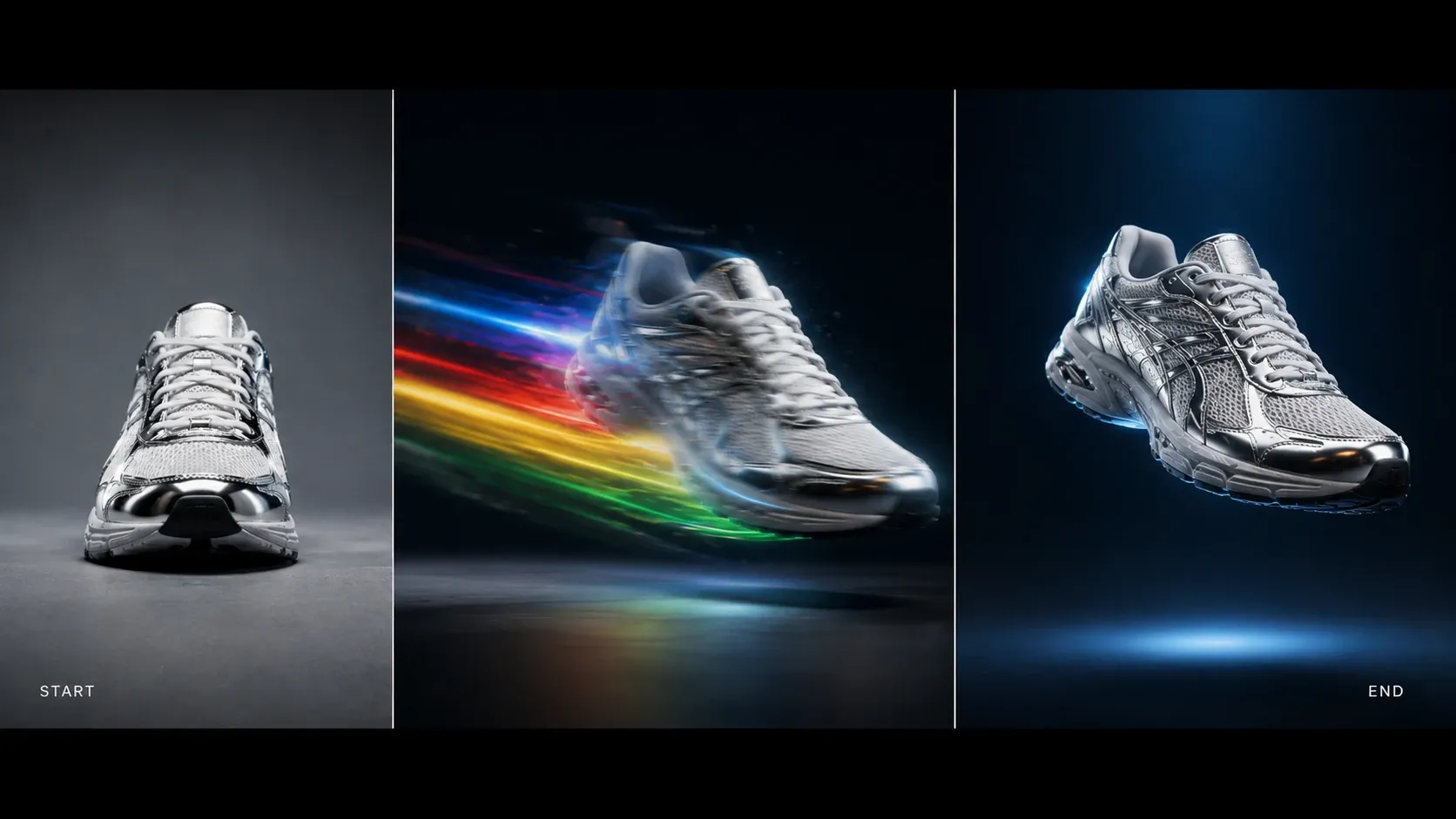
Plain image to video lets the model decide where the shot ends. Start-End Frame lets you decide. Upload the opening frame and the closing frame, and the model animates the path between them. It is the most reliable way to turn two product angles into one smooth reveal, or to move a character from one pose to another without drift. Thirteen of the sixteen image to video models support it, including Kling 3.0, Seedance 2 and every Veo 3.1 tier.
Photo to Video for Every Kind of Creator
The same image to video generator serves sellers, marketers, filmmakers and teachers. What changes is the picture you start with and the motion you ask for.
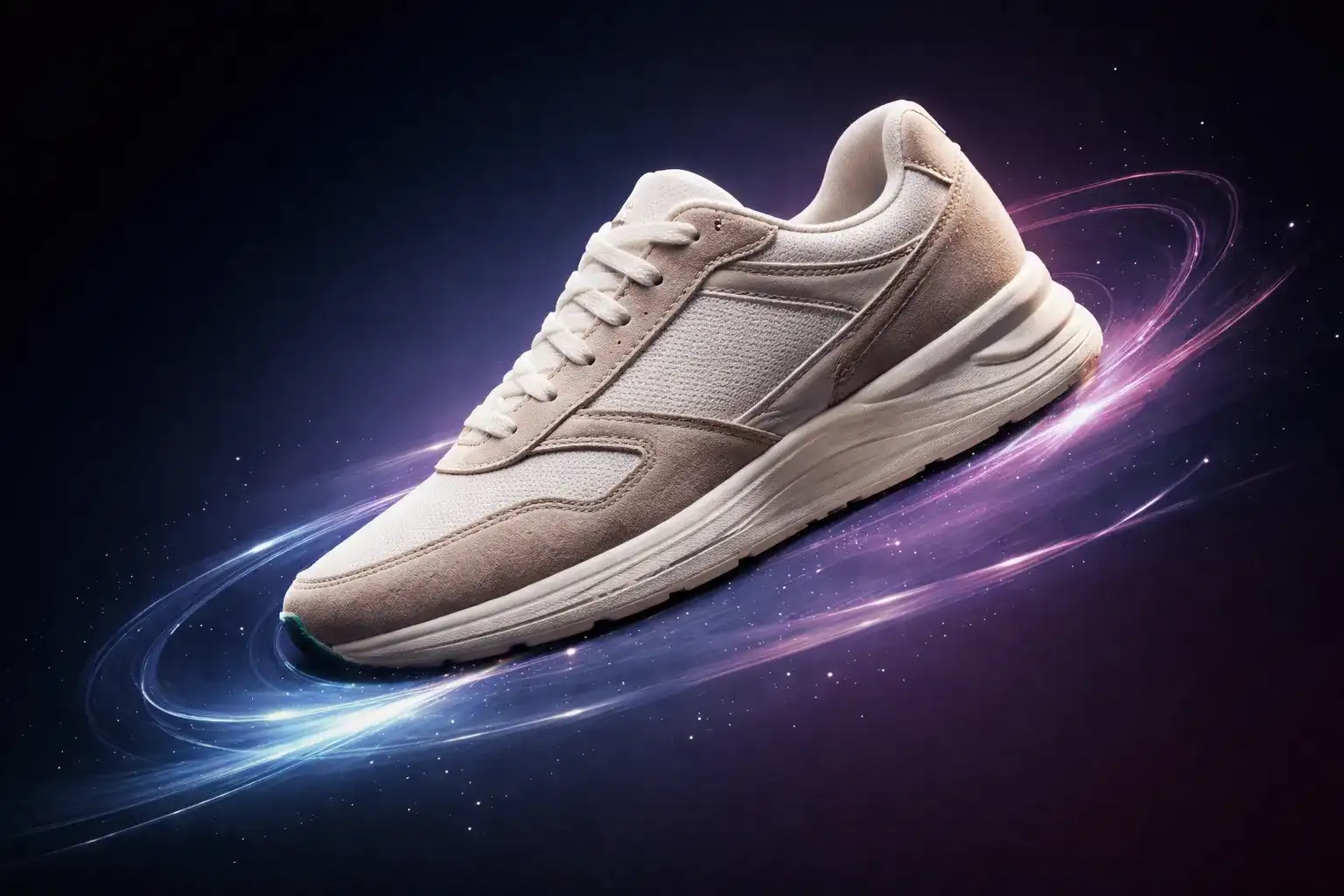
E-commerce product videos
Turn a packshot into a rotating hero clip for Amazon, Shopify or TikTok Shop. Image to video keeps the label, colour and shape exact, which a text prompt alone never does.
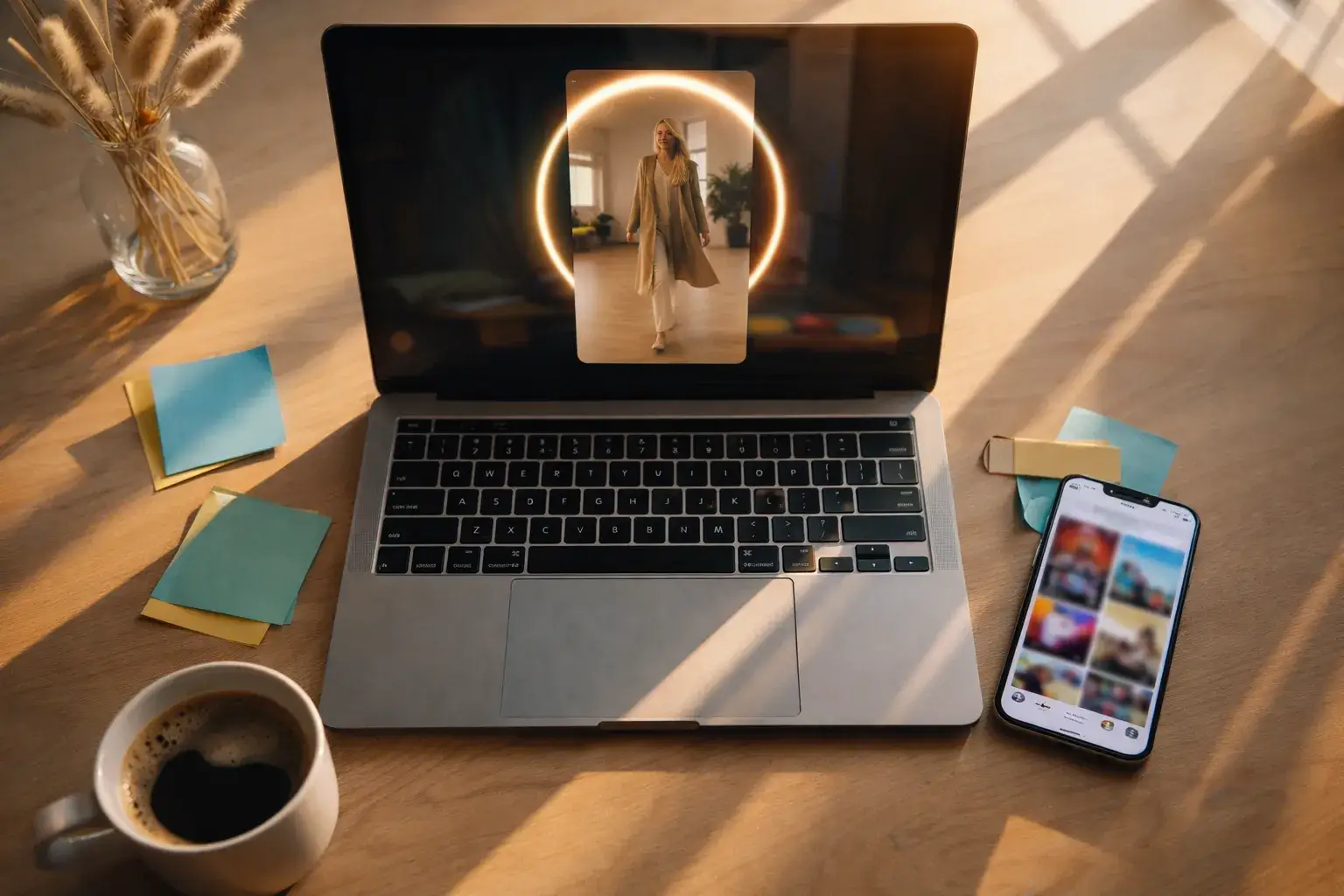
Social media posts
A still post gets a few seconds of attention; a moving one gets more. Convert a picture to video in 9:16 and post it as a Reel, a Short or a TikTok without opening an editor.
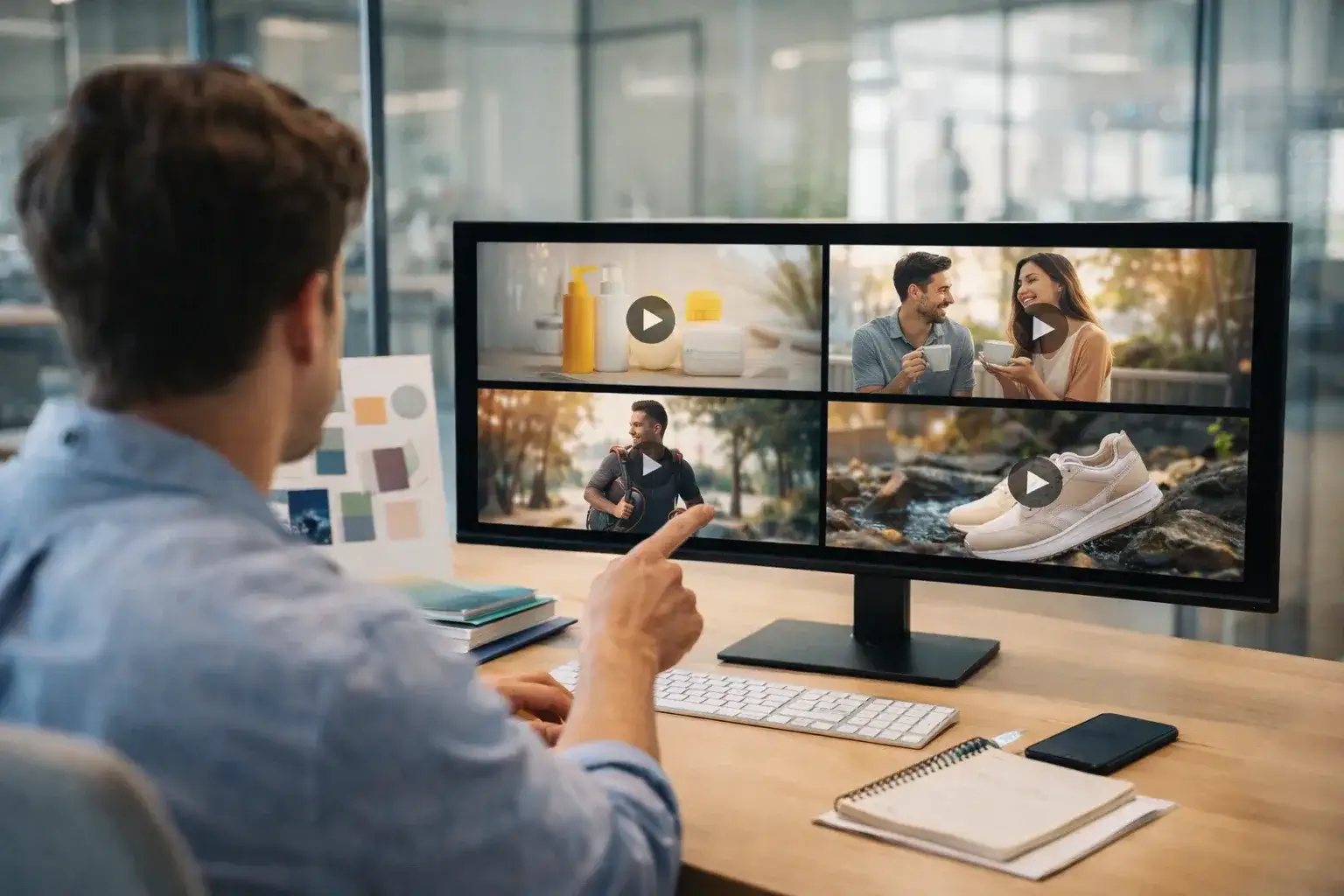
Marketing and ads
Animate the key visual from a campaign instead of shooting new footage. One image to video pass gives you a 5-second bumper that matches the print creative exactly.
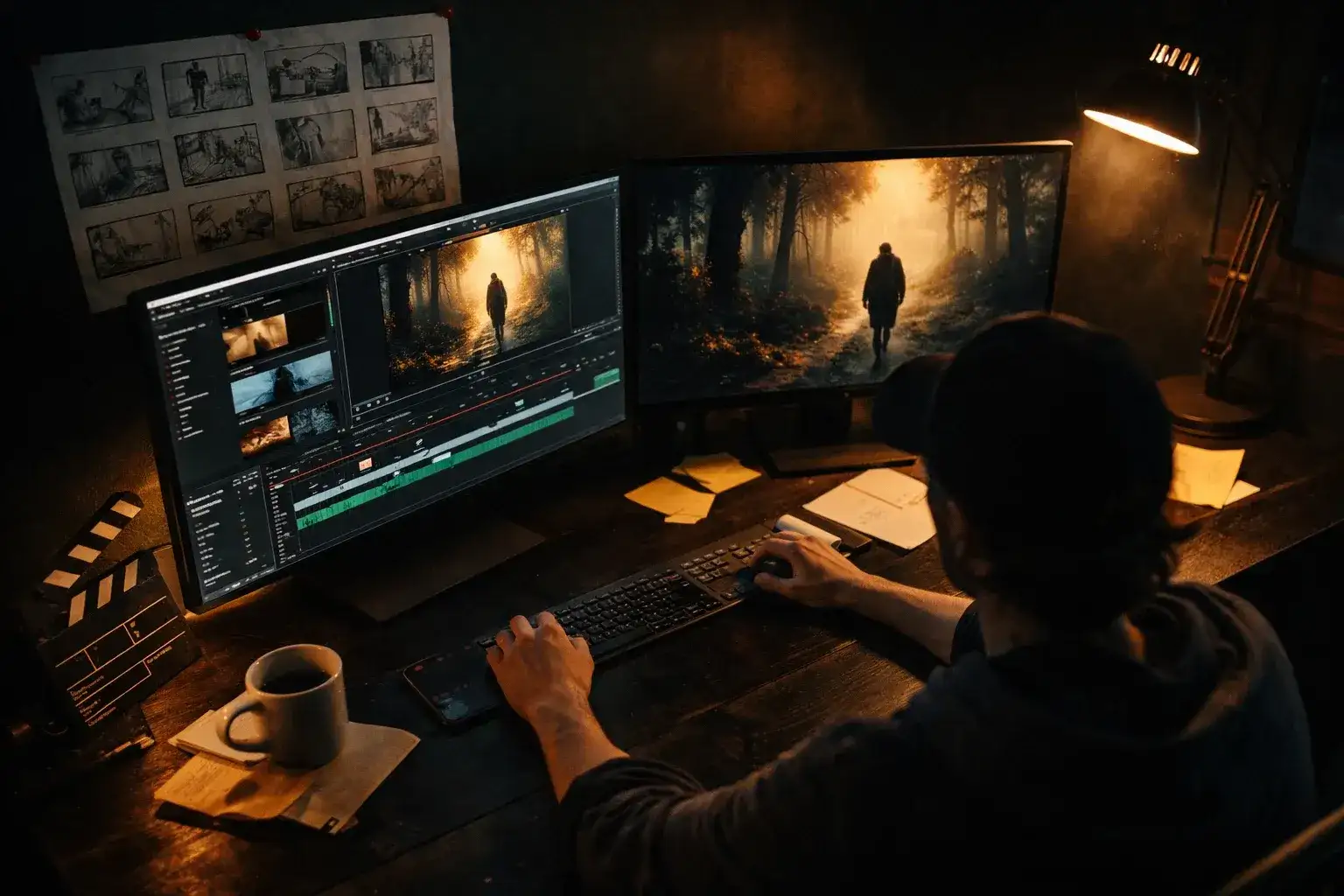
Short film and concept art
Storyboard frames and concept paintings become moving previews. Pair this page with the AI storyboard generator to go from script to animated shot list.
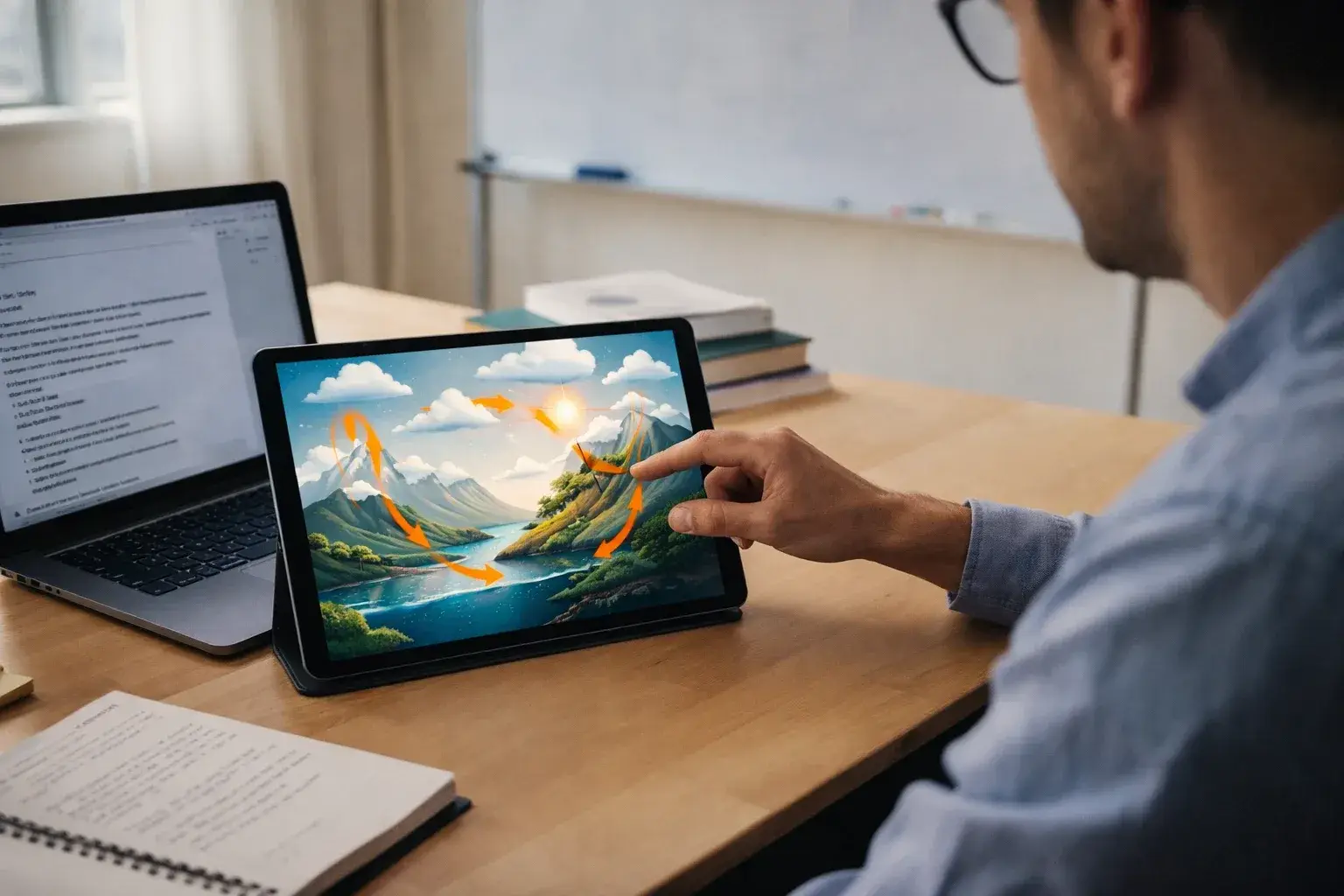
Education and explainers
A diagram or a historical photo that moves holds a class better than one that does not. Photo to video makes a slide feel like footage without any animation skill.
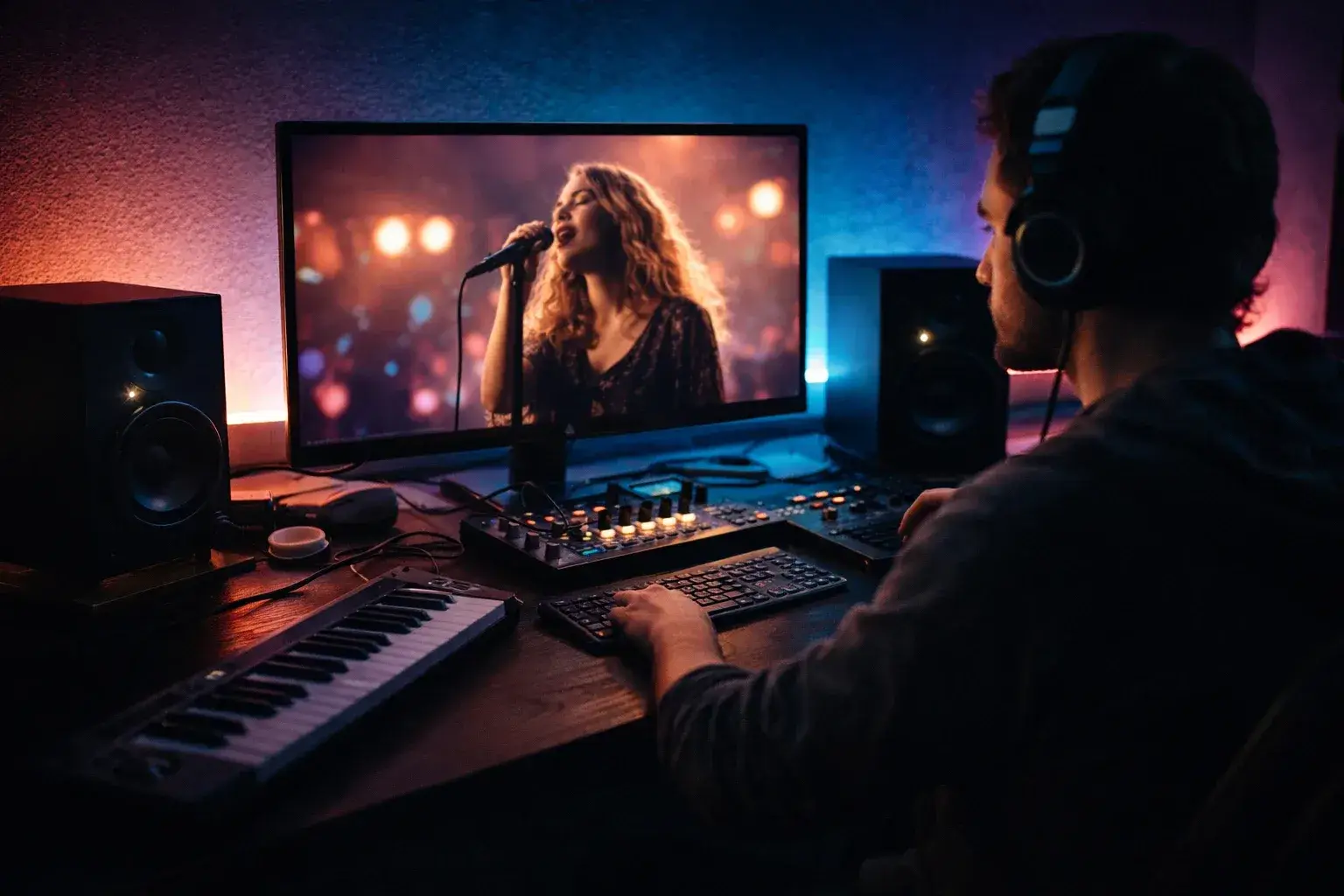
Music visuals
Album art and lyric backdrops turn into loops for Spotify Canvas and YouTube. Generate the track with the AI music generator, then animate the cover with image to video.
Which Image to Video Model Should You Pick?
The right engine depends on what is in the picture. These four pairings come from running the same inputs through every image to video model in the lineup.
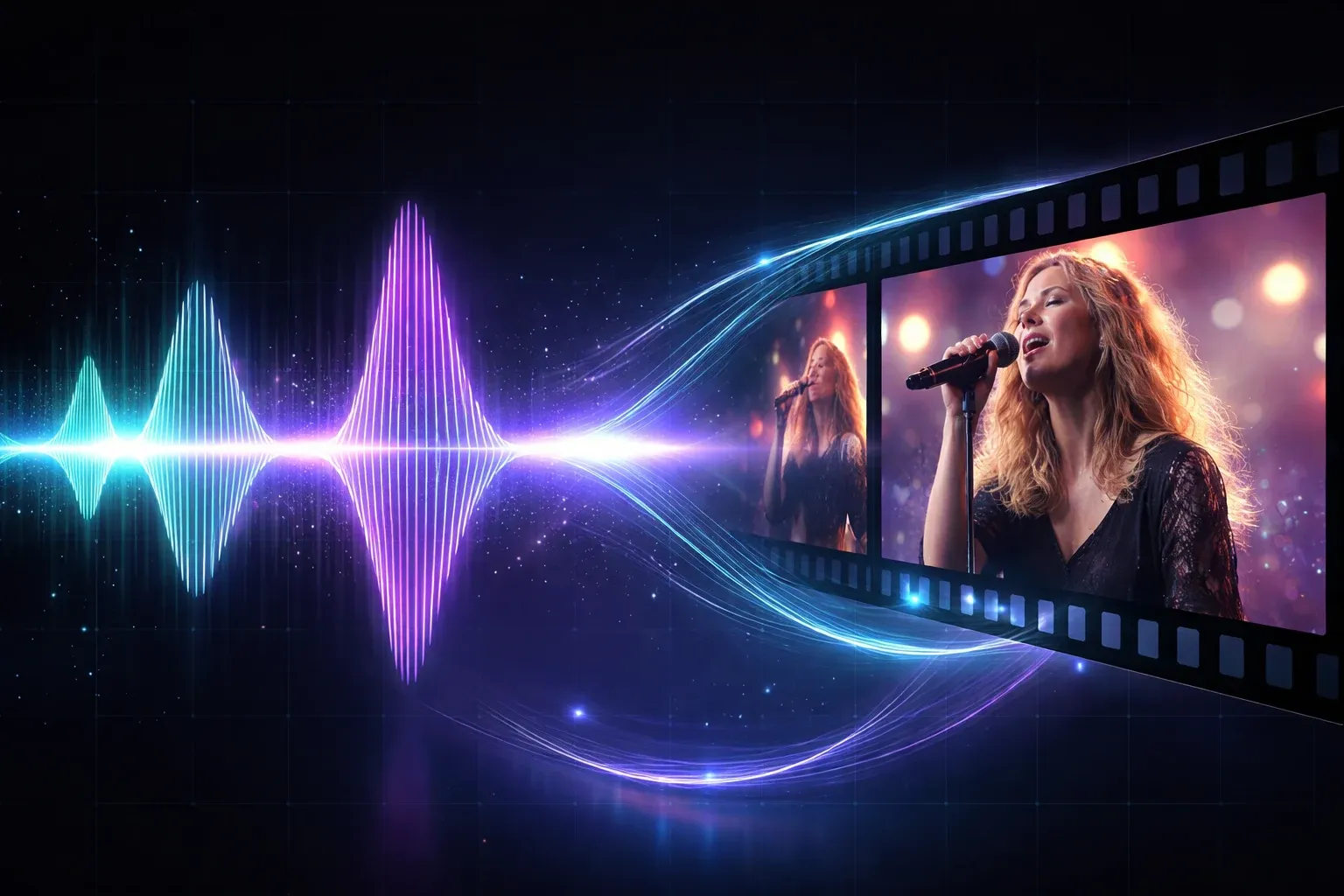
Portraits and people: Kling 3.0
Faces stay recognisable, expressions read clearly and lip movement matches speech when audio is on. Kling 2.6 is the budget pick for the same job at 1080p.

Product shots: Seedance 2 Pro
Materials, reflections and rigid-body motion look physically right. Use Start-End Frame with two angles when the product needs to turn.
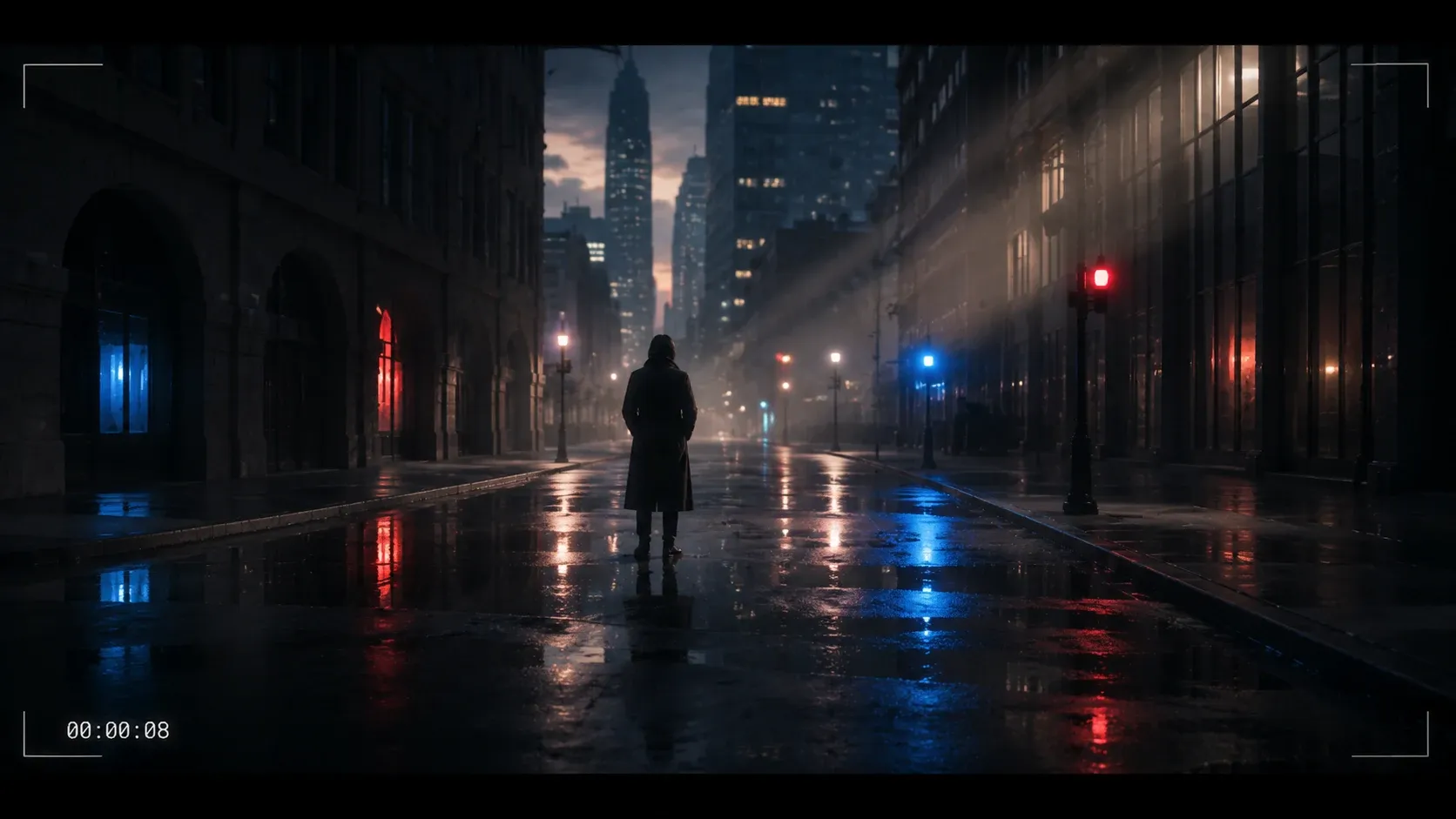
Landscapes and scenes: Veo 3.1
Atmosphere, weather and ambient sound are Veo's strengths, and 4K output suits wide establishing shots. Lite at 60 credits is enough for most scenes.
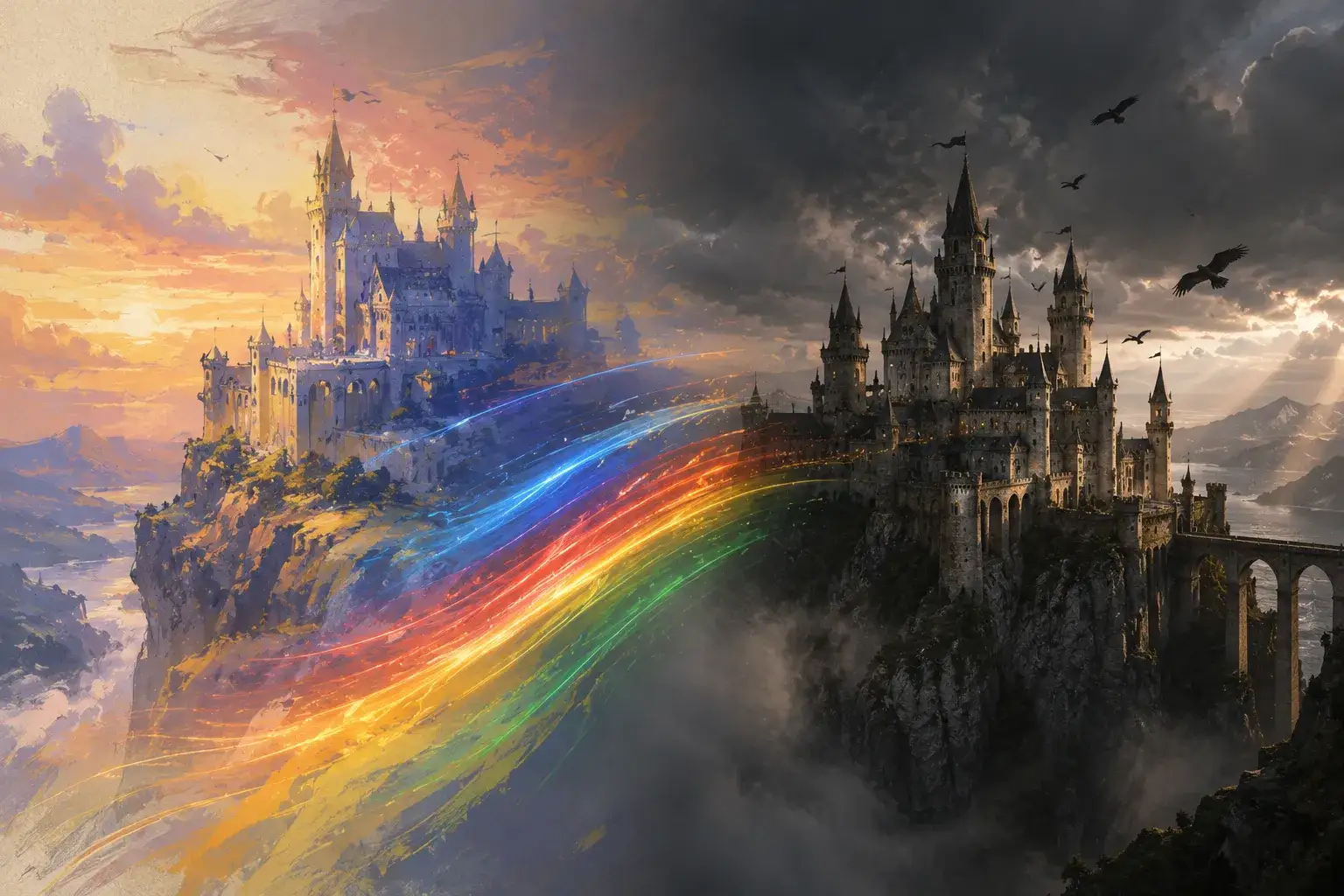
Illustrations and anime: Seedance 2 Fast
Name the style in the prompt and line work and flat colour survive the motion instead of drifting toward photorealism, with native audio when the clip needs it.
4 Ways to Get Better Image to Video Results
The same four habits fix most disappointing clips, whichever image to video model you run.
Start from a sharp, well-lit image
Blur, noise and heavy compression get amplified once things move. If the source is soft, run it through the image upscaler first, then convert the image to video.
Describe motion, not the picture
The model can already see the picture. Spend your words on camera moves, subject actions and speed: "slow orbit", "hair blows to the left", "steam rises".
Match aspect ratio to the platform
Upload a 9:16 picture for Reels and Shorts, 16:9 for YouTube and landing pages, 1:1 for feeds. Cropping after generation throws away motion at the edges.
Try two models on the same image
A 24-credit Seedance 2.0 Mini draft plus a 40-credit Kling 2.6 pass costs less than one Veo Quality run. Compare them, then spend the big credits on the winner.
One Balance for Every Image to Video Model
Clips start at 24 credits on Seedance 2.0 Mini and 40 on Kling 2.6. Plans begin at $15.9 a month billed yearly, and credit packs top up any plan without a subscription change.
Yearly prices, shown per month. Monthly billing and credit packs are on the pricing page.
Image to Video AI FAQ
Straight answers to the questions people ask before their first clip.
The model reads your still image, estimates depth and separates the subject from the background, then predicts how each region should move over the next few seconds based on your prompt. The first frame of the output is your picture; every later frame is generated to keep it consistent while adding motion.
It depends on the model and the length. Seedance 2.0 Mini starts at 24 credits for a 4-second 480p clip, Kling 2.6 costs 40, Veo 3.1 Lite is 60, and long 1080p or 4K clips on the top models run past 1,000. The exact cost shows next to the Generate button before you spend anything. See the pricing page for plan sizes.
Yes. Generation runs on credits attached to your account, so you need to sign in before the first clip. Sign-up takes one click with Google, and your results are saved to your history so you can download them again later.
There is no single best one. Kling 3.0 leads for people and faces, Seedance 2 Pro for products and physics, Veo 3.1 for landscapes and ambient sound, and Seedance 2 Fast for illustrations. The model picker section above explains each pairing, and the cheapest way to decide is to run Seedance 2.0 Mini and Kling 2.6 on the same picture.
JPG, PNG and WebP are accepted. Use at least 1024 pixels on the long side and keep the file under 10 MB. The aspect ratio of the picture becomes the aspect ratio of the video, so crop before uploading rather than after generating.
Seedance 2, Kling 2.6, Kling 3.0 and Veo 3.1 generate native audio when you switch the audio toggle on, including ambient sound and speech. For a full soundtrack, create a track with the AI music generator and combine the two in your editor.
Kling 2.6 usually returns a clip in one to three minutes. Longer clips, 4K output and the Veo Quality tier take longer, up to about five minutes. You can leave the page; the task keeps running and the result appears in your history.
Download the MP4 and use it anywhere; you own the output. Common next steps are running the source picture through the image upscaler for a sharper 4K version, turning a set of storyboard frames into a sequence with the AI storyboard generator, or generating a second angle with Start-End Frame.
Turn Your First Image into a Video
Pick a photo, write one line about the motion, and see it move. Sixteen image to video models, one generator, results in minutes.