 Anyscene AI
Pick an effect
AI Video Effects
Upload one photo, pick an effect, get a five-second 1080p clip. The prompt is already written; the only decision is which AI video effect to run. Every clip below is a sample output and plays as you scroll.


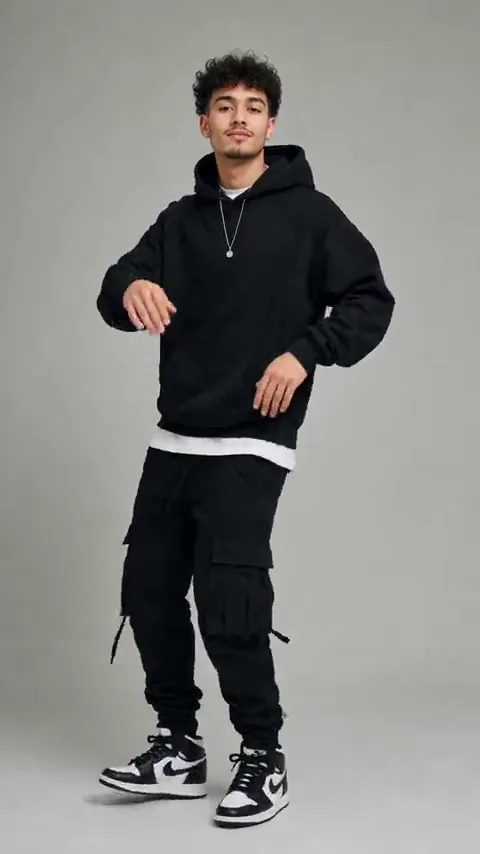
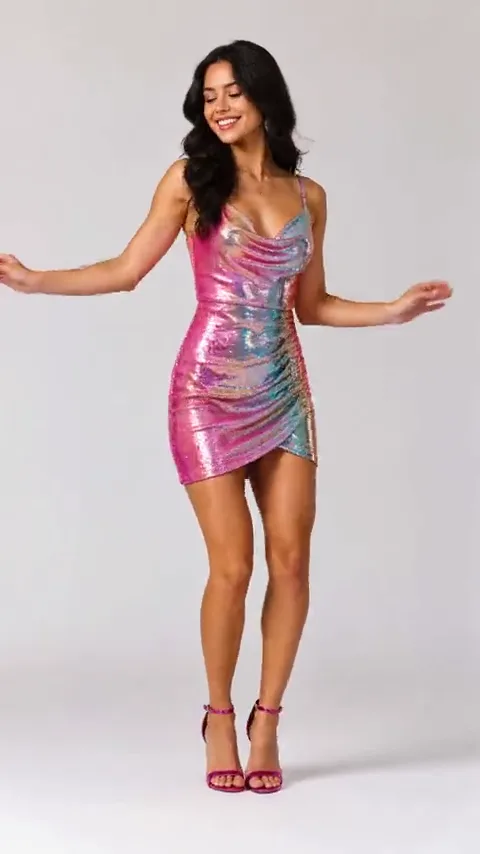
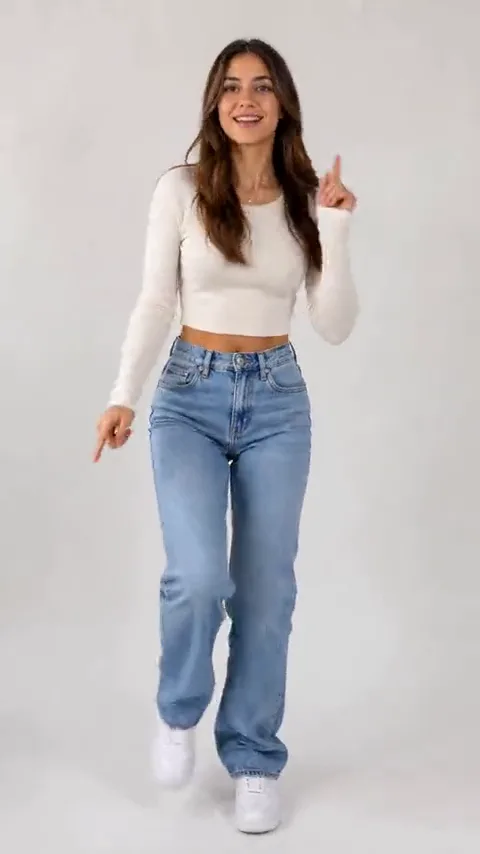
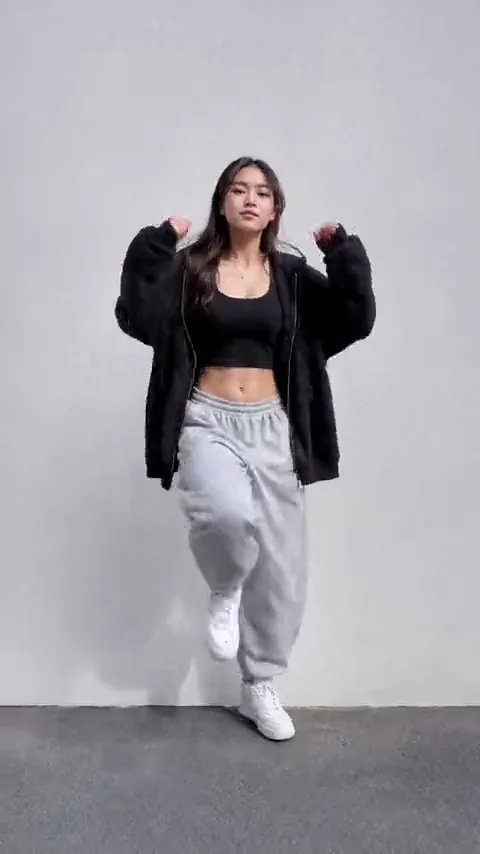
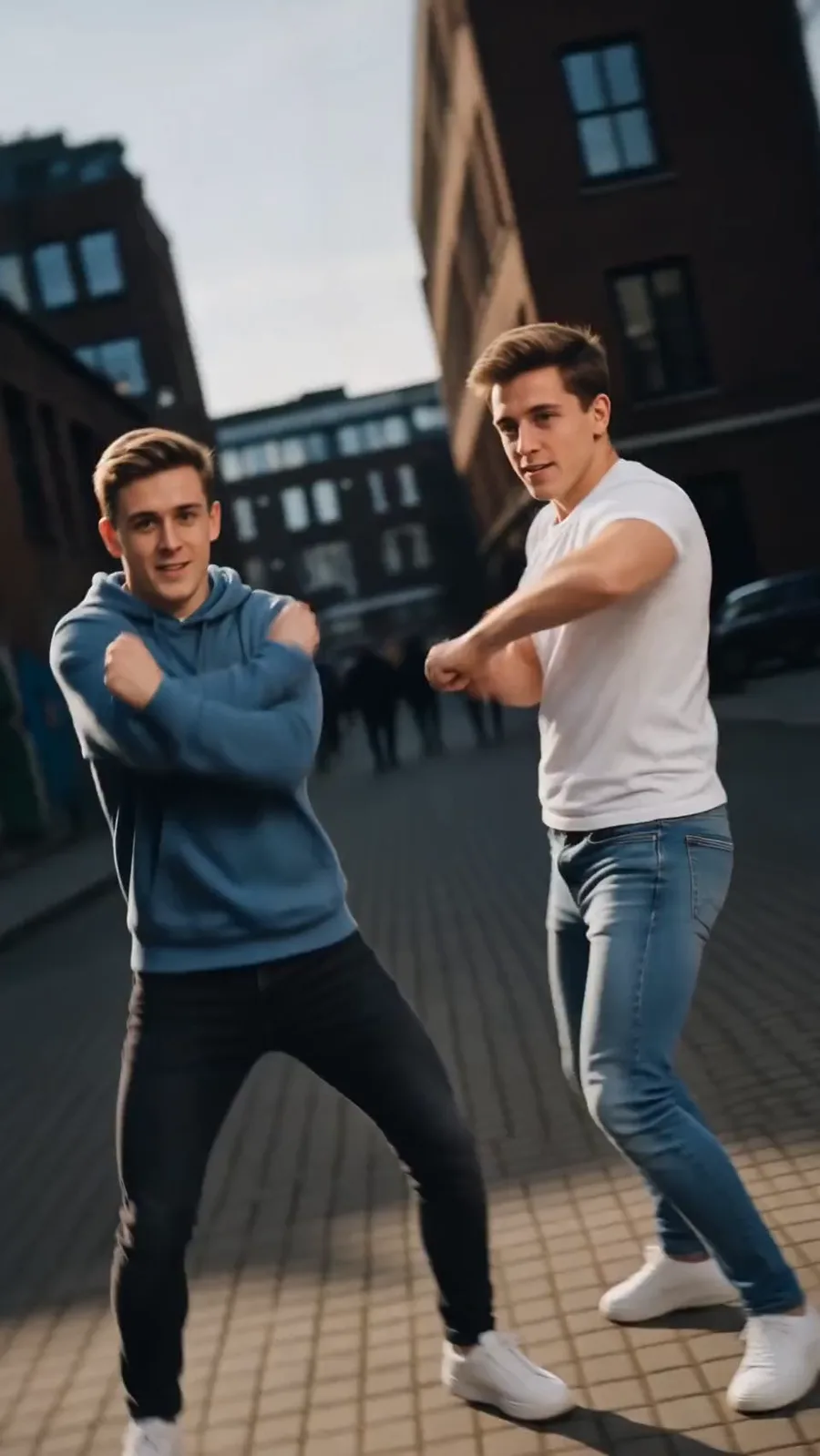

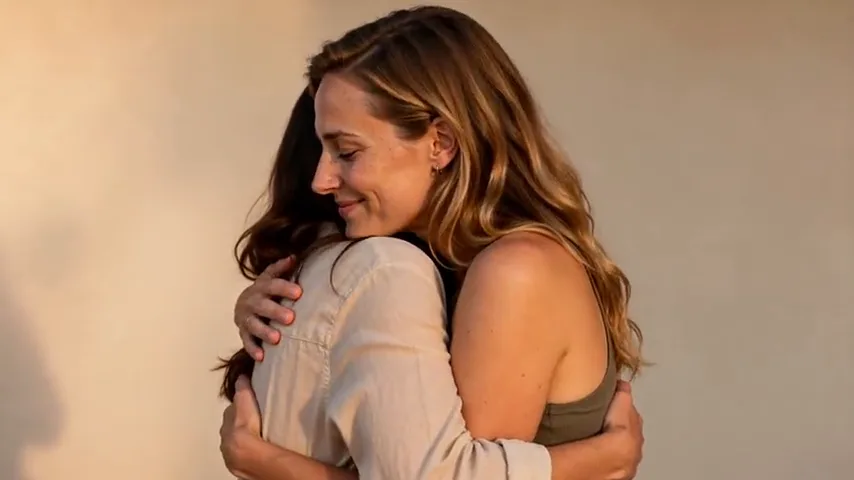
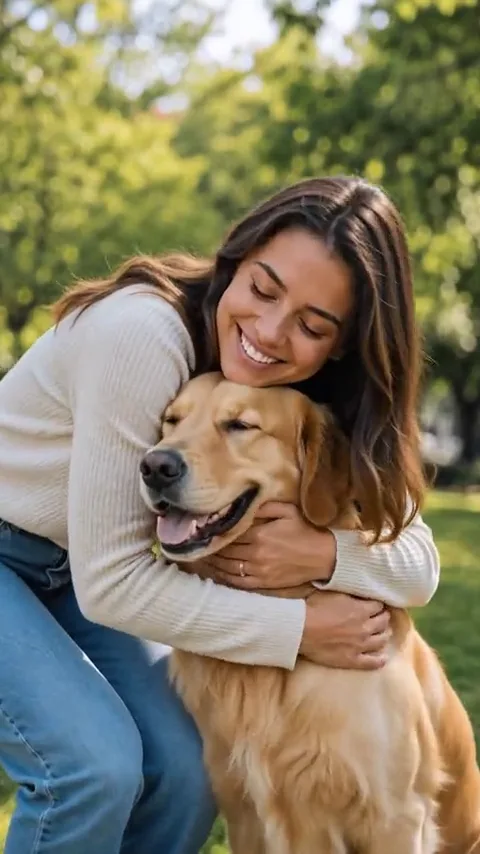
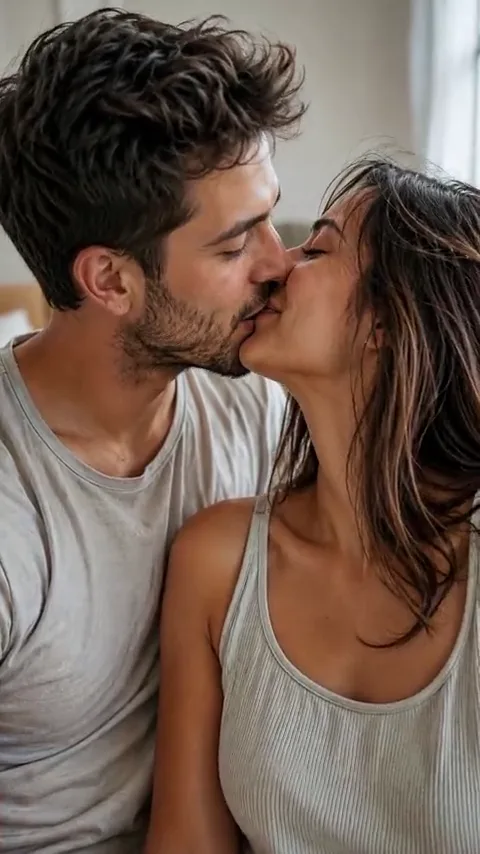
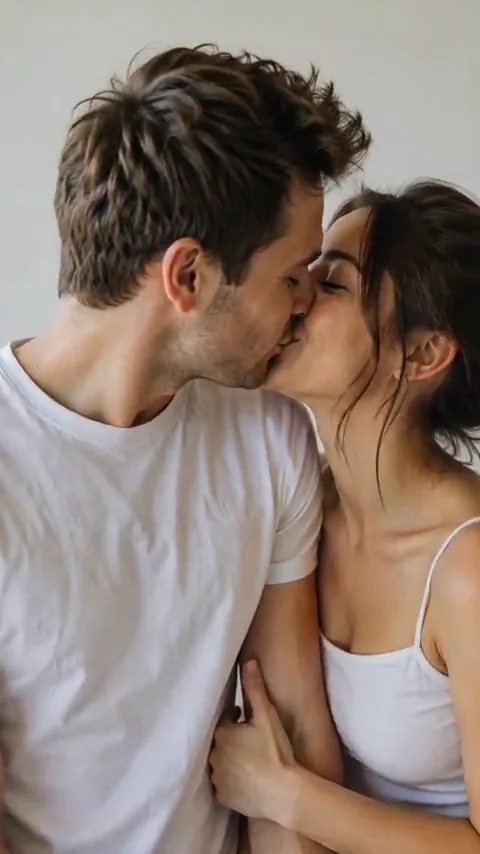
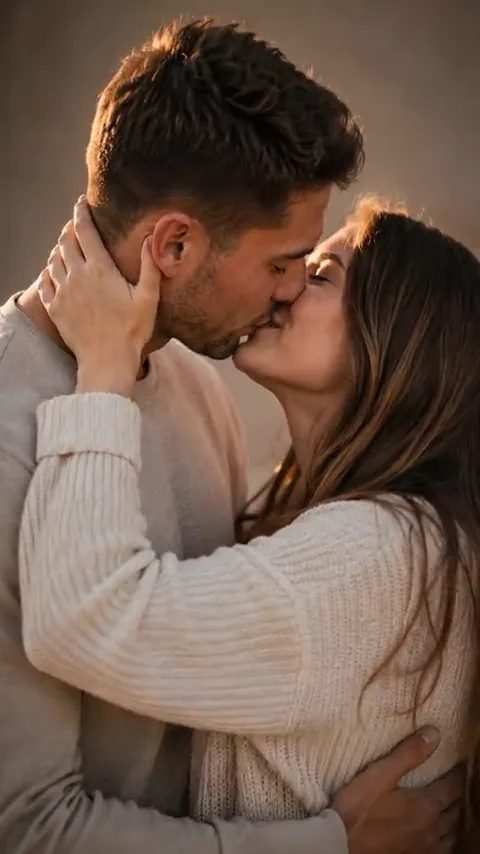
Every AI video effect below costs 40 credits a clip on Kling 2.6 and renders in about one to three minutes. Failed renders refund automatically.
How it works
How AI Video Effects Work
Three steps, none of them a prompt. Each effect page opens with the same tool and a different fixed instruction behind it.
 +
+Step 1: Upload one photo
A person, a pet, a character, a product. Full body helps for motion effects, a clear subject helps for everything. JPG, PNG, WEBP or HEIC up to 10 MB.


Step 2: Pick the AI video effect
Each effect is a tested prompt paired with an image-to-video model. You choose the motion, the page supplies the words, and the identity-preservation directive is appended for you.
0:05Step 3: Render and download
Kling 2.6 returns a five-second 1080p mp4 in one to three minutes. Download it, post it, or send the clip on to the full image to video generator for a second pass.
Why a fixed prompt
Why AI Video Effects Beat Writing a Prompt
Every AI video effect on this page is a prompt that has been run, watched and rewritten until the motion is reliable. That is the part most people get wrong in a general video generator: not the idea, the wording. An effect page skips the wording.
40 credits
per five-second clip, the same rate as a plain Kling 2.6 image-to-video run
1–3 min
typical render time from click to downloadable mp4
0 prompts
to write, edit or debug; the effect carries the instruction
The motion is decided before you upload
A zoom out, a dance, a fight combination and a runway tilt-up are each one fixed instruction. The result varies with your photo, not with how you happened to phrase a sentence.
Identity is written into every effect
Each prompt ends with the same directive: same face, same body, same clothes, one continuous take. A clip where the subject changes halfway through is a failed clip, whatever else it does.
Priced like the model it runs on
An AI video effect costs exactly what a five-second Kling 2.6 image-to-video clip costs. There is no effect surcharge and no separate subscription; the credit balance is shared with every other tool.
The concept
What Is an AI Video Effect?
An AI video effect is a preset motion applied to a still photo by an image-to-video model: a fixed prompt, a fixed clip length and a fixed model, so that one upload and one click produce a predictable, shareable clip.
Preset, not template
A template pastes your face into someone else's footage. An AI video effect generates new footage from your photo, so the background, clothes and lighting in the clip are the ones in your picture.
Image to video underneath
Every effect here runs on the same image-to-video models as the general generator, currently Kling 2.6 at 1080p. The effect page only removes the prompt box and the settings panel.
Built for the feed
Five seconds, portrait or square framing, motion in the first frame. AI video effects are shaped for Reels, Shorts and TikTok, where a still photo does not stop the scroll and a clip does.
Fourteen AI video effects are live today, from AI Hug, AI Kiss and AI Dance Video to the AI Baby Filter, Earth Zoom Out and a 360-degree AI Product Spin. Each one has its own page with the tool at the top, so you can go straight from a search to a render without passing through a menu.
Plans for every model and tool
Every plan unlocks all 28 models and every tool on Anyscene, this one included. Yearly billing saves 20%, and a credit pack tops up any plan.
Yearly prices, shown per month. Monthly billing and credit packs are on the pricing page.
AI Video Effects FAQ
The questions worth answering before you spend a credit.
40 credits per five-second clip, which is the normal Kling 2.6 image-to-video rate. There is no extra charge for using an effect page instead of the general generator. A render that fails refunds its credits automatically.
No, and that is deliberate. The prompt is the effect. If you want to write your own motion, the image to video generator has a full prompt box and every model setting; the effect pages exist for the case where you do not.
One clear subject, in focus, with the whole body visible for motion effects such as dance, fight and runway walk. Plain backgrounds help the model keep the subject consistent. Portrait or square framing suits social feeds, but landscape photos work too.
Every AI video effect appends an identity directive to its prompt: same face, body, clothing and colours, one continuous take. Image-to-video models hold identity well over five seconds; if a render drifts, run it again, since results vary from take to take.
Not yet. Effects render video only, so you can lay your own audio over the clip in your editing app or the platform you post to. Audio generation is on the roadmap for the video tools.
Explode, melt, inflate, old photo animation and action figure are configured and waiting on sample clips. Each goes live on its own page once a sample exists, so the page can show what it makes before you spend credits.
Pick an effect and see your photo move
Sign in, choose one of the AI video effects above, upload a photo and the clip is ready in a few minutes.