 Anyscene AI
Kling 3.0 AI Video Generator
Generate 4K video up to fifteen seconds long, with native audio, from a text prompt or a still image.
What Kling 3.0 Changes Compared to Kling 2.6
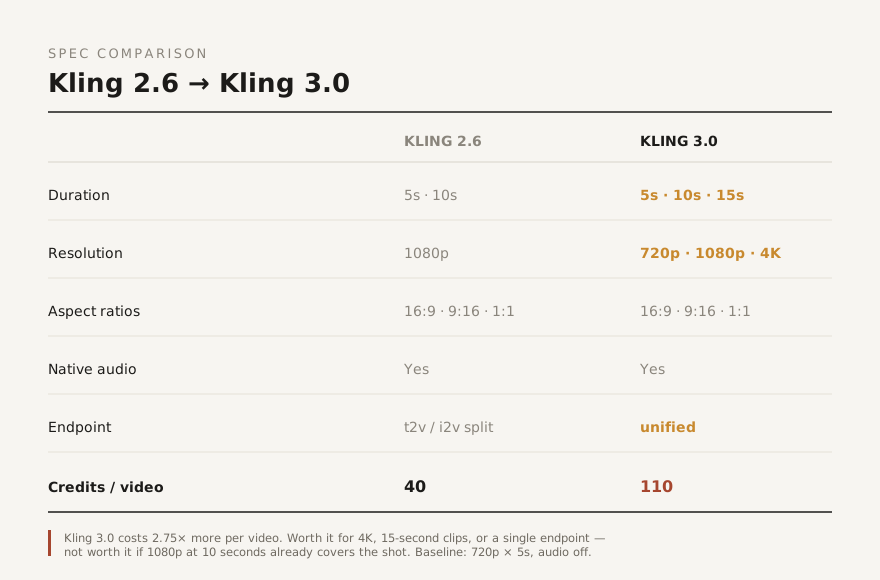
Most pages about a new model talk in adjectives. Here are the actual parameters, including the one that argues against upgrading.
Takes Run to 15 Seconds
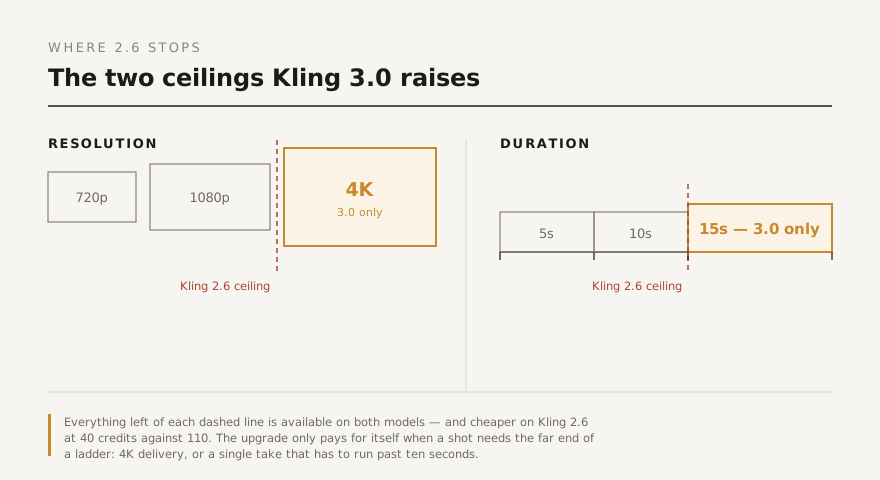
Kling 2.6 gives you 5 or 10 seconds. Kling 3.0 adds a 15-second option — a full third longer in a single unbroken take, with no cut to hide a model that ran out of frames.
The Resolution Ceiling Moves to 4K
Kling 2.6 renders at 1080p and nothing higher. The Kling 3.0 model offers 720p, 1080p and 4K, so a clip can go straight to a large-format screen without an upscaling pass.
One Endpoint Instead of Two
Kling 2.6 uses separate models for text-to-video and image-to-video. Kling 3.0 handles both through a single unified endpoint — less to wire up if you drive generation through an API or a storyboard flow.
And It Costs 1.9× More
110 credits per video against 40 for Kling 2.6, measured at 720p and 5 seconds with audio off. That difference is the whole decision, and it is why the section below argues for 2.6 in plain terms.

What Is Kling 3.0?
Kling 3.0 is an AI video model that turns a text prompt or a still image into video with synchronized audio, at resolutions up to 4K and lengths up to 15 seconds. It is the current generation of the Kling family, succeeding Kling 2.6.
Three Ways In
Describe a shot in words, animate a still image, or set a start frame and an end frame and let the model fill the motion between them. All three run on the same Kling 3.0 model.
Audio in the Same Pass
Dialogue, ambience and effects are generated with the picture rather than added afterwards, so the sound already matches what is on screen.
Up to Two Reference Images
Feed a subject or a style reference and the model carries it through the clip — useful when a character or a product has to stay recognisable across several shots.
The Three Upgrades Worth Paying For
Everything Kling 3.0 does that Kling 2.6 cannot. If none of these three describe your shot, skip to the section further down.
4K Delivery, No Upscaling
A 1080p clip stretched to a 4K timeline goes soft, and every upscaler leaves its own signature. Rendering natively at 4K skips that step. This matters for large-format display, cinema-adjacent work, and any footage that will be cropped in the edit — a crop into 4K still lands at usable resolution.
Fifteen Seconds in One Take
Ten seconds is enough for a shot. Fifteen is enough for a beat — a gesture, a reaction, and a settle, without cutting. The extra five seconds also make the difference between one generation and two for most social formats, which changes the credit maths in the opposite direction to the headline price.
One Model, Both Input Types
Because Kling 3.0 serves text-to-video and image-to-video from one endpoint, a sequence that mixes both input types no longer needs the model swapped mid-flow. On a storyboard where some shots start from a prompt and others from a reference frame, that is one less thing to keep track of.
How to Generate a Video with Kling 3.0
Four steps from an empty prompt box to a finished clip. The generator at the top of this page is already set to Kling 3.0.
Describe the Shot
Name the subject, the setting, and the camera move. "A slow dolly-in on a ceramic vase, morning light from the left" beats "a beautiful vase" every time — the model fills unspecified detail with whatever was most common in training.
Add an Image, or Don't
Leave the upload empty for text-to-video. Add one image to animate it, or two to set a start and an end frame. All three modes run through the same endpoint, so nothing needs switching.
Set Length and Resolution
Pick 5, 10 or 15 seconds and 720p, 1080p or 4K. Both settings move the credit cost, so start at 720p and 5 seconds while you are still iterating on the prompt.
Generate, Then Change One Thing
The first result rarely lands. Change one variable — the camera move, or the lighting, not both — so you can tell which word did the work. Two or three passes at 720p costs less than one wrong 4K render.
What People Use Kling 3.0 For
The jobs where 4K, a longer take, or both actually change the output.
Short Film & Previs
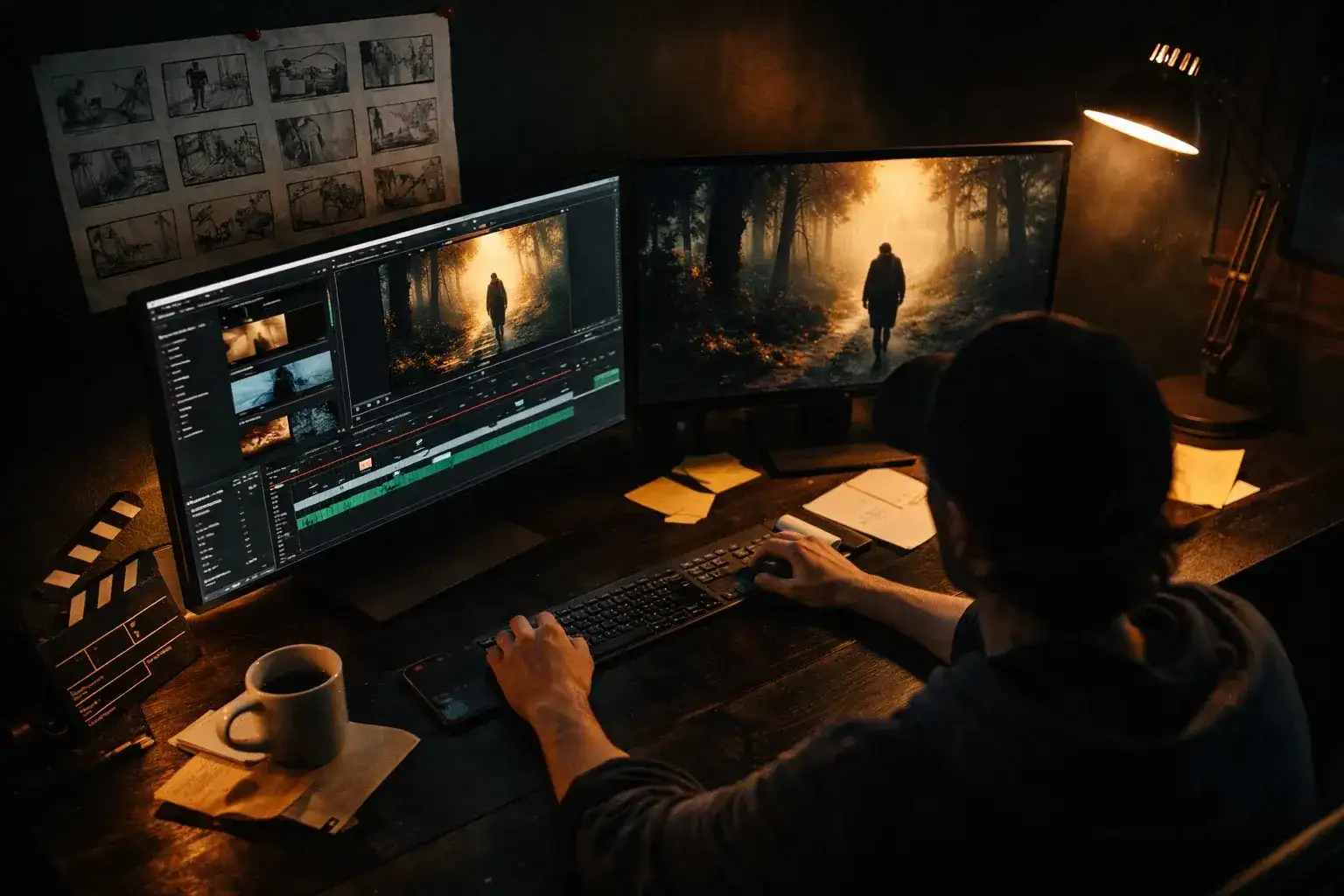
Fifteen-second takes are long enough to hold a performance beat, which makes the model usable for previsualisation rather than just mood reference. Set a start and end frame to lock the shot's beginning and end.
Advertising & Brand Film
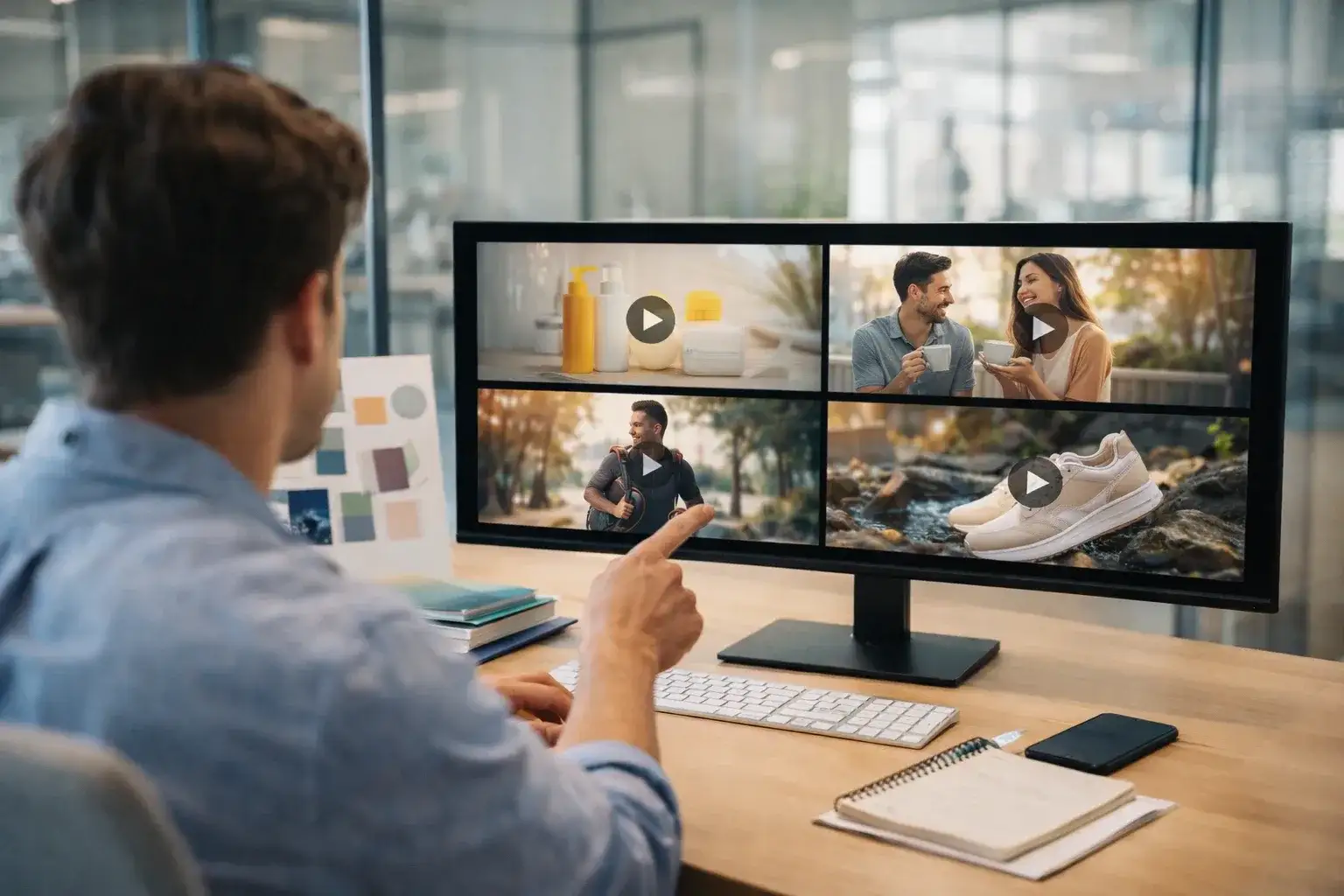
4K is often a hard delivery requirement rather than a preference. Rendering at 4K natively means the clip clears that bar without an upscaling round that a client's QC will notice.
Social Video
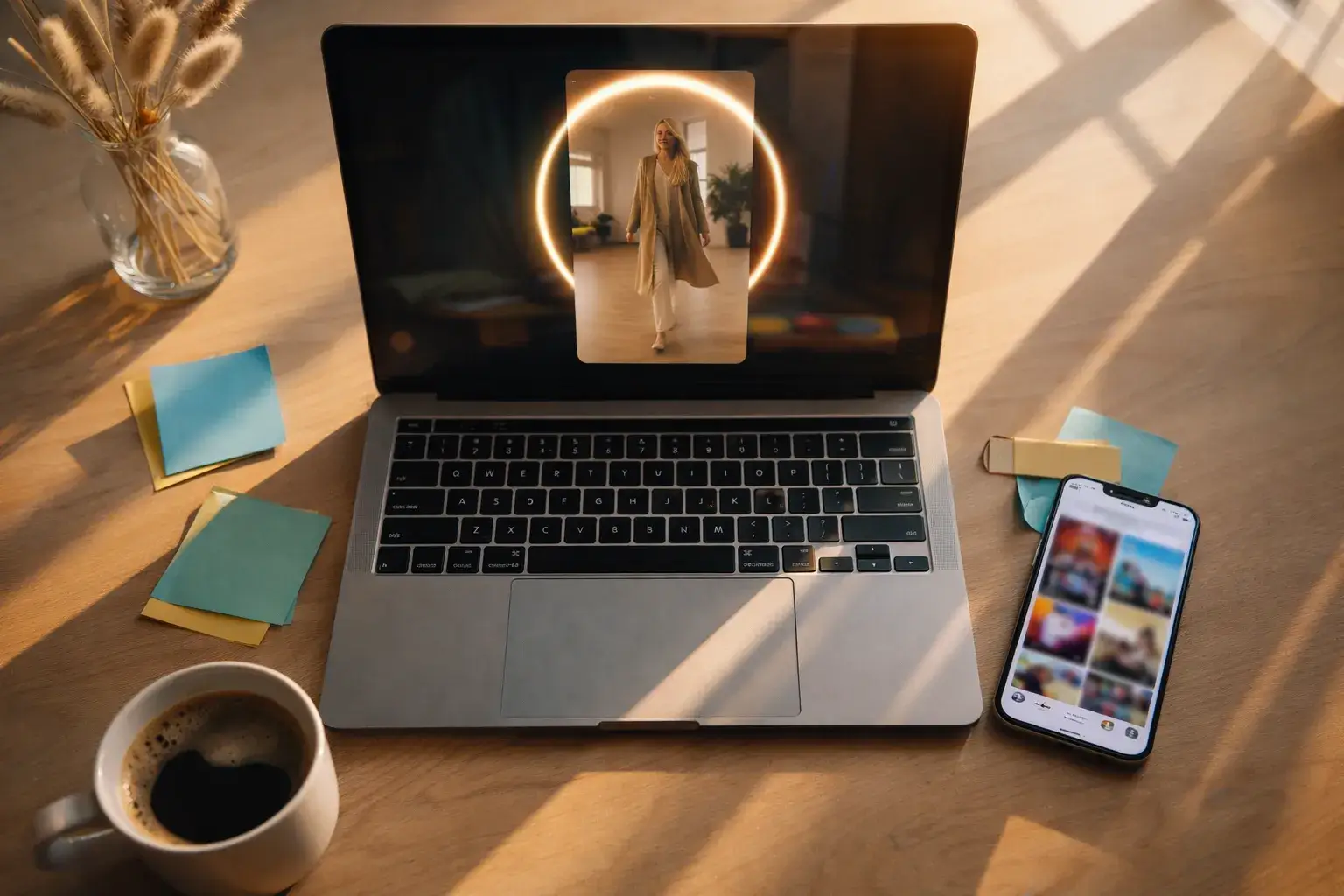
A 15-second vertical clip fits the native length of most short-form slots in one generation. Switch the aspect ratio to 9:16 and the framing is composed for it rather than cropped into it.

Product Video
Upload a product photo and animate it. Two reference images keep the shape and finish consistent, and 4K holds the surface detail that sells a material — grain, weave, brushed metal.
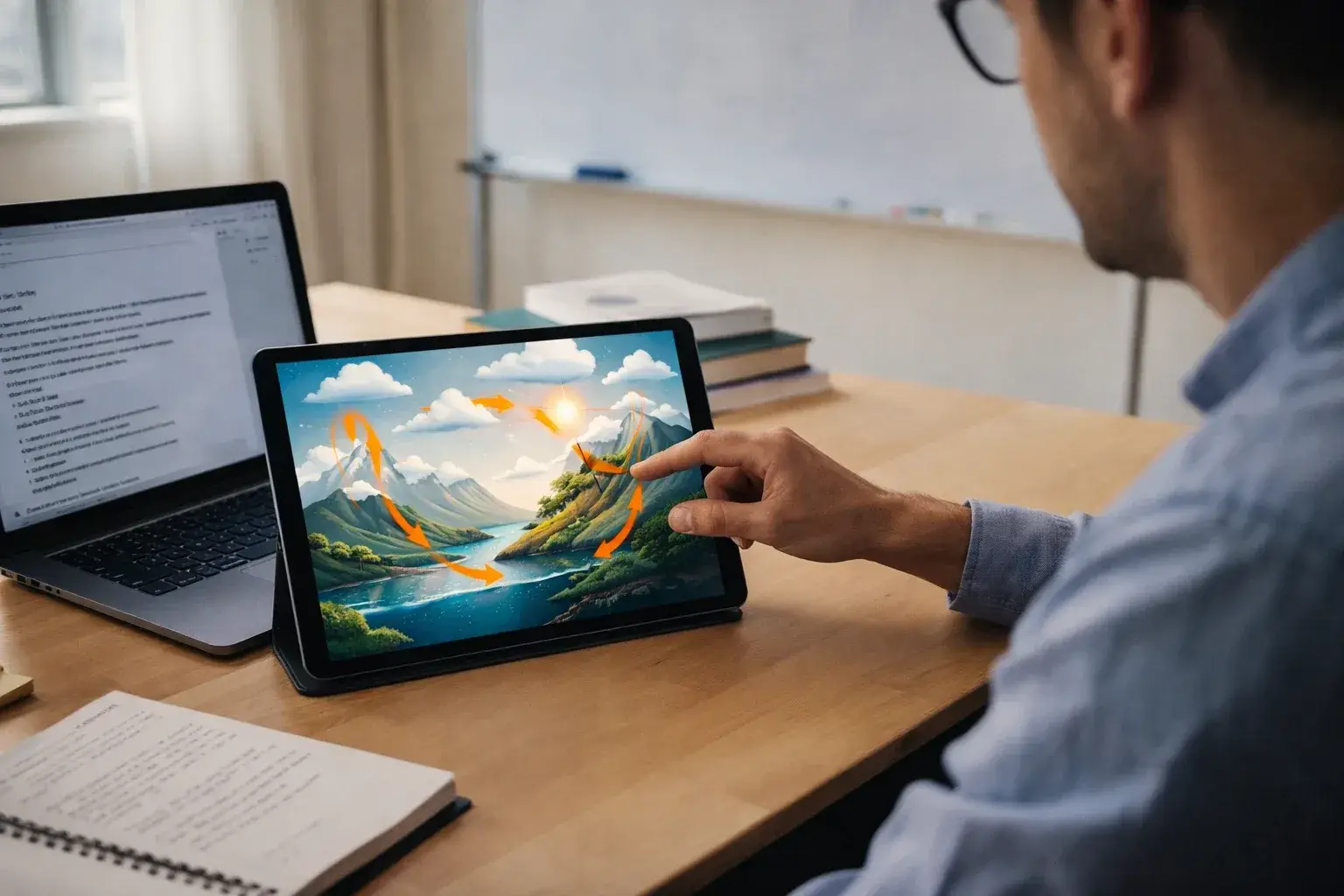
Explainer & Education
Native audio means a demonstration clip arrives with ambience already attached. Longer takes suit processes that need to be shown continuously rather than cut into fragments.
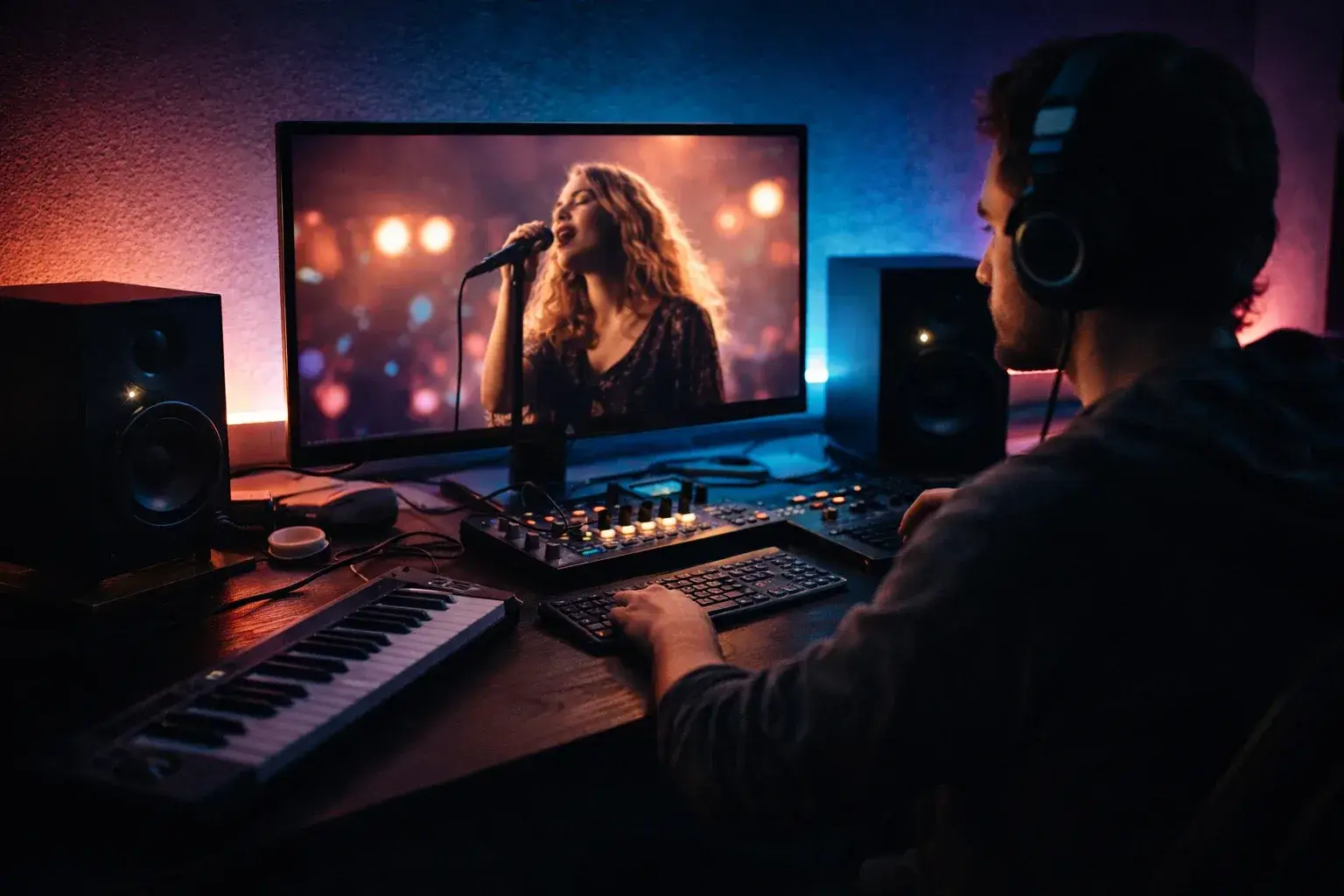
Music & Performance Visuals
Fifteen seconds covers a full phrase rather than half of one, so a visual can resolve on the beat instead of being cut to fit the model's ceiling.
When Kling 2.6 Is Still the Better Choice
Kling 3.0 costs 110 credits per video against 40 for Kling 2.6. Nearly three times the price only pays for itself in specific cases — and here are the ones where it does not.
Your Delivery Target Is 1080p
Most web, social and internal video never leaves 1080p. If nothing downstream will show the extra pixels, 4K is 390 additional credits per five-second clip, spent on resolution the viewer cannot see.
Your Shots Are Under Ten Seconds
Cut footage rarely holds a single take past ten seconds anyway. If the edit is going to cut before the ceiling, the higher ceiling is not doing anything.
You Are Still Iterating
Prompt exploration means many generations, most of them discarded. Iterate on Kling 2.6, then run the take you have settled on through Kling 3.0 at 4K. Same result, roughly a third of the credits spent on the throwaways.
Three Habits That Improve Kling 3.0 Output
Model-agnostic advice mostly applies here, but a longer take and a higher resolution each change what a prompt needs to say.
Name the Camera, Not Just the Scene
Over fifteen seconds a static description gives the model fifteen seconds of nothing to do, and it will invent motion to fill the gap. Say what the camera does — "slow push in", "handheld, drifting right" — and the extra length has somewhere to go.
Write the Beat, Not Just the Image
A 15-second clip has a beginning, a middle and an end whether you plan them or not. Describe a small progression — a door opens, someone turns, the light shifts — rather than one frozen moment stretched across the take.
Prototype Cheap, Render Once
Resolution and duration both drive cost. Find the prompt at 720p and 5 seconds, then re-run the winner at the settings you actually need. Prompt quality does not depend on the resolution you tested it at.
What Kling 3.0 Costs
One Kling 3.0 video is 110 credits at the 720p, five-second baseline with audio off; longer clips and higher resolutions cost more. Kling 2.6 is 40 credits at its baseline. Both models, and every other generator on Anyscene, are included in the same subscription.
Yearly prices, shown per month. Monthly billing and credit packs are on the pricing page.
Kling 3.0 — Frequently Asked Questions
The questions that come up most often about the model, its limits and its cost.
Three things. Kling 3.0 renders up to 4K where 2.6 caps at 1080p; it offers a 15-second duration where 2.6 stops at 10; and it serves text-to-video and image-to-video from a single endpoint instead of two separate models. Aspect ratios, native audio and the two-reference-image limit are unchanged.
Yes — 720p, 1080p and 4K are all available. The default is 720p, which keeps iteration cheap — switch to 4K for the final render rather than for every test pass, since resolution affects the credit cost.
5, 10 or 15 seconds per generation. Fifteen seconds is the longest single take available on any Kling model; Kling 2.6 stops at 10.
110 credits at the baseline of 720p, five seconds, audio off. Longer durations and higher resolutions increase that. For comparison, Kling 2.6 costs 40 credits at its own baseline. Full credit pricing is on the pricing page.
Only if you need one of three things: 4K output, a take longer than 10 seconds, or a single endpoint for both input types. If your delivery target is 1080p and your shots are short, Kling 2.6 produces comparable work for roughly a third of the credits. Iterating on 2.6 and rendering the final take on 3.0 is a reasonable middle path.
Yes. Upload one image for image-to-video, or two to set a start frame and an end frame and have the model generate the motion between them. Both modes run on the same Kling 3.0 model, with no need to switch.
Yes, natively — dialogue, ambience and effects are produced in the same pass as the picture rather than added afterwards. Enabling audio increases the credit cost of a generation.
16:9 for landscape, 9:16 for vertical, and 1:1 for square. Choosing the ratio before generating produces better framing than cropping a 16:9 clip down to vertical afterwards.
Other Models on Anyscene
Kling 3.0 is one of nineteen video models available under the same subscription.


Generate Your First Kling 3.0 Video
Start at 720p and five seconds while you find the prompt. Move to 4K and fifteen seconds when the shot is right.