 Anyscene AI
AI Product Video Generator
Upload product photos or paste a Shopify link. Pick a format, review the script and the price, and get a vertical product video with captions checked against ad rules.
Product photos
Shopify stores and product pages with structured data.
Paid plans and credit packs. Writing the script is free, and you see the price before anything is made.
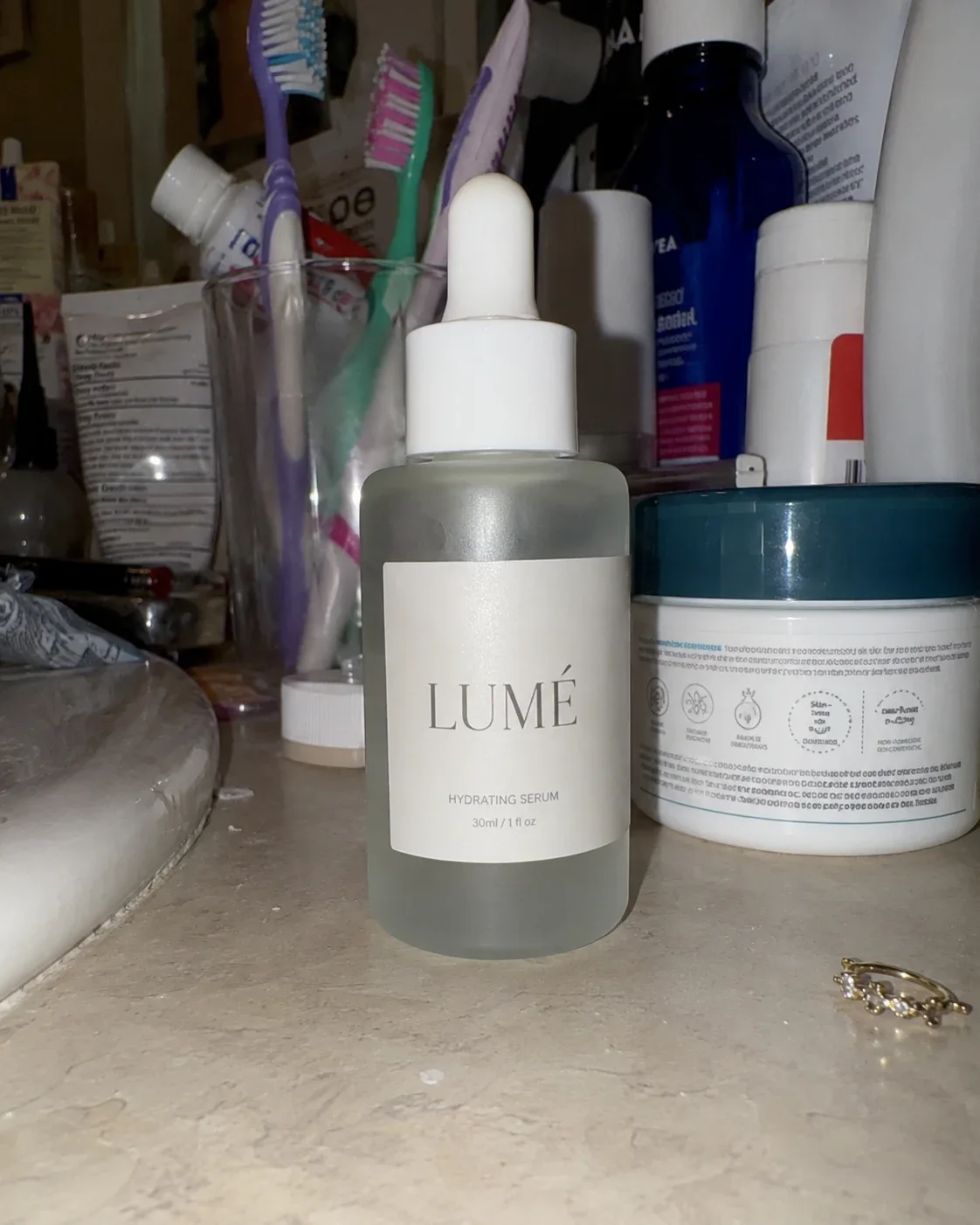 LUMÉ Radiance SerumMade from one phone photo
Definition
What Is an AI Product Video Generator?
An AI product video generator turns product photos into a short video (a spin, close-ups, an unboxing or the product in use) for listings and ads, without a shoot.
Your photos lead
Up to 4 product photos guide every keyframe, so the product on screen is the one you sell.
8 formats
Unboxing, close-up demo, hyper motion or lifestyle. Each is a plan of 4 shots.
Script and price first
Edit every caption, picture and motion, and see the credit price before you create anything.
Checked captions
Made-up prices, deals and ratings are removed before you see the script, and in English, cure and #1 claims too.
Formats
8 Product Video Formats
Each format is a fixed plan of 4 shots. The AI product video generator writes it for your product, and you can rewrite any of it.
Unboxing
The closed box, the reveal, the product alone, then in a hand.
- 1Box
- 2Open
- 3Reveal
- 4In hand
Best for Gadgets, gifts and anything with good packaging.
Close-up demo
Three macro close-ups of real details, then the whole product.
- 1Detail 1
- 2Detail 2
- 3Detail 3
- 4Wide
Best for Texture, materials and finish: skincare, leather, tools.
Hyper motion
A turntable spin, a fast push-in, an orbit and a clean end shot.
- 1Spin
- 2Push-in
- 3Orbit
- 4End shot
Best for Bold ads and products with a striking shape.
Lifestyle
Three everyday moments with the product, then its hero shot.
- 1Scene 1
- 2Scene 2
- 3Scene 3
- 4Hero
Best for Home, fashion and products people use daily.
Feature tour
Each selling point you list, shown in use, then the hero shot.
- 1Feature 1
- 2Feature 2
- 3Feature 3
- 4Hero
Best for Products with clear features: gadgets, kitchenware, bags.
Size & details
In a hand, beside everyday objects, in its place, then a close-up of the finish.
- 1In a hand
- 2Compare
- 3In its place
- 4Close-up
Best for What shoppers doubt the size of online: furniture, jewelry, bags.
POV
A first-person, phone-camera look: picked up, shown, used, set down.
- 1Pick up
- 2Look
- 3Use
- 4Set down
Best for TikTok and Reels feeds, where it looks like an everyday post.
Gift-ready
Wrapped, opened, in a festive setting, then the hero shot.
- 1Wrapped
- 2Opened
- 3Festive
- 4Hero
Best for The holiday season: anything people buy for someone else.
Every shot is a 5-second clip on Kling 2.6, so a finished ad runs about 20 seconds before the end card.
Product fidelity
How Your Product Stays Your Product
One phone photo went in. Four pictures were made from it on Anyscene, and they became the ad on the first screen.
Four shots made from it
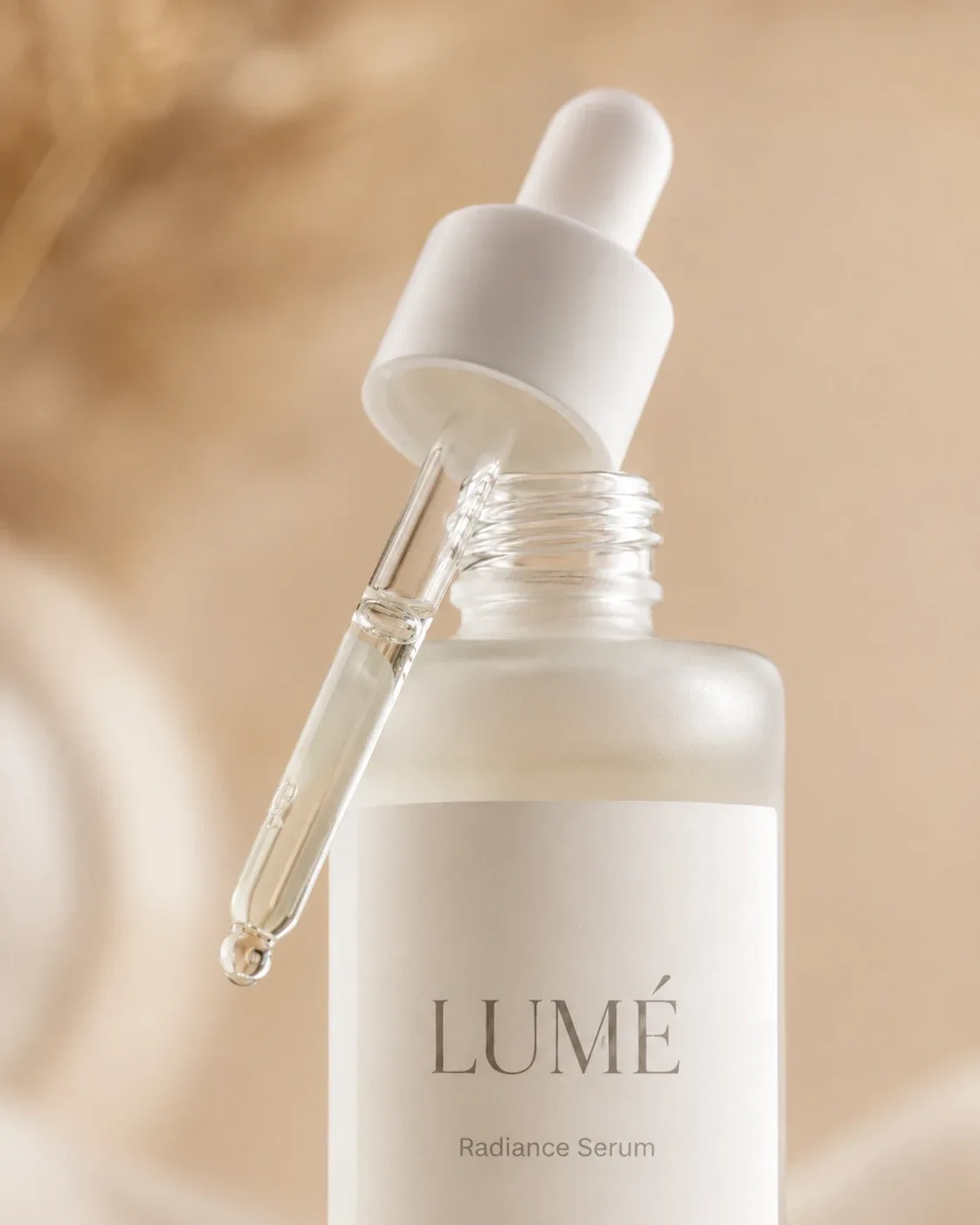 Meet your new morning ritual
Shot 1
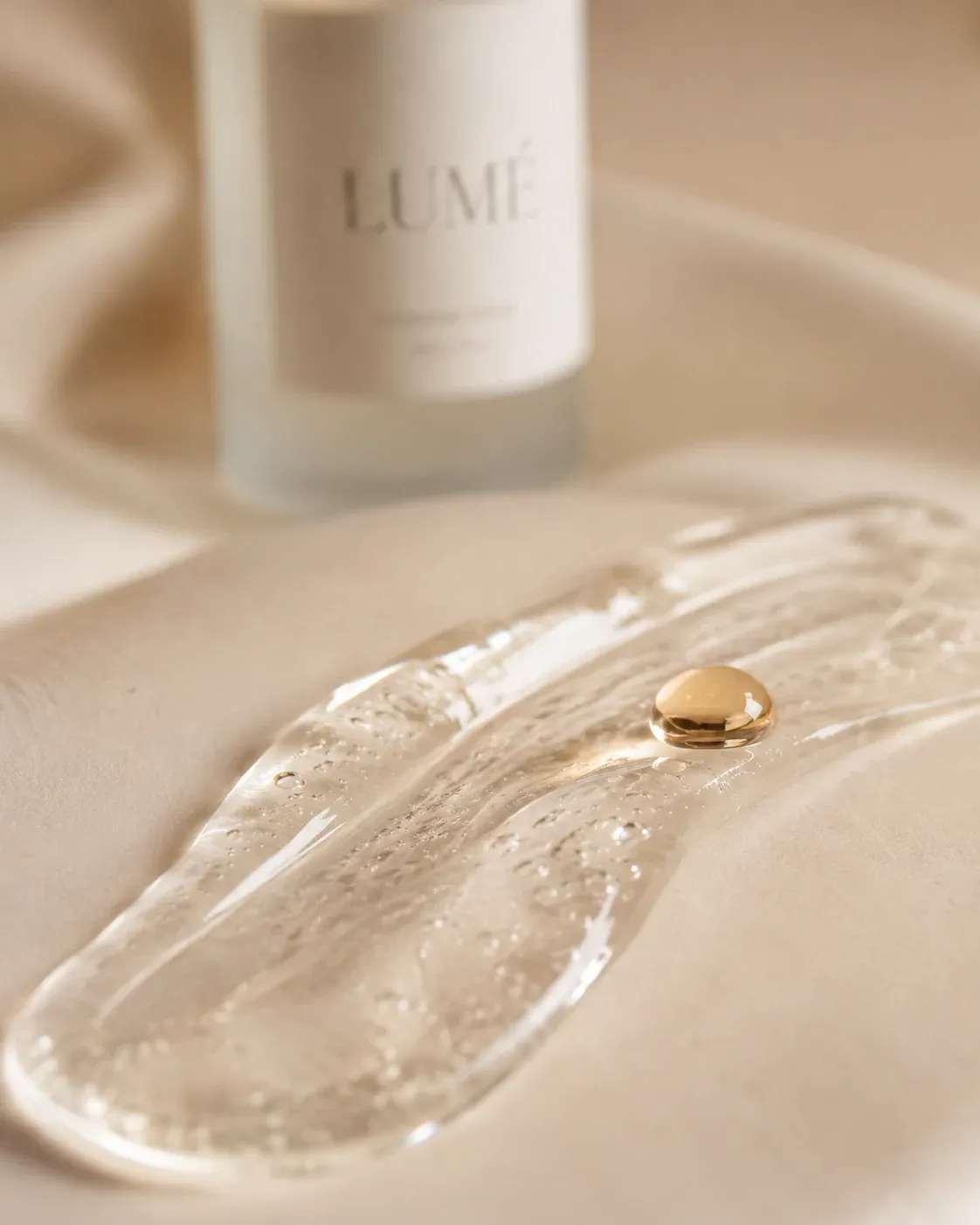 Light, silky, never sticky
Shot 2
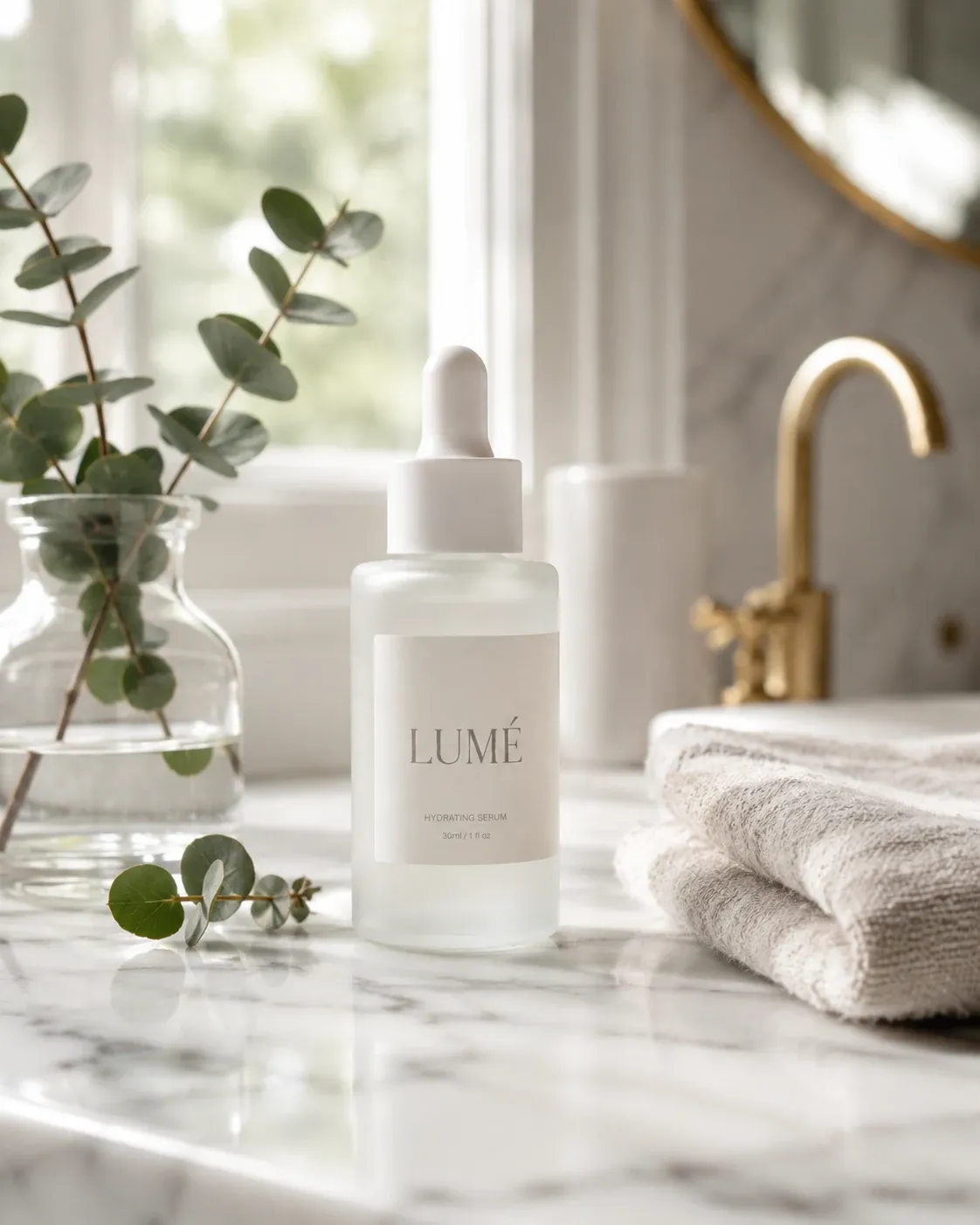 Looks good on every shelf
Shot 3
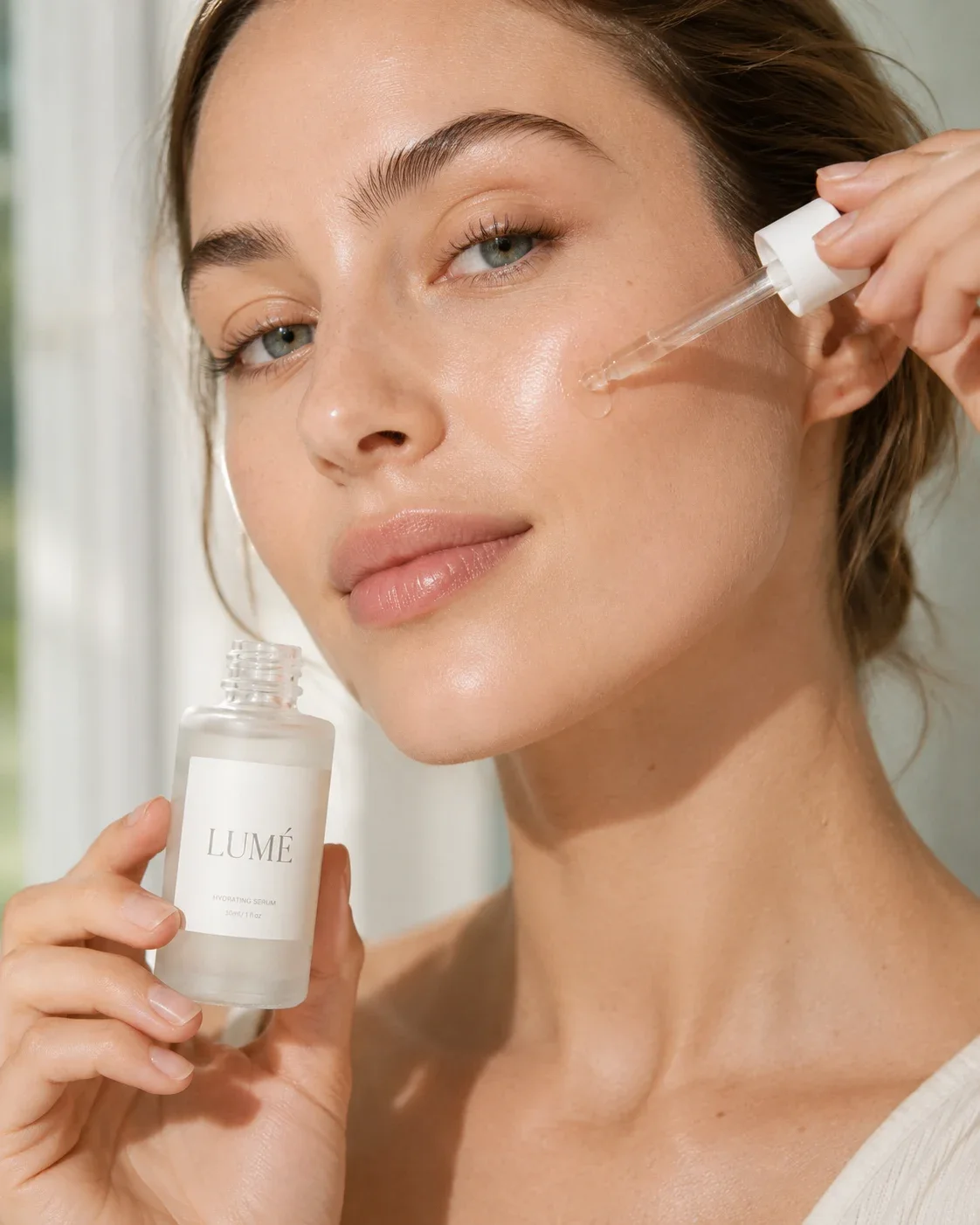 Glow that feels like you
Shot 4
- 1
Your photos guide every keyframe
Each shot's first frame is made with Seedream 5.0 Flash, with your product photos as its reference images.
- 2
Each clip starts on its keyframe
The video model animates the approved picture, so shape, colour and packaging carry into the motion.
- 3
The name goes in the captions
Small print can blur in motion. Put the product name in a caption or on the end card, where it stays sharp.
In this example each shot is a still picture moved by the film's camera. In a real ad, each shot is a video clip.
Platform specs
Product Video Specs by Platform
Product video figures as each platform states them on its own help pages. Check them again before you upload: platforms change them.
Listing video
Amazon
- Formats
- .mov, .mp4
- Resolution
- Up to 1080p
- Max file size
- 5 GB
- Who can upload
- Pro sellers, 3+ months
Checked November 9, 2026
Listing video
Shopify
- Formats
- .mp4, .mov, .webm
- Resolution
- Up to 4K
- Max file size
- 1 GB
- Max length
- 10 min
Checked November 9, 2026
Listing video
TikTok Shop
- Aspect ratio
- 9:16 to 16:9
- Formats
- MP4, MOV, MKV, AVI
Checked November 9, 2026
Video ad
Instagram Reels
- Aspect ratio
- 9:16
- Resolution
- 1440 × 2560
- Max file size
- 4 GB
- Length
- Up to 15 min
Checked November 9, 2026
Video ad
TikTok In-Feed
- Vertical
- 9:16, ≥ 540 × 960
- Also
- 16:9 or 1:1
- Max file size
- 500 MB
- Length
- Up to 10 min
Checked November 9, 2026
Anyscene
What you export
- Aspect ratio
- 9:16, 1:1 or 16:9
- Resolution
- 1080 × 1920
- Format
- MP4 (H.264)
- Example size
- 3.8 MB
Shots are made in 9:16. A square or wide export shows each shot whole over a blurred copy of itself, with nothing made again.
TikTok Shop's own pages give different file size limits for listing videos, so none is listed here. Check Seller Center before you upload.
Ad rules
Captions Checked Against Ad Rules
Every caption the AI product video generator writes is checked before you see it. A line that breaks a rule is removed whole, not reworded.
Removed
Clears acne overnightDisease claimTreating a condition makes a cosmetic a drug in the eyes of the FDA.
Reverses agingDrug claimChanging how the body works is a drug claim, not a cosmetic one.
Clinically proven to hydrateProof claimIt promises a study. The FTC expects you to have one.
The #1 serum on AmazonSuperlativeRankings need proof you can show.
FDA approved formulaFalse approvalCosmetics are not approved by the FDA before sale.
Kills 99.9% of germsGerm claimGerm-killing claims are pesticide claims in the US, regulated by the EPA.
Detox and burn fatWeight lossHealth claims need scientific evidence behind them.
Hydration for 72 hoursUntraced numberThe number is not on your label or in your details.
50% off today onlyDiscountPrices and deals only come from you, never from the AI.
Rated 4.9 starsRatingRatings and awards are never written for you.
Kept
Light, silky, never sticky
Says how it feels. Claims nothing.
Meet your new morning ritual
An invitation, not a promise.
With 2% niacinamide
Kept when 2% is printed on your label or typed in your details.
Captions you rewrite yourself are your claims. We still refuse the forbidden words, and tell you which line has one.
The full word list checks English captions. In other languages, prices, percentages, deals and ratings are still removed, and the AI is told the other rules. None of this is legal advice.
Price
What a Product Video Costs
Every ad from the AI product video generator is 4 keyframes plus 4 clips. The ads page quotes the exact total before you create the project.
| Clip model | 4 keyframes | 4 clips | Total credits | Length |
|---|---|---|---|---|
| Kling 2.61080pDefault | 4 keyframes20 | 4 clips160 | Total credits180 | Length20 s |
| Pro1080p | 4 keyframes20 | 4 clips160 | Total credits180 | Length20 s |
| Seedance 2.0 Mini480p | 4 keyframes20 | 4 clips96–120 | Total credits116–140 | Length16–20 s |
FreeWriting and rewriting the script
FreeEditing captions, brand colour and the end card
FreeExporting the finished ad, as often as you like
Credits are taken as each picture and clip is made, and a failed one is refunded. Paid plans and credit packs only.
How it works
How to Make a Product Video in 4 Steps
From product photos to a finished MP4 with the AI product video generator.
- 1
Add the product
Upload up to 4 photos, pick a saved product, or paste a Shopify link. Add its name and selling points.
- 2
Pick a format
Choose one of 8 formats and the language. The AI writes 4 shots: caption, picture and motion.
- 3
Edit and check the price
Rewrite any caption or end card, pick the clip model, and see the total before you create the project.
- 4
Make it and export
Make the keyframes and clips, add your logo and brand colour, then export the MP4 for free.
Listing to video
From Listing Photos to Listing Video
Make the listing's photo set first, then press Make a video ad on its results. The ad opens with your photos, name, brand, selling points and logo filled in.
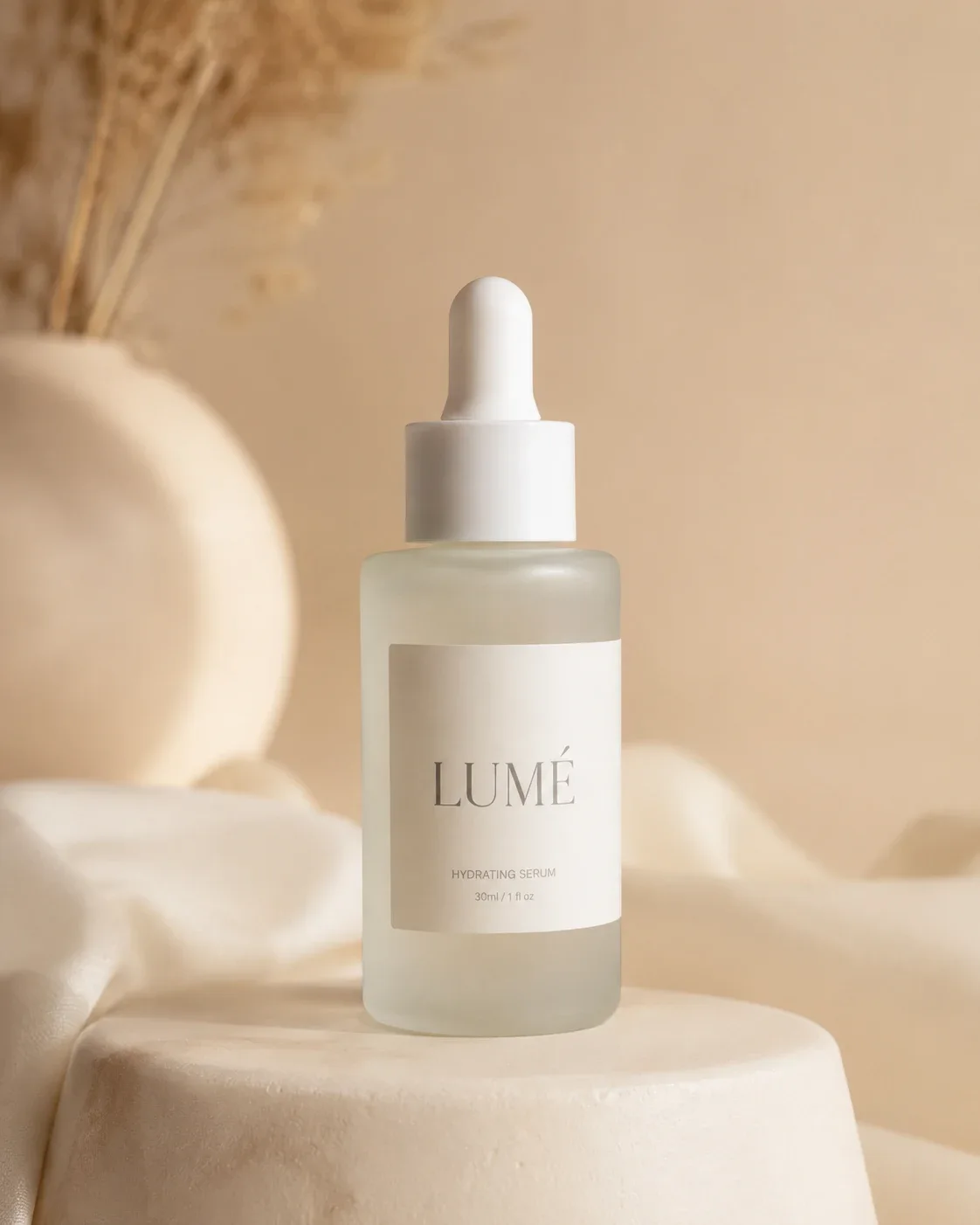
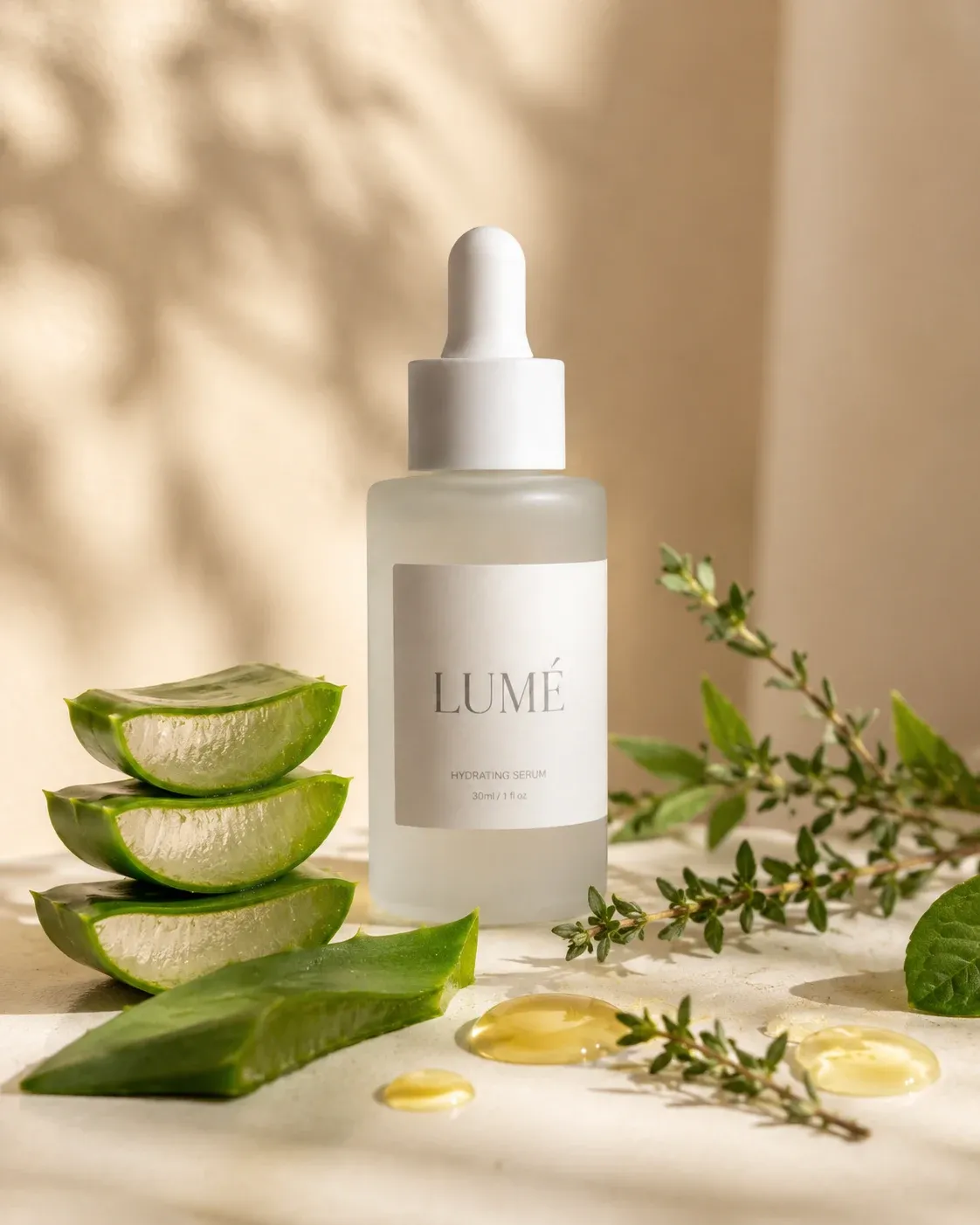
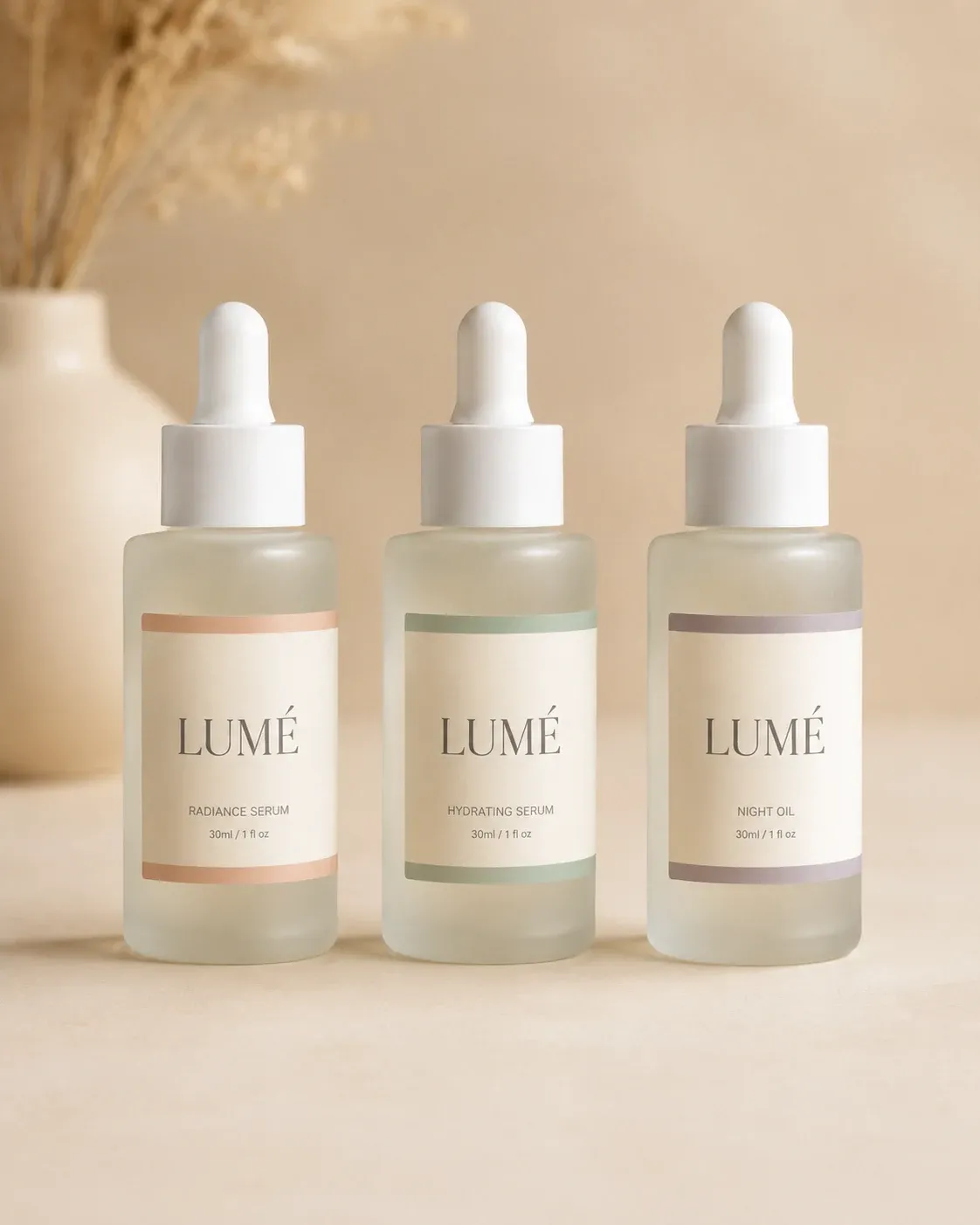

Every picture here came from the one phone photo above. The ad used four of them.
AI Product Video Generator FAQ
Photos, accuracy, platforms and prices.
Yes. One clear photo is enough: the example on this page started from one phone photo. Two to 4 photos from different angles give the AI product video generator more to work from.
Close. Each keyframe is made with your photos as references, and each clip starts on its keyframe, so shape, colour and packaging carry through. Small print can blur in motion, so put the product name in a caption or on the end card.
Amazon's own guide asks for .mov or .mp4, up to 1080p and at most 5 GB, from Professional sellers with at least three months of selling history. Our 1080 × 1920 MP4 fits those limits. Check Seller Central before you upload, as rules change.
No. Amazon and other marketplace pages are not imported. Shopify product links work, and so do store pages that carry product structured data. For anything else, upload your product photos.
Both are optional. Each caption can be voiced in the project's Voices panel, priced per line, and a song you made on Anyscene can play underneath. There is no AI presenter on screen.
We remove the riskiest lines before you see them: made-up prices, deals and ratings in any language, and cure and #1 claims in English. Each platform still reviews ads under its own policy, so read your captions against it before you publish.
180 credits with Kling 2.6: 4 keyframes at 5 credits and 4 clips at 40. With Seedance 2.0 Mini at 480p it is 116–140. Writing the script and exporting cost nothing. It needs a paid plan or a credit pack.
Not in one batch yet: you make one product's video at a time. Listing photos can already be made in batches from a CSV file, and each listing's results have a Make a video ad button.
Yes. Choose “My clips” on the ad page and add up to 6 clips. You keep 2 to 10 seconds of each, which becomes a shot with its own sound and a caption. Your clips cost nothing; restyling one with AI shows its price first.
Make a Product Video from Your Photos
Write the script for free, check the price, and export the finished ad at no cost.