AI Image Generator
Generate product and scene images from a prompt.
 Anyscene AI
Remove backgrounds from any image instantly with AI. Create clean cutouts, transparent PNGs, and professional product visuals in seconds.
Drop an image here, or click to upload
PNG · JPG · WEBP · HEIC — up to 10 MB
Try an example
Backlit curly hair is what breaks older cutout tools — every strand is part background. Drag to compare. This is a real result, not an illustration.


Everything behind your subject is either helping you sell or working against you. Usually it is the second one.
A product thumbnail in a search grid is roughly 200 pixels wide. At that size nobody evaluates your product — they pattern-match. A cluttered kitchen counter behind a water bottle reads as visual noise, and noise loses to the clean listing sitting next to it.
Before anyone reads your title, they have already decided whether your image looks professional. That judgement takes a fraction of a second and happens on shape and contrast alone. A clean silhouette wins it; a busy one loses it, which is why a background remover is the cheapest quality upgrade a listing can get.
Beyond aesthetics, some backgrounds are simply not allowed. Marketplaces enforce main-image rules, and a listing that breaks them can be suppressed in search or pulled outright. This is where a background remover stops being a design tool and becomes a compliance one.
Amazon's main product image has to sit on pure white — the exact value 255,255,255, not off-white, not light grey. Our background remover exports precisely that value, so you are never eyeballing "close enough to white" in an editor afterwards.
A rejected image rarely comes with a clear explanation. You lose placement, you re-edit, you resubmit, and you wait. Getting the background right the first time removes that entire category of problem from your week.
The same transparent PNG feeds a marketplace listing, an ad variant, a deck and a print job. Cutting the subject once and reusing it is what turns a one-off edit into a reusable asset.
A decade ago this was skilled manual work billed by the image. Today it takes about three seconds.
An AI background remover detects the main subject in a photo and separates it from everything behind it, producing a transparent PNG or a solid backdrop — without manual selection, masking, or a hand-drawn clipping path.
The model does not "erase" anything. It predicts, pixel by pixel, how likely each part of the image is to belong to the subject. That prediction becomes a mask, and the mask is what decides which pixels survive.
The mask is a grayscale map: white means keep, black means drop, grey means partial. When you export a PNG with transparency, that grey becomes the alpha channel — which is exactly why a good cutout still looks natural once you drop it onto a new background.
A bottle has a hard edge; every pixel is clearly in or out. A strand of hair is a soft edge, where one pixel might be 40% hair and 60% wall. Soft edges are where a background remover earns or loses its reputation.
A clipping path is a vector outline drawn by hand around the subject. It is precise and it is slow. An AI background remover reaches a comparable result without the drawing, which is the entire reason this category exists.
Being straight about this matters more than another marketing claim. Transparent materials and subjects that match their background in colour are still where automatic background removal is weaker than a patient human with a pen tool. We set out exactly where those limits fall further down this page.
The background remover has no settings to learn and no setup beyond signing in. The whole thing is three decisions, and two of them are optional.
Drag an image into the upload area, paste from your clipboard, or click to browse. Processing starts as soon as the file lands — there is no separate "confirm" step to hunt for.
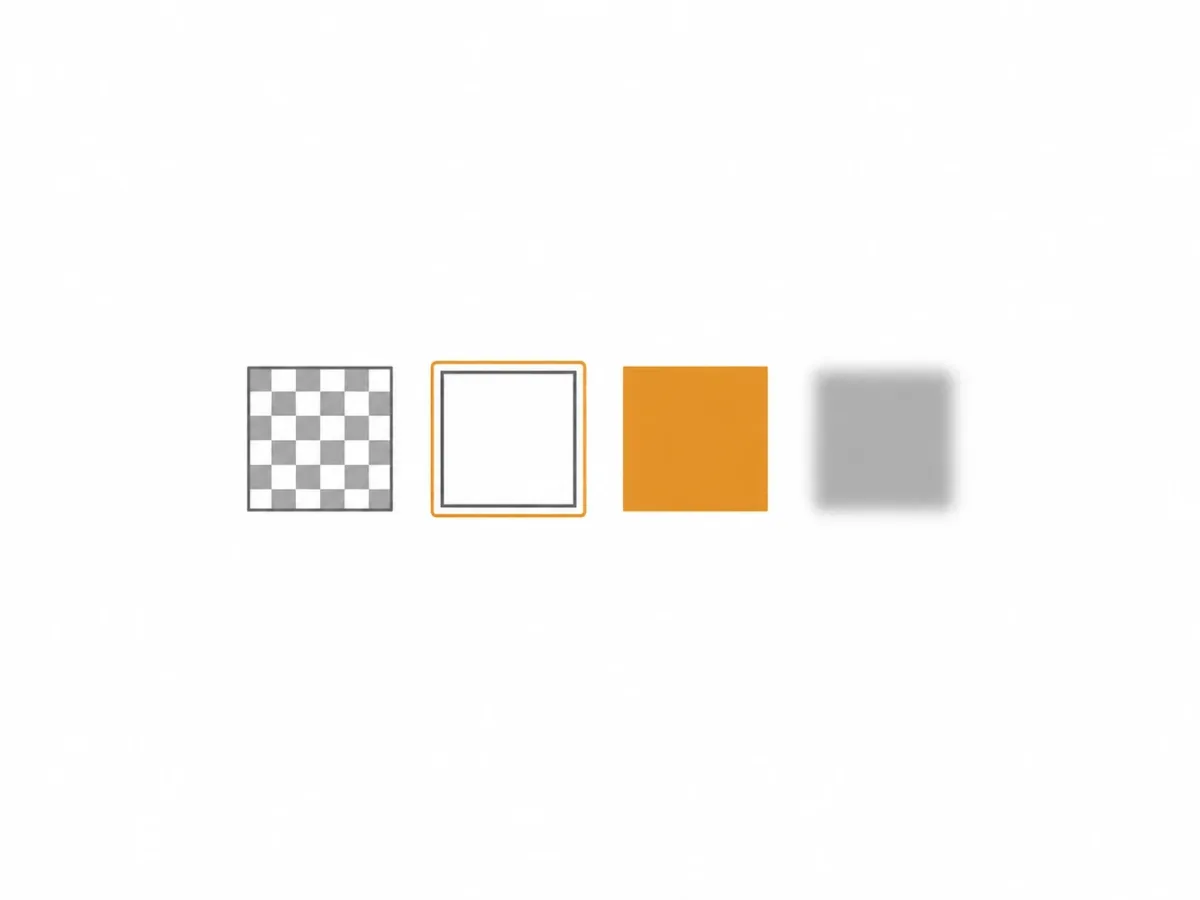
This is the one decision worth thinking about, because it determines whether the file is ready to use or needs another round of editing.
Download the file, or send it straight into the next tool without leaving the page. Most people stop at the download. The ones who get the most out of the background remover do not.
The parts of the background remover worth knowing before your first run, none of which you have to decide up front.
JPG, PNG, WEBP, GIF, AVIF, and HEIC are all accepted, up to 10 MB per file. HEIC matters more than it sounds: it is what an iPhone produces by default, and most sellers are shooting on a phone.
The default. Keeps a real alpha channel, so the cutout composites cleanly into any layout, mockup, or scene later.
Exports exactly RGB 255,255,255 — the value Amazon's main-image policy requires, not an approximation of it. Use this when the file goes straight into a listing.
Pick any hex value when a whole category page needs the same backdrop and white is not your brand. Or keep the original scene and throw it out of focus, which reads better than a hard cutout for headshots.
Flattening a transparent PNG onto white in an editor often leaves a faint halo of semi-transparent edge pixels. Selecting white at export composites it correctly the first time.
One credit per image, flat. New accounts start with 40 credits that do not expire, so the first forty cutouts cost nothing beyond signing up.
The background remover does one thing. What that one thing unlocks depends entirely on what you are shipping.

Both require the main image on white. Shoot on whatever surface you have, run the background remover, export on pure white, and the compliance question is answered before you upload.

A collection page looks amateur the moment two products have different backdrops. Running every product through the same background remover is the cheapest way to make an inconsistent catalogue look deliberate.
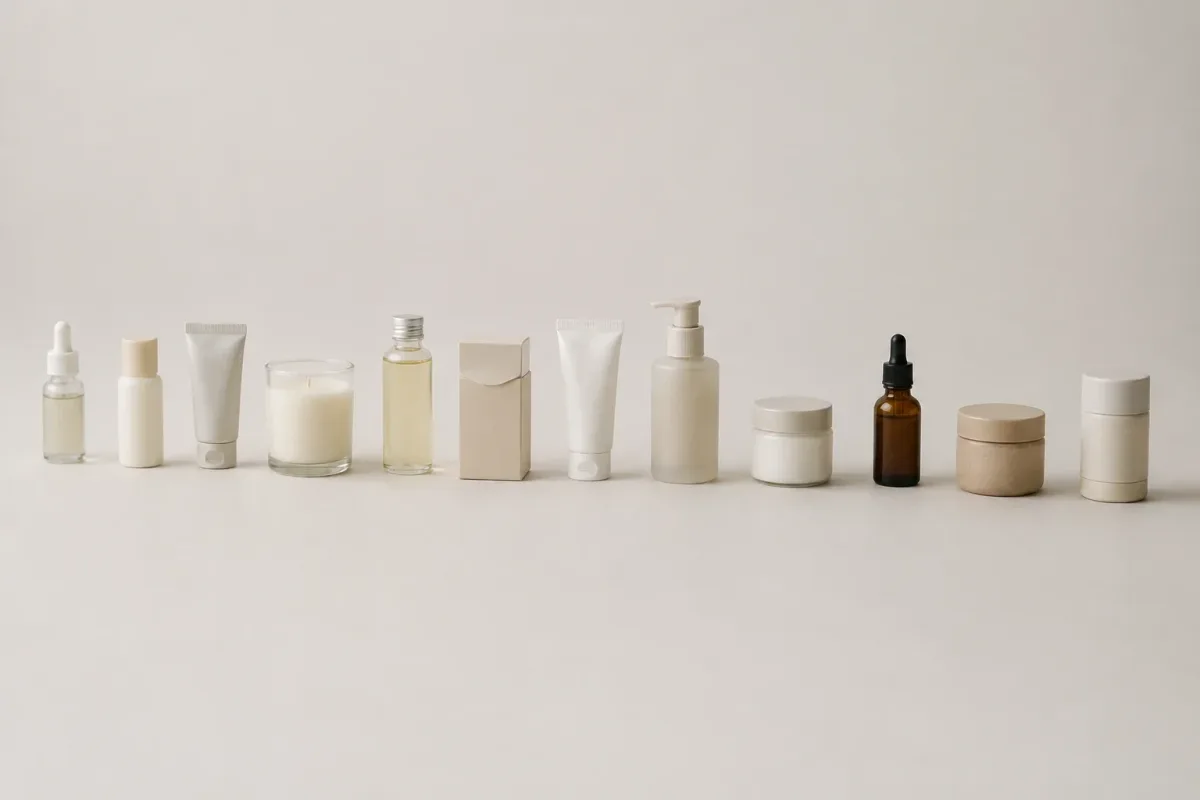
Sellers rarely have one photo. They have ninety, shot over six months on five different surfaces — which is where a background remover stops being a convenience and starts being infrastructure.
An About page where eight people were photographed in eight different rooms looks disorganised. Cutting everyone out and placing them on one backdrop fixes it in an afternoon, without a photographer.
A transparent PNG is the raw material of every mockup, deck, and banner. Cutting the subject once and reusing it beats re-masking it in every layout.
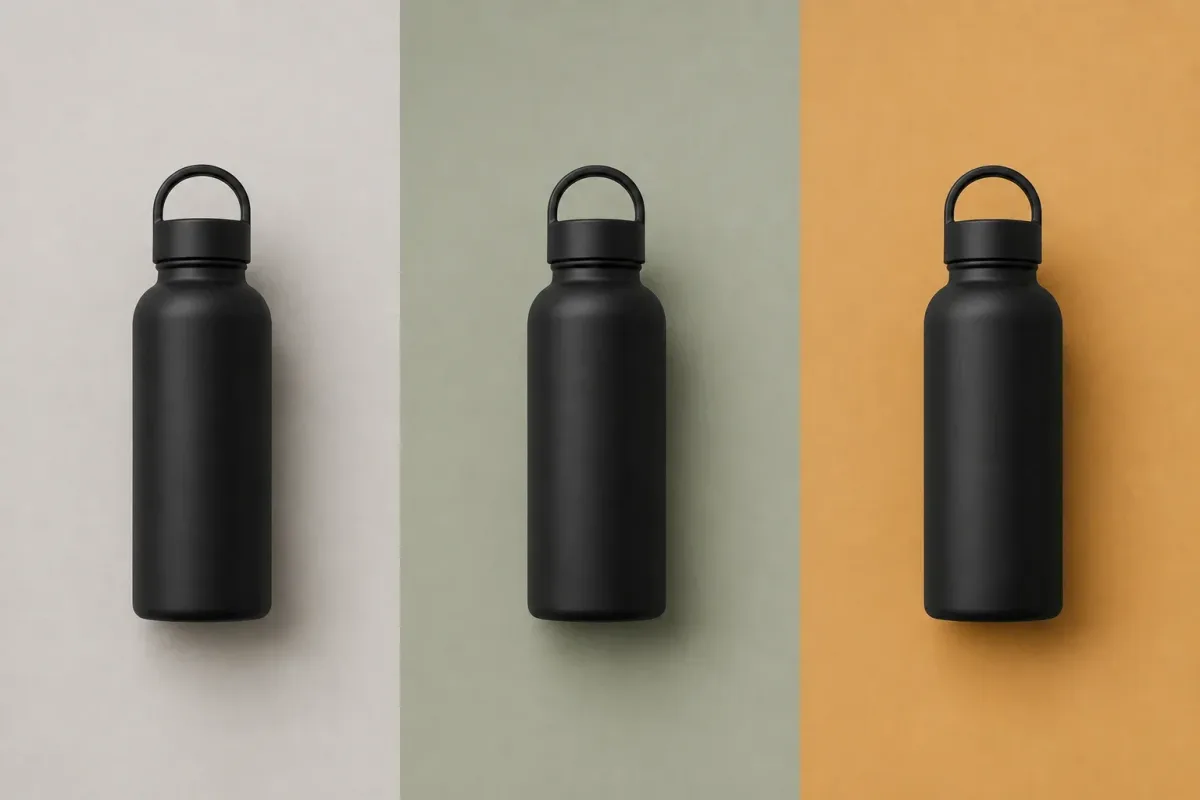
Ad creative gets tested in variants. A clean cutout lets you swap backgrounds, colours, and copy without re-shooting, which is what makes rapid variant testing affordable.
Every tool in this category claims perfection. Here is the honest version, based on our own testing across four material types.
Bottles, boxes, shoes, tools, packaged goods, furniture, appliances. Anything with a clear outline against a backdrop of a different colour or focus comes out clean on the first pass, with no visible halo.
These are the cases that break older cutout tools, and they are the ones we tested hardest. Backlit curls, loose strands, and animal fur all survive with the individual fibres intact rather than being chopped into a hard silhouette. A strand of hair is never fully in or out of the image — a single pixel may be 40% hair and 60% background, and preserving that fraction is what keeps the cutout from looking pasted on.
Clear glass, acrylic, and anything you can see the background through. The model has to decide how much of what is behind the object should come with it, and reasonable answers differ.
A white mug on a white table gives the model very little to separate. Shooting against a contrasting surface costs nothing and solves it entirely.
When two products touch or overlap, the background remover may keep both or split them in a way you did not intend. Shoot one item per frame when the cutout matters.
Re-shoot against a plainer or higher-contrast backdrop — it fixes more cases than any amount of editing. Failing that, the transparent PNG carries a real alpha channel, so a designer can refine the edge without starting over.
Most tools in this category stop at the download button. This background remover treats the cutout as the input, not the answer.
A marketplace listing is not one image. It is a hero shot plus six to nine supporting images that answer the questions your description does not.
The listing builder covers 27 distinct image roles — white-background hero, benefits grid, dimensions, scale-in-hand, how-it-works, certifications, packaging, multipack, comparison, and more. Your cutout becomes the source for all of them.
Amazon, Shopify, Etsy, Walmart, eBay, TikTok Shop, Temu, Shein, and a universal default. Each carries its own main and secondary aspect ratios, so the export is already the right shape.
A cutout is a clean first frame. Sixteen image to video models are available to animate it into a short product clip — the format TikTok Shop and Reels reward and static images cannot compete with.
This is the part worth reading twice. The credits that run the background remover are the same credits that run image generation, the listing builder, and video. There is no separate API plan, no second subscription, and no balance that expires in a silo.
Because the stored file keeps its alpha channel, switching from transparent to white to a brand colour never needs another run. You pick the background when you download, not when you process.
Manual cutting still exists, and for a reason. It is worth being precise about which job each approach is actually better at.
The gap barely matters on one photo. On a hundred-item catalogue it is the difference between most of a working day and a coffee break.
Manual cutting means the pen tool, layer masks and refine-edge. The background remover needs no technique at all, which is what puts a clean cutout within reach of the person who took the photo.
A skilled retoucher with unlimited time will beat any automatic tool on one difficult image — the ceiling is higher by hand. The floor is what changes: a background remover delivers a consistent, usable result on image ninety as reliably as on image one, and no human does that.
Every plan unlocks all 28 models and every tool on Anyscene, this one included. Yearly billing saves 20%, and a credit pack tops up any plan.
Yearly prices, shown per month. Monthly billing and credit packs are on the pricing page.
The questions worth answering before you spend a credit.
Yes. Processing runs on our servers and consumes credits, so you need to be signed in. New accounts start with 40 credits that do not expire — enough for 40 images before you decide whether to buy more.
One credit, flat — the lowest-cost operation on the platform, and half of what a standard image generation uses. There is no premium tier and no per-image surcharge.
Yes. Choose "Pure white" and the output is RGB 255,255,255, which is the exact value Amazon's main-image policy requires. There is no separate flattening step afterwards.
Yes. The transparent option exports a PNG with a genuine alpha channel, including partial transparency at soft edges. That is what lets the cutout composite cleanly instead of showing a hard fringe.
Well — this is the case we tested hardest. Backlit curls and animal fur keep their individual fibres rather than being cut into a hard silhouette. The cases worth checking are transparent materials and subjects that match their background in colour.
Up to 10 MB per file, in JPG, PNG, WEBP, GIF, AVIF, or HEIC. HEIC support means iPhone photos work without converting them first.
Not yet — the background remover processes one image at a time. Batch processing is on the roadmap; we would rather ship single-image quality first than a queue that drops files.
Download it, or send it straight into the listing set builder to generate a full set of marketplace images, or into video generation to animate it. All three run on the same credit balance.
Sign in, upload a photo, and see the result for yourself. New accounts start with 40 credits that do not expire — that is 40 images.