 Anyscene AI
AI Video Generator
Turn text prompts and images into professional AI videos in seconds.
Start from a template
Pick the result you want — each card says what it needs and what it costs.


Trusted by Creators and Teams Worldwide
Join thousands of creators using Anyscene AI video generator to produce stunning videos every day.
50K+ AI Videos Generated
AI Videos Generated
10K+ Active Creators
Active Creators
3 Generation Modes
Generation Modes
Explore What You Can Create with Anyscene AI Video Generator
Browse real video examples generated with Anyscene and preview the creative possibilities instantly.
Powerful AI Video Generation Capabilities
Anyscene AI video generator offers three core modes to bring your creative vision to life — from text, images, or existing video.
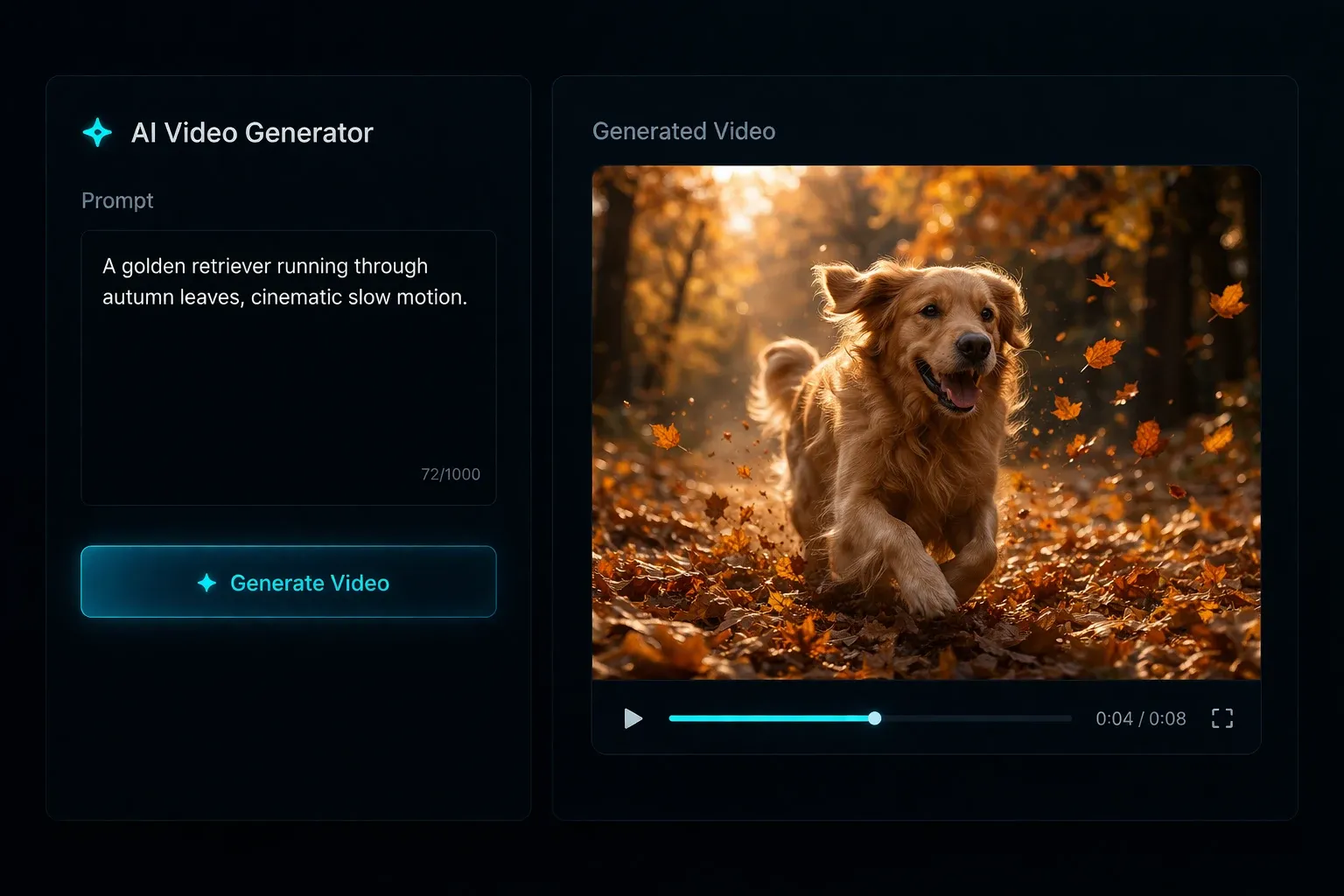
Text to Video AI
Describe any scene, character, or action in plain English and watch it come to life as a video. Our free AI video generator from text understands natural language prompts including cinematic styles, camera angles, lighting, and motion. No video editing experience needed — just type and generate.
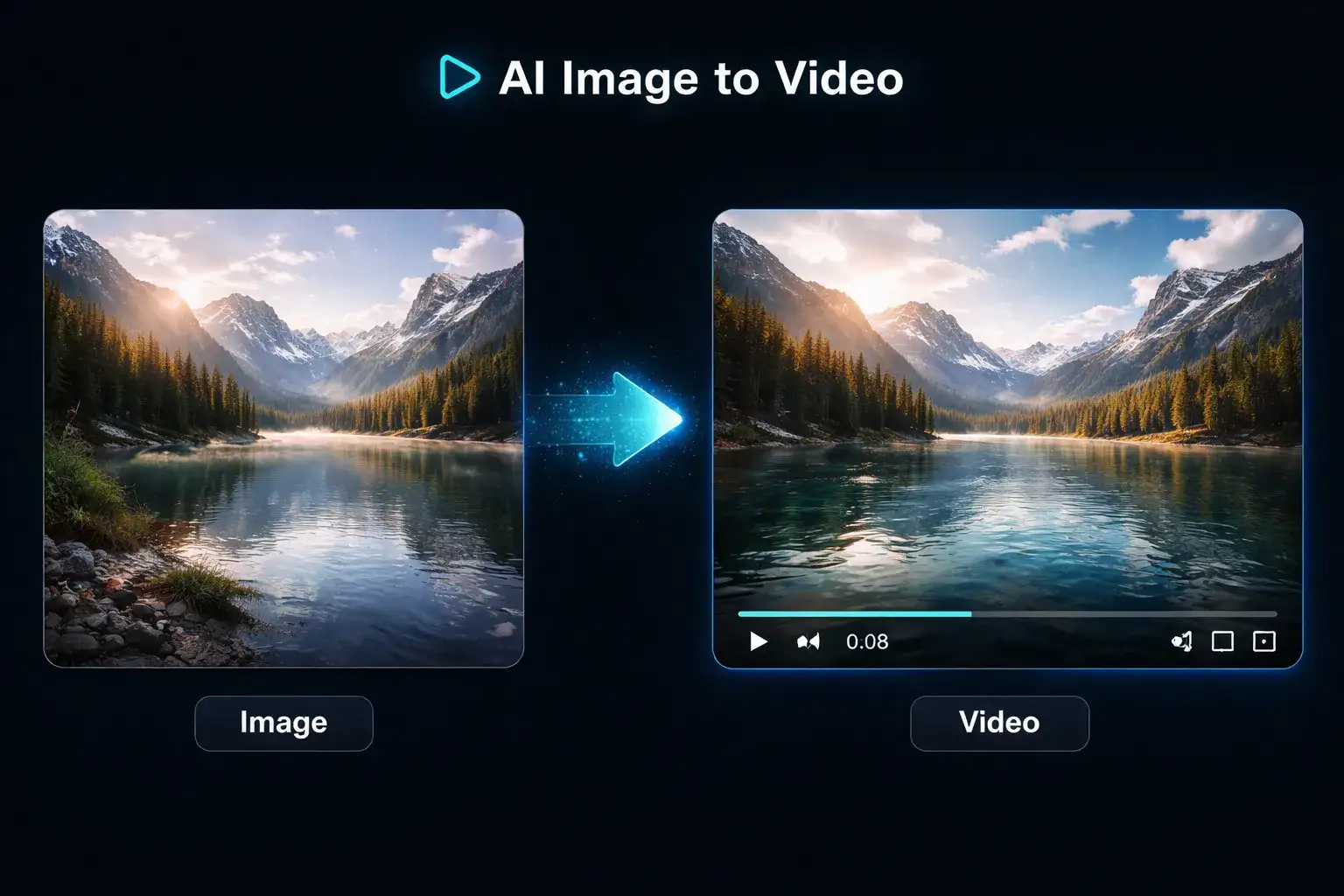
AI Image to Video Generator
Upload any static image and let AI transform it into a dynamic, animated video. Turn product photos into engaging showcases, bring illustrations to life, or animate your artwork. Our AI video generator from image adds natural motion, camera movement, and cinematic effects automatically.
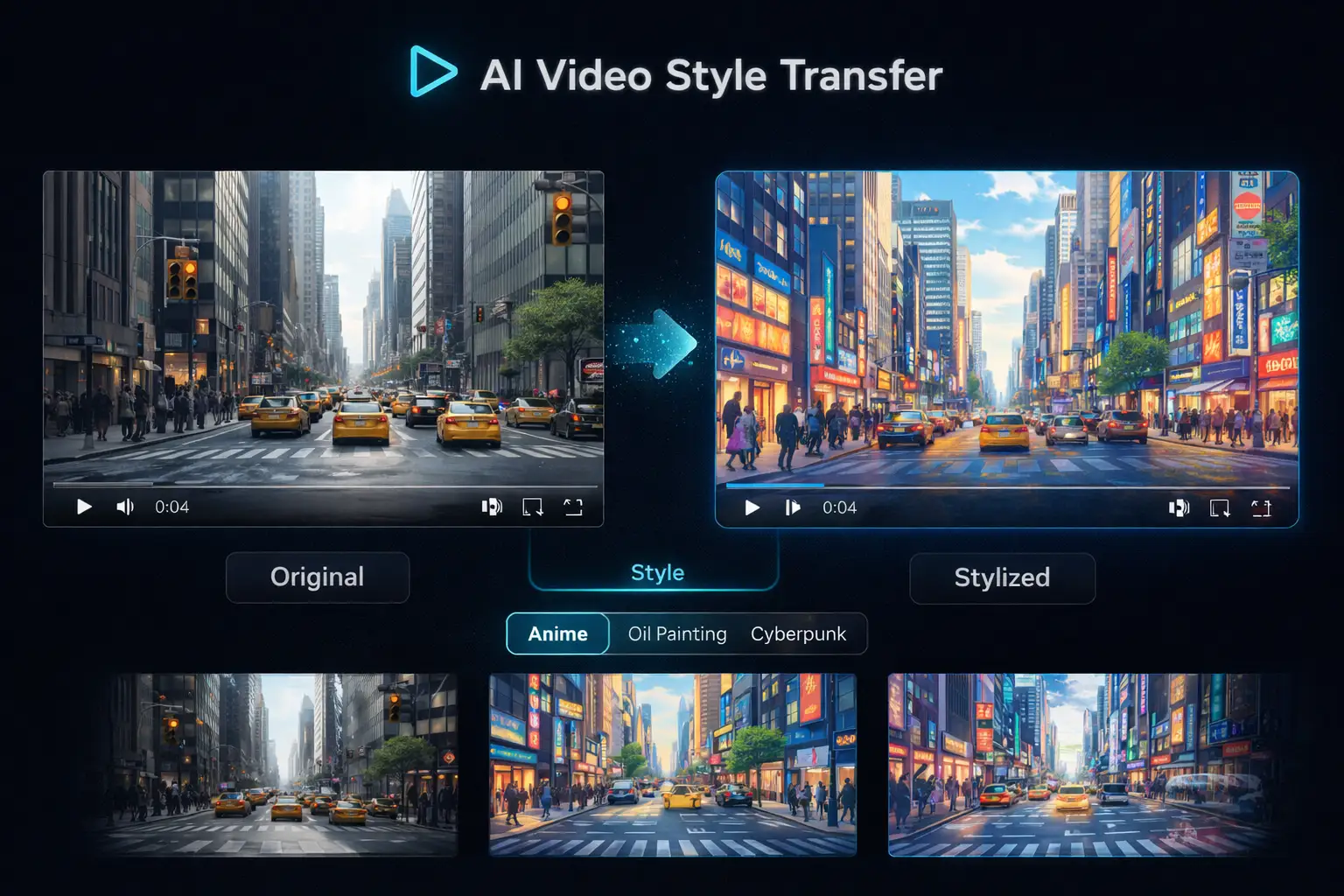
Video to Video AI
Upload an existing video and use AI to transform its visual style, enhance quality, or apply creative effects. Change the artistic direction, add new visual elements, or restyle footage while preserving the original motion and composition. Perfect for repurposing content across platforms.
How to Generate AI Videos in 3 Simple Steps
Creating professional AI videos with Anyscene is fast and straightforward. Follow these three steps to go from idea to finished video.
Write Your Prompt or Upload Media
Describe the video scene you want to create in natural language — include details like setting, action, style, and mood. Or upload a reference image or video to use as a starting point for AI video generation.
Choose Your AI Model
Select from multiple AI video generation models, each optimized for different styles and output quality. Experiment with different models to find the best match for your creative direction.
Generate and Download
Click generate and your AI video will be ready in seconds. Preview the result, iterate with adjusted prompts if needed, then download your video — no watermarks, full commercial rights included.
What You Can Create with an AI Video Maker
From social media clips to product demos and educational content, Anyscene AI video generator powers every type of video project.
Social Media Videos
Create scroll-stopping short videos for Instagram Reels, TikTok, and YouTube Shorts that drive engagement and grow your audience.
Marketing & Ads
Generate product demos, promotional clips, and ad creatives without hiring a production team or renting studio equipment.
E-commerce Product Videos
Turn static product photos into dynamic video showcases that boost conversion rates and make your listings stand out.
Educational Content
Produce explainer videos, tutorials, and training materials quickly. Visualize complex concepts for better learning outcomes.
Presentations & Pitches
Add dynamic video elements to make your business presentations, investor pitches, and team updates more engaging and memorable.
Creative Projects
Bring artistic concepts to life for music videos, short films, story animations, and creative experiments with AI-powered generation.
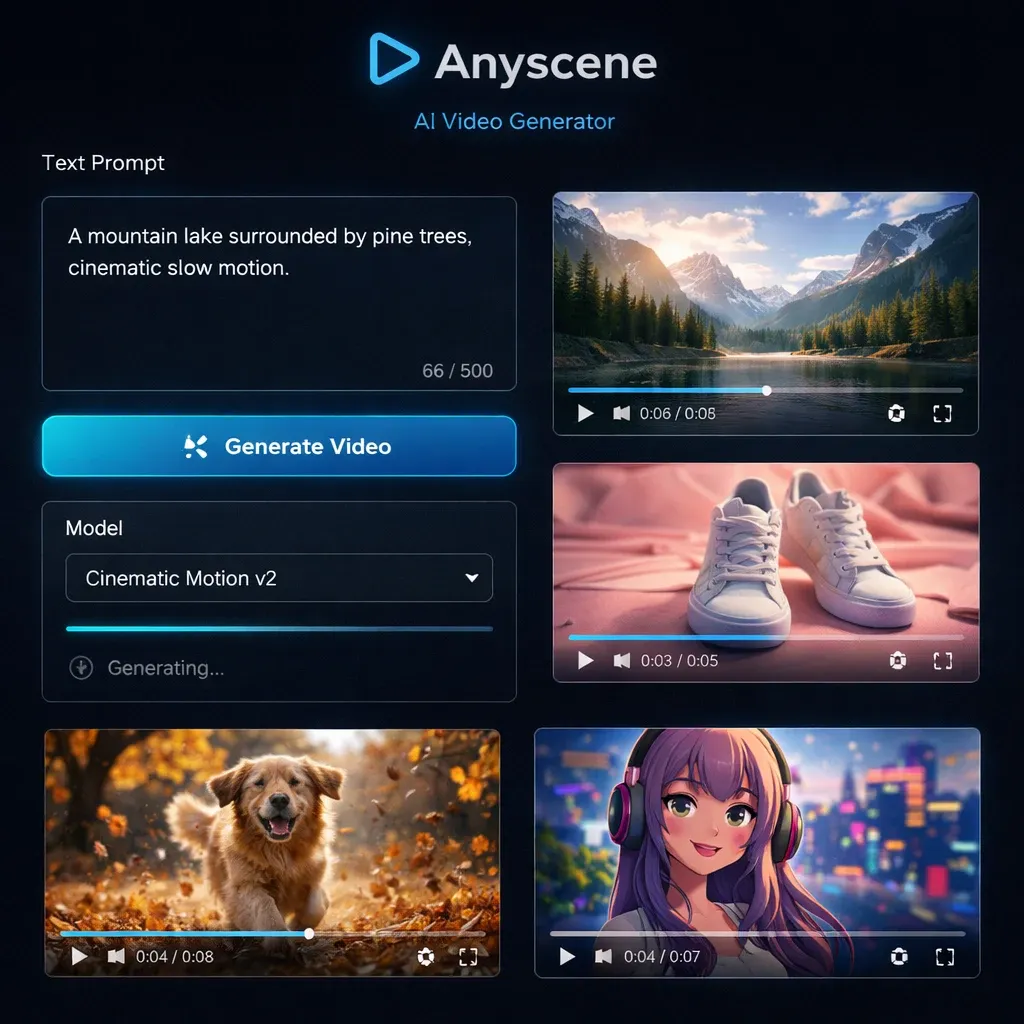
Why Choose Anyscene AI Video Generator
Anyscene gives you everything you need to create professional AI videos — fast, free to start, and built for creators who value quality and simplicity.
Free to Start, No Credit Card Required
Sign up and receive free credits to start generating AI videos right away. Explore all features, test different models, and create videos with zero commitment. Anyscene is a truly free AI video generator online.
Multiple AI Models in One Platform
Access a range of advanced AI video generation models from one dashboard. No need to switch between different tools or manage multiple subscriptions — Anyscene brings the best models together.
Fast Generation in Seconds
Our optimized infrastructure delivers AI video generation in seconds, not minutes. Iterate quickly on your ideas and explore more creative directions in less time than traditional video production.
No Watermarks, Full Commercial Rights
Every video you generate with Anyscene is yours to use freely. Download without watermarks and use in commercial projects, marketing campaigns, social media, and client work with complete confidence.
Private and Secure
Your prompts, uploaded images, and generated videos are kept completely private. Anyscene does not use your content for model training or share it publicly. Create freely knowing your creative work and business content remain confidential and secure.
Works on Any Device, No Installation
Anyscene is a fully online AI video generator that runs in your web browser. No software downloads, no GPU requirements, no system compatibility issues. Create professional AI videos from your desktop, laptop, tablet, or phone — anywhere with an internet connection.
Tips to Get Better Results from AI Video Generator
Follow these best practices to create higher-quality AI generated videos and get the most out of every prompt.
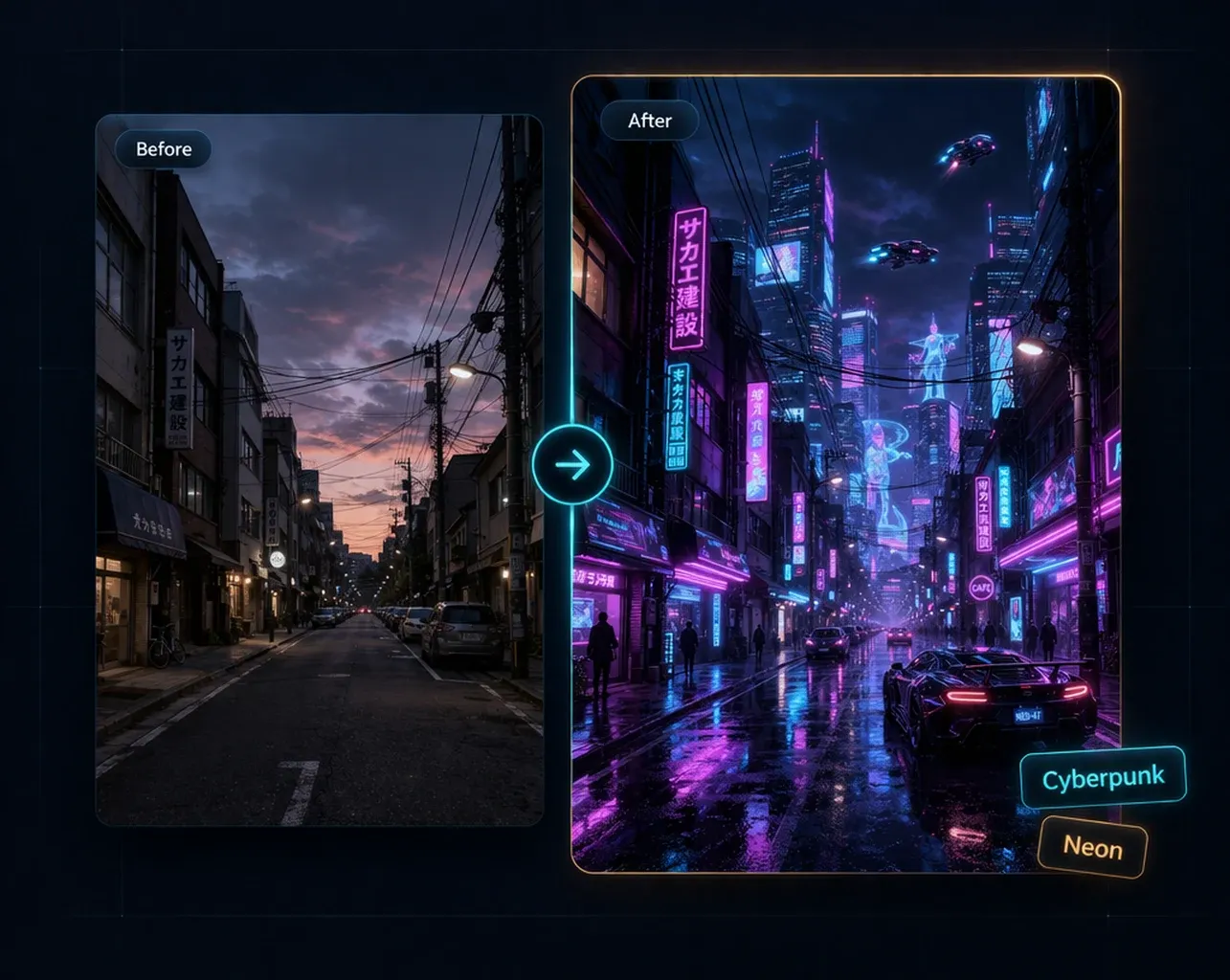
Be Specific with Your Prompts
The more detail you provide, the better your AI video will be. Include specific information about the scene, lighting, camera angle, movement, and mood. For example, instead of 'a dog running,' try 'a golden retriever running through autumn leaves in a forest, cinematic slow motion, warm golden hour lighting, shallow depth of field.' Specific prompts consistently produce more impressive results.
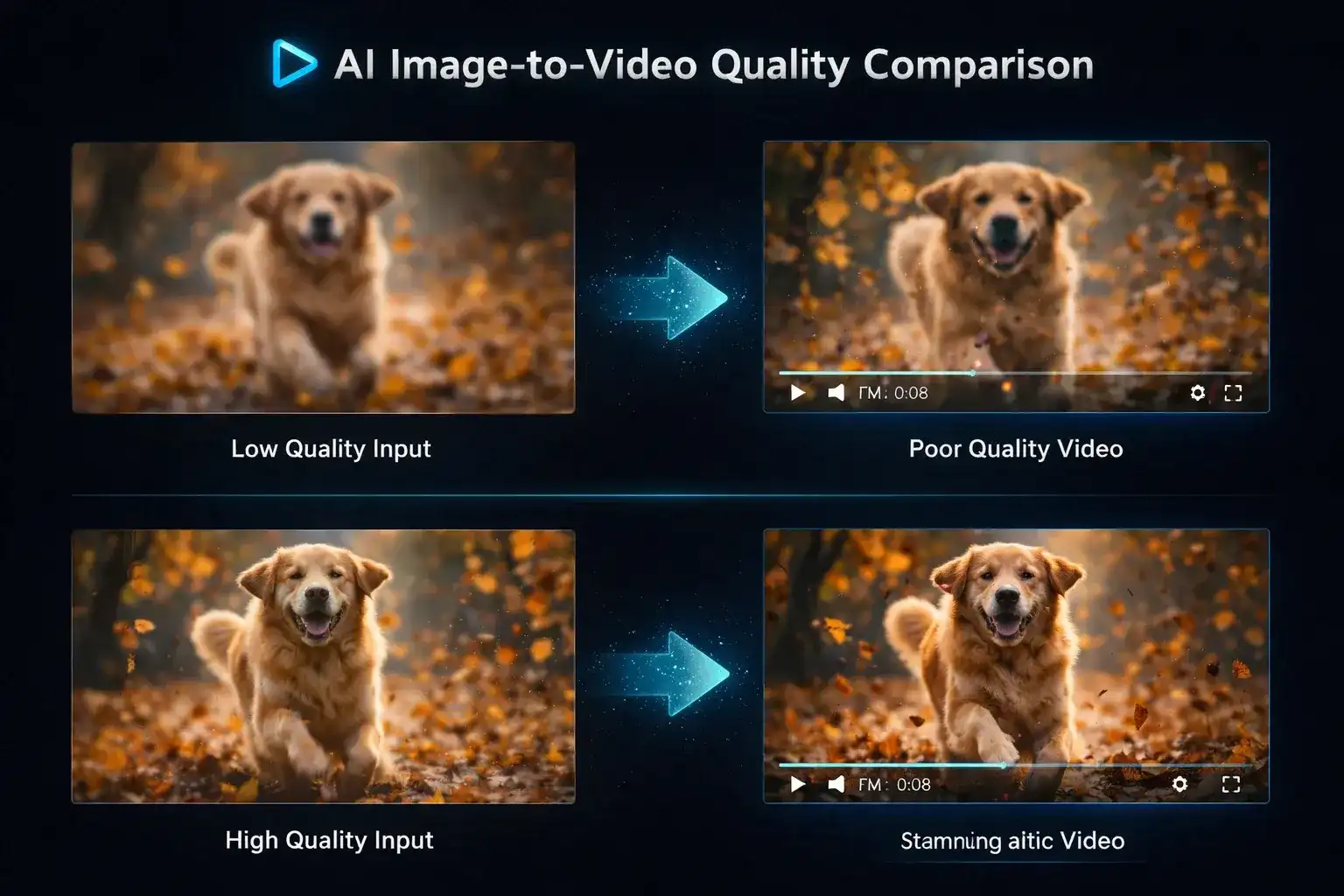
Use High-Quality Reference Images
When using the image-to-video mode, the quality of your source image directly impacts the final video output. Upload clear, high-resolution images with good composition and lighting. Avoid blurry, low-resolution, or heavily compressed images. The AI video generator from image works best when it has sharp, detailed source material to animate.
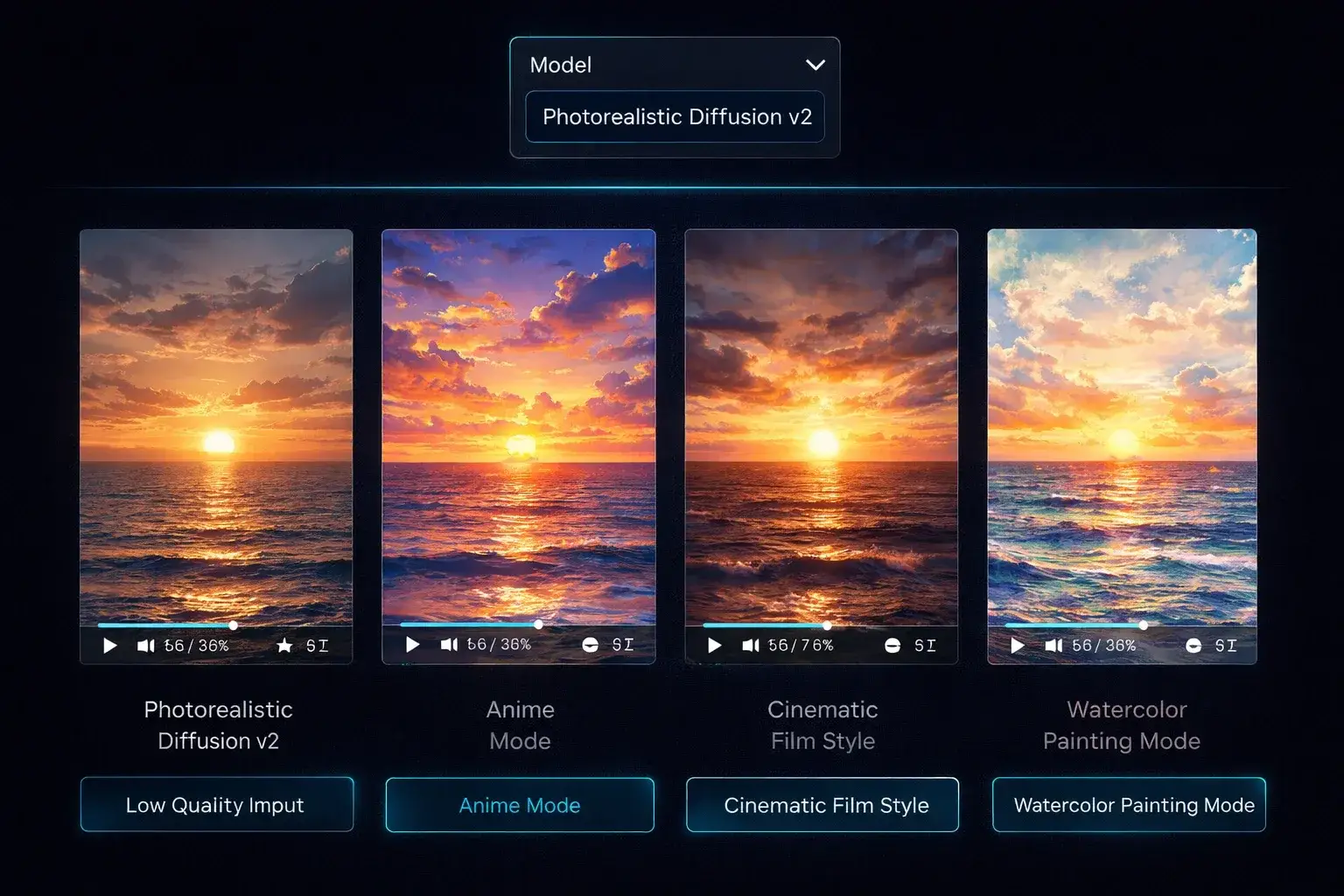
Experiment with Different AI Models
Different AI video generation models excel at different styles and content types. Some models produce more cinematic results, while others are better for animated or stylized content. Try generating the same prompt across multiple models to compare outputs and find the best fit for your specific project. This experimentation often leads to discovering new creative possibilities you hadn't considered.
What Is Anyscene AI Video Generator?
An AI video generator uses artificial intelligence to create video content from text prompts, images, or existing clips — no cameras, editing software, or technical skills required.
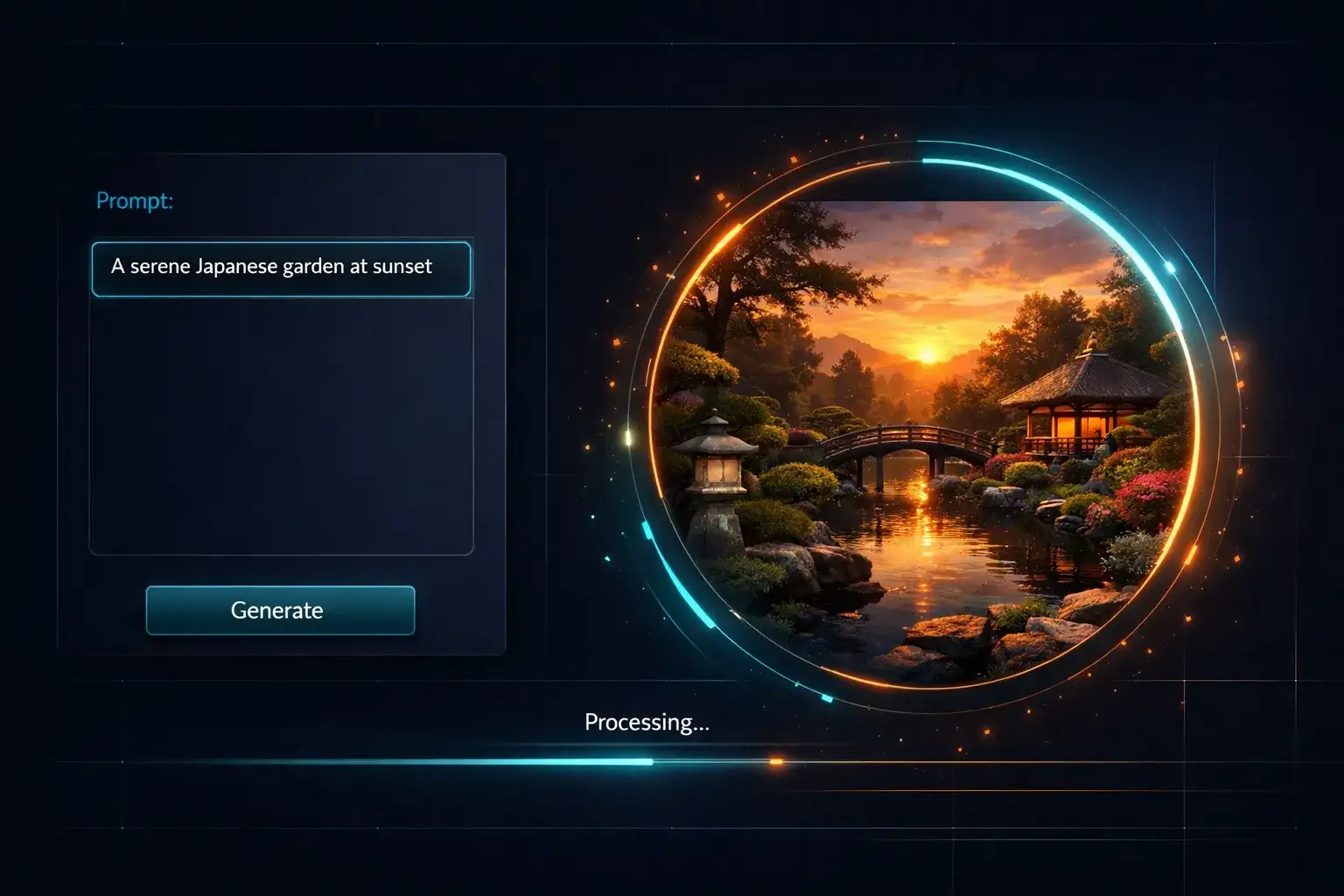
Three Powerful Modes
Create videos from text descriptions, animate static images, or transform existing video styles — all from one platform.
Generate in Seconds
Type a prompt or upload an image and get a polished video in seconds. No lengthy production timelines.
No Skills Needed
Write prompts in plain language. The AI handles scene composition, camera movement, and visual effects automatically.
Built for Everyone
Content creators, marketers, educators, and businesses — anyone can produce professional video without a production team.
Frequently Asked Questions About AI Video Generator
Everything you need to know about creating AI videos with Anyscene. Have more questions? Contact us anytime.
An AI video generator is a tool that uses artificial intelligence to create video content automatically from text prompts, images, or existing video clips. Anyscene AI video generator supports text-to-video, image-to-video, and video-to-video modes, allowing you to produce professional-quality videos without any video editing skills or expensive software.
Yes. Anyscene offers a free AI video generator that you can start using immediately after signing up. You receive free credits upon registration to explore all features and generate videos. For higher volume usage or access to premium AI models, affordable paid plans are available.
Simply type a text prompt describing the video you want to create — include details about the scene, action, style, and mood. Choose an AI model, then click Generate. The AI video generator will produce your video in seconds. You can refine your prompt and regenerate until you get the perfect result.
Yes. Anyscene supports AI image-to-video generation. Upload any static image — a product photo, illustration, artwork, or photograph — and the AI will animate it into a dynamic video with natural motion, camera movement, and effects. This is ideal for creating engaging content from existing visual assets.
Anyscene integrates multiple advanced AI video generation models, each optimized for different styles and quality levels. You can switch between models within the same project to find the best fit for your creative needs. New models are regularly added as AI technology advances.
Anyscene is designed to be the most beginner-friendly AI video generator available. There is no learning curve — simply type a description or upload an image and generate your video. The intuitive interface requires zero video editing experience, and free credits let you practice and experiment without any cost.
Yes. All videos generated with Anyscene can be used for commercial purposes. This includes marketing campaigns, social media content, product videos, advertisements, client projects, and more. Your videos are downloaded without watermarks and you retain full commercial usage rights.
Most AI videos are generated in just seconds. Anyscene is optimized for speed with high-performance infrastructure, so you can iterate quickly, test different prompts and styles, and produce finished videos without long wait times. The exact generation time depends on the model and video complexity.
No. Anyscene is a fully online AI video generator that works directly in your web browser. There is nothing to download or install. It works on desktop, tablet, and mobile devices — just visit the website, sign in, and start creating AI videos from anywhere.
Traditional video editing requires source footage, professional software, and technical skills. An AI video generator creates entirely new video content from text descriptions or images — no footage or editing experience needed. You describe what you want and the AI produces it, making video creation accessible to everyone regardless of technical background.
Anyscene AI video generator outputs high-quality video files that are compatible with all major platforms and devices. The exact resolution and format depend on the AI model selected. Generated videos can be downloaded directly and used across social media platforms, websites, presentations, and professional video projects without any conversion needed.
Yes. AI video generation is legal and widely used by businesses, creators, and professionals worldwide. Videos generated with Anyscene are original AI-created content. You retain full ownership and commercial usage rights for all videos you generate. As with any content creation tool, you are responsible for ensuring your prompts and outputs comply with applicable laws and platform guidelines.
Start Creating AI Videos Today
Turn your ideas into stunning videos with the power of AI. Free to start, no editing skills needed — just describe your vision and let Anyscene bring it to life. Starting from a photo? Use the dedicated image to video AI page. Starting from a sentence? The text to video AI page opens on that tab. Already have footage? Video to video AI restyles it. Know where the shot must end? Start and end frame locks both frames.