 Anyscene AI
Start and End Frame Video AI
Upload the frame you want the clip to open on and the frame you want it to end on. The model animates the path between them, so you decide where the shot goes instead of hoping.
Start and End Frame by the Numbers
Every figure below is read from the models wired into this generator, not from a brochure.
13 Start and end frame models under one account: Seedance, Kling, Veo, Gemini, MiniMax, Wan and PixVerse
Start and end frame models under one account: Seedance, Kling, Veo, Gemini, MiniMax, Wan and PixVerse
2 Images you upload: the opening frame and the closing frame, in any matching aspect ratio
Images you upload: the opening frame and the closing frame, in any matching aspect ratio
4K Top output resolution from Veo 3.1 and Kling 3.0, with clips from 4 to 15 seconds
Top output resolution from Veo 3.1 and Kling 3.0, with clips from 4 to 15 seconds
Where Two Frames Can Take a Clip
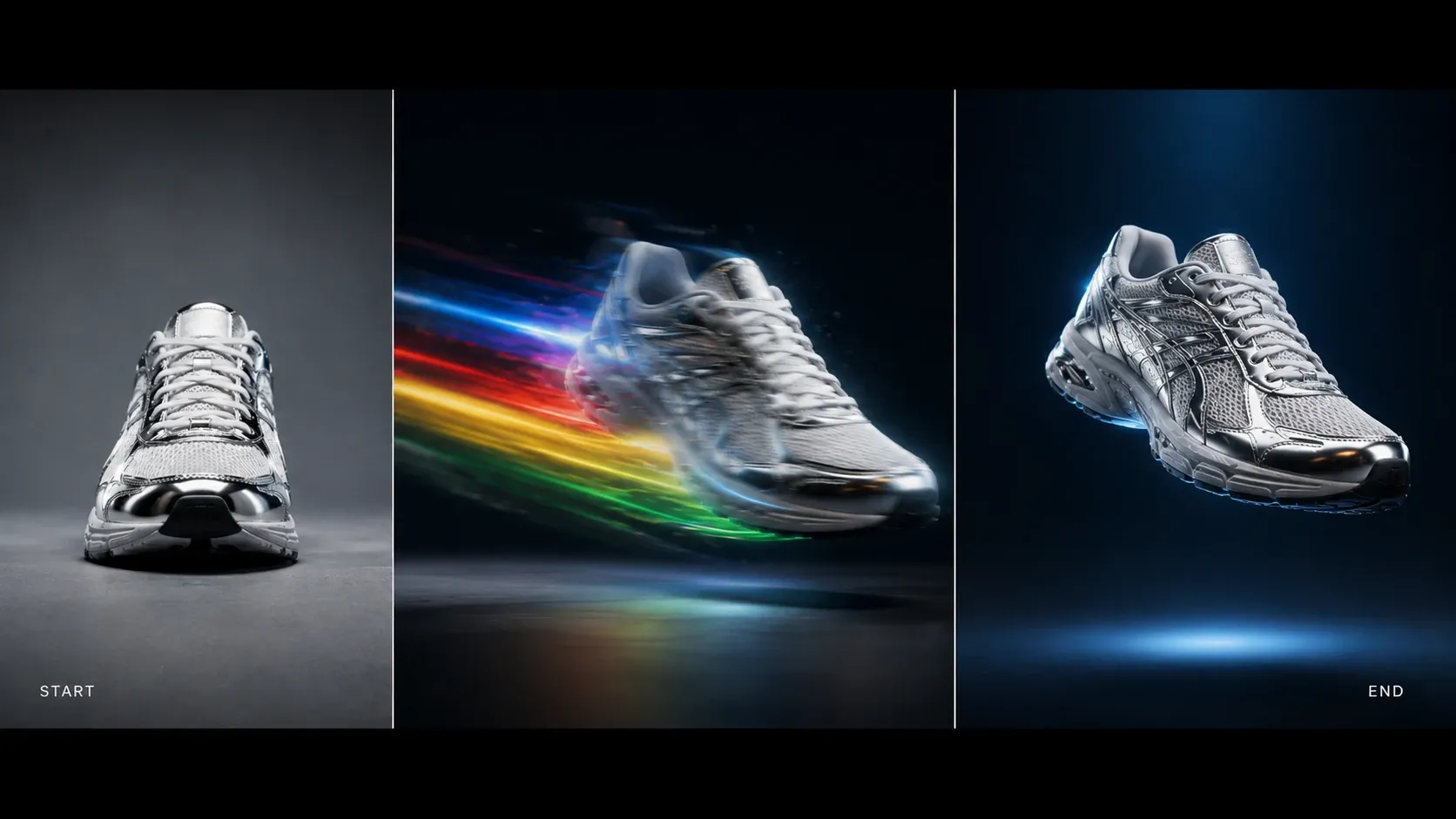
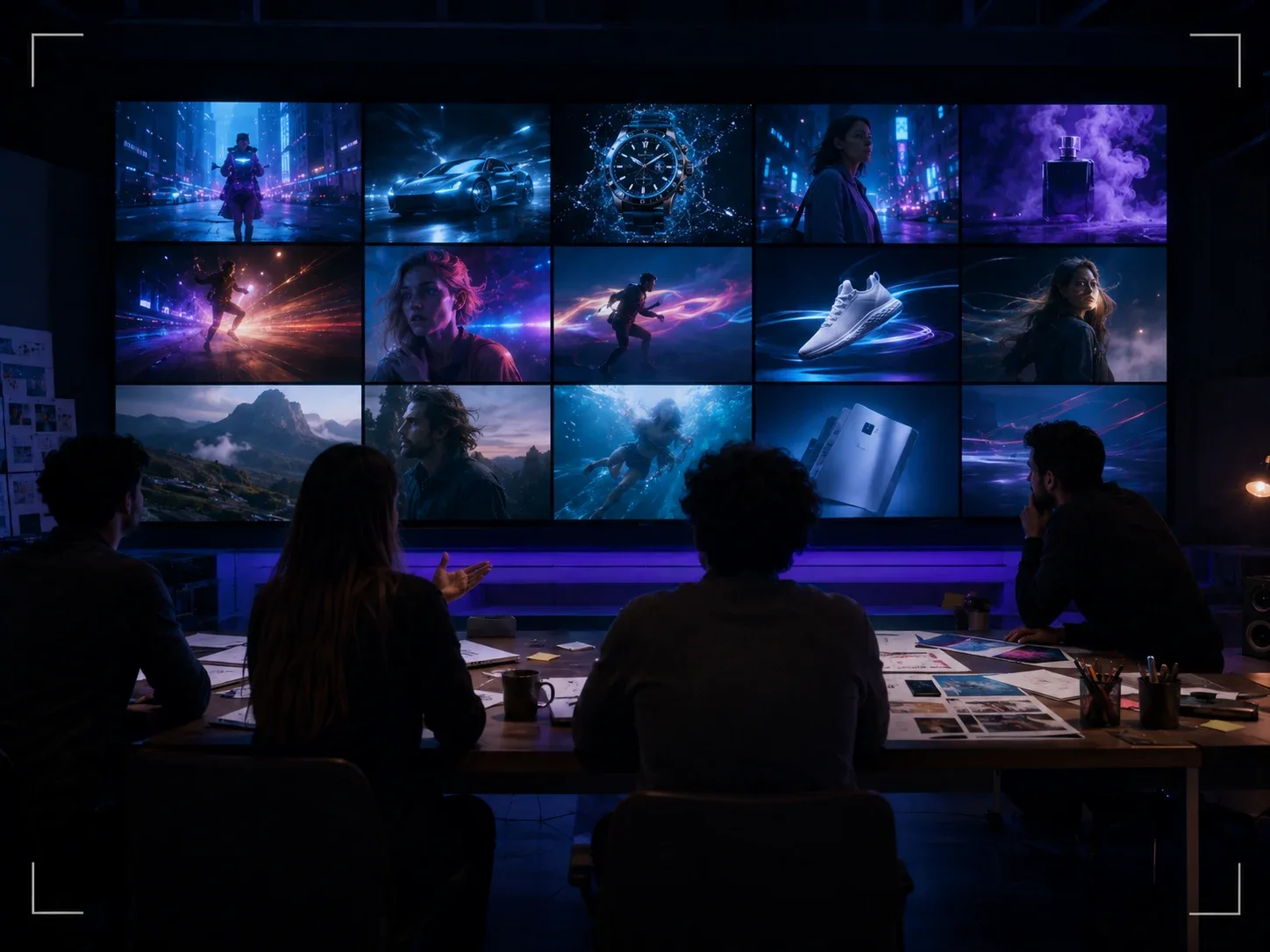
Product turns, reveals, pose changes and scene shifts all come down to the same idea: a start and end frame the model has to connect. The clips below show the range of motion the models render.
What Is Start and End Frame Video?
Start and end frame video is an AI process that takes two still images, treats the first as the opening frame and the second as the closing frame, and generates the motion that carries one into the other. Some tools call it first and last frame, keyframe to video or frame interpolation; the idea is the same. It sits between image to video, where the model chooses the ending, and text to video, where the model invents everything.
The start frame anchors the shot
Whatever you upload first is frame one, exactly. Composition, colour, subject and lighting are locked from the beginning, the same way image to video works.
The end frame sets the destination
The second image is where the clip has to arrive. A different angle, a different pose, a different time of day: the model plans a path that lands on it, which is what plain image to video cannot promise.
The prompt describes the journey
With both ends fixed, your words only have to say how to get there: "slow orbit", "she turns and walks toward camera", "clouds roll in as the light fades". Short, motion-only prompts work best for start and end frame clips.
Image to Video vs Start and End Frame
Both start from a still. The difference is who decides the ending. Pick the one that matches how much control the shot needs.
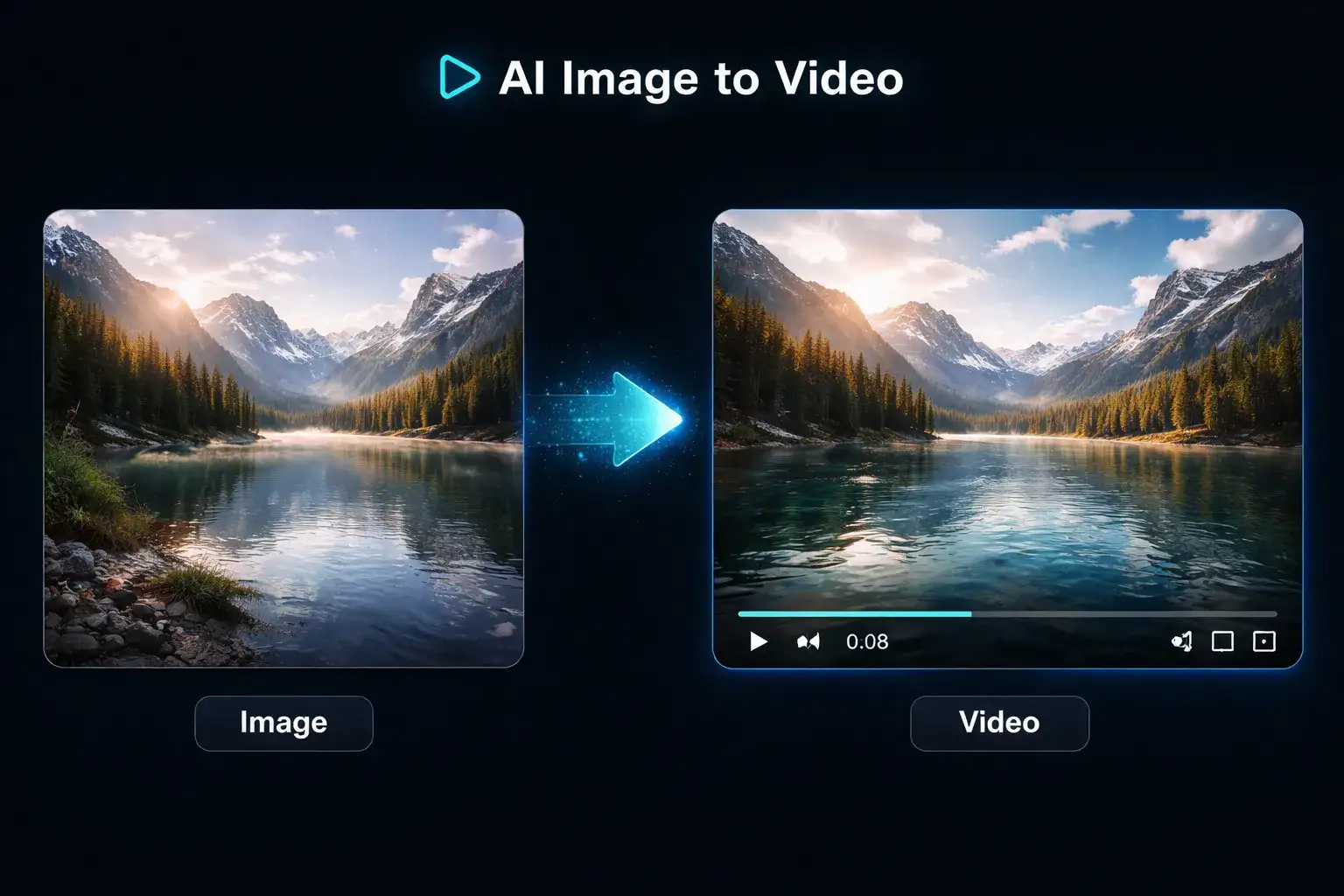
Image to video: the model decides the ending
One image in, motion out. Fast, cheap and right for atmosphere: rippling water, drifting clouds, a subtle push-in. Where the clip ends is up to the model, so two runs of the same input can finish in two different places. Use it when the mood matters more than the destination.
Start and end frame: you decide the ending
Two images in, a path between them out. The clip must open on your first frame and close on your second, so product turnarounds, before-and-after reveals and pose changes land where you planned. Use it when the last frame is the whole point of the shot.
13 Models That Take a Start and End Frame
Thirteen of the generator's nineteen video models accept a start and end frame. Grouped by family they split into six choices, each with its own credit cost, clip length and resolution ceiling. The numbers are the live values in the generator.

Seedance 2.0 Mini
The default and the cheapest way to test a frame pair: 4 to 15 seconds at 480p or 720p, from 24 credits, with native audio. If the two frames connect cleanly here, they will connect on any model above.

Seedance 2 Fast & Pro
Up to 15 seconds with native audio, 480p or 720p on Fast, 1080p on Pro; a 6-second 720p clip costs 96 credits on Fast and 390 on Pro. The start and end frame choice when the path between the two images is long or has several beats.

PixVerse V6
540p, 720p or 1080p, 5 to 15 seconds, from 45 credits, with sound when you switch it on (from 60). At 1080p it costs less per second than Wan 3.0 or Seedance 2 Pro.

Kling 3.0
5, 10 or 15 seconds at 720p, 1080p or 4K with native audio, from 110 credits. The pick for people: faces and clothing stay consistent from the first frame to the last, and lip sync holds if the subject speaks.

Veo 3.1: Lite, Fast, Quality
Google's model, fixed at 8 seconds with 720p, 1080p and 4K output. Lite is 60 credits, Fast 120, Quality 500. The strongest at atmospheric transitions between two frames: weather, light and ambient sound changing across the shot.

Wan 3.0 & MiniMax H3
Wan 3.0 runs 5 to 15 seconds at 480p, 720p or 1080p with native audio, from 65 credits; MiniMax H3 runs 4 to 15 seconds at 768P or 2K, from 52. Two steady second opinions when a stylised or animated frame pair does not connect the way you want elsewhere.
How to Make a Start and End Frame Video in 3 Steps
The whole start and end frame workflow fits in one screen. A first clip is usually back within a few minutes.
Step 1: Upload the start frame
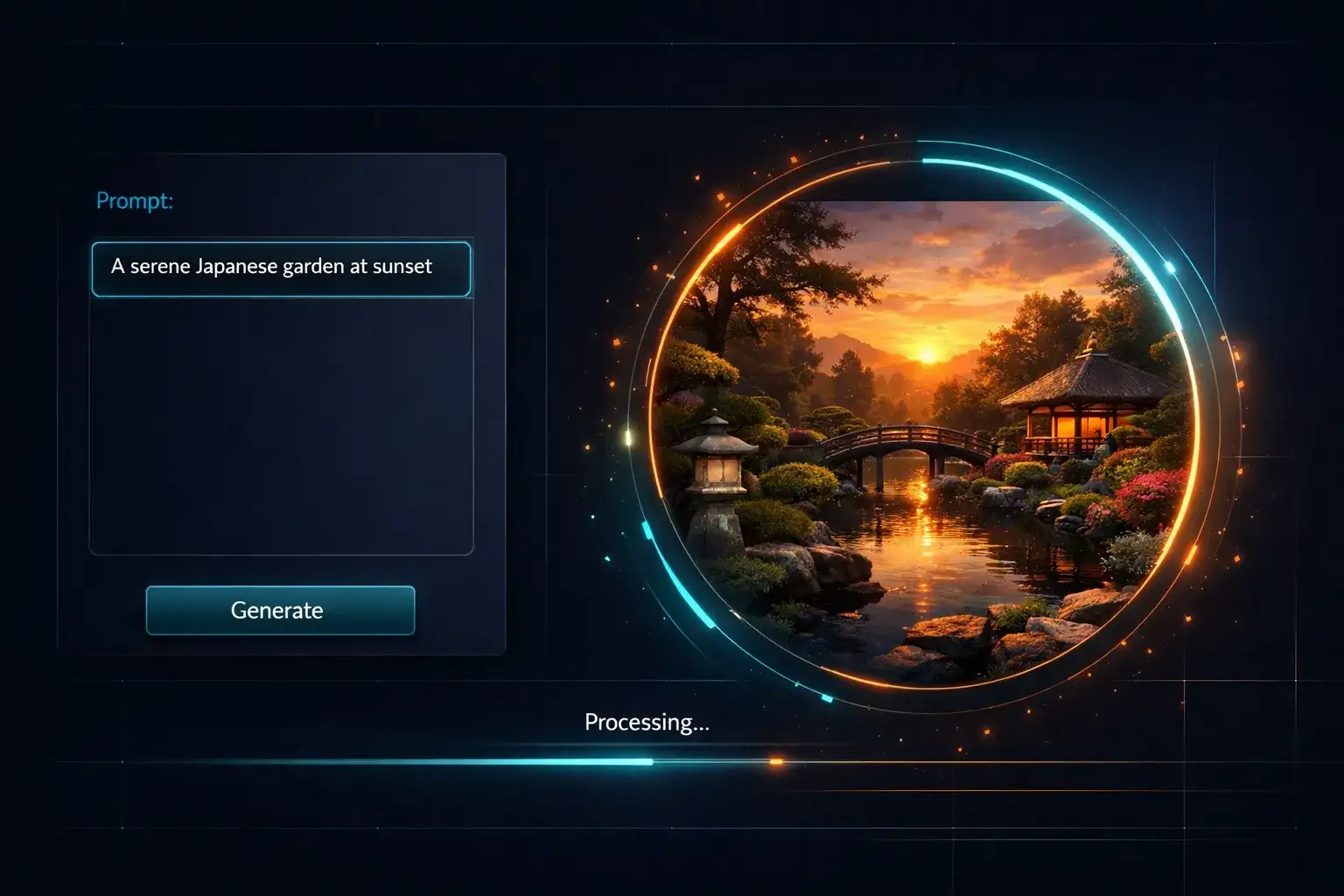
Drop the opening image into the Start slot on the Start-End Frame tab. JPG, PNG or WebP, ideally 1024 pixels or more on the long side. This frame sets the aspect ratio of the whole clip.
Step 2: Upload the end frame
Drop the closing image into the End slot. Keep the same subject, the same aspect ratio and a similar scale; a front view paired with a three-quarter view of the same product is the classic pairing.
Step 3: Describe the path and generate
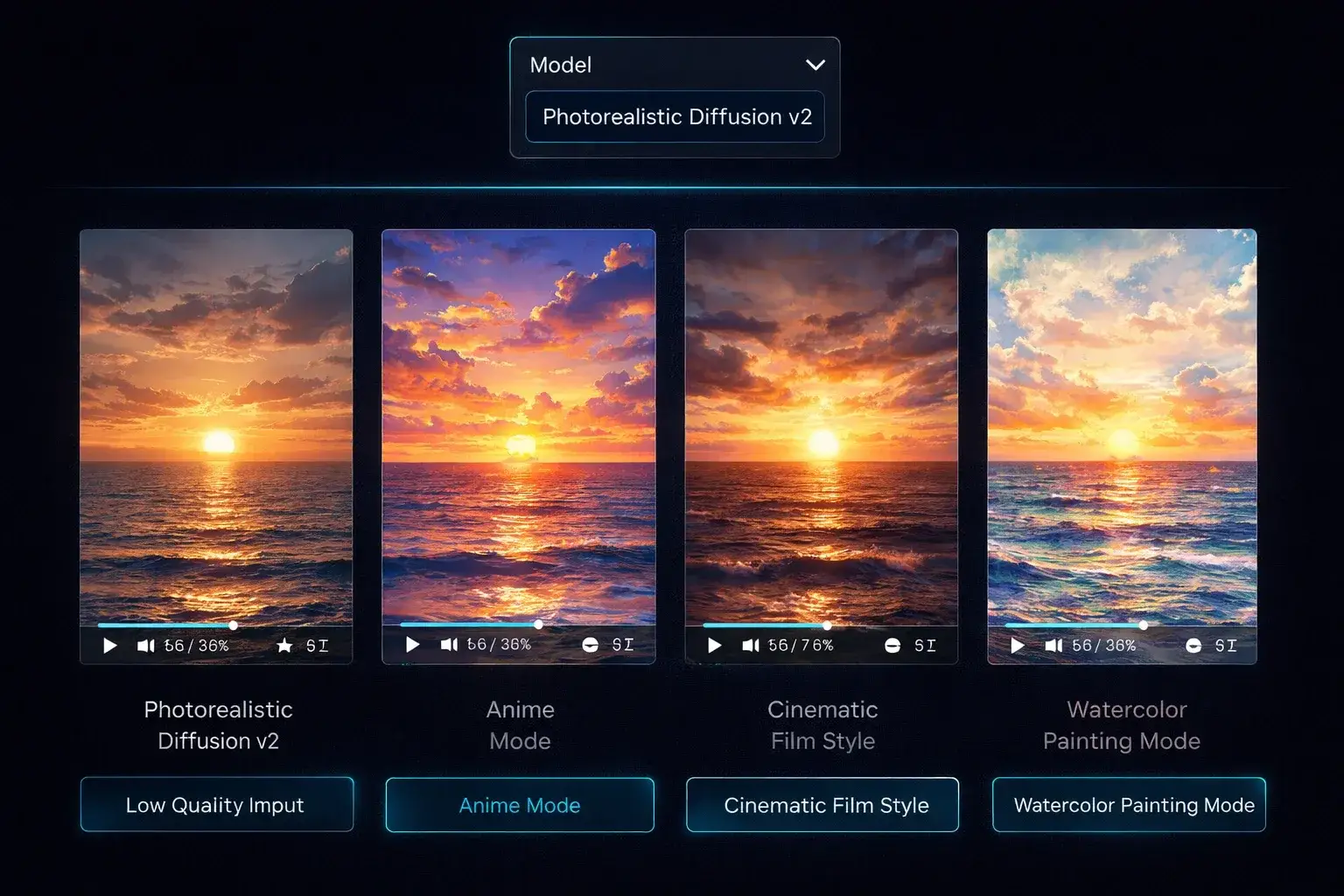
One sentence about the motion between the frames: "slow orbit to the right", "she stands and turns to camera". Pick a model, set the duration, check the credit cost next to Generate and download the MP4 when it lands.
Start and End Frame Video for Every Kind of Creator
The same start and end frame generator serves sellers, marketers, animators and filmmakers. What changes is the pair of images and the sentence about the path.
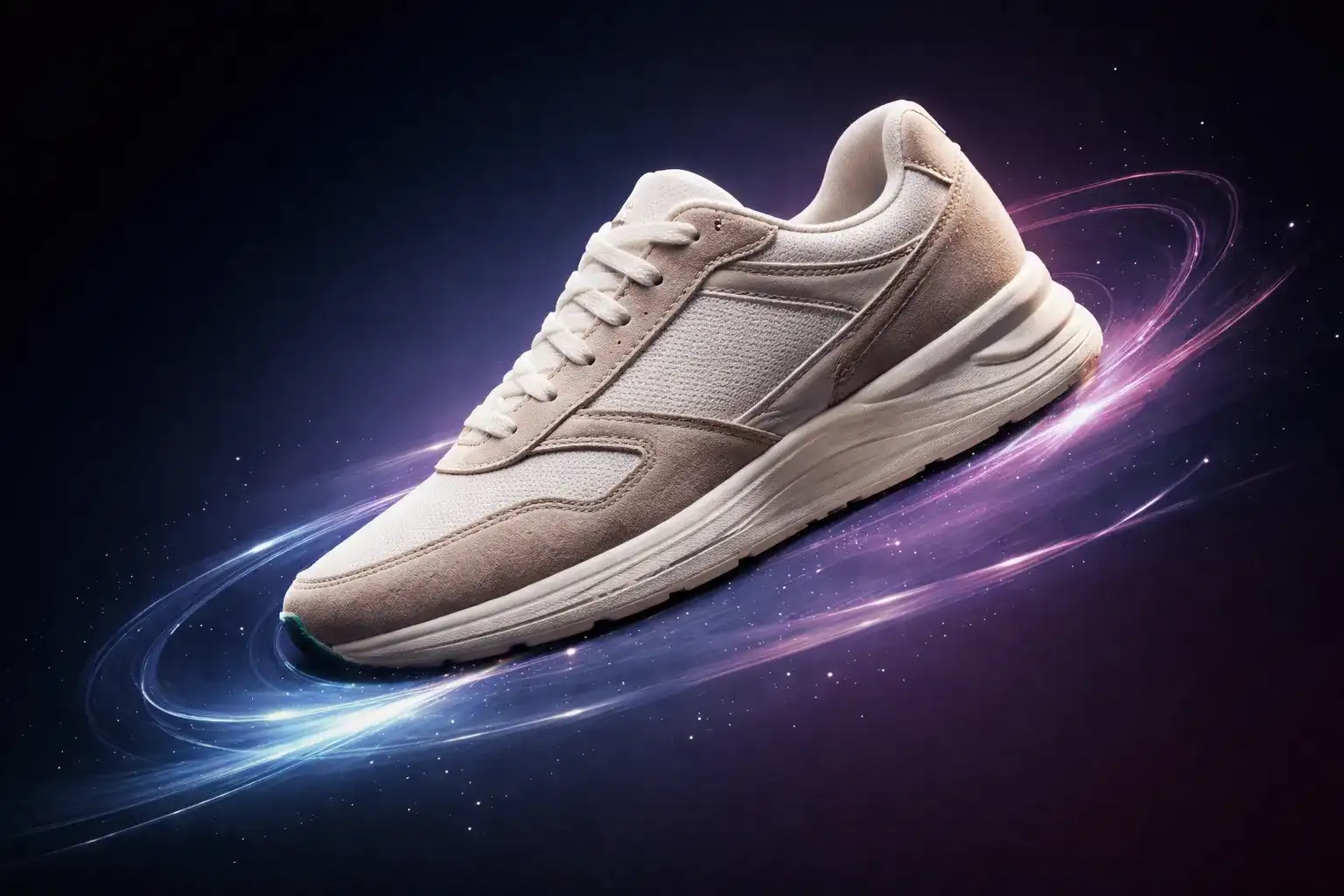
Product turnarounds
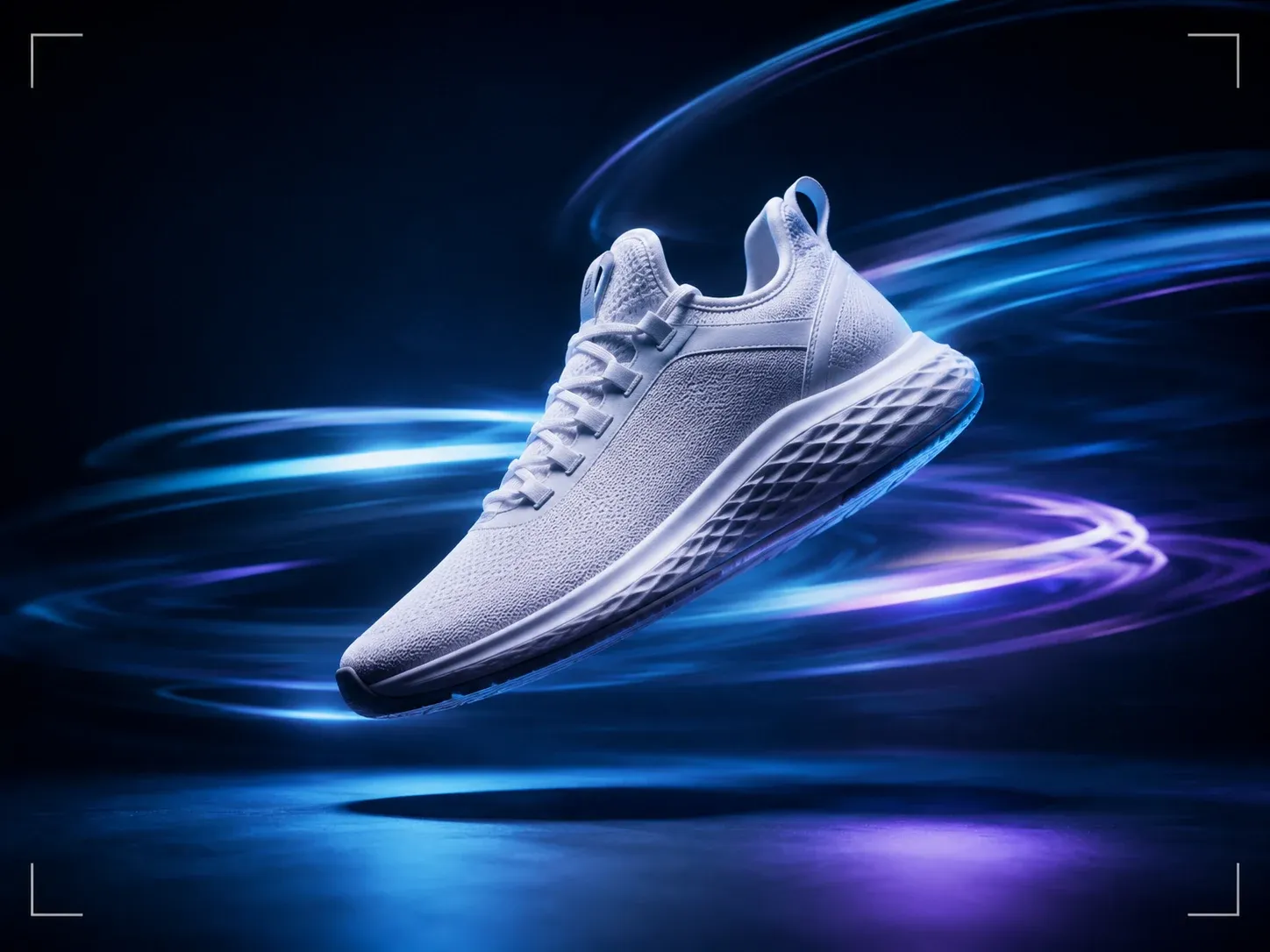
Front view as the start frame, back or three-quarter view as the end frame, and the product rotates cleanly between them. Start and end frame is the reliable way to get a 360 feel from two packshots.
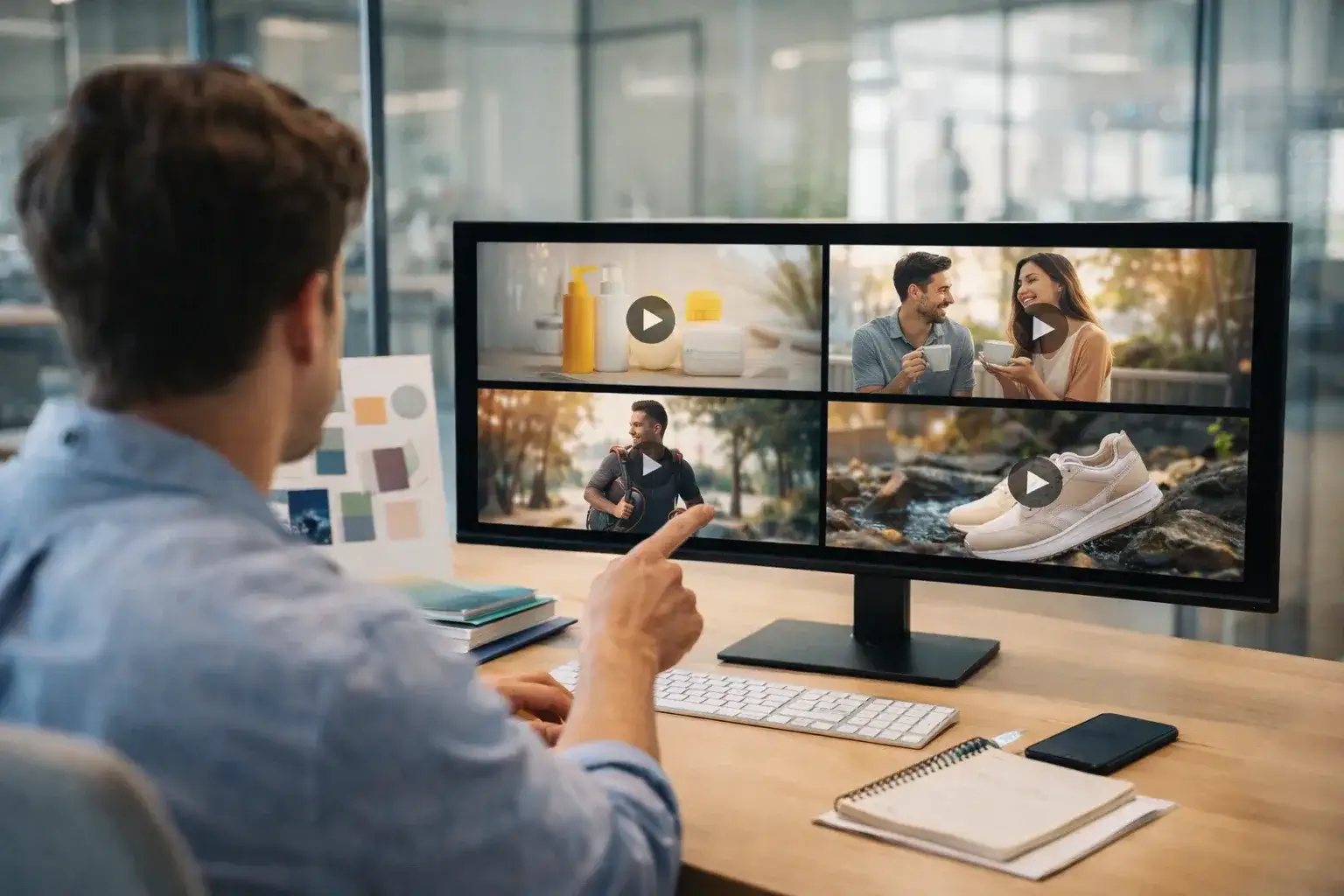
Before-and-after reveals
The untidy room, the dull skin, the empty plate as frame one; the finished result as frame two. The model animates the transformation, which is the shot every ad wants and no single still can deliver.
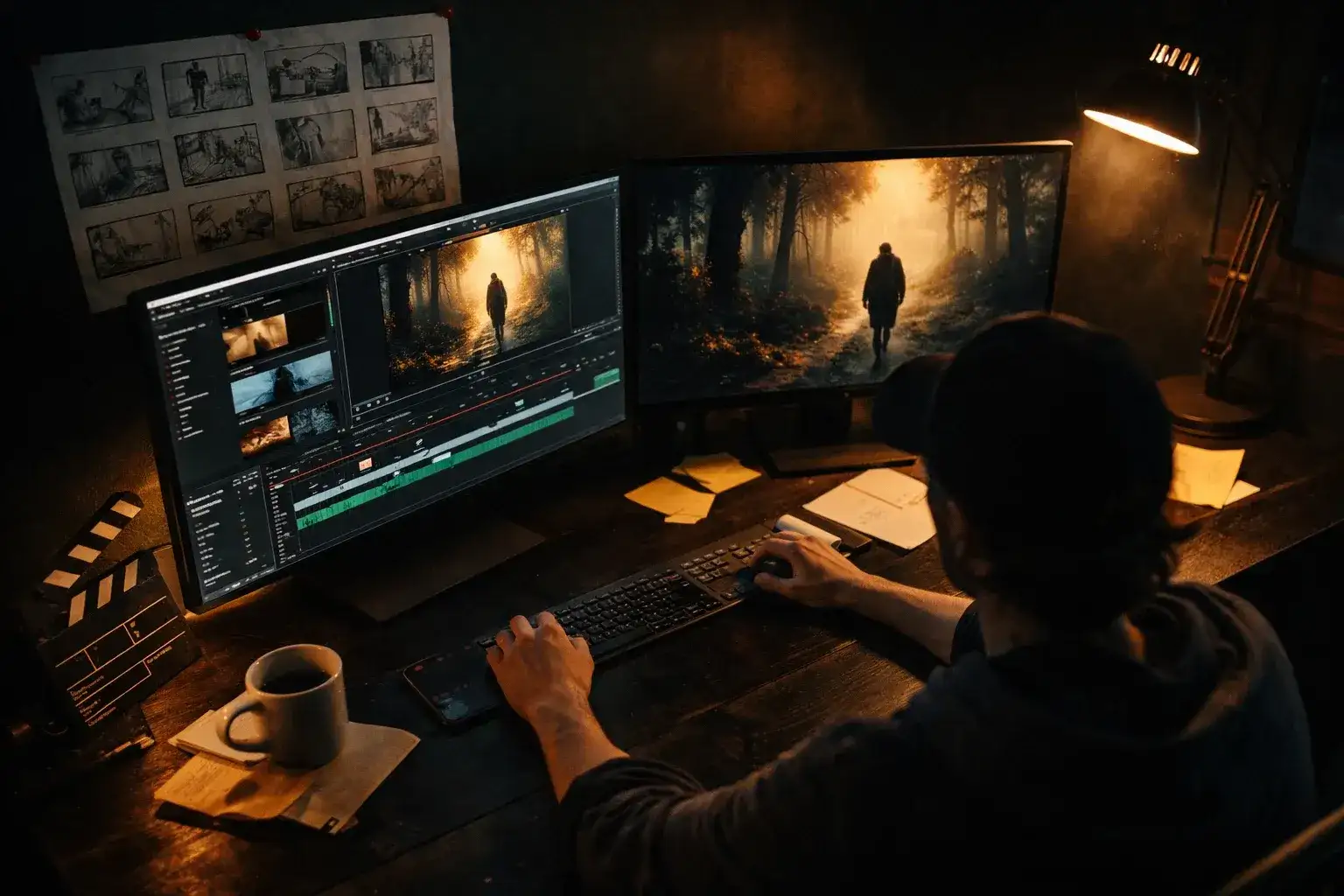
Pose-to-pose character shots
Two poses of the same character become one performed action. Animators use start and end frame to block a move without keyframing anything, then keep the clip or trace it.
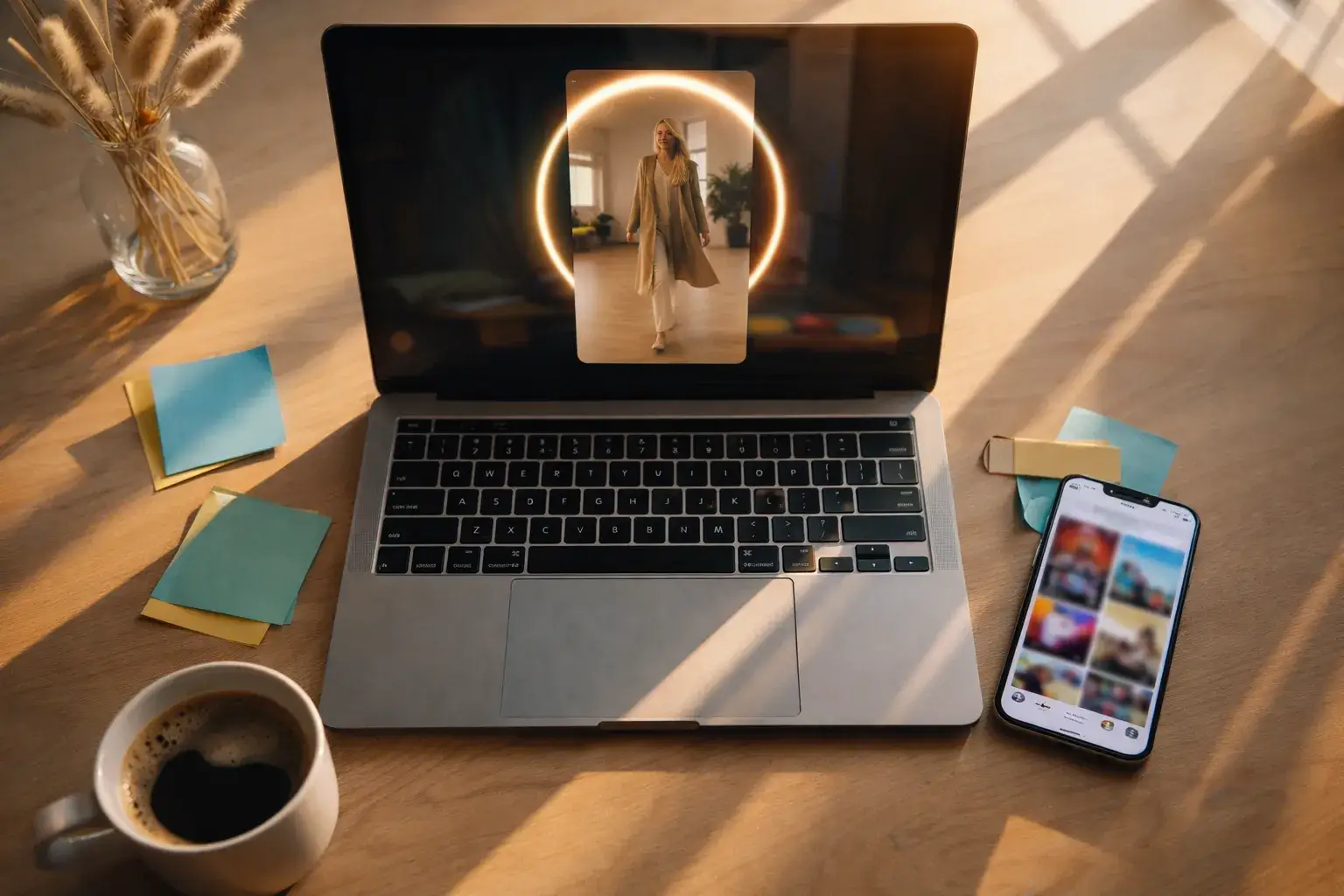
Social transitions
End one clip on a frame, start the next from it. Start and end frame gives you the seamless outfit change, location jump or object swap that carries a Reel or a TikTok.
Time and weather shifts
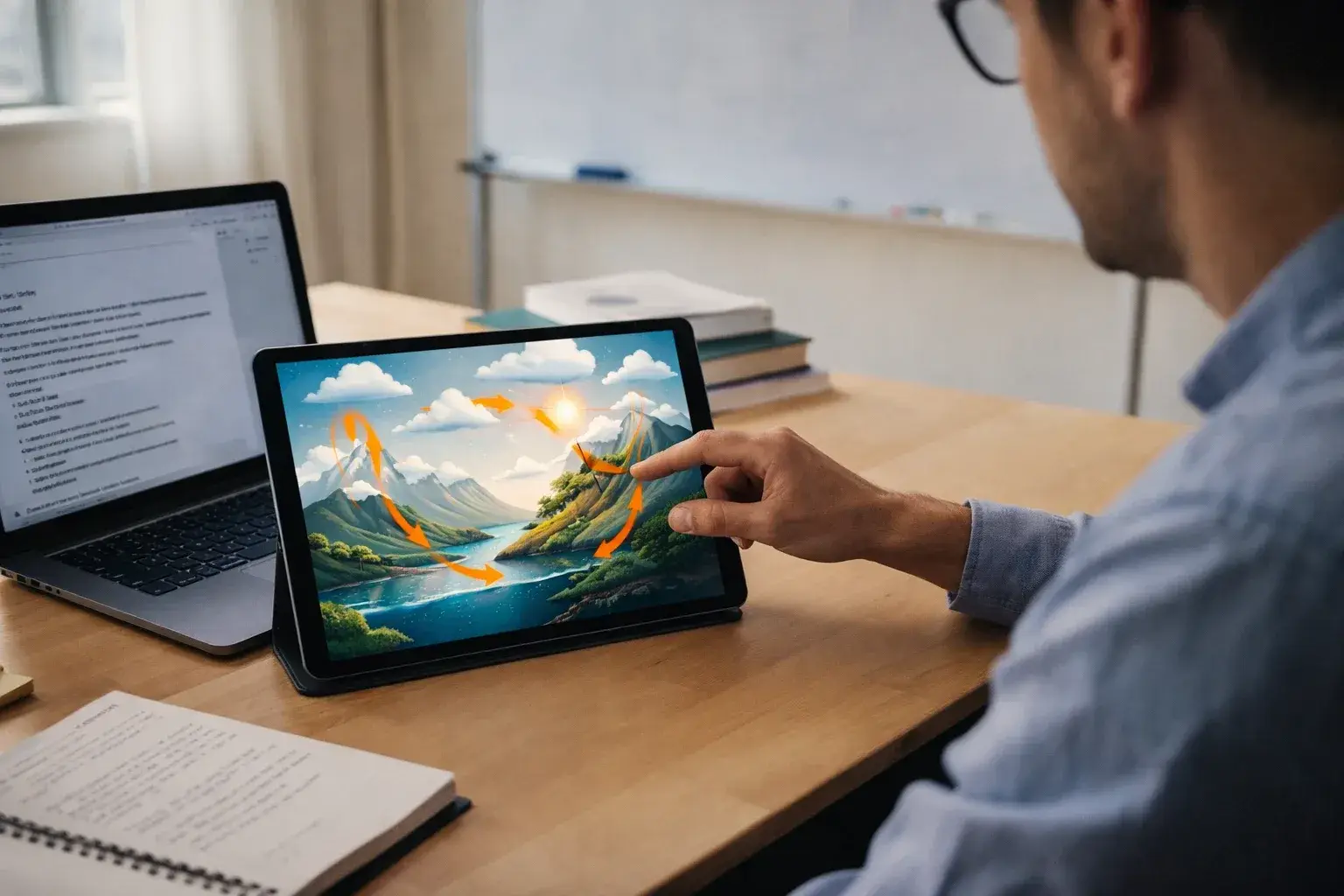
Same scene at noon and at dusk, or clear and then snowing. The model carries the light and the sky across the clip, a time-lapse feel from two frames instead of a day of shooting.
Music visuals with a payoff
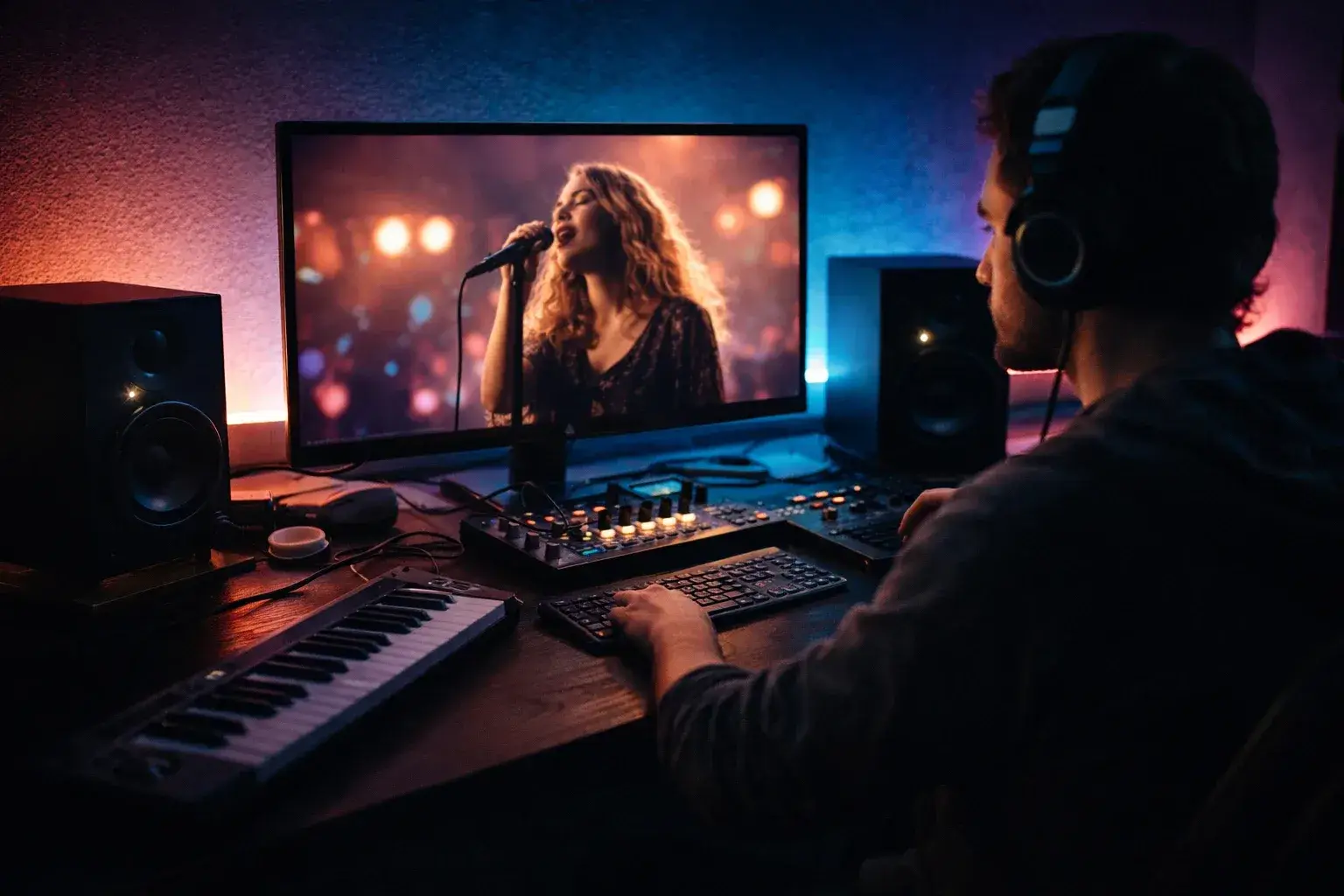
Open on the album art, close on the artist, or open on a symbol and close on the title card. Start and end frame turns a static cover into a loop that resolves exactly on the beat you pick.
How to Pair Two Frames That Work
Most weak start and end frame clips fail before the prompt is written: the two images ask the model for something it cannot bridge. Four rules fix nearly all of them.
Same subject, same scale
The thing in frame one must be the thing in frame two, at roughly the same size in the frame. A close-up paired with a wide shot forces a jump cut, not a move.
Same lighting and lens
Keep the light direction, colour temperature and focal length consistent unless the change is the point. Mismatched lighting reads as a scene cut and the model will invent a fade.
A path the camera could take
Ask yourself whether a real camera or subject could travel from frame one to frame two in the clip length. A quarter turn in five seconds is easy; a full rotation plus a location change is not.
Describe the path, not the frames
The model already sees both ends. Spend the prompt on the motion between them: direction, speed, what moves first. Ten words is usually enough for a start and end frame clip.
6 Transition Prompts to Start From
Paste one of these under your two frames and adjust the nouns. Each says only how the shot travels, which is the shape of a good start and end frame prompt.
Product turn
"Slow 90-degree turn to the right on a turntable, studio light steady, background unchanged, product stays centred."
Reveal
"Hands lift the lid and pull back out of frame, soft overhead light, the contents come into focus as the lid clears."
Walk-in
"She walks from the doorway to the table, natural pace, camera static, arrives and sits in the final position."
Day to night
"Sky darkens from afternoon to blue hour, street lights switch on one by one, camera holds still, traffic keeps moving."
Push to detail
"Slow push-in from the wide shot to the close-up, shallow focus settling on the subject, no camera shake."
Transformation
"The sketch fills with colour and depth until it becomes the finished render, lines dissolving last, gentle drift of light."
One Balance for Every Start and End Frame Model
Clips start at 24 credits on Seedance 2.0 Mini and 40 on Pro. Plans begin at $15.9 a month billed yearly, and credit packs top up any plan without a subscription change.
Yearly prices, shown per month. Monthly billing and credit packs are on the pricing page.
Start and End Frame Video AI FAQ
Straight answers to the questions people ask before their first two-frame clip.
The model reads both images, works out what has to move for the first to become the second, and generates the frames in between so the clip opens exactly on your start frame and closes on your end frame. Your prompt steers how the path is travelled: speed, direction, camera behaviour.
Yes. Kling calls it start and end frame, Vidu calls it first and last frames, Runway calls it frame interpolation, and some tools say keyframe to video. They all describe two fixed images with generated motion between them.
The same as image to video on the same model: Seedance 2.0 Mini starts at 24 credits, Pro is 40, Veo 3.1 Lite is 60, Kling 3.0 starts at 110, and long 1080p or 4K clips on the top models run past 1,000. The exact cost shows next to the Generate button before you spend anything.
They need the same aspect ratio and, for a clean result, the same subject at a similar scale under similar light. The more the two frames differ, the more the model has to invent, and the more likely the path looks like a dissolve rather than a move.
Seedance 2.0 Mini to test whether the pair connects. Kling 3.0 for people and faces. Seedance 2 Pro for long paths up to 15 seconds. Veo 3.1 for light and weather transitions with ambient sound. Run Seedance 2.0 Mini first, then spend the bigger credits on the winner.
Not on this page; the generator needs both images. If you have one image and want the model to choose the motion, use the image to video generator instead. If you have neither, text to video builds the whole clip from a sentence.
Between 4 and 15 seconds depending on the model: Pro offers 5 or 10, Veo 3.1 is fixed at 8, and Seedance 2, Kling 3.0, Wan 3.0 and MiniMax H3 go to 15. Longer clips give the model more room to make a big change look natural.
You sign in before the first clip because generation runs on credits attached to your account; sign-up is one click with Google. The output is yours for personal or commercial use, and every result is saved to your history for later download.
Connect Your First Two Frames
Pick where the shot starts, pick where it ends, and let the model do the travelling. Ten start and end frame models, one generator, results in minutes.