 Anyscene AI
Veo 3.1 AI Video Generator
Generate cinematic 4K videos with native audio — choose Lite, Fast, or Quality and turn text, single images, or start-and-end frames into 8-second films, powered by Google DeepMind's Veo 3.1.
Veo 3.1 by the Numbers
Google DeepMind's flagship video model brings 4K cinematic output, native synchronized audio, and a flexible three-tier quality lineup.
4K Maximum output resolution — four times the pixels of 1080p, ready for premium delivery
Maximum output resolution — four times the pixels of 1080p, ready for premium delivery
8s Fixed clip length per generation, with native synchronized audio rendered alongside the frames
Fixed clip length per generation, with native synchronized audio rendered alongside the frames
3 Quality tiers — Lite, Fast and Quality — from 60 to 500 credits to match every speed and budget need
Quality tiers — Lite, Fast and Quality — from 60 to 500 credits to match every speed and budget need
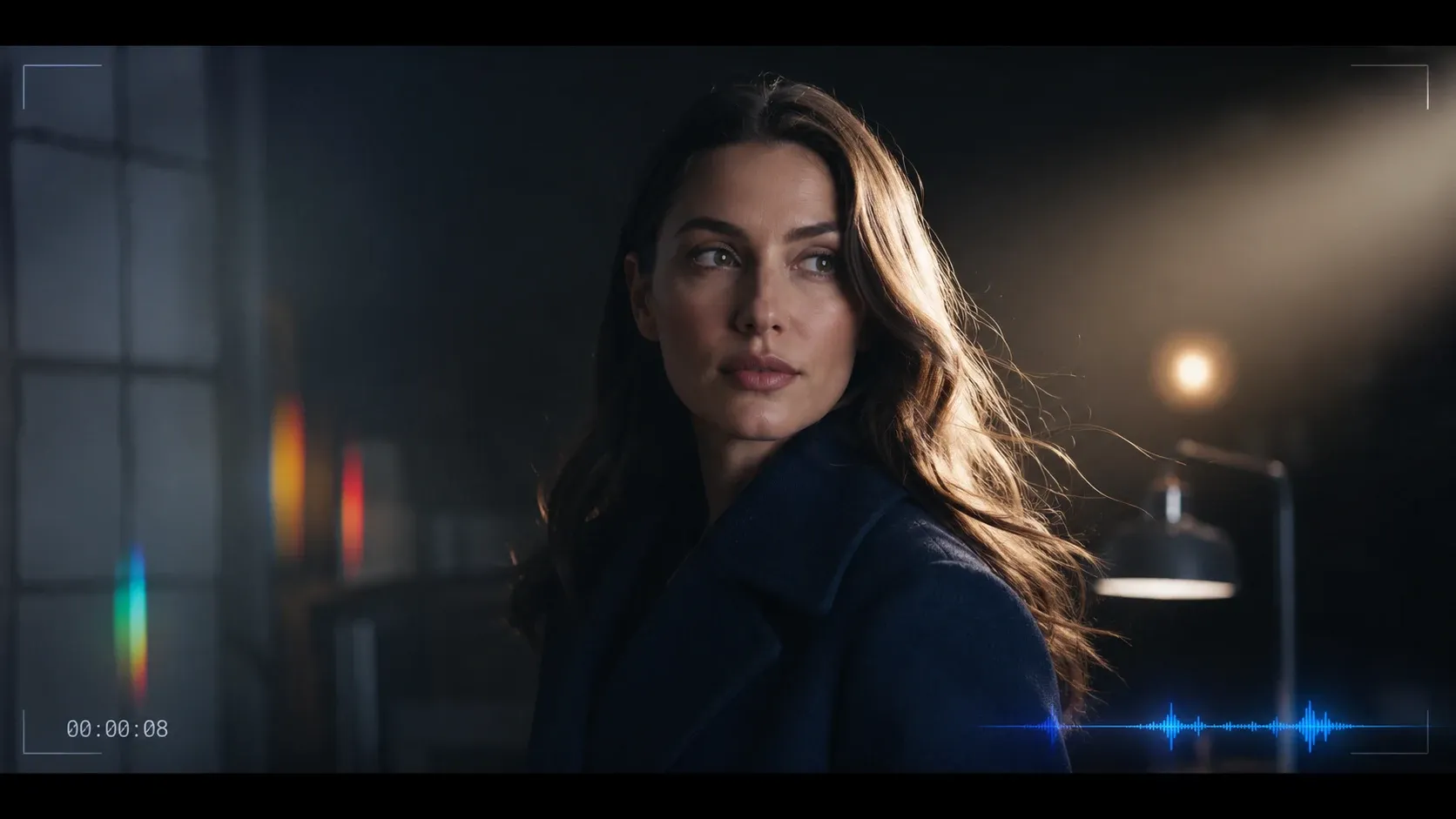
What Is Veo 3.1?
Veo 3.1 is Google DeepMind's flagship video generation model. It produces 8-second clips at up to 4K resolution with native synchronized audio, and is available in three quality tiers — Lite, Fast, and Quality — for different speed and budget needs.
Native Audio Generation
Dialogue, ambient soundscapes, and sound effects are rendered in lockstep with every frame — no separate audio tool, no post-production sync work.
Up to 4K Output
True 3840×2160 resolution in 16:9 or 2160×3840 in 9:16 — ready for cinema, premium ads, and broadcast-grade delivery.
Start-End Frame Control
Supply both the opening and closing frames and let Veo 3.1 fill the motion in between — direct the result, not just the prompt.
Three Quality Tiers — Pick Your Speed and Budget
Veo 3.1 ships in three quality tiers on Anyscene. Same model family, different speed and price points — switch between them in a single click at the top of this page.
Veo 3.1 Lite · 60 credits
Fast and affordable. Ideal for quick previews, social shorts, and concept testing — generates roughly twice as fast as the Quality tier.
Veo 3.1 Fast · 120 credits
The everyday default. Better fidelity than Lite and far cheaper than Quality — the right pick for most production work and client previews.
Veo 3.1 Quality · 500 credits
Premium cinema-grade output. Maximum detail and motion realism for hero shots, broadcast spots, and 4K final delivery.
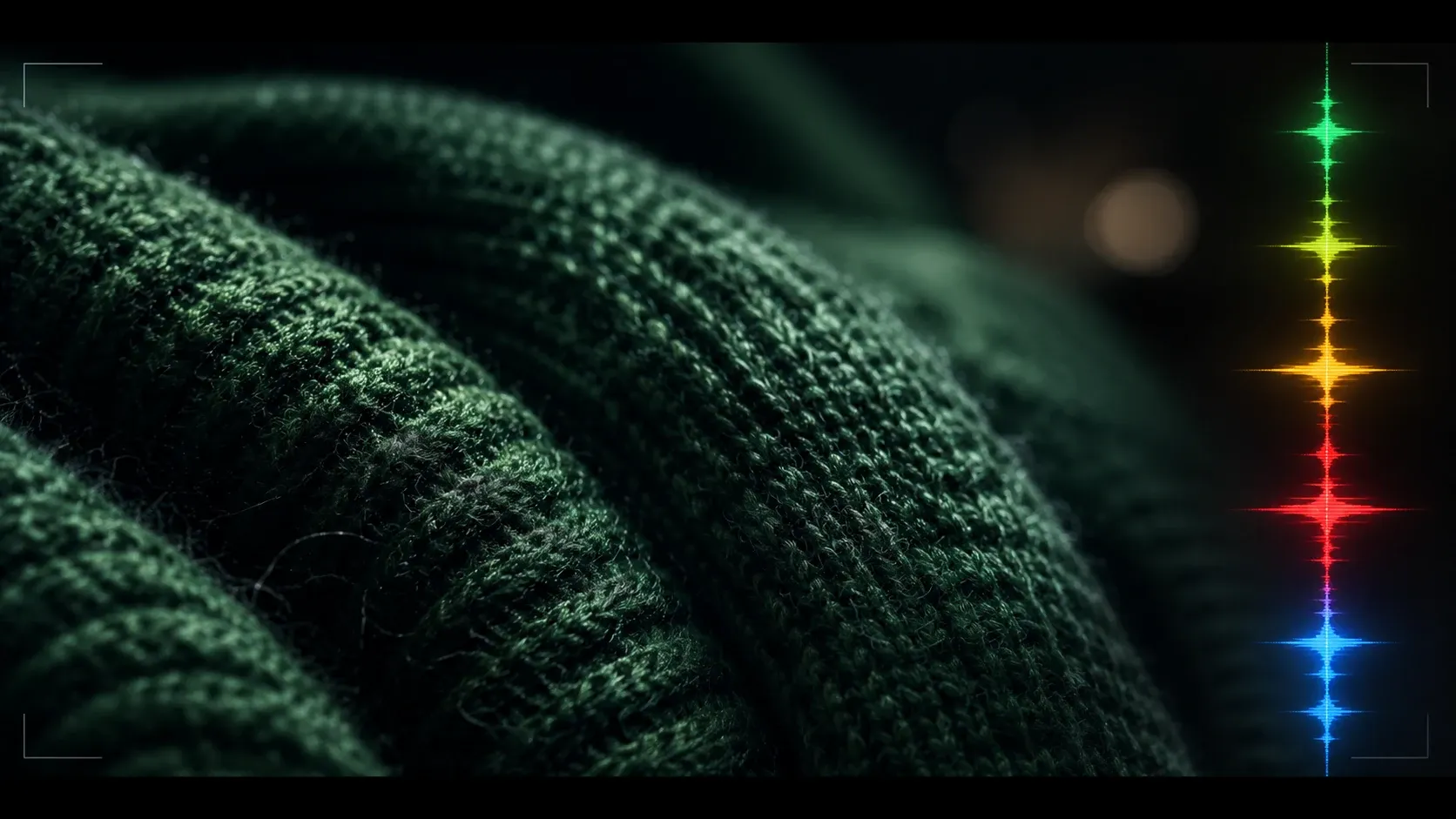
4K Cinematic Quality with Native Audio
Veo 3.1 generates true 4K video with dialogue, ambient sound, and effects baked in. Google DeepMind's training data delivers photoreal humans, believable physics, and cinematic lighting that hold up at full resolution — no upscaling, no audio sync passes, no second tool in the pipeline. The 4K master gives you headroom to crop, pan, and re-frame for every delivery format down to 720p social shorts.
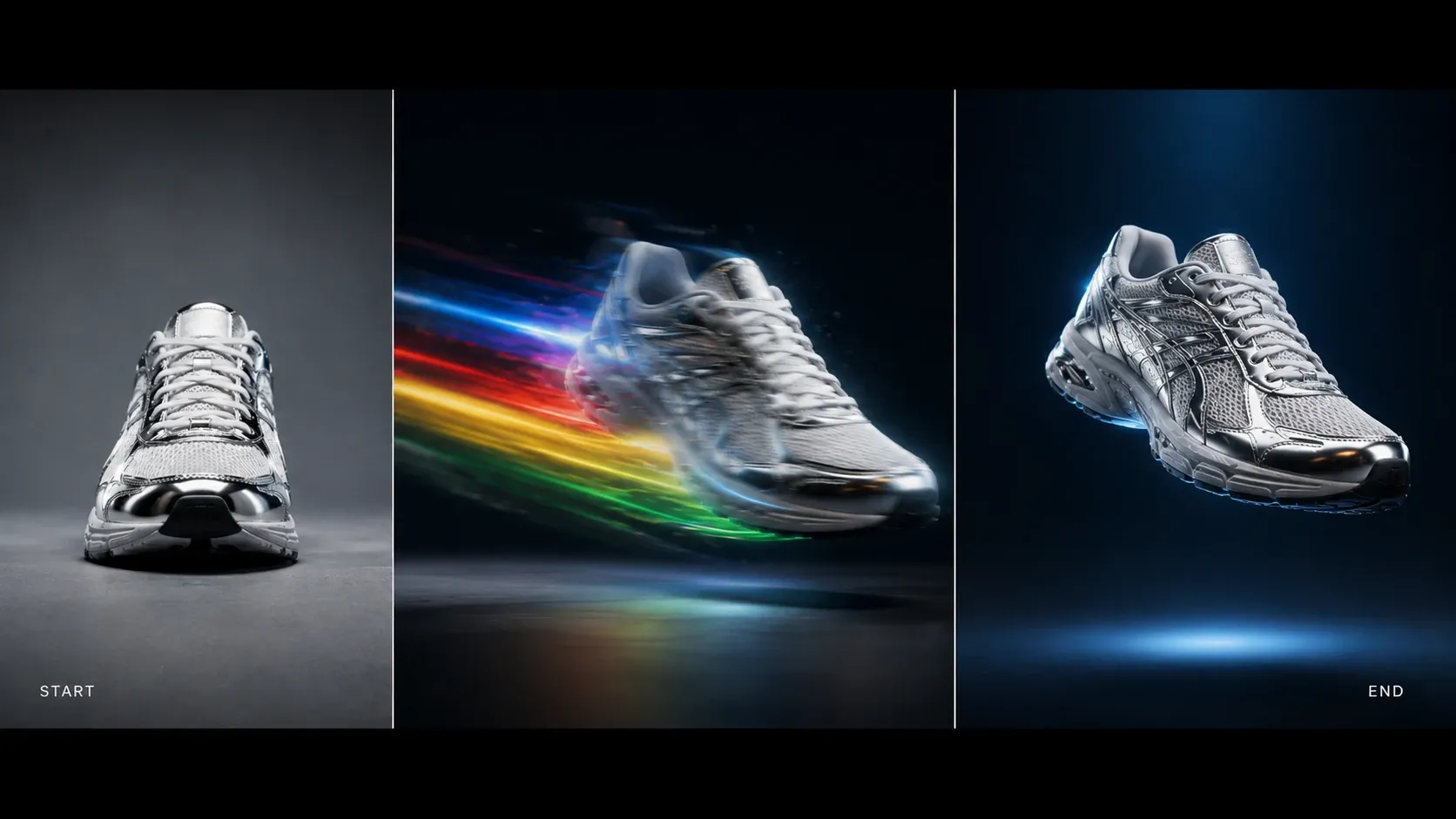
Start-End Frame — Direct the Motion, Not Just the Prompt
Upload two images — your opening frame and your closing frame — and Veo 3.1 generates the motion between them. Where text-to-video and single-image-to-video leave the ending unpredictable, Start-End Frame locks both endpoints so the result lands exactly where you intend. It's the precise control creators ask for: product reveals that finish on the hero shot, before-and-after demos that snap into place, morph transitions that hit a beat, and concept art that animates into a frame you've already approved.
How to Use the Veo 3.1 AI Video Generator
Generate your first 4K Veo 3.1 video in three steps — no install, no editing experience required.
Pick a Quality Tier
Switch between Veo 3.1 Lite, Fast, and Quality at the top of this page. Lite for fast previews, Fast for production work, Quality for premium 4K delivery.
Choose Your Input
Write a text prompt for pure text-to-video, upload a single reference image for image-to-video, or supply both a start frame and an end frame for precise motion control.
Generate & Download
Click Generate. Veo 3.1 returns an 8-second clip at up to 4K resolution with native synchronized audio — preview, download, and ship.
What You Can Create with Veo 3.1
From cinematic trailers to social shorts, Veo 3.1's 4K output and native audio cover every brief that needs broadcast-grade video without a shoot.
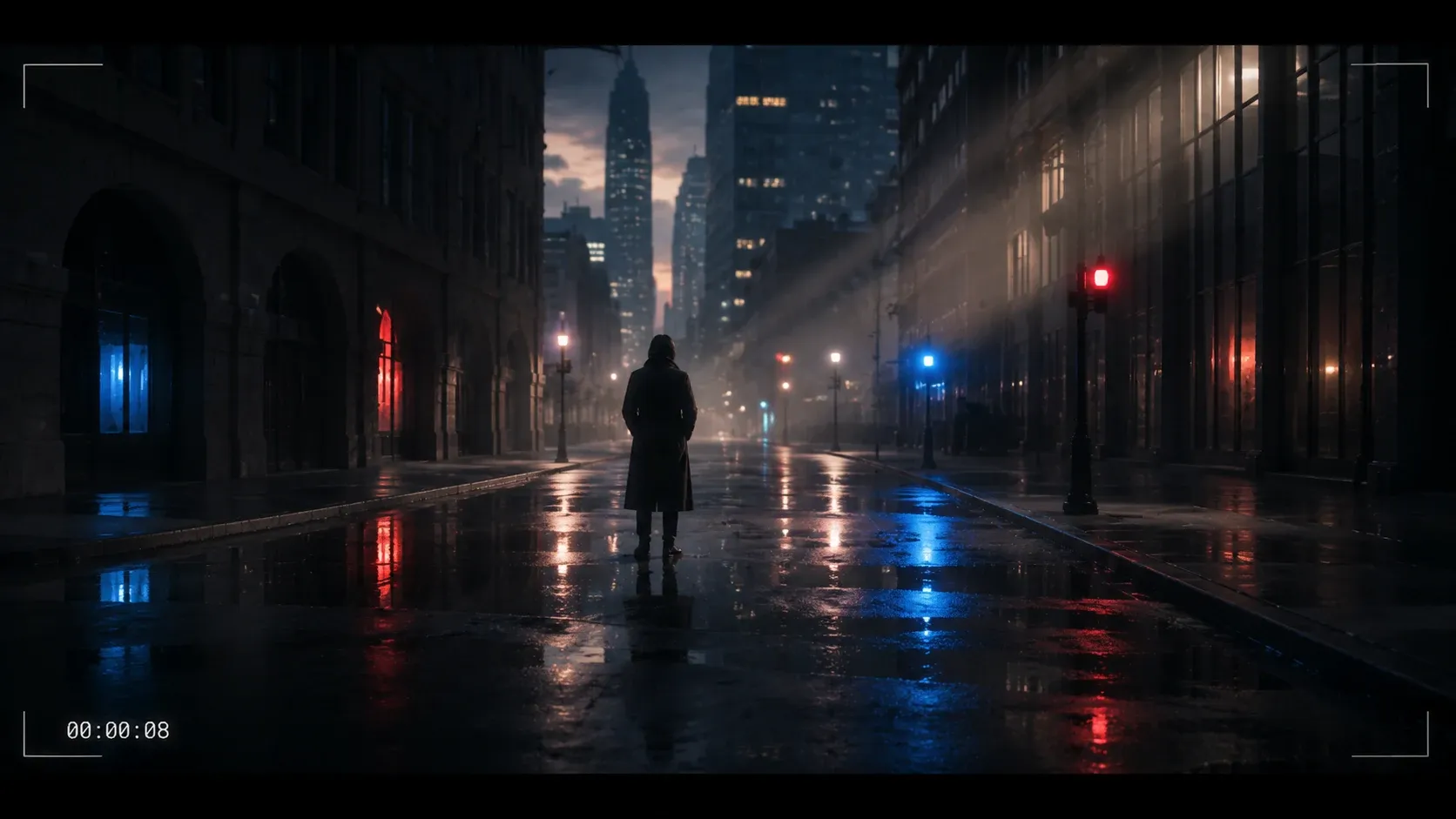
Cinematic Trailers & Pitch Reels
Generate broadcast-grade 4K shots with native dialogue and score. Veo 3.1 Quality delivers the detail that makes hero moments hold up on a big screen.
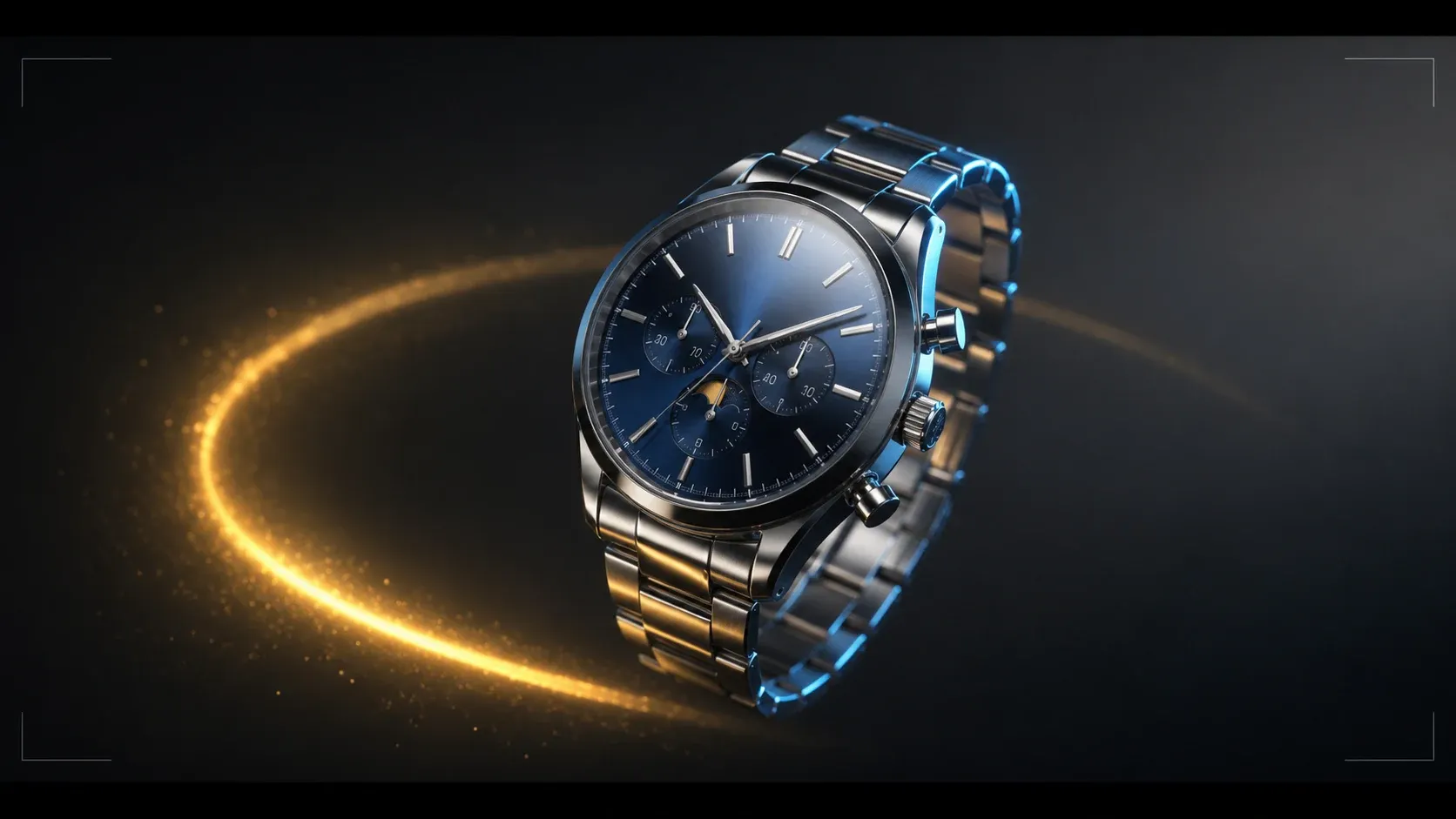
Premium Product Ads
Pair Start-End Frame with 4K output for product reveals that land on exactly the hero angle you've approved. Perfect for luxury and consumer electronics campaigns.
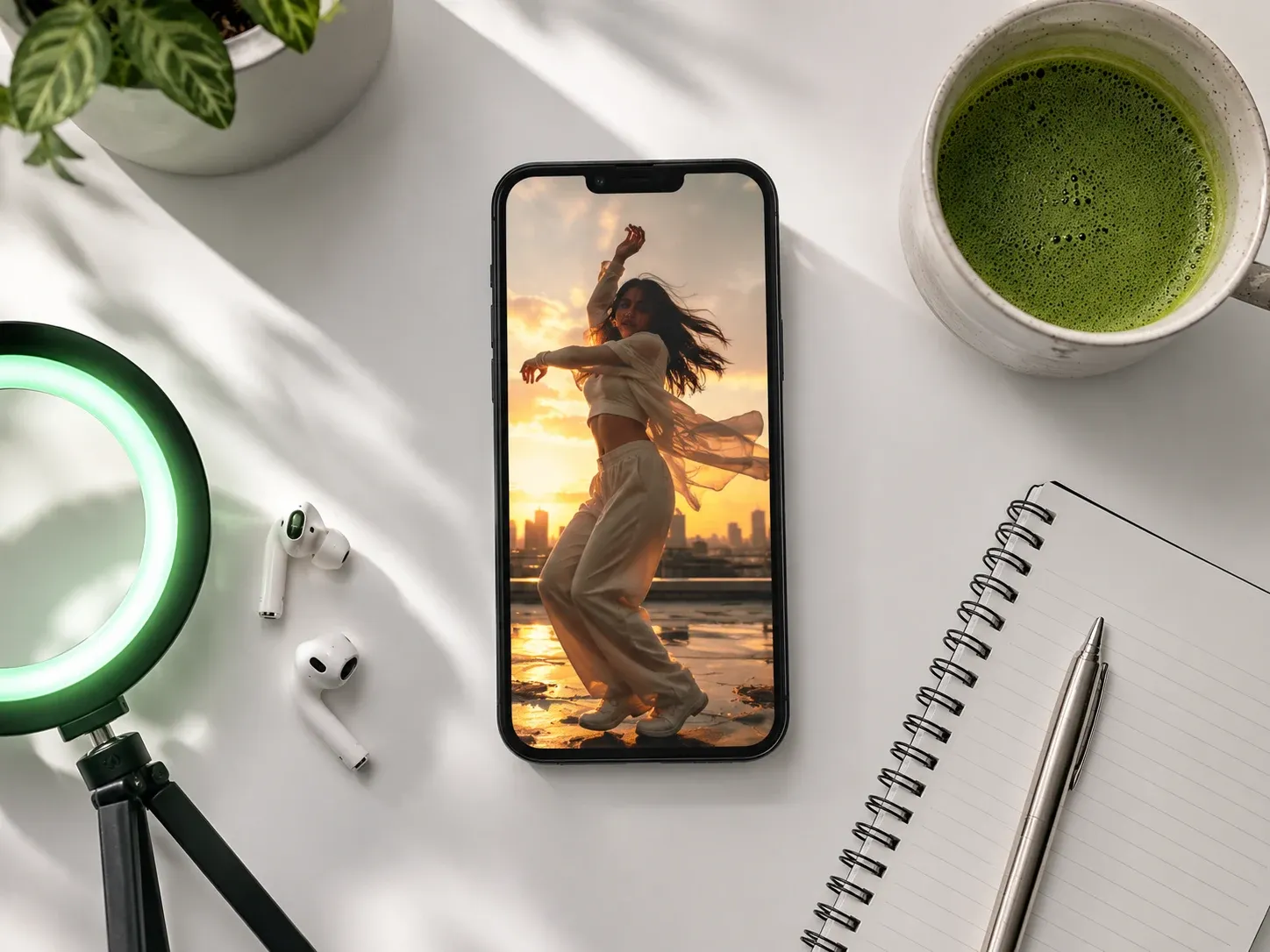
Social Media Shorts
Switch to Veo 3.1 Lite, set 9:16, and ship a week of TikTok, Reels, and Shorts with native audio at a fraction of the credit cost.
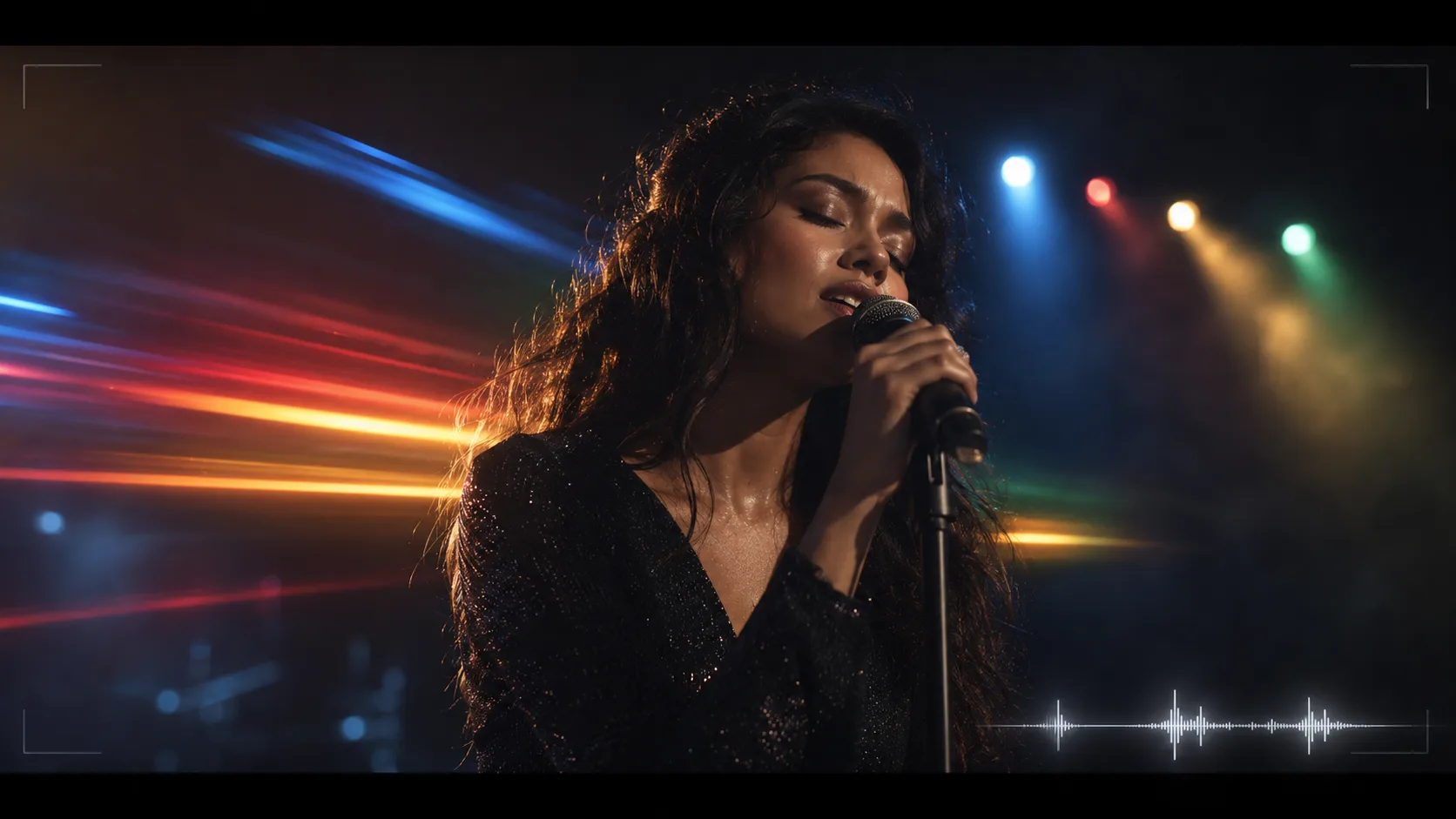
Music Video Concepts
Lock visuals to a beat with Veo 3.1's 8-second native-audio clips. Block out MV ideas before committing to a live shoot, or stitch loops for full-length cuts.
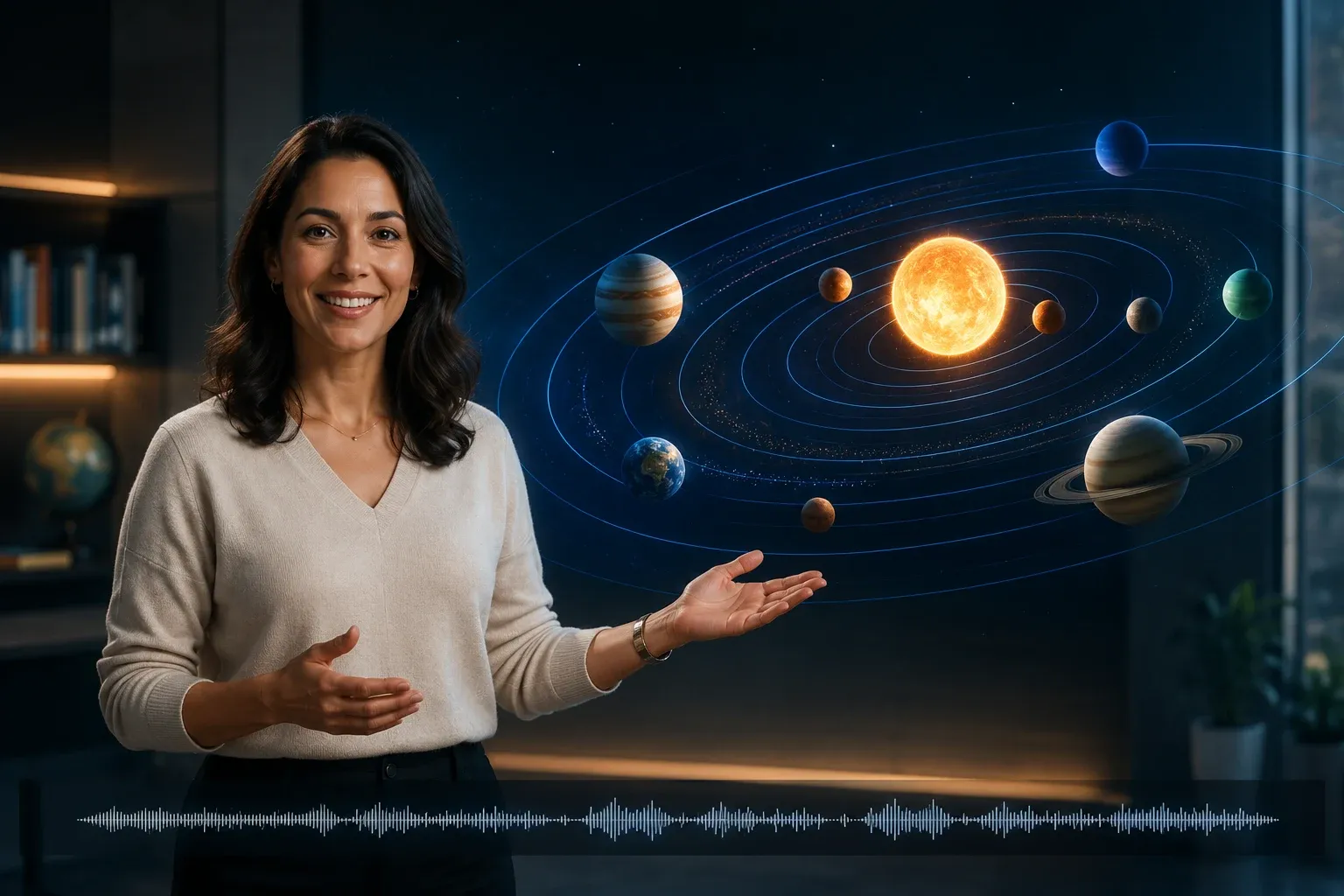
Education & Explainers
Native audio means narration ships in the same generation — multilingual explainer videos without a separate voiceover budget.

Concept Art in Motion
Feed Start-End Frame two pieces of concept art and let Veo 3.1 animate the transition — pitch boards that come alive without a render pipeline.
Veo 3.1 vs Kling 2.6, Seedance 2.0 & Sora 2
See where Veo 3.1 leads and where it trades off against the other top AI video models on Anyscene.
Resolution
Veo 3.1 is the only model on Anyscene that ships true 4K output — Kling 2.6 and Seedance 2.0 both cap at 1080p.
Native Audio
Veo 3.1 generates dialogue, ambient sound, and effects natively, on par with Seedance 2.0 and ahead of Sora 2's silent output by default.
Start-End Frame
Veo 3.1's start-and-end-frame mode lets you lock both endpoints — a precision motion control Kling 2.6 and most peers don't offer in the same flow.
Clip Length
Veo 3.1 outputs a fixed 8s clip. Kling 2.6 supports 5/10s; Seedance 2.0 supports up to 15s — Veo trades length for higher per-frame quality and 4K headroom.
Quality Tiers
Lite, Fast, and Quality cover three price points in one model family — no need to swap providers when budgets or stakes change mid-project.
Generation Speed
Veo 3.1 Lite is roughly twice as fast as the Quality tier, perfect for rapid iteration before committing credits to the final render.
Get Better Videos from Veo 3.1
Four techniques that get the most out of the Veo 3.1 AI video generator.
Match Tier to Stakes
Iterate drafts on Lite, lock the look on Fast, and only spend Quality credits on the final approved shot.
Use Start-End Frame for Precision
Two keyframes are worth a hundred prompt tweaks. Anytime the ending matters, switch to Start-End Frame instead of single-image I2V.
Write Audio-Aware Prompts
Describe the dialogue, the ambient sound, and the music style — Veo 3.1's native audio model picks up on every cue you give it.
Render at 4K, Downscale for Delivery
Generate the 4K master once and downscale to 1080p or 720p for distribution — you get crisper deliverables and one source of truth.
Start Creating with Veo 3.1 Today
Veo 3.1 is a premium model included in every paid Anyscene plan. One subscription unlocks Lite, Fast, and Quality — plus every other AI generator on the platform.
Yearly prices, shown per month. Monthly billing and credit packs are on the pricing page.
What Creators Say About Veo 3.1
Creators worldwide use Veo 3.1 on Anyscene to ship 4K cinematic video with native audio.
The 4K output is the real story. We finally have an AI video model we can drop into a broadcast spot without an upscale pass.

Daniel Park, Creative Director
Daniel Park
Creative Director
Start-End Frame changed how we shoot product reveals. We give it the angle we want it to end on and Veo 3.1 brings it there.

Sofia Marin, Product Marketing Lead
Sofia Marin
Product Marketing Lead
Three tiers in one model is exactly the workflow I want — draft on Lite, lock on Fast, render the hero on Quality.

Marcus Lee, Independent Filmmaker
Marcus Lee
Independent Filmmaker
Veo 3.1 Lite at 9:16 is my new shorts pipeline. Native audio means I'm not editing in a voiceover after the fact.

Anna Klein, Social Media Manager
Anna Klein
Social Media Manager
I cut MV concepts in Veo 3.1 before booking studio time. The native audio sync makes the previews feel almost final.

Ryan Cooper, Music Producer
Ryan Cooper
Music Producer
I feed Start-End Frame two pieces of my own art and Veo 3.1 animates the transition. It's the fastest path from board to motion I've used.

Oliver Grant, Concept Artist
Oliver Grant
Concept Artist
Frequently Asked Questions About Veo 3.1
Everything you need to know about the Veo 3.1 AI Video Generator on Anyscene.
Veo 3.1 is Google DeepMind's flagship video generation model. It produces 8-second clips at up to 4K resolution with native synchronized audio, and ships in three quality tiers — Lite, Fast, and Quality — to match different speed and budget needs.
You can try Veo 3.1 on Anyscene with starter credits. Veo 3.1 is a premium model — generating full-length clips at 1080p or 4K requires a paid Anyscene plan. See our pricing page for plan details.
All three share the Veo 3.1 model family but trade speed and price. Lite (60 credits at 720p) is the fastest and cheapest — ideal for previews. Fast (120 credits at 720p) is the everyday production default. Quality (500 credits at 720p) delivers maximum detail and motion realism for premium 4K final delivery.
Veo 3.1 generates 8-second clips per generation. The length is fixed across all three tiers — you trade clip length for higher per-frame quality and 4K resolution headroom.
Yes. Veo 3.1 outputs true 4K — 3840×2160 in 16:9 or 2160×3840 in 9:16 — on all three tiers, making it the only model on Anyscene with native 4K video generation.
Yes. Veo 3.1 generates dialogue, ambient sound, and sound effects natively, synchronized to every frame. No separate audio tool and no post-production sync pass is needed.
Upload two images — your opening frame and your closing frame — and Veo 3.1 generates the motion that connects them. It's the most precise way to control the result: both endpoints are locked, only the in-between motion is generated.
Veo 3.1 is the only one of the three with true 4K output and dedicated start-end-frame control. Kling 2.6 supports 5/10-second clips at 1080p; Seedance 2.0 leads on multimodal input with up to 15-second clips at 1080p. Pick Veo 3.1 when you need 4K, native audio, or precise start-end-frame motion.
Yes. Videos generated on Anyscene with Veo 3.1 can be used for commercial purposes including marketing, advertising, social media, and client work.
Veo 3.1 runs directly in the generator at the top of this page — no install, no waitlist. Sign in to Anyscene, pick the Lite, Fast, or Quality tier, and start generating.
Ready to Create with Veo 3.1?
Join creators using the Veo 3.1 AI Video Generator on Anyscene. 4K cinematic videos with native audio — text, single image, or start-and-end frames.