 Anyscene AI
Kling 2.6 AI Video Generator
Create cinematic videos with native audio from text or images — powered by the most advanced AI video model.
Kling 2.6 by the Numbers
The latest generation of Kuaishou's AI video model delivers professional results that speak for themselves.
1080p Cinema-grade video resolution with Kling 2.6
Cinema-grade video resolution with Kling 2.6
10s Maximum video duration per generation
Maximum video duration per generation
< 3 min Average Kling 2.6 generation time
Average Kling 2.6 generation time
What Is Kling 2.6?
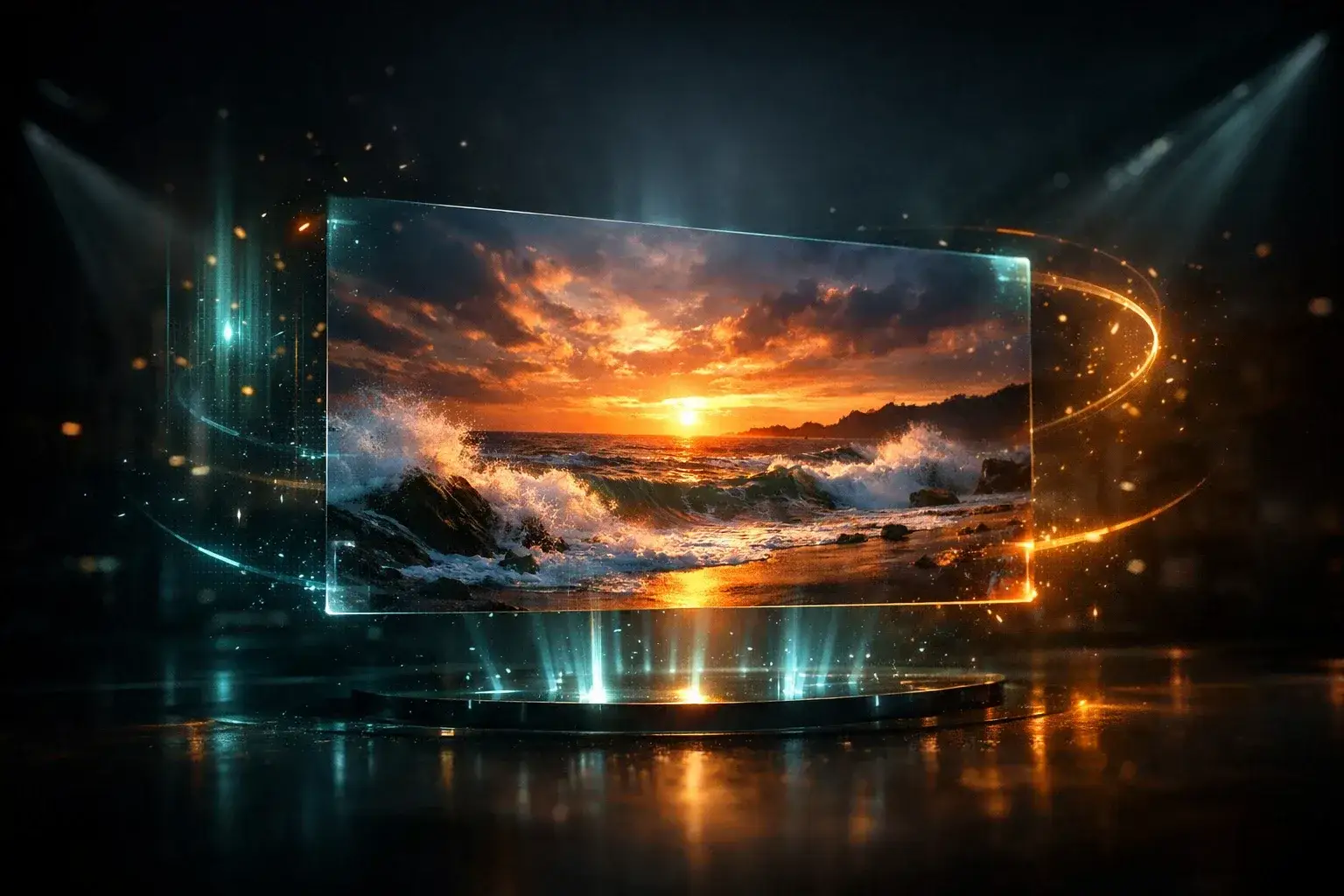
Kling 2.6 is the latest AI video generation model by Kuaishou, featuring native audio-visual synchronization, physics-aware motion, and 1080p cinematic output — the most advanced AI video generator available today.
Native Audio Generation
Kling 2.6 generates synchronized audio directly within the video — dialogue, ambient sounds, music, and effects in a single pass.
Text to Video & Image to Video
Create videos from text prompts or animate reference images. Kling 2.6 supports both workflows with cinematic quality.
Physics-Aware Motion
Water, fabric, smoke, and rigid bodies all move naturally. Kling 2.6 understands real-world physics for realistic animation.
Audio-Visual Synchronization
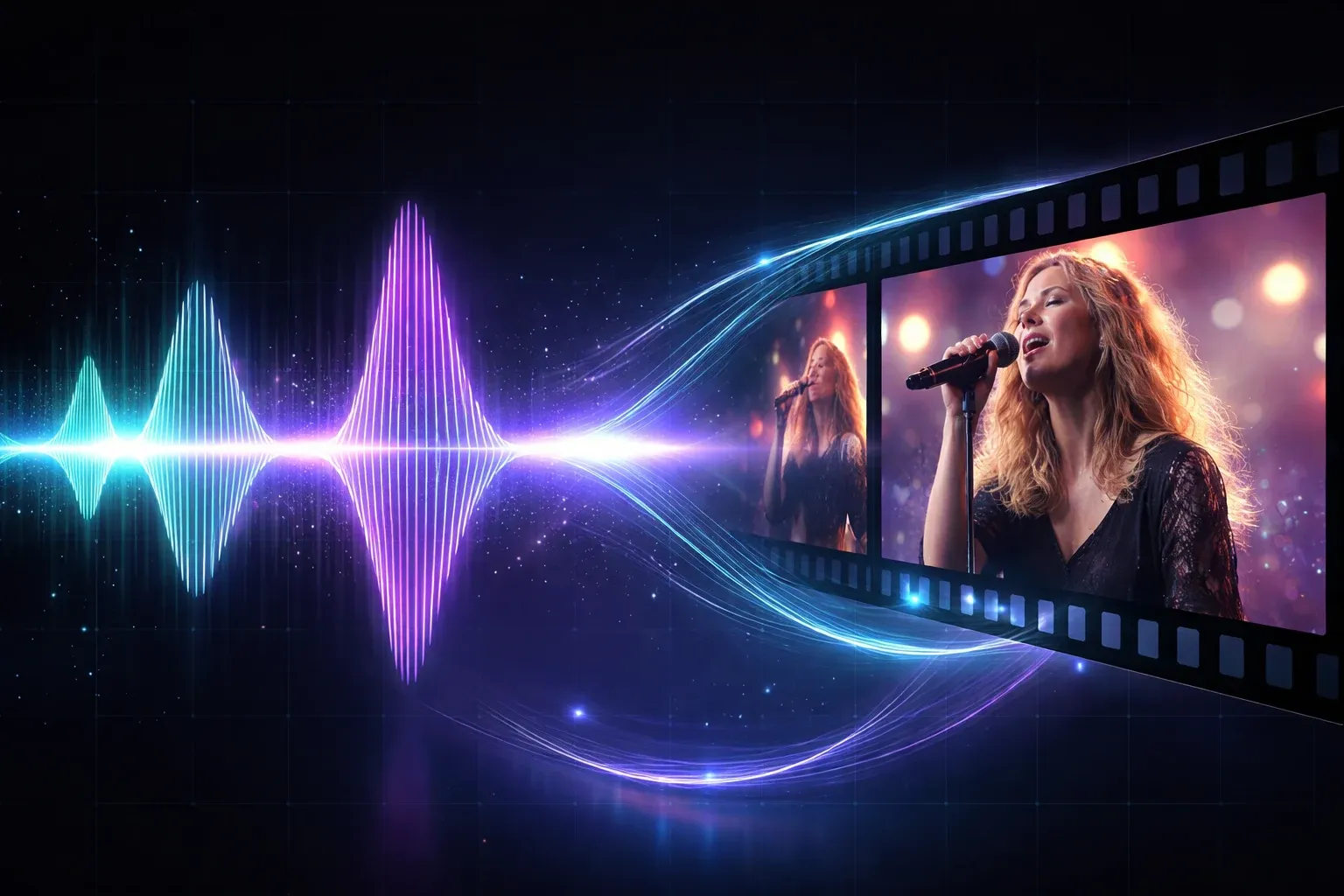
Kling 2.6 produces perfectly synced audio and video in one generation pass. Lip movements match dialogue, ambient soundscapes accompany landscapes, and rhythmic audio aligns with on-screen action — all generated together, not stitched in post-production. This native audio capability is what separates Kling 2.6 from every other AI video generator on the market.
How to Generate Videos with Kling 2.6
Create your first AI video with Kling 2.6 in three simple steps — no editing skills required.
Choose Your Mode
Select text to video or image to video. Write a detailed prompt describing your scene — include subjects, camera angles, lighting, and mood. Or upload a reference image for Kling 2.6 to animate.
Configure Settings
Choose video duration (5s or 10s), aspect ratio (16:9, 9:16, or 1:1), and toggle native audio generation. Kling 2.6 outputs at 1080p resolution across all formats.
Generate & Download
Click Generate and let Kling 2.6 create your video. Preview the result with synchronized audio, then download in full 1080p — ready for social media, your website, or any project.
Who Uses Kling 2.6 AI Video Generator?
From content creators to enterprise teams, Kling 2.6 powers video creation across every industry that needs fast, affordable, professional results.
Short Film & Storytelling
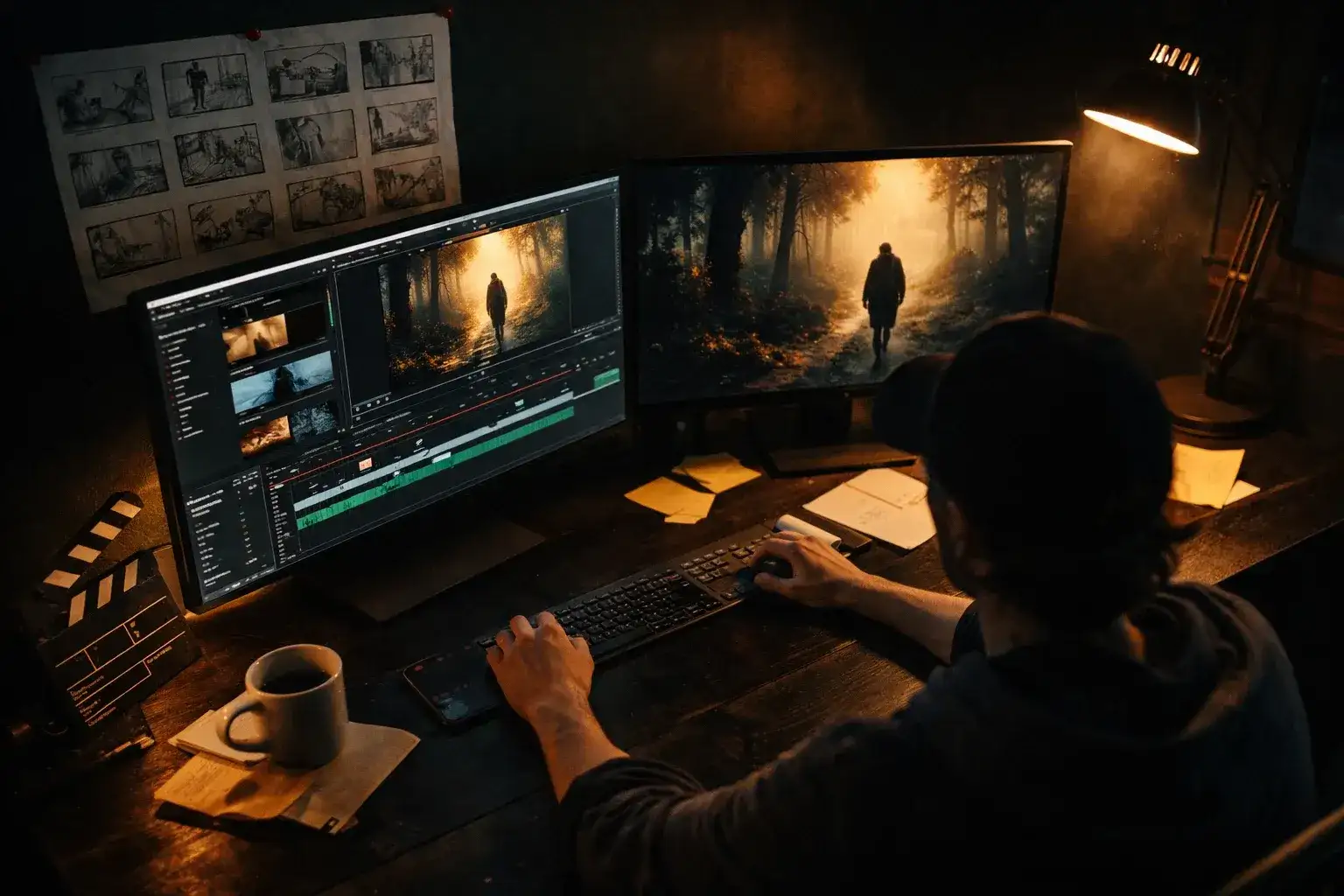
Prototype scenes, create motion storyboards, and produce short films with synchronized dialogue and ambient audio — without a camera crew.
Social Media Content
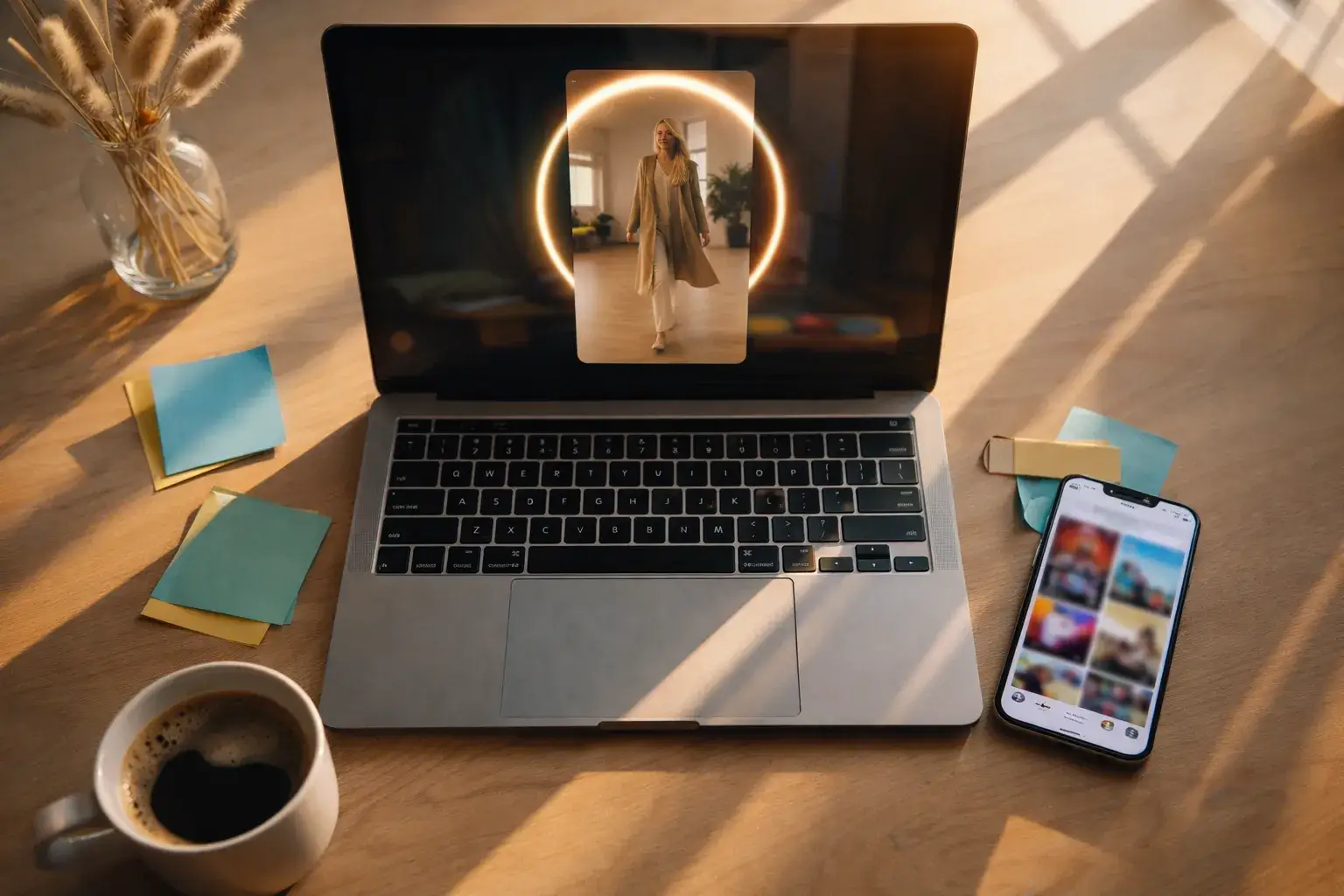
Create TikTok, Instagram Reels, and YouTube Shorts with Kling 2.6. Generate 9:16 vertical videos with native audio for maximum engagement.
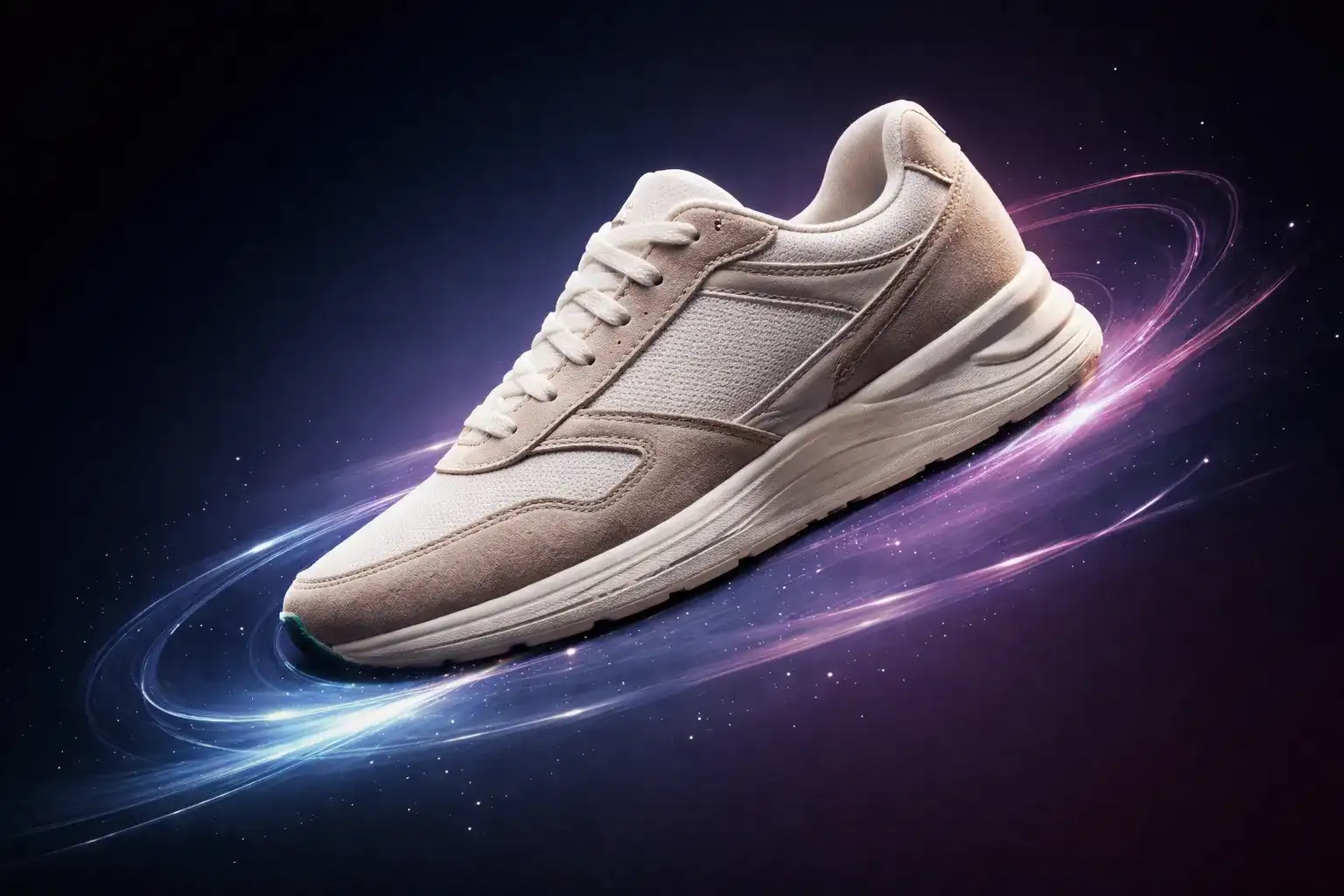
Product & E-commerce
Transform product photos into dynamic video ads with Kling 2.6 image to video. Add camera movement, background music, and cinematic presentation.
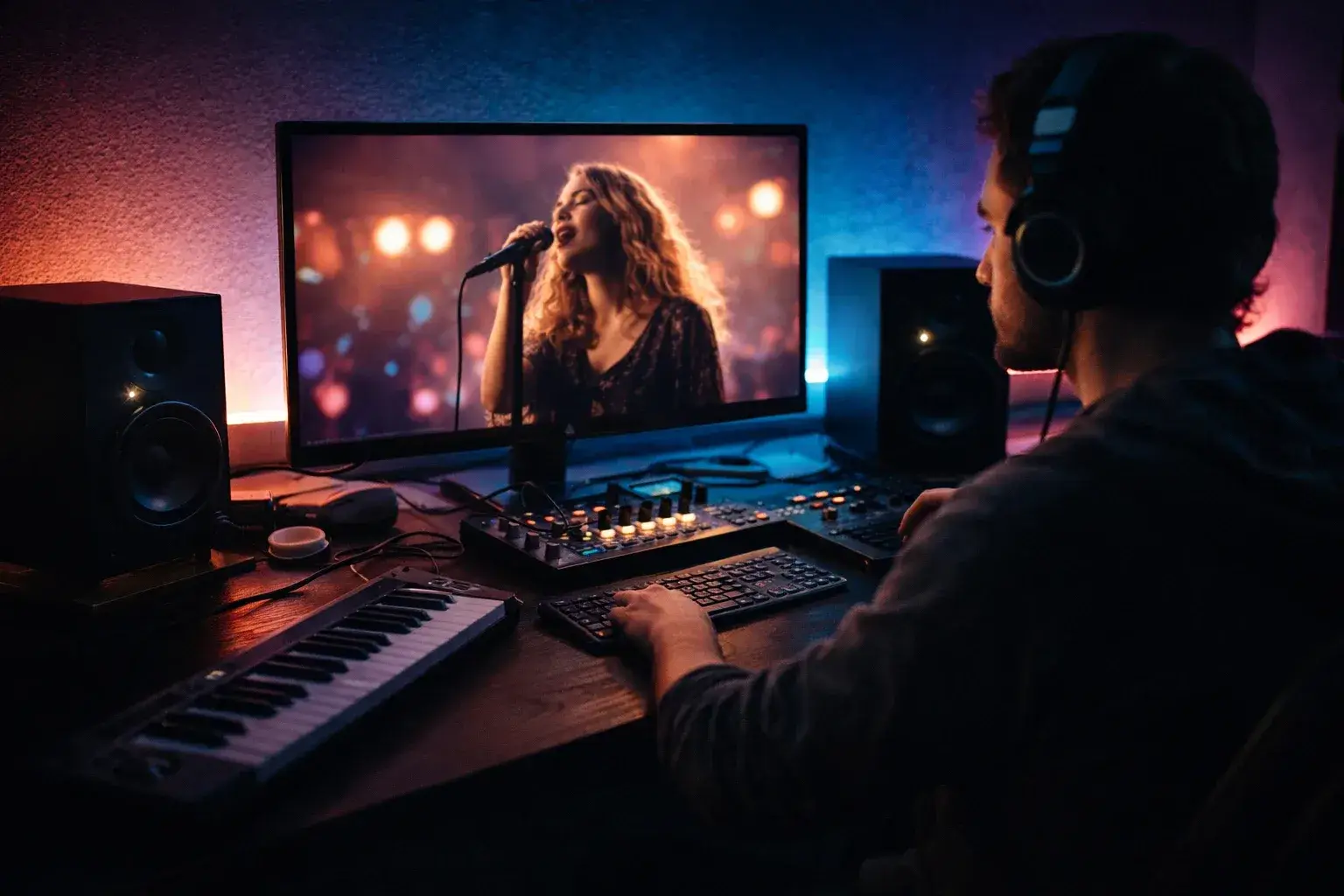
Music & ASMR Content
Generate music videos and ASMR content with native audio. Kling 2.6 synchronizes visuals with generated soundscapes for immersive experiences.
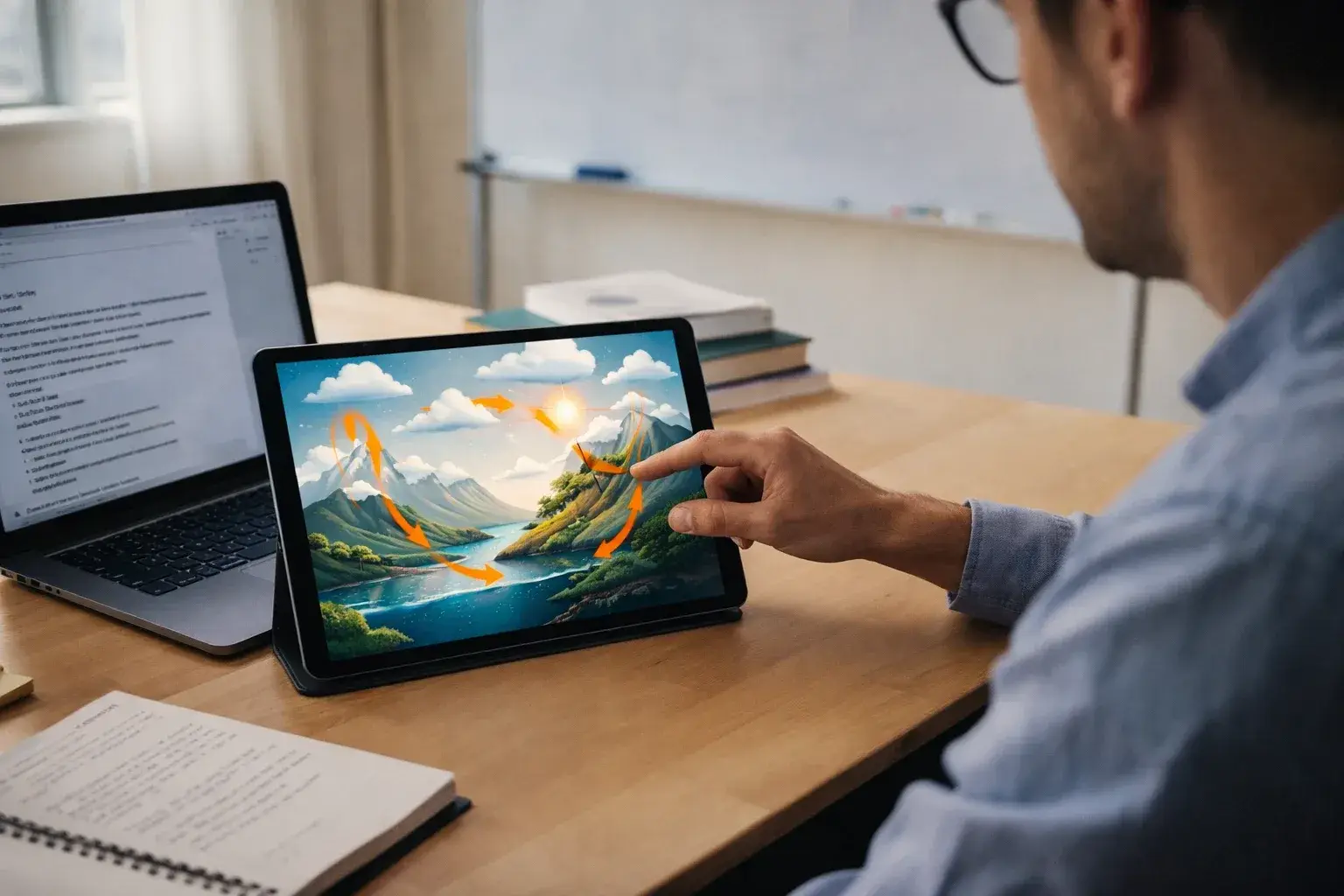
Education & Training
Create explainer videos from text descriptions. Kling 2.6 handles scientific simulations, historical recreations, and step-by-step tutorials.
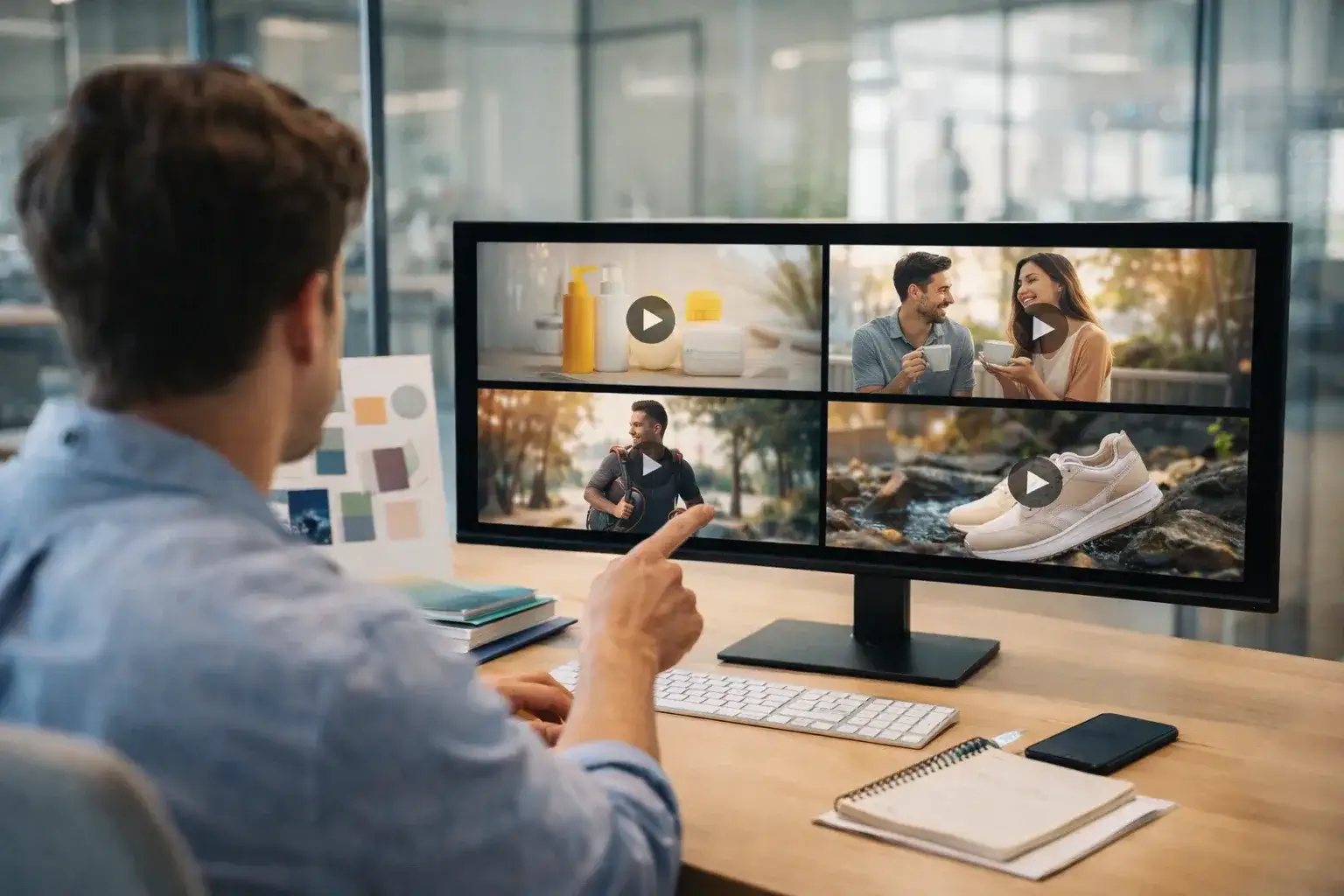
Enterprise Marketing
Produce video ads and brand content at scale with Kling 2.6. Replace expensive video shoots — reduce production costs by up to 90%.
Kling 2.6 vs Other AI Video Generators
See how Kling 2.6 stacks up against the leading AI video models across the capabilities that matter most.
Native Audio
Kling 2.6 generates synchronized audio in-video. Runway Gen-3, Pika, and most competitors produce silent clips requiring separate audio tools.
1080p Resolution
Full HD output from Kling 2.6 matches the best in the industry — equal to Runway and Sora, higher than Pika's default 720p.
Video Length
Up to 10 seconds per generation with Kling 2.6 — competitive with Runway (10s) and longer than Pika's 4-second default.
Physics Accuracy
Kling 2.6 leads in realistic motion for water, fabric, and rigid bodies. Benchmarks rank it among the top for physical plausibility.
Image-to-Video Fidelity
Kling 2.6 preserves source image details during animation — maintaining color accuracy and structure better than most competing models.
Cost Efficiency
Kling 2.6 on Anyscene costs 30-40% less than Runway Gen-3 for equivalent quality, with native audio included at no extra charge.
Get Better Videos from Kling 2.6
Follow these techniques to maximize the quality of your Kling 2.6 video generations.
Write Cinematic Prompts
Include scene description, camera angle, lighting, mood, and character actions. Use language like "slow dolly forward" or "golden hour lighting" for best results with Kling 2.6.
Use High-Quality References
For image to video, upload clear images at 1024px or higher. Kling 2.6 produces smoother animation from high-resolution source images.
Match Duration to Content
Use 5s for simple actions and transitions. Reserve 10s for complex narratives where Kling 2.6 needs time to develop the visual story.
Enable Audio Strategically
Turn on native audio for dialogue, ASMR, and music videos. For content where you'll add custom audio later, disable it to save credits.
Start Creating with Kling 2.6 Today
Kling 2.6 is a premium model included in every paid Anyscene plan. One subscription unlocks Kling 2.6 and every other AI generator on the platform.
Yearly prices, shown per month. Monthly billing and credit packs are on the pricing page.
What Creators Say About Kling 2.6
Creators worldwide use Kling 2.6 on Anyscene to produce professional video content.
The native audio in Kling 2.6 is a game-changer. I used to spend hours syncing audio in post — now it's generated automatically with perfect lip sync.

Emily Reed, Content Creator
Emily Reed
Content Creator
We switched our video ad pipeline to Kling 2.6 on Anyscene. Production costs dropped 80% while quality improved. The text to video accuracy is incredible.

Marcus Lee, Marketing Director
Marcus Lee
Marketing Director
Kling 2.6's physics are unreal. Water, fabric, smoke — everything moves naturally. It's the closest to filmed footage I've ever seen from AI.

Oliver Grant, Indie Filmmaker
Oliver Grant
Indie Filmmaker
Image to video with Kling 2.6 transformed our product pages. Static photos become dynamic lifestyle videos in seconds — conversions jumped 35%.

Sofia Marin, E-commerce Manager
Sofia Marin
E-commerce Manager
I create music video concepts with Kling 2.6 before committing to full production. The native audio sync makes previews feel almost final.

Ryan Cooper, Music Producer
Ryan Cooper
Music Producer
Kling 2.6 cuts my content creation from days to minutes. The 9:16 aspect ratio is perfect for Reels and TikTok, and native audio means no voiceover sessions.

Anna Klein, Social Media Manager
Anna Klein
Social Media Manager
Frequently Asked Questions About Kling 2.6
Everything you need to know about Kling 2.6 AI Video Generator.
Kling 2.6 is the latest AI video generation model by Kuaishou. It creates videos with native audio from text prompts or reference images, featuring audio-visual synchronization, physics-aware motion, cinematic camera control, and 1080p output quality.
The biggest upgrade in Kling 2.6 is native audio generation — videos include perfectly synchronized sound without post-processing. Kling 2.6 also improves motion coherence, multi-character handling, and overall visual quality.
Kling 2.6 is a premium model that requires a paid Anyscene plan. Once subscribed, you generate videos using credits — a 5-second video costs 20 credits (40 with audio), a 10-second video costs 40 credits (80 with audio).
Text to video lets you describe a scene in natural language, and Kling 2.6 generates a video with realistic motion, lighting, camera work, and optionally synchronized audio.
Image to video lets you upload a reference photo, and Kling 2.6 animates it with natural camera movement and physics-based animation — preserving the visual fidelity of your source material.
Kling 2.6 generates at 1080p in three aspect ratios: 16:9 (landscape), 9:16 (portrait/mobile), and 1:1 (square).
You can generate 5-second or 10-second clips. For longer content, generate multiple clips and combine them in a video editor.
Yes. Videos generated on Anyscene with Kling 2.6 can be used for commercial purposes including marketing, advertising, social media, and client work.
Kling 2.6's defining advantage is native audio generation — neither Runway nor Sora produce synchronized audio. Visual quality is competitive at the top tier, but Kling 2.6 offers better physics simulation and lower per-video cost on Anyscene.
A 5-second video costs 20 credits without audio or 40 with audio. A 10-second video costs 40 credits without audio or 80 with audio. Visit our pricing page for plan details.
Ready to Create with Kling 2.6?
Join creators using Kling 2.6 AI Video Generator on Anyscene. Cinematic videos with native audio — from text or images, in minutes.