
AI Headshot Generator
One selfie in. A studio-grade professional headshot out in about fifteen seconds.
Drop a selfie here, or click to upload
PNG · JPG · WEBP · HEIC — up to 10 MB
Style
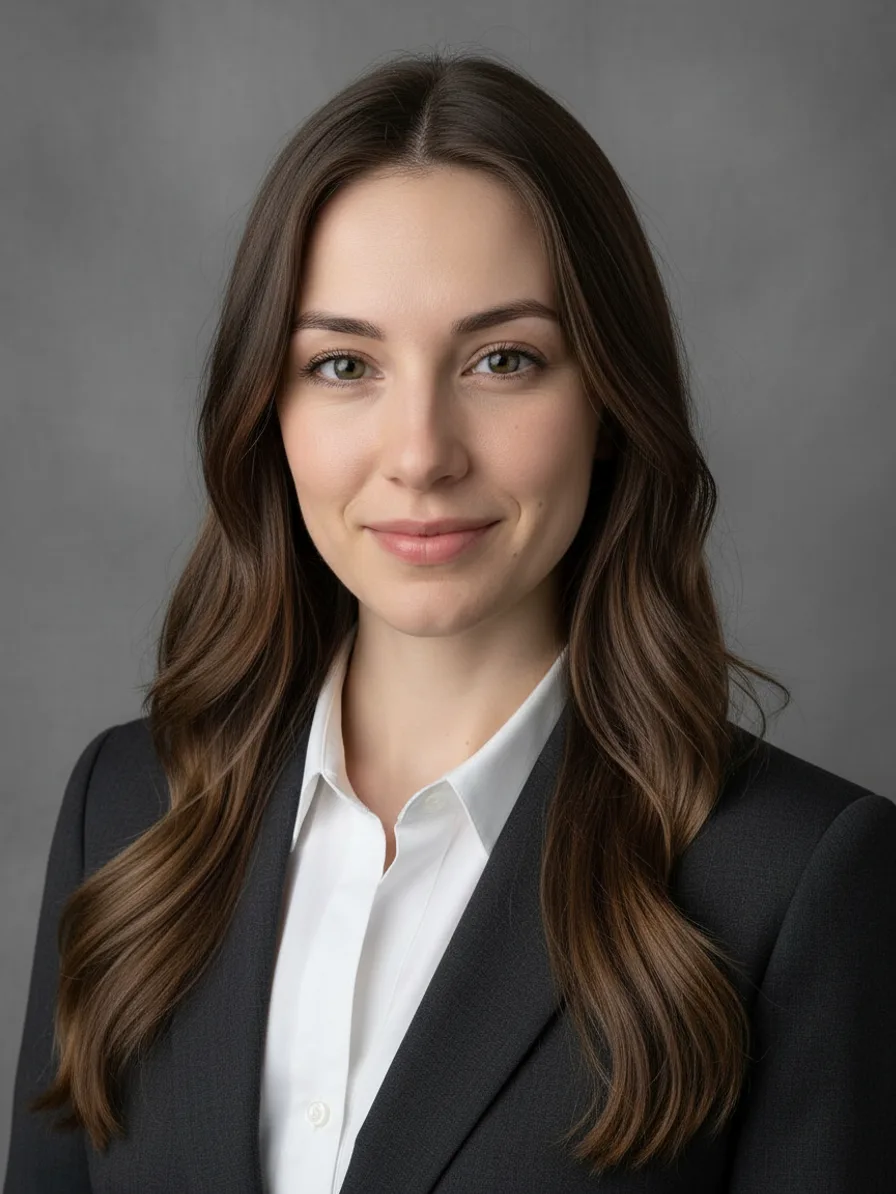
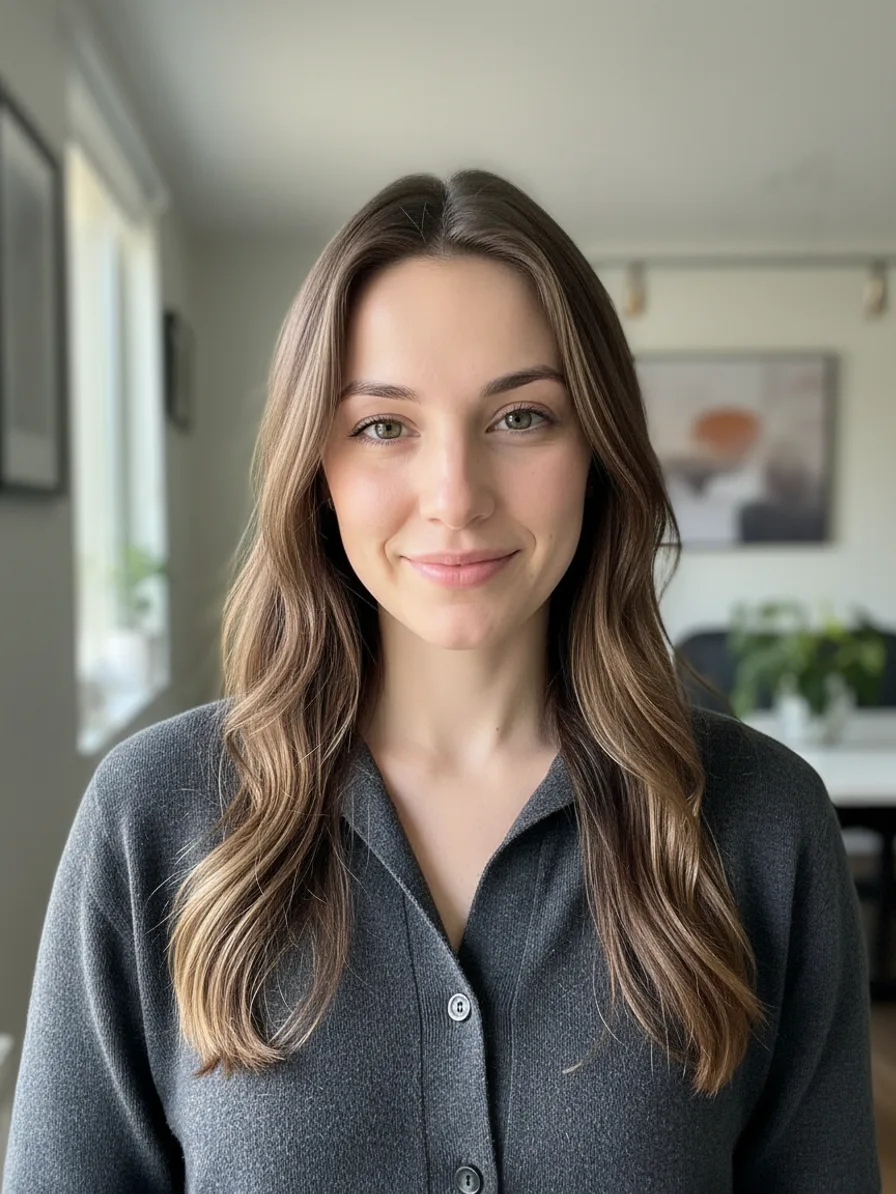
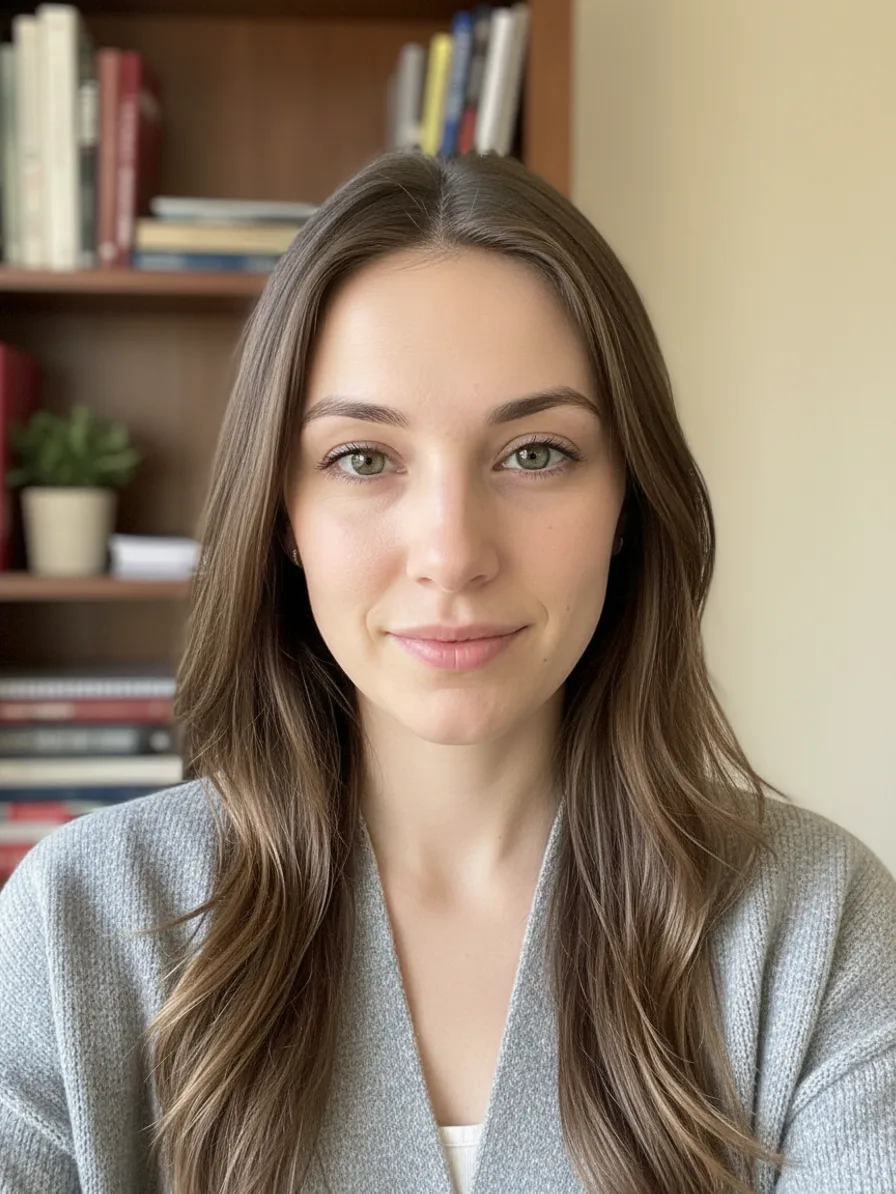
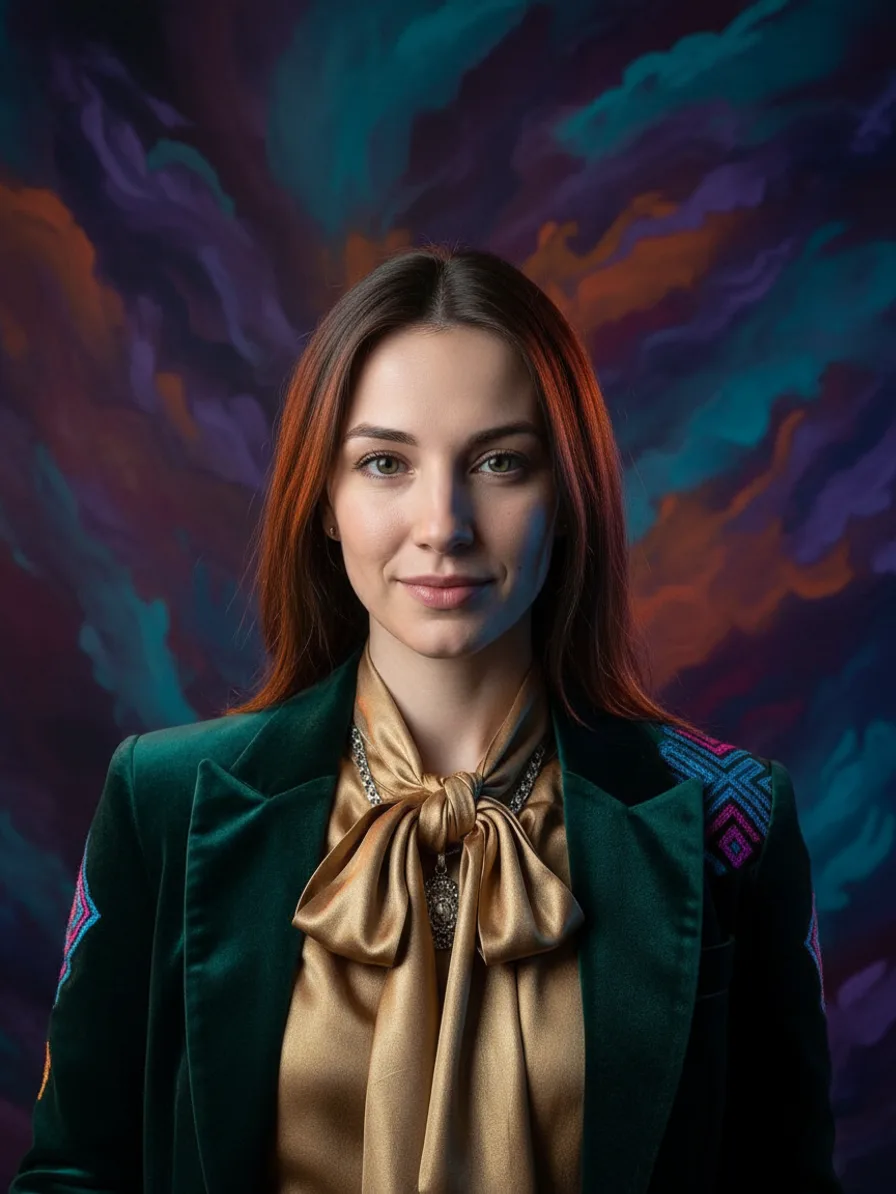
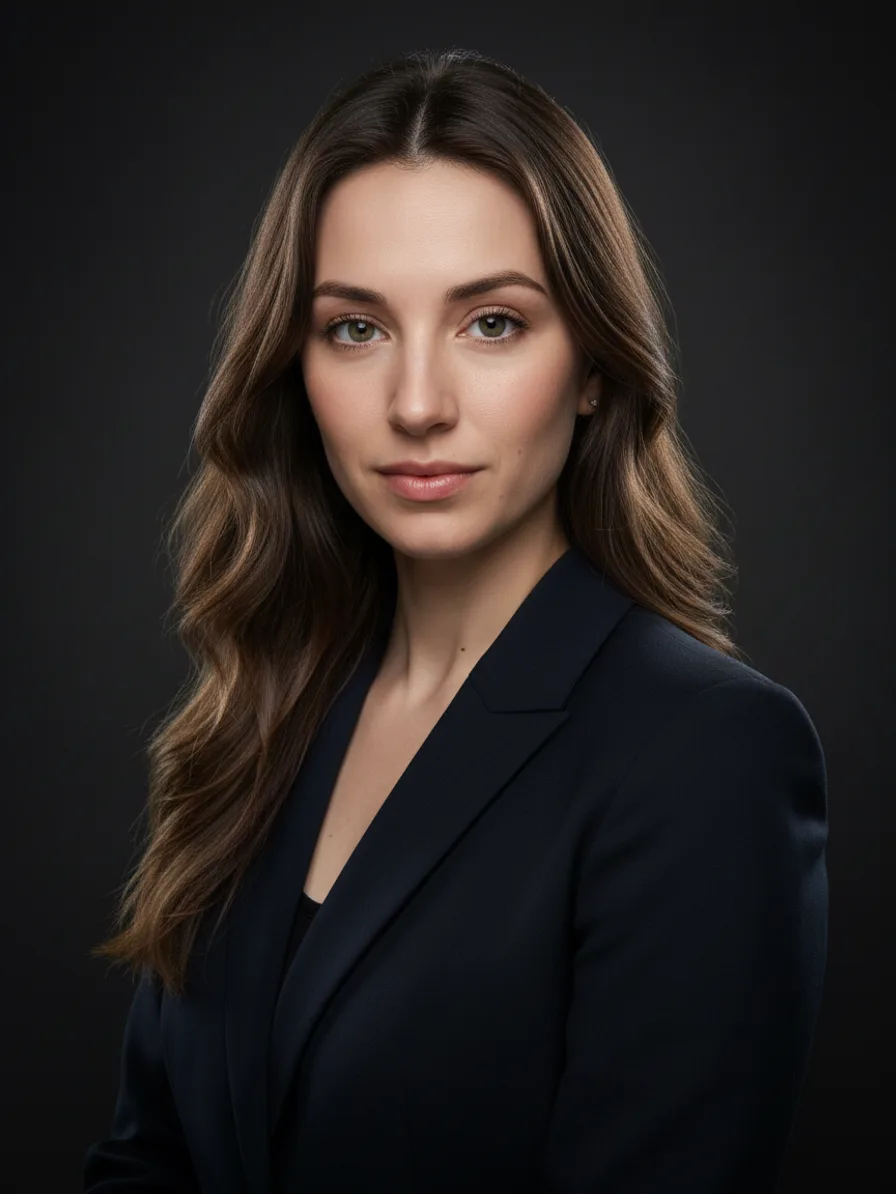
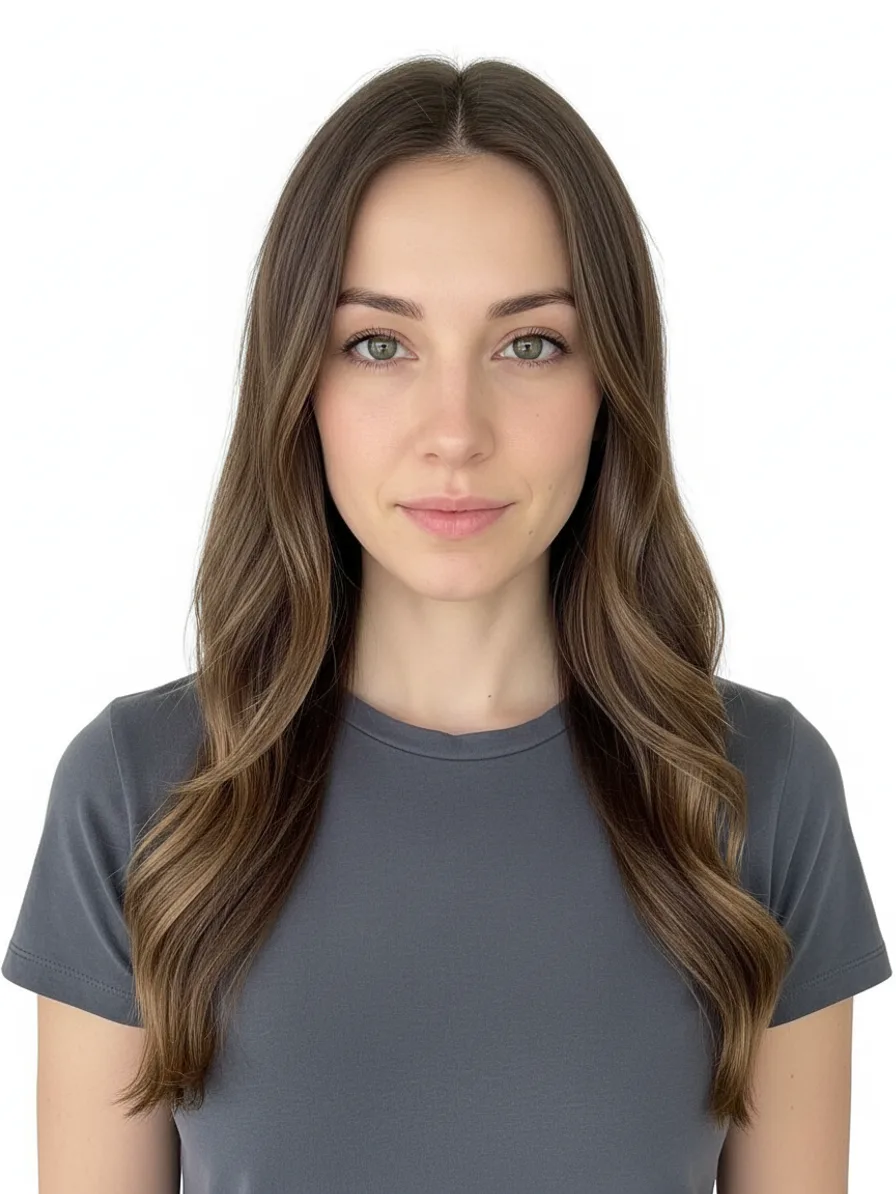
Your photos are used only to generate your headshots and are never used for training.
AfterSAMPLEProfessional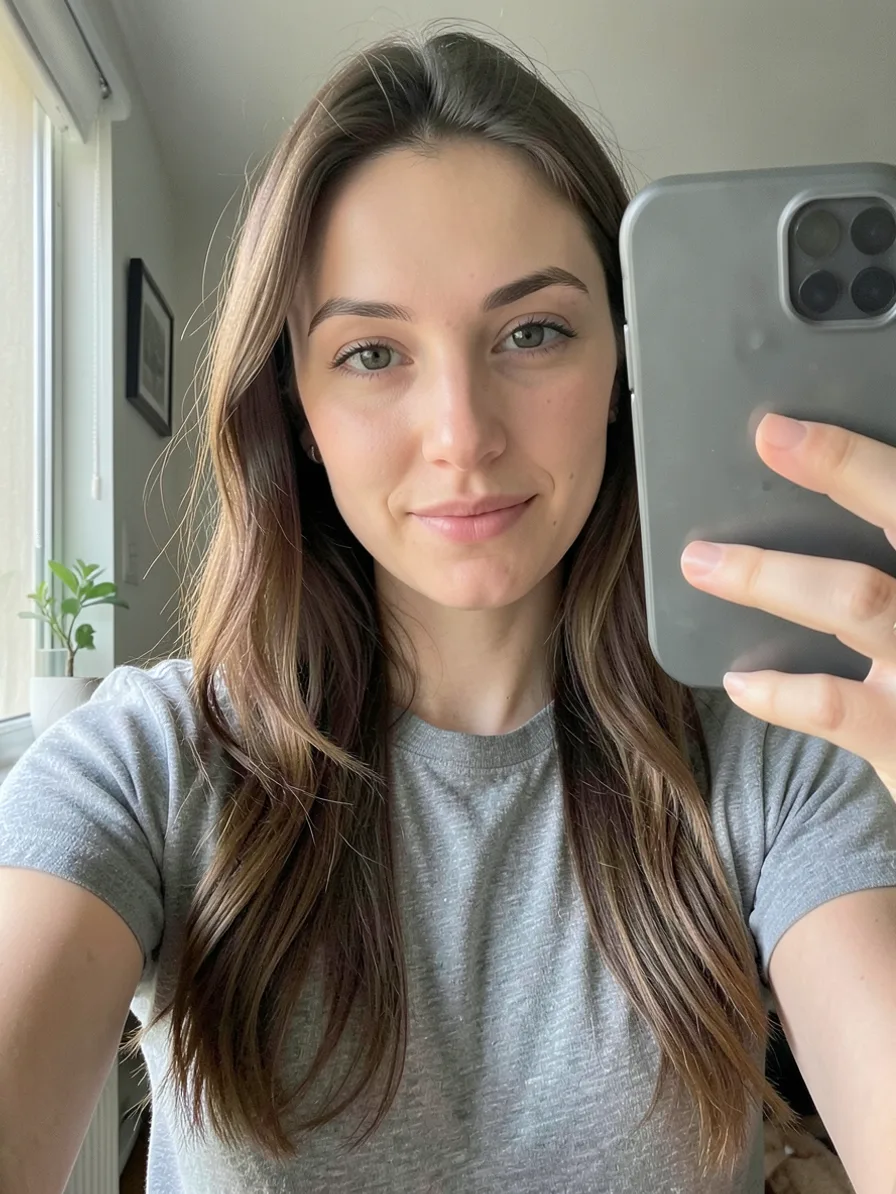
Before
One identity, six looks
One selfie. Six professional headshots.
Every frame below was generated from the single selfie on the left — same face, same glasses-ready fidelity, six different wardrobes, lighting setups and backdrops. That is the one thing an AI headshot generator has to get right: change everything around you, and change nothing about you.
 The selfie


Pick any style in the generator above to see it on the sample before you spend a credit.
The stakes
Why Your Headshot Decides More Than You Think
A recruiter forms an impression of your profile in well under a second, and the photo is what they process first — before your title, before a single line of experience. An outdated, badly lit or missing photo quietly costs you interviews, connection requests and speaking invitations, and you never find out it happened.
Most people know this and still use a photo from five years ago. The reasons are practical, not lazy: booking a photographer takes weeks of back-and-forth, a studio session with retouching runs $200–500, and by the time the files arrive your haircut has changed again.
An AI headshot generator removes all three obstacles at once. There is no booking, no studio, and no wait — you upload the selfie you already have, and fifteen seconds later you are looking at a portrait you would have paid a photographer for.
The concept
What Is an AI Headshot Generator?
An AI headshot generator turns an ordinary selfie into a professional portrait by regenerating the lighting, backdrop and wardrobe while keeping your face. Instant generators do this in one pass; trained services build a custom model from 10–20 photos first.
The two approaches serve different jobs. A trained-model service asks for 10–20 photos, spends one to three hours building a personal model, and charges $29–59 per session. The payoff is maximum fidelity — the right choice for an executive bio page, a press kit or print.
An instant AI headshot generator, like this one, works from a single selfie and delivers in seconds. Likeness is held by the model itself rather than by per-person training — our identity tests showed glasses preserved, skin tone unshifted and age untouched, which is precisely where most instant tools fail.
For LinkedIn, resumes, team pages and anything else that lives on a screen, instant is the practical choice: you can generate, judge, tweak the style and regenerate in the time a trained service spends processing your upload.
Real results on the hardest cases
Glasses are what break most AI headshot tools — frames warp, or vanish entirely. Drag to compare: same person, same glasses, studio backdrop. This is an actual output of this AI headshot generator, not an illustration.


And it holds on every face
Identity drift is the quiet failure mode of AI headshots: darker skin tones get lightened, older faces get 'corrected' younger, and the result is a polished stranger. We test against exactly those cases. Below — a man in his thirties, a woman in her forties with deep skin tone, and a young professional, each from one casual selfie. Find the one that looks like your starting point; that is roughly what you can expect.


Three steps
How to Generate a Professional Headshot in 3 Steps
No 20-photo upload, no model training, no three-hour wait. One selfie goes in, one professional headshot comes out, and the whole flow is three decisions — two of which have sensible defaults.
+Step 1: Upload one clear selfie
A front-facing photo in even light, shoulders up, no sunglasses — the selfie already on your phone is almost certainly good enough. If you want the closest possible likeness, add one to three more shots from different angles; extra reference photos are free and tend to lock in details like hairline and jaw shape.


Step 2: Pick a style
Six looks, each with its own outfit, lighting and backdrop: Professional, Casual, Academic, Creative, Executive and ID Photo. Picking a style fills in an editable description of the shot — add "keep my glasses" or "navy blazer, warmer smile" and the AI headshot generator follows your words, not just the preset.

Step 3: Generate, then export at any size
Fifteen seconds later your headshot is ready. One click crops it for LinkedIn (1:1), resumes (3:4), ID badges (35×45), round chat avatars and 16:9 speaker banners — crops are instant, free, and never touch your credit balance. Generate once, export everywhere.
The part nobody else does
Generate once. Export everywhere.
A headshot is never used at just one size: LinkedIn wants a square, your resume wants a portrait, your badge wants 35×45 millimetres, and Slack crops everything into a circle. Instead of leaving you to fight a crop tool five times, every generated headshot comes with five ready-made exports — each one framed so your face lands correctly, including the circle-safe margin chat avatars need. Crops run in your browser, cost nothing, and are ready the moment the headshot is.

How to Make an AI Headshot That Doesn't Look Like AI
The difference between a headshot that works and one that whispers "generated" is usually one of four small decisions.
Pick the frame where your eyes are sharpest
Viewers judge a portrait by the eyes first. If you generate more than once, choose the take with the crispest catchlights — not the one with the best smile.
Upscale before you upload it anywhere
Platforms recompress aggressively. Running your headshot through the image upscaler first means the version LinkedIn finally shows is sharp instead of mushy.
Match the backdrop to your industry
A gray seamless reads corporate; a blurred office reads startup; a bookshelf reads academic. The style presets encode this — pick for where you work, not for which sample photo you like most.
Know the three tells, and check for them
Over-smoothed skin, collars that don't sit quite right, and backgrounds with impossible depth of field are what give AI portraits away. Our prompts fight all three, but check your result before it represents you.
AI Headshot Generator vs a Photography Studio
A studio session still does some things better. Here is the honest split, so you spend money on the right one.
Turnaround: about 15 seconds vs 1–2 weeks
A studio books you days out and delivers retouched photos in one to two weeks. The generator delivers while you are still on the page — and a wardrobe change is one click, not a reshoot.
Cost: a couple of credits vs $200–500
Each generation costs the same two credits as a standard image on your existing balance. A studio session with retouching typically runs $200–500 per person.
Where a studio still wins
Real lighting on real skin, complex hairstyles under a stylist's hands, and print-resolution files for press kits. For an executive bio or a magazine feature, book the photographer.
AI Headshot Generator FAQ
The questions worth answering before you spend a credit.
Your next headshot takes fifteen seconds
Sign in, upload a selfie, and judge the result yourself — failed generations are refunded, and every export size is free once it's generated.